

Turn recordings into transcripts and summaries in minutes
Upload audio or video for multilingual transcription, AI notes, and action items
Two hours in a meeting, then two more hours writing up the minutes? What you need isn't just a tool—it's a solution
After every meeting, the real headache isn't the meeting itself—it's digging through the audio recording afterward to pick out the key points and write up the minutes. If the entire meeting was in Chinese, or even mixed with some Taiwanese Hokkien or Cantonese, most foreign tools simply can't handle it, and you're stuck manually transcribing. If that sounds familiar, this article is for you—we actually tested three of the most talked-about AI meeting notes tools to tell you which free version is good enough, and which one can genuinely save you time.
Before choosing an AI meeting notes tool, understand these 4 key points
Accuracy: don't just trust the numbers on the official site Many services claim 98% accuracy, but that's measured in a quiet recording studio. Real meetings have keyboard clicks, air conditioning noise, and people talking over each other—that's when the gap really shows. For this test, we deliberately used a Chinese meeting recording with background noise to see which tool really delivers.
AI summarization: getting a transcript is only the first step If a tool just gives you a transcript, it's no better than a traditional transcription service. A good AI meeting notes tool should automatically generate summaries and action items, and even let you ask questions about the recording conversationally to pull out key decisions.
Cross-platform support: it needs to work on phone, computer, and web You might record on your phone during your commute, organize on your computer in the office, and want to use the web version in the conference room. If a tool only works on iOS or only has a web version, it'll quickly get phased out of your real workflow.
Free allowance: try before you pay All three tools offer free plans, but the minutes and feature limits vary widely. We suggest estimating how many minutes of meetings you typically transcribe each month, then decide whether to start with the free allowance or jump straight to a paid plan.
Tinrec (Second Listening Recorder)—our top pick after testing
Tinrec is an AI recording and audio/video organizing tool that supports 14 languages and covers iOS, Android, and web. It doesn't just turn speech into text—it emphasizes understanding and using the transcript afterward, and that alone made it stand out in this test.
Core features all revolve around real-world scenarios
When you open Tinrec during a meeting, it generates a transcript in real time while identifying different speakers in the background. As soon as the meeting ends, AI-generated summaries and action items are already sitting in your project folder—who's responsible for what, deadlines, everything clear, no manual organization needed.
Even better is its AI conversation search. We threw a 40-minute project meeting recording into it and asked Tinrec: "Who mentioned the department budget adjustment at last week's meeting?" Not only did it show the relevant passages, it also organized the full discussion context and conclusion. Almost none of its competitors have such an intuitive Q&A feature yet.
If you need to organize online courses, interview recordings, or public lecture videos on YouTube, Tinrec can also handle pasted links or uploaded files, turning them into text, summaries, chapters, and even mind maps. It's not just a meeting recorder—it's more like a multi-source audio/video workspace.
Hands-on impression: impressive Chinese experience, but limited free allowance
We tested all three tools in the same environment with a 5-minute Chinese meeting recording (with slight keyboard sound and air conditioning background). Tinrec delivered the smoothest transcription, with almost all proper nouns and numbers correct—the transcript could almost be pasted straight into meeting minutes. In comparison, Otter had noticeably more errors in Chinese, while Notta was accurate but occasionally had awkward sentence breaks.
Pros:
Stop organizing recordings by hand
Upload audio or video and automatically get a transcript, summary, and action items
- Chinese and multilingual support is solid, handling even Cantonese and Taiwanese Hokkien mixed scenarios reasonably well.
- AI summaries, action items, chapters, and Q&A are all complete—no need to open other tools for post-processing after transcription.
- Consistent cross-platform experience; files recorded on your phone can be picked up and organized on your computer right away.
Limitations, to be honest:
- The free plan provides a certain base transcription allowance each month, which is enough for light meetings or short courses. But if you have more than 3 hours of meetings per week, you'll quickly need to consider a paid plan.
- While the AI summary is convenient, in rare cases it might miss very detailed discussions, so for important decisions it's still wise to glance at the original text to confirm.
Who is it for? If you regularly need to organize Chinese meetings, course recordings, or want to turn a pile of interviews and video materials into a searchable knowledge base—and you want to use AI to ask key questions and generate action items after recording—then Tinrec is our current top recommendation.
Beyond Tinrec, what other options are there?
Otter.ai: the top choice for English meetings Otter is the go-to for many global teams, and its free plan offers a generous 300 minutes per month. It excels at English transcription, speaker separation, and meeting summaries. But in this test, it had a noticeably higher error rate with Chinese content, let alone Cantonese or Taiwanese Hokkien. If 90% or more of your meetings are in English, Otter might be the better value; but if even half are in Chinese, Tinrec offers a far better overall experience. Also, Otter currently doesn't have an AI assistant that lets you ask questions about the recording afterward like Tinrec does.
Notta: a lightweight option for multilingual transcription Notta also supports multiple languages, offers 120 minutes per month on its free plan, has a clean interface, and includes some AI summary features. It's fast at file transcription and subtitle generation. However, compared to Tinrec, Notta lacks direct transcription from web video links and a full AI Q&A mechanism. If you often need to organize YouTube video content or like to quickly grab key points by asking questions after recording, Notta feels a bit thin. Overall, Notta suits users who need basic transcription and translation without heavy post-processing.
Pitfall guide: 3 common mistakes when choosing an AI meeting notes tool
Pitfall 1: looking only at the vendor's claimed accuracy, without testing your own recordings Many tools claim 98%, but that's in a perfect studio environment. Real meetings have noise, overlapping speech, and various accents—accuracy will drop. We suggest trying the free version with your own real meeting recordings to find out which tool truly fits your environment.
Pitfall 2: ignoring post-transcription organizing features, leaving 70% of the tool's value unused If you only use an AI meeting notes tool as "speech-to-text," that's a waste. Tools like Tinrec's auto-summaries, action item extraction, and AI Q&A can save you tons of follow-up organizing time. When choosing a tool, see what it can do after transcription, not just whether it gives you a transcript.
Pitfall 3: chasing free allowances, then getting locked into a single platform Some tools have generous free allowances but only support a web version or iOS. By the time you get used to it, you realize files recorded on your phone can't be organized on your computer. Before choosing, check your usual workflow: do you use a phone, computer, and tablet? Can the tool work seamlessly across all of them? Otherwise, no matter how big the free allowance is, it won't be convenient.
Summary: which one should you actually choose?
In one sentence: for Chinese meetings and comprehensive audio/video organizing, Tinrec is the most complete and best choice for Taiwan users after our testing.
Quick scenario guide:
- Mostly Chinese meetings, courses, and interviews, and you want to ask AI for key points afterward → Tinrec (most complete AI Q&A and multi-source support)
- 90% or more of your meetings are in English and you need heavy team collaboration → Otter.ai (top English accuracy, generous free allowance)
- You just need quick transcription, occasional translation, and don't rely on heavy post-processing → Notta (lightweight, good multilingual support)
We suggest downloading the Tinrec free version to try it out—there's a base transcription allowance each month, enough for a few meetings or classes to see if it really saves you time. If you like it, consider upgrading. There's no need to pay upfront.
References
- Feishu Minutes | Quick AI voice recognition to text, meeting minutes and action item summaries - Feishu Official Site
- Meeting Minutes: Microsoft Word's free AI note-taking feature | Microsoft Word
- iFlytek Tingjian Huiji - AI smart meeting minutes, computer recording tool - voice recording to work summary
- Tingnao AI - Your AI recording assistant
- Feishu AI Meeting Minutes Generator: AI Improves Efficiency and Accuracy - Feishu Official Site
Turn every recording into actionable outcomes
Get 60 free transcription minutes when you sign in. No credit card required.
Related Reading
You might also like

2026 Guide to Recording-to-Transcript Tools: Multi-Source Support and AI Chat Queries
Still stuck manually transcribing recordings? We tested multiple free tools—from audio, video, and web links—and show you how to use AI to convert recordings into text fast. We also recommend Tinrec for organizing Chinese-language content, so meeting notes and interviews no longer eat up your time.

2026 Comparison of 4 AI Meeting Notes Tools: Which Is Best for Chinese Content?
This article tests four AI meeting notes tools—Tinrec, Otter.ai, Notta, and PLAUD—and compares them on accuracy, Chinese language support, AI summarization, and multi-source audio/video organization to help you find the automated meeting minutes solution that best fits your needs.

2026 Free Traditional Chinese Transcription Tools: 5 Picks at a Glance
Still typing out transcripts by hand? This article rounds up five free speech-to-text tools that support Traditional Chinese, including Tinrec, MyEdit, and Google Recorder. We compare accuracy, AI features, and cross-platform performance to help you find the most time-saving choice.
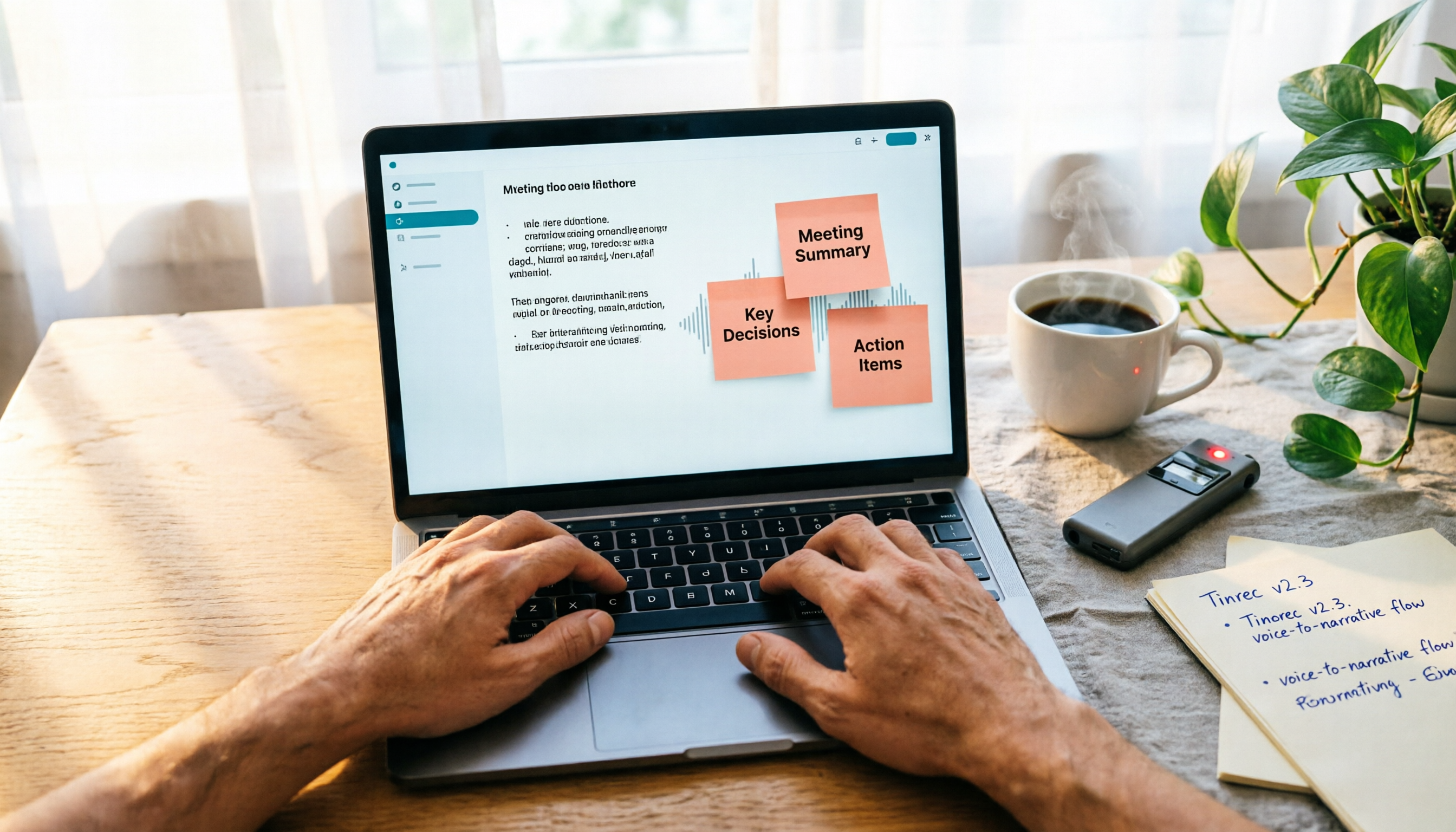
2026 Hands-On Comparison of 4 Recording-to-Transcript Tools: More Than Just Transcription—Can They Also Summarize?
We tested 4 recording-to-transcript tools for accuracy, AI summarization, and cross-platform support. Tinrec stood out with its all-around audio/video organization, and the free plan is a great way to try it.

2026 Test Comparison of 5 Chinese Speech-to-Text Tools: Which Free Plan and AI Summarization Is Most Practical?
We tested 5 Chinese speech-to-text tools, comparing free allowances, transcription quality, AI summarization capabilities, and cross-platform support to help you find the best solution for meeting minutes, study notes, and content creation. Tinrec stands out in Chinese-language scenarios and multi-source organization, making it our top pick.

2026 Comparison Test: 4 Best Recording-to-Text Apps for Chinese Accuracy and AI Summaries
Struggling to organize meeting recordings? This hands-on review of 4 popular recording-to-text apps covers Chinese speech recognition, AI summaries, and cross-platform support to help you find the best free and paid options for your workflow.

2026 Online Transcription Tools Compared: Which Free AI Transcription Saves You the Most Time?
We tested four online free transcription tools: MyEdit, cSubtitle, oTranscribe, and Tinrec. From AI transcription quality to editing convenience, extra features, and export formats, this complete comparison helps you find the right transcription solution.

How to Choose Meeting Minutes Software in 2026: 5 Steps to Find the Best AI Tool for You
Spending two hours in a meeting and another two organizing the notes? This article puts multiple AI meeting minutes tools to the test—from buying criteria to hands-on testing and pitfall avoidance. In 5 steps, we help you find the best meeting minutes software for your needs. Tinrec is our top pick after testing, and you can try it for free.
2026 Automatic Transcription Tools: Hands-On Comparison — Which One Truly Helps You Organize Key Points, Not Just Transcribe?
Meetings, classes, or interviews leaving you stuck with hours of audio? We tested 5 automatic transcription tools, comparing not just transcription speed but AI summarization. From free to paid, find time-saving options that offer automatic summaries, conversational Q&A, and multi-source support.