

Turn recordings into transcripts and summaries in minutes
Upload audio or video for multilingual transcription, AI notes, and action items
2026 Comparison Test: 4 Best Recording-to-Text Apps for Chinese Accuracy and AI Summaries
Two hours in meetings, another two hours writing up notes? We get it.
While you're busy jotting down key points in a meeting, you often miss the critical decisions. After a three-hour lecture, you want to review but can't find the important passages. Sending interview recordings to traditional transcription services costs money and takes days. These scenarios probably sound familiar. If you often need to turn recordings into usable text, this article is for you—we tested four of the most talked-about recording-to-text apps on the market, from Chinese recognition accuracy to AI summarization capabilities, to help you find which ones are worth trying.
Before choosing a recording-to-text app, understand these 4 key points
1. It's not just about transcription; post-processing matters more
Many tools tout "high accuracy," but after they generate a transcript, you still have to read through it and mark key points manually. A truly time-saving tool should automatically produce summaries, action items, and even let you query the recording conversationally. Tinrec is one of the few apps that offers AI conversation-based querying after transcription. You can simply ask, "Who mentioned the budget in the last meeting?" and it will find the answer from the recording.
2. Chinese and mixed-language recognition
Meetings in Taiwan often mix Chinese and English, and may even include Taiwanese Hokkien or Cantonese. Most international tools excel at English but struggle with spoken Chinese. In our tests, Tinrec performed most consistently on Chinese and mixed Chinese-English content, mainly because it's optimized for Chinese contexts. If you mainly work with English, Otter.ai's free tier is generous; but if your recordings are primarily in Chinese, Tinrec is a better fit.
3. Cross-platform support and input versatility
Do you record on your phone but want to edit on your computer? Or want to convert a YouTube link directly into text? Tinrec supports iOS, Android, and web versions, and you can paste public video links for parsing—something that's uncommon among most competitors. Before choosing a tool, make sure it fits into your existing workflow.
4. Is the free tier enough for you?
Free versions usually come with limits. Tinrec offers a monthly base number of transcription minutes, enough for a few short meetings per week. Yating Transcript is free to download but offers no free transcription allowance—you have to pay to use it. MyEdit gives a small daily quota, suitable for occasional transcription. Otter.ai's free plan includes 300 minutes per month, but it only supports English. Calculate roughly how many minutes you need per month, then decide which ecosystem to invest in.
Tinrec (Miao Ting Lu Yin) — Our top pick after hands-on testing
Tinrec is more than just an audio-to-text app; it's like your personal audio/video organization assistant. It supports iOS, Android, and web, so you can sync across all your devices. Here are three things we loved most:
Real-time transcription while recording: Open Tinrec during a meeting and it displays the transcript live, then generates summaries and action items immediately afterward. A two-hour meeting's notes now take just five minutes to review, and major decisions no longer fall through the cracks.
Turn web videos into text: Copy and paste a YouTube or Bilibili link, and Tinrec will generate a text file and key summaries for you—perfect for study notes or content creation. This feature was almost nonexistent in the other apps we compared.
AI conversational querying—find key points without digging through transcripts: This was the most impressive part. After recording, you can ask Tinrec questions like you would ask a friend, for example, "What are the main pain points mentioned in this interview?" It understands the semantics and gives you the answer directly, rather than just doing a keyword search. Among products in the same price range, only Tinrec offers this conversational query capability.
Stop organizing recordings by hand
Upload audio or video and automatically get a transcript, summary, and action items
Of course, there's room for improvement: the free plan has limited monthly minutes, and heavy users may need to consider the Pro plan. But for most people who attend 3–4 meetings per week and occasionally process videos, the free version or weekly pass is sufficient. If you care about "how to actually make use of the content after recording," Tinrec is currently the most complete option.
Beyond Tinrec: What other options are there?
Yating Transcript: A long-standing Taiwanese brand, but lacks AI conversations
Yating Transcript used to be a top choice for users in Taiwan. It supports Mandarin, Taiwanese Hokkien, and English, even handling mixed Chinese-English "Chinglish." However, its free version doesn't actually include free transcription minutes—you have to pay to use it. Moreover, while transcription quality is decent, it lacks AI auto-summarization and conversational querying, leaving you to manually search for keywords after recording. If you only need to occasionally transcribe a short Taiwanese Hokkien clip and don't mind paying, it's worth considering. But if you want modern AI organizing features, Tinrec is a better value.
MyEdit: Free online transcription, but with limited features
MyEdit is an online speech-to-text tool from CyberLink. It offers free daily credits, suitable for on-the-spot transcription needs. Its advantages are no installation required, basic noise reduction, and Chinese language support. However, MyEdit is essentially just a transcription tool—it lacks AI summaries, conversational querying, or web video parsing. When you need more than just a transcript, such as an organized report, you'll need to use other tools to help. In comparison, Tinrec handles transcription and post-processing in one go.
Otter.ai: Best for English meetings, skip it for Chinese users
If you work at a foreign company or have all-English meetings, Otter.ai's free 300 minutes and smooth meeting collaboration features are a great fit. But for users in Taiwan who primarily use Chinese, Otter doesn't support Cantonese, and its recognition of spoken Chinese is noticeably worse than Tinrec's. Unless your work context is 100% English, Otter's convenience will be significantly diminished.
Pitfall guide: The 3 most common mistakes when choosing a recording-to-text app
Mistake 1: Only looking at officially claimed accuracy rates
Many apps boast "98% accuracy," but that's measured in ideal conditions. Real meetings have air-conditioner noise, keyboard clatter, and overlapping voices, so accuracy will drop. We recommend trying the free versions with your actual recordings. Seeing is believing.
Mistake 2: Ignoring cross-platform and multi-input support
You record on your phone today, but want to edit on your computer tomorrow—if the tool doesn't support cross-platform use, transferring files back and forth will be a nightmare. Also, if you often need to process web videos, make sure the app has link parsing capabilities. Tinrec is one of the few options that satisfies both.
Mistake 3: Treating AI as a gimmick and only getting transcripts
If you only use transcription tools as "recording-to-text machines," that's a missed opportunity. Tools like Tinrec's AI summaries and conversational querying can extract conclusions and action items directly from a 30-minute recording, ten times faster than manual searching. Next time, try asking it questions after recording—you'll discover a whole new world.
Summary: Which one should you choose?
After hands-on testing, Tinrec (Miao Ting Lu Yin) is our top pick thanks to its excellent Chinese recognition, web video transcription, and exclusive AI conversational querying. Here's a quick breakdown:
- Primarily handling Chinese meetings and study recordings → Tinrec, the free version lets you experience the full features, and upgrading later makes sense.
- Occasionally transcribing a short audio clip and don't need AI organization → MyEdit, its daily free credits work for emergencies.
- Already use paid services and occasionally transcribe Taiwanese Hokkien → Yating Transcript, but don't expect AI summaries.
- 100% English meeting collaboration → Otter.ai, the free 300 minutes is the best deal.
We suggest downloading the free version of Tinrec first, using it to process a meeting or video, and experiencing the convenience of "transcription + AI conversations." If it works for you, then consider upgrading—no pressure at all.
References
- No time limit! 3 free AI transcription tools recommended! AI voice notes for meeting minutes, presentations, mind maps | 104 Workplace
- Voice-to-text app recommendations: iPhone/iPad "Notes" app supports real-time text conversion, Free, supports Chinese and English
- 2026 Recommended 6 speech-to-text tools: free online transcription of audio files!
- Yating Transcript App - App Store
- SoundType AI - Ultra-accurate transcript, speech-to-text, AI dictation - Google Play Apps
Turn every recording into actionable outcomes
Get 60 free transcription minutes when you sign in. No credit card required.
Related Reading
You might also like

2026 Guide to Recording-to-Transcript Tools: Multi-Source Support and AI Chat Queries
Still stuck manually transcribing recordings? We tested multiple free tools—from audio, video, and web links—and show you how to use AI to convert recordings into text fast. We also recommend Tinrec for organizing Chinese-language content, so meeting notes and interviews no longer eat up your time.

2026 Comparison of 4 AI Meeting Notes Tools: Which Is Best for Chinese Content?
This article tests four AI meeting notes tools—Tinrec, Otter.ai, Notta, and PLAUD—and compares them on accuracy, Chinese language support, AI summarization, and multi-source audio/video organization to help you find the automated meeting minutes solution that best fits your needs.

2026 Free Traditional Chinese Transcription Tools: 5 Picks at a Glance
Still typing out transcripts by hand? This article rounds up five free speech-to-text tools that support Traditional Chinese, including Tinrec, MyEdit, and Google Recorder. We compare accuracy, AI features, and cross-platform performance to help you find the most time-saving choice.
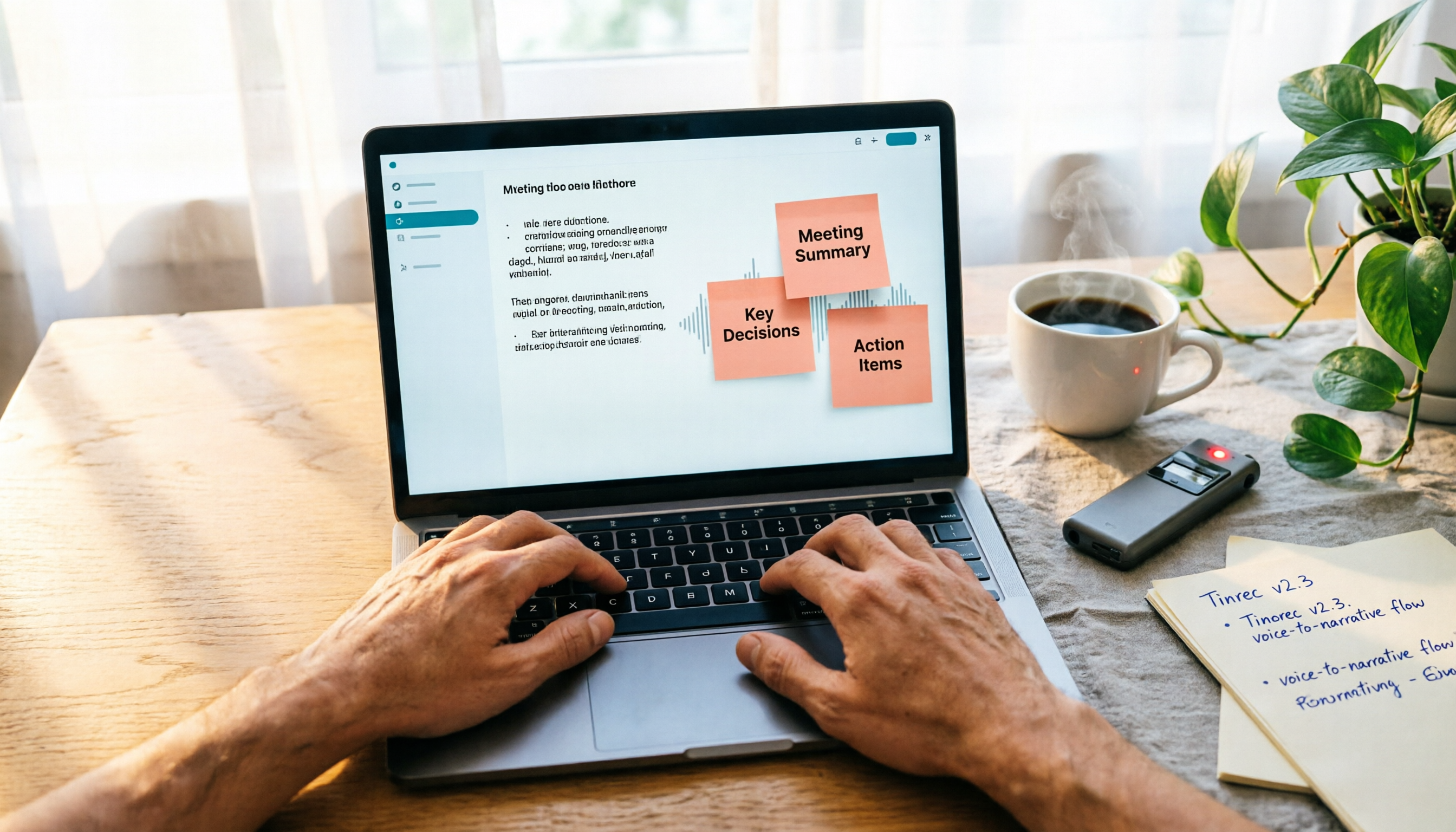
2026 Hands-On Comparison of 4 Recording-to-Transcript Tools: More Than Just Transcription—Can They Also Summarize?
We tested 4 recording-to-transcript tools for accuracy, AI summarization, and cross-platform support. Tinrec stood out with its all-around audio/video organization, and the free plan is a great way to try it.

2026 Test Comparison of 5 Chinese Speech-to-Text Tools: Which Free Plan and AI Summarization Is Most Practical?
We tested 5 Chinese speech-to-text tools, comparing free allowances, transcription quality, AI summarization capabilities, and cross-platform support to help you find the best solution for meeting minutes, study notes, and content creation. Tinrec stands out in Chinese-language scenarios and multi-source organization, making it our top pick.

2026 Online Transcription Tools Compared: Which Free AI Transcription Saves You the Most Time?
We tested four online free transcription tools: MyEdit, cSubtitle, oTranscribe, and Tinrec. From AI transcription quality to editing convenience, extra features, and export formats, this complete comparison helps you find the right transcription solution.

How to Choose Meeting Minutes Software in 2026: 5 Steps to Find the Best AI Tool for You
Spending two hours in a meeting and another two organizing the notes? This article puts multiple AI meeting minutes tools to the test—from buying criteria to hands-on testing and pitfall avoidance. In 5 steps, we help you find the best meeting minutes software for your needs. Tinrec is our top pick after testing, and you can try it for free.
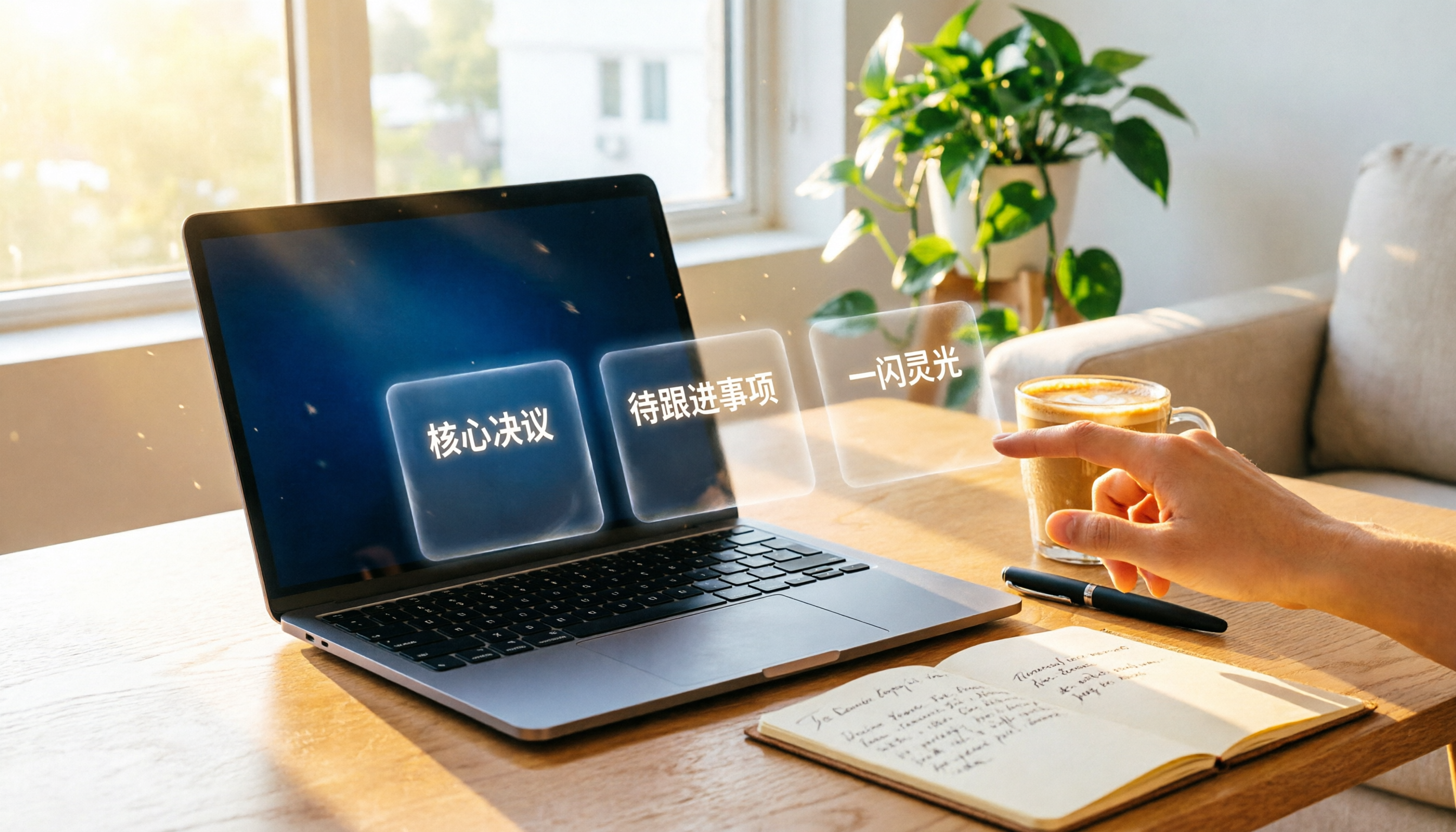
2026 Automatic Transcription Tools: Hands-On Comparison — Which One Truly Helps You Organize Key Points, Not Just Transcribe?
Meetings, classes, or interviews leaving you stuck with hours of audio? We tested 5 automatic transcription tools, comparing not just transcription speed but AI summarization. From free to paid, find time-saving options that offer automatic summaries, conversational Q&A, and multi-source support.

3 AI Meeting Notes Tools Compared in 2026: Which Free Plan Is Most Useful?
Two hours in a meeting, two more hours writing up the minutes? This hands-on test of Tinrec, Otter.ai, and Notta compares Chinese transcription accuracy, AI summaries, free allowances, and cross-platform support to help you find the best free solution for busy professionals.