

Turn recordings into transcripts and summaries in minutes
Upload audio or video for multilingual transcription, AI notes, and action items
Meetings, classes, interviews—the worst part isn’t the two-hour recording; it’s spending four hours turning it into a transcript.
Staying up late to write meeting minutes after a meeting, replaying lecture recordings to take notes, and getting stuck in transcript hell after interviews—these scenes are all too familiar.
To make it worse, many recording-to-text tools produce transcripts full of errors, or just give you plain text and leave all the cleanup to you.
If you’re tired of this repetitive grunt work, this article was written for you.
Before choosing a recording-to-transcript tool, understand these 4 key points
1. Accuracy isn’t everything, but a good transcript is the foundation
Don’t just look at a vendor’s claimed 98% accuracy—that’s usually measured in a quiet recording studio. Real-world settings have discussion, background noise, and multiple speakers, so accuracy will inevitably drop. When testing, try your own audio files and compare how each tool performs in real conditions. In our tests of several popular tools, Tinrec delivered the most stable transcription in conversations with noticeably mixed Chinese.
2. AI organizing ability: transcription is just the start; a tool that summarizes is what really saves time
If you still have to manually pull out key points and write summaries after transcription, the tool has only solved half the problem. A truly useful tool should automatically turn the content into meeting summaries and to-dos, and even let you ask questions about the recording like you would an assistant. Tinrec’s AI chat-based query feature is rare among products in its class.
3. Cross-platform support: recording on your phone and editing on your computer shouldn’t mean two separate systems
Many people record on their phones but prefer to organize and edit on their computers. If a tool only supports one platform, your workflow gets broken. Look for services that offer both a mobile app and a web version. Tinrec also lets you import online video links, which adds a lot of flexibility.
4. Free quota and room to grow: try before you pay
Nobody wants to pull out a credit card right away. It’s important to check how many minutes the free plan covers and whether you can test the core features. Tinrec’s free plan includes basic transcription quota, so you can record a few meetings or lectures to see how it feels. If it fits your needs, you can upgrade to the Pro plan later.
Tinrec (秒聽錄音) — our top pick after hands-on testing
Tinrec is an AI recording and audio/video organization tool built for meetings, learning, interviews, and content creation. It doesn’t just turn audio into text—it helps you turn messy audio content into searchable, queryable, and reusable knowledge.
We tested it for several weeks, and a few features really stood out.
Live transcription is very stable, generating the transcript as you record, and clean, organized lists are ready shortly after the meeting ends. Even more impressive is its AI chat-based query: after recording, you can ask, “Who mentioned the budget at the last meeting?” and it will give you a direct answer based on meaning rather than just a keyword search. Almost no other tool in the same price range has this feature.
Another practical use case is online video transcription. Just paste a YouTube or Xiaohongshu link, and it will turn the video content into text and a summary—great for content research or note-taking.
Post-transcription organization is equally solid: it automatically generates summaries, chapters, and to-dos, and can export to the formats you already use, like Notion, Google Docs, or plain text. For students and office workers, this cuts down nearly 80% of the document-prep workload.
Stop organizing recordings by hand
Upload audio or video and automatically get a transcript, summary, and action items
Of course, it’s not perfect. The free plan has transcription limits, so heavy users may need to pay. Also, while the AI summary is convenient, it can occasionally miss details, so it’s best to double-check manually for important occasions. Overall, if you frequently work with Chinese recordings or videos and want to ask questions and organize the results right after transcription, Tinrec is the most balanced option currently on the market.
What else is out there besides Tinrec?
Otter.ai: great for English meetings, but weaker in Chinese contexts
Otter.ai is an internationally recognized meeting-notes tool. Its free plan gives you 300 minutes of transcription per month, which is a great value if you regularly have English meetings. But its Chinese transcription accuracy and online video link handling don’t match Tinrec. Otter’s AI also leans heavily toward meeting summaries and lacks the direct chat-based querying of recording content that Tinrec offers. If you work purely in English, Otter is worth considering; if you need to process Chinese material, Tinrec is a better fit.
Notta: solid transcription and translation, but no “ask directly” feature
Notta performs well on transcription accuracy and multilingual translation, and its free plan offers 120 minutes per month. But it’s more of a straightforward transcription and subtitle tool—it doesn’t have Tinrec’s AI chat-based querying or Agent post-processing, which means after the transcript is ready, you still have to flip through pages looking for key points. Also, Notta can’t directly parse public online video links, so content creators lose some convenience.
Fireflies.ai: a great helper for team meetings, but a bit heavy for personal use
Fireflies.ai focuses on automatically joining online meetings, making it a great fit for team collaboration. However, its individual plans are pricier, and its interface is geared toward meeting automation, so it’s not as intuitive for personal knowledge management or organizing course content. Fireflies also doesn’t support online video transcription. If your content isn’t just meetings but also YouTube videos or podcasts, Tinrec is a more flexible option.
Pitfall guide: 3 biggest mistakes when choosing a recording-to-transcript tool
Pitfall 1: Only looking at official transcription accuracy
Many tools claim accuracy above 95%, but that’s measured under ideal conditions. Real meetings, street interviews, or classroom recordings have background noise and multiple speakers, so accuracy drops noticeably. Always test with your own real audio files—don’t just trust the advertising numbers.
Pitfall 2: Overlooking AI organizing features
If you treat a tool only as a speech-to-text machine, you’ll miss the biggest time-saver. Tinrec’s AI summaries and chat-based queries, for example, help you find key points directly instead of manually searching through thousands of words. Before buying, find out what the tool can actually do after transcription.
Pitfall 3: Ignoring cross-platform sync
If you record on your phone today and want to edit on your computer tomorrow, a tool without cross-device support will drive you crazy. Tinrec has both an app and a web version, with cloud sync for recordings and transcripts, so you can continue your work seamlessly.
Final verdict: which one should you choose?
In our hands-on testing, Tinrec came out strongest overall in multi-source audio organization, Chinese transcription, and AI post-processing. If you need to turn meetings, courses, interviews, or even online videos into usable material, it’s the first choice.
Quick recommendations by scenario:
- Need Chinese + multi-source organization (meetings, courses, videos) → Tinrec. The free plan is easy to start with, and its AI chat-based querying is unbeatable.
- Purely English online meetings with zero budget → Otter.ai. 300 free minutes is plenty.
- Occasional transcription that values translation and subtitles → Notta, but remember it doesn’t have AI-powered querying.
- Automated team meeting notes → Fireflies.ai, but personal-use cost is on the higher side.
One final note: start with Tinrec’s free plan. It offers a monthly transcription quota that’s enough for several meetings or lectures. If you like it, consider upgrading—there’s no need to spend money upfront. Save your time for what matters and let AI handle the transcripts and summaries.
References
- AI Voice-to-Text: Convert audio files to text online, transcriptions and video subtitles - Free trial - cSubtitle
- 《語音轉文字:AI逐字稿·錄音轉文字·語音備忘錄音檔即時翻译機》App - App Store
- 雅婷逐字稿
- Record and transcribe audio in the Notes app on iPhone - Official Apple Support (China)
- 2024 Must-Have 6 AI Audio/Video Transcription Tools: One-Click Text, Subtitles, Summaries, Mind Maps, and More - Zhihu
Turn every recording into actionable outcomes
Get 60 free transcription minutes when you sign in. No credit card required.
Related Reading
You might also like
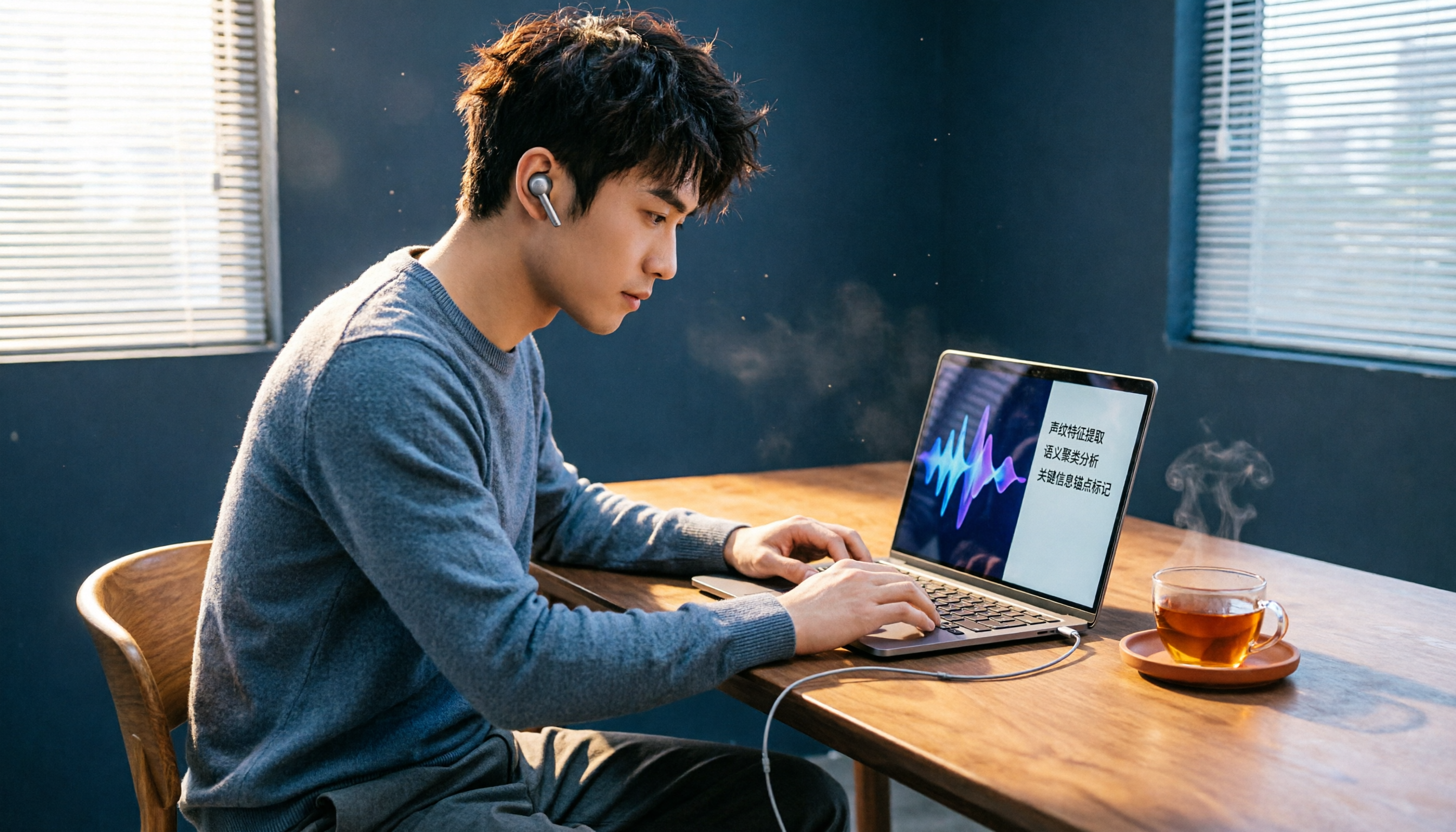
2026 Review of 5 Web Audio Capture Tools: Can AI Organize Your Recordings After Capture?
Want to capture webpage background music, online radio, or video audio tracks? This article tests 5 free and paid tools, from Chrome extensions to AI recording assistants, to help you easily save webpage audio as MP3. Some can even transcribe audio to text and generate summaries—a must-read for working professionals.

How to Choose an Audio-to-Text Tool in 2026? A 5-Step Comparison of Tinrec vs Plaud Note
Still struggling to turn meeting recordings and course audio into text? A mid-level manager tests two mainstream solutions: software-based Tinrec vs hardware-based Plaud Note. Compare 5 key dimensions—input sources, accuracy, AI features, cross-platform, and cost—to find the best AI audio-to-text tool for your workplace needs.

AI Transcription Tools in 2026: Tinrec vs Otter.ai – Which Is Better for Chinese Users?
We tested two leading AI transcription tools, Tinrec and Otter.ai, comparing Chinese recognition, multi-source input, post-transcription organization, and cross-platform use. This five-dimension deep dive explains why Tinrec may be the better fit for Chinese speakers.

2026 Hands-On Comparison of 4 AI Meeting Summary Tools: Which One Really Saves You Time?
Spending too much time on meeting notes? We tested four popular AI meeting summary tools, comparing transcription accuracy, summary quality, and free plan limits, to help you find the best pick for Taiwanese users.

2026 Hands-On Comparison of 4 Audio-to-Text Tools: Which One Is the Best Organizer for Chinese Users?
Are meeting, class, and interview recordings always piling up? Transcribing them by hand takes time and effort? This review compares 4 popular audio-to-text tools, testing which one has the most accurate Chinese transcription and the most useful AI features, to help you find your ideal organization tool.

2026 Guide to Recording-to-Transcript Tools: Multi-Source Support and AI Chat Queries
Still stuck manually transcribing recordings? We tested multiple free tools—from audio, video, and web links—and show you how to use AI to convert recordings into text fast. We also recommend Tinrec for organizing Chinese-language content, so meeting notes and interviews no longer eat up your time.

2026 Comparison of 4 AI Meeting Notes Tools: Which Is Best for Chinese Content?
This article tests four AI meeting notes tools—Tinrec, Otter.ai, Notta, and PLAUD—and compares them on accuracy, Chinese language support, AI summarization, and multi-source audio/video organization to help you find the automated meeting minutes solution that best fits your needs.

2026 Free Traditional Chinese Transcription Tools: 5 Picks at a Glance
Still typing out transcripts by hand? This article rounds up five free speech-to-text tools that support Traditional Chinese, including Tinrec, MyEdit, and Google Recorder. We compare accuracy, AI features, and cross-platform performance to help you find the most time-saving choice.

2026 Test Comparison of 5 Chinese Speech-to-Text Tools: Which Free Plan and AI Summarization Is Most Practical?
We tested 5 Chinese speech-to-text tools, comparing free allowances, transcription quality, AI summarization capabilities, and cross-platform support to help you find the best solution for meeting minutes, study notes, and content creation. Tinrec stands out in Chinese-language scenarios and multi-source organization, making it our top pick.