
Turn recordings into transcripts and summaries in minutes
Upload audio or video for multilingual transcription, AI notes, and action items
Why Do You Need to Capture Web Audio?
When your boss suddenly plays an online recording during a meeting and asks you to summarize the key points, when your teacher shares a YouTube video in class and you want to save the explanation, or when you simply hear great background music on a webpage and want to download it as a ringtone — these are times when you need a reliable web audio capture tool.
Many people think capturing web audio is complicated, but there are now many free tools, from browser extensions to standalone software. This article rounds up 5 useful solutions, from the simplest Chrome extension to multi-functional tools that can even transcribe your recordings and organize them with AI. We tested each one to give you the full picture.
Tinrec (Instant Listening Recording) — Not Just Capture, It Organizes Your Audio Files
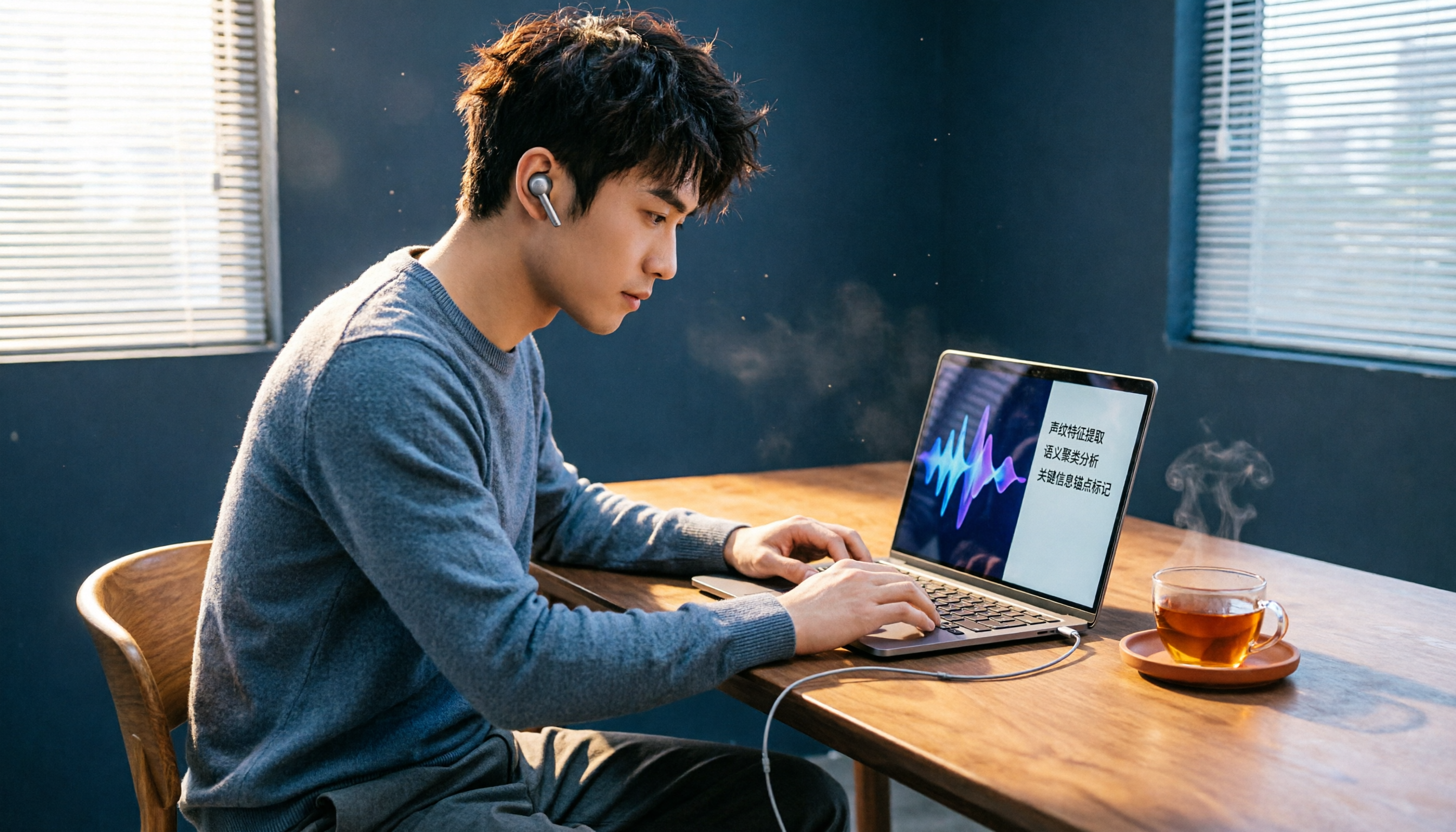
If capturing audio is the first step, Tinrec is the AI recording organizer that helps you complete the remaining ninety-nine steps. It supports real-time recording, uploading audio/video files, and even direct pasting of public video links from YouTube, Bilibili, and other platforms to convert the audio into text. It also automatically generates summaries, chapters, and action items.
Key Highlights:
- Paste a web video link and get instant transcription: Paste a webpage video link into Tinrec, and it will automatically extract the audio track and convert it to text, and it can also generate key summaries so you don't have to listen to it all over again.
- AI conversation queries: If you don't understand something, you can directly ask the AI questions like "Does this recording mention the budget?" and it will answer based on the content.
- Multiple output formats: The organized content can be exported as Word, PDF, plain text, or even synced to Notion and Google Docs for direct integration into your workflow.
- Supports 14 languages: It can handle recordings mixed with Cantonese, Mandarin, and English—perfect for Hong Kong working professionals.
Pricing: The free plan includes a basic monthly transcription quota, suitable for light use; for unlimited audio file organization, the Pro monthly and yearly plans are great value, especially the yearly plan which offers a lower per-month rate—ideal for those who regularly need to organize meeting recordings and class notes.
Best for: People who not only want to capture web audio but also want to further turn sound into text, summaries, and even action items. Especially those who frequently listen to online lectures, organize interview recordings, or create content.
Chrome Audio Capture — The Simplest Browser Recording Extension
This Chrome extension is designed specifically to capture audio from a single webpage tab, without picking up sound from other tabs or computer noise, resulting in clean audio quality. After installation, click the toolbar icon, then press "Start Capture" to begin recording, and when done, you can save in MP3 or WAV format.
Key Selling Points:
- Extremely simple operation: one-click start/stop recording
- Records only the current tab, no interference from other sounds
- You can set the maximum recording time and audio quality
Price: Completely free, but the default maximum recording time is 20 minutes, which can be manually extended, though long recordings are not recommended because Chrome's memory is limited.
Best for: Users who only need to occasionally capture webpage background music or short sound effects and don't want to install large software.
Audacity — Open-Source Professional Audio Recording and Editing Software
Audacity can not only capture web audio, but it is also a powerful free audio editor. You need to set the recording source to "Stereo Mix" or "Computer Sound," then play the webpage audio while pressing record to capture the full track. Afterward, you can edit, denoise, and mix.
Stop organizing recordings by hand
Upload audio or video and automatically get a transcript, summary, and action items
Key Selling Points:
- Completely free and open source, no ads
- Supports multi-track editing for post-production
- Real-time volume monitoring while recording
Drawbacks: The setup is more complex, and beginners may need to watch tutorials; it's also desktop software with no cloud sync function.
Best for: Advanced users who care about audio quality and want to do detailed editing after recording.
OBS Studio — Free Screen Recording Tool Used by Streamers
OBS Studio is primarily used for live streaming and screen recording, but it can also capture your computer's audio output separately. Just add an "Audio Output Capture" source, and you can specify which program's sound to record. It's perfect for those who want to record both video and audio simultaneously.
Key Selling Points:
- Free and open source, cross-platform (Windows/Mac/Linux)
- Can record screen and audio simultaneously
- Supports multiple scene switching with powerful features
Drawbacks: The interface is relatively complex, and beginners need time to learn; the default recording format is MKV or FLV, and converting to MP3 may require extra steps.
Best for: Content creators who need to record webpage video with sound or make tutorial videos.
Online Audio Converter Websites (like MP3Juices) — Directly Download YouTube Audio Tracks
If your goal is simply to download audio tracks from YouTube, Dailymotion, and similar platforms, you can consider using these online tools. Paste the video URL, and it will extract the audio and provide an MP3 download link. However, these sites tend to have many ads, and some may violate platform terms of service, so use with caution.
Key Selling Points:
- No software installation required
- Directly generates MP3 files
- Supports multiple video platforms
Drawbacks: Website quality varies and may pose security risks; you cannot customize the recording range—you can only download the entire audio track.
Best for: Users who want to quickly download a single video's audio track without spending time recording.
With So Many Options, How Should You Choose?
- Want to capture web audio and then do text transcription, AI summarization, and automatic action items? → Tinrec (the only all-in-one solution that completes the entire workflow)
- Just need to simply record webpage background music? → Chrome Audio Capture (free, fastest to get started)
- Need to record and then edit? → Audacity (professional-level editing features)
- Want to record screen and sound at the same time? → OBS Studio (essential for streamers)
- Just want to download a YouTube audio track? → Online converter websites (but be aware of safety and legality)
3 Things You Should Know Before Using Web Audio Capture Tools
- Recording quality depends on the original audio source: No matter which tool you use, if the webpage itself has poor or noisy sound, the recorded file won't be good. Try to record in a quiet environment and choose higher-quality settings.
- Watch out for copyright issues: Many webpage music and video contents are protected by copyright. Before downloading and using them, make sure your use falls under "fair use" to avoid infringement.
- Be mindful of system resources for long recordings: Recording for more than 20 minutes with Chrome Audio Capture may become unstable. For long recordings, consider cloud-based tools like Tinrec to avoid freezing.
Conclusion
Capturing web audio isn't hard at all; choosing the right tool can save you a lot of time. If you only need it occasionally, Chrome Audio Capture is convenient enough. But if you need to further organize your recordings, Tinrec's AI transcription, summaries, and conversation query features are impressive, turning recordings into truly useful information. Next time you encounter great sound on the web, don't resort to the amateur move of using your phone to record the speaker—try these solutions.
References
- Chrome Audio Capture web recording + music extractor, save audio as MP3
- Chrome Audio Capture web recorder, capture all audio output from a webpage (extension)
- Web audio recording tutorial: 4 recommended recording tools to easily capture website audio – EaseUS
- Chrome Audio Capture web recorder, capture all audio output from a webpage (extension) – 逍遙の窩 | Zi 字媒體
- How to download audio played on a webpage – YouTube
Turn every recording into actionable outcomes
Get 60 free transcription minutes when you sign in. No credit card required.
Related Reading
You might also like

How to Choose an Audio-to-Text Tool in 2026? A 5-Step Comparison of Tinrec vs Plaud Note
Still struggling to turn meeting recordings and course audio into text? A mid-level manager tests two mainstream solutions: software-based Tinrec vs hardware-based Plaud Note. Compare 5 key dimensions—input sources, accuracy, AI features, cross-platform, and cost—to find the best AI audio-to-text tool for your workplace needs.

AI Transcription Tools in 2026: Tinrec vs Otter.ai – Which Is Better for Chinese Users?
We tested two leading AI transcription tools, Tinrec and Otter.ai, comparing Chinese recognition, multi-source input, post-transcription organization, and cross-platform use. This five-dimension deep dive explains why Tinrec may be the better fit for Chinese speakers.

2026 Hands-On Comparison of 4 AI Meeting Summary Tools: Which One Really Saves You Time?
Spending too much time on meeting notes? We tested four popular AI meeting summary tools, comparing transcription accuracy, summary quality, and free plan limits, to help you find the best pick for Taiwanese users.

2026 Hands-On Comparison of 4 Audio-to-Text Tools: Which One Is the Best Organizer for Chinese Users?
Are meeting, class, and interview recordings always piling up? Transcribing them by hand takes time and effort? This review compares 4 popular audio-to-text tools, testing which one has the most accurate Chinese transcription and the most useful AI features, to help you find your ideal organization tool.

2026 Guide to Recording-to-Transcript Tools: Multi-Source Support and AI Chat Queries
Still stuck manually transcribing recordings? We tested multiple free tools—from audio, video, and web links—and show you how to use AI to convert recordings into text fast. We also recommend Tinrec for organizing Chinese-language content, so meeting notes and interviews no longer eat up your time.

2026 Comparison of 4 AI Meeting Notes Tools: Which Is Best for Chinese Content?
This article tests four AI meeting notes tools—Tinrec, Otter.ai, Notta, and PLAUD—and compares them on accuracy, Chinese language support, AI summarization, and multi-source audio/video organization to help you find the automated meeting minutes solution that best fits your needs.

2026 Free Traditional Chinese Transcription Tools: 5 Picks at a Glance
Still typing out transcripts by hand? This article rounds up five free speech-to-text tools that support Traditional Chinese, including Tinrec, MyEdit, and Google Recorder. We compare accuracy, AI features, and cross-platform performance to help you find the most time-saving choice.
2026 Hands-On Comparison of 4 Recording-to-Transcript Tools: More Than Just Transcription—Can They Also Summarize?
We tested 4 recording-to-transcript tools for accuracy, AI summarization, and cross-platform support. Tinrec stood out with its all-around audio/video organization, and the free plan is a great way to try it.

2026 Test Comparison of 5 Chinese Speech-to-Text Tools: Which Free Plan and AI Summarization Is Most Practical?
We tested 5 Chinese speech-to-text tools, comparing free allowances, transcription quality, AI summarization capabilities, and cross-platform support to help you find the best solution for meeting minutes, study notes, and content creation. Tinrec stands out in Chinese-language scenarios and multi-source organization, making it our top pick.