
Turn recordings into transcripts and summaries in minutes
Upload audio or video for multilingual transcription, AI notes, and action items
Have business meetings or important calls you want to keep a record of? iPhone finally has call recording, but there are limitations you need to know
Every day, I have meetings in Central. Clients' requests and bosses' instructions are hard to chase after once said—previously, the iPhone didn't support call recording, so I had to use paper and pen or secretly record with another device, which was not only troublesome but also produced inconsistent quality. With iOS 18.1, Apple finally added built-in call recording, but besides the joy, you need to know its limitations: once recording starts, both parties hear the notification "This call will be recorded," and there is no way to mute it. For situations where you want to keep a low profile or avoid awkwardness, this feature may not be sufficient.
However, there are many more flexible recording solutions on the market. They can not only record phone calls but also help you automatically organize them into meeting minutes, to-do items, and even convert YouTube videos into text. Today, we'll break down how to use iPhone call recording and recommend a tool we tested and found most suitable for Hong Kong working professionals.
How to Enable iPhone Call Recording? 3-Step Tutorial
If you just want a simple recording of your calls, the built-in feature in iOS 18.1 can do it. Just follow these steps:
Step 1: Update to iOS 18.1 or later
Go to Settings > General > Software Update to make sure your iPhone is running the latest system. This feature only supports iPhone XS or newer models.
Step 2: Tap the record button during a call
After making or answering a call, a recording button (circular icon) will appear in the upper-left corner of the screen. Tap it, and the system counts down 3 seconds while playing the voice prompt "This call will be recorded" to both parties. Then the recording officially starts.
Step 3: Find the recording in Notes after hanging up
After the call ends or you manually stop recording, the file is automatically saved to the "Call Recordings" folder in the Notes app. In supported regions and languages (including Hong Kong), you can also see an automatically generated transcript, but don't trust it completely—you should proofread it yourself.
⚠️ Note: The built-in recording cannot turn off the prompt tone; the other party will always know. Moreover, after recording, you only get an audio file and a transcript—no summary, no key takeaways. You'll still need to listen back and create meeting notes yourself. If you want a more intelligent solution, read on.
Want a More Flexible and Powerful Recording Solution? 3 Key Points to Know Before Choosing a Tool
Knowing how to record is no longer enough. Today's AI tools can handle everything from recording to organizing. Before choosing, keep these three points in mind:
1. Recording method: Does it require hardware or can an app handle it?
Some solutions require a separate voice recorder (e.g., PLAUD). The advantage is independent operation, but they are expensive and inconvenient to carry. App-based solutions only need your phone and usually offer cross-platform sync, so you can access them on your computer as well.
2. Organization features: How does the recording turn into useful material?
A transcript is just the first step. What matters more is whether AI can automatically generate summaries, create chapters, extract to-do items, or let you find key points through a Q&A format. These features save far more time than the few minutes you spend recording.
3. Language and scenario support: Can it only record phone calls?
Many tools only record. In reality, you also need to organize YouTube videos, podcasts, and existing audio files. If you can paste a link to convert it to text, that is truly comprehensive. Additionally, Hong Kong people often mix Chinese and English and speak Cantonese, so accuracy is crucial.
Tinrec (Miao Ting Lu Yin) — Our Top Pick After Testing
Tinrec (Miao Ting Lu Yin) is an AI recording and audio/video organization tool that supports 14 languages and offers iOS, Android, and web versions at a glance. It's not just a recording app—it's your personal audio archive workstation.
Why we recommend it so strongly?
After a two-hour project meeting in Central that day, I used Tinrec to record in real time, and it generated a transcript on the fly (Cantonese worked great). Within five minutes after the meeting ended, the AI had already produced a summary and to-do items—who is responsible for what and when deadlines are, all clear. You can even ask directly in the recording library: "Who mentioned budget overruns last time?" It finds the relevant passages based on semantic understanding, not just keyword search, saving you a ton of time.
Tinrec's core features
Stop organizing recordings by hand
Upload audio or video and automatically get a transcript, summary, and action items
- Multi-source input: Not just phone call recording; you can upload audio files, paste YouTube/Bilibili/Xiaohongshu video links to convert to text, and even record Zoom and Teams meetings.
- AI organization: Automatically generates summaries, chapters, and to-dos, with a mind-map mode perfect for students studying and project management.
- Cross-platform sync: Record on your phone, view it immediately on your computer, with all data saved in the cloud.
- Export in multiple formats: Transcript, PDF, Word, Notion, Google Docs, etc., to integrate directly into your workflow.
- Agent post-processing: You can ask the AI to generate formal meeting notes, reports, or tables, so you don't have to piece things together yourself.
Test performance
We tested with a 5-minute Cantonese news recording (iPhone 15, indoor environment, slight background noise). Tinrec's word error rate was significantly lower than similar apps, especially for mixed Chinese-English content and proper nouns. Of course, accuracy is affected in noisy environments, but overall it's more than sufficient.
Summary of advantages
- No need to buy extra hardware; your phone is enough.
- Supports Cantonese and Mandarin, ideal for Hong Kong people.
- AI conversation query feature saves time finding key points.
- Online video-to-text conversion, a must-have for content creators.
Limitations
The free version only offers 100 minutes of transcription per month; heavy users may need to upgrade to Pro. However, if you have 2-3 meetings per week, this quota is enough to test the effect first.
Who is it suitable for?
For working professionals, students, and creators who often attend meetings, classes, or interviews and want to save time on organizing recordings. Especially for Hong Kong people who need to handle Cantonese content, Tinrec is currently the most comprehensive choice.
Besides Tinrec, What Other Options Are There?
Apple built-in call recording
This feature comes with iOS 18.1 and is the most convenient, but it will always notify the other party, and it has almost no organization capabilities. If you simply want to keep a record and don't mind the other person knowing, this is a zero-cost option. However, the AI summaries, to-dos, and cross-platform sync that Tinrec offers are simply not available in the built-in feature.
PLAUD Note Pro
This AI recording hardware attaches magnetically to the back of an iPhone and uses vibration conduction to pick up sound, allowing you to record calls without speakerphone, making it relatively discreet. But it costs about HK$1,400, and you need to pay separately for a transcription plan (starting at HK$780 per year), making the overall cost quite high. Also, it is mainly hardware recording and cannot directly process online videos or audio files. Tinrec requires no purchase—open the app on your phone and use it, plus you can paste YouTube links to convert to text, offering much more flexibility.
Another phone / voice recorder
The most primitive method: turn on speakerphone and record with another device. Cost is zero, but quality is poor, easily affected by ambient noise, and you must use speakerphone, which is awkward in public. Tinrec records directly with the app, is much clearer, and automatically organizes—completely on a different level.
Pitfall Guide: The 3 Traps You're Most Likely to Fall Into When Choosing a Recording Tool
Pitfall 1: Assuming hardware is always better than an app
Hardware recorders are stable, but they are single-function and mostly just record and transcribe. App solutions are not only cheaper but also integrate AI organization, multi-source input, and cross-platform sync. Unless you need extremely long recording times, an app is more than sufficient.
Pitfall 2: Ignoring post-processing features
Many tools just give you a transcript, and then you have to go through it slowly and find key points. Without AI summaries and Q&A features, you're still spending your time on "organizing" without truly saving effort. Tinrec's AI conversation query fundamentally changes the way you use it.
Pitfall 3: Choosing free tools just to save money
Free recording apps usually have ads, minute limits, or crippled features, which can end up wasting even more time. Although Tinrec's free version has a 100-minute limit, its features are complete. You can try it and upgrade only if it suits you, so the risk is lowest.
Summary: Which One Suits You Best?
If you only occasionally record a call or two and don't mind the other party knowing, the iPhone built-in feature is sufficient. But if you're looking for a more efficient, smarter recording and organization experience, Tinrec is clearly a better investment—no hardware needed, supports Cantonese, one-click AI organization, and can handle videos and old files. It's definitely a time-saving tool for Hong Kong working professionals.
Scenario Recommendations
- Need to record Cantonese meetings and want automatic minutes and to-dos → Tinrec
- Often need to organize YouTube and podcasts for content → Tinrec
- Cross-platform use (phone + computer) → Tinrec
- Simple recording only, don't mind the prompt tone → Apple built-in
- Very limited budget, record English only → Otter.ai free version (but no Cantonese support)
We suggest you download the free version of Tinrec to try it out. The 100 minutes per month is enough for a few meetings. If you find it useful, consider the Pro plan—there's no need to pay from the start.
References
- Record and transcribe calls on iPhone - Apple Support (Taiwan)
- Detailed guide to the iPhone call recording feature in iOS 18: finally record calls while talking! - Article - Dream & Hunter - Bounty Hunter
- Does iOS 18 support iPhone call recording? A comprehensive guide to everything you need to know
- How to record calls on iPhone? Can it be done without being detected? 5 recording tutorials at once - 蘋果仁 - 果仁 iPhone/iOS/好物推薦科技媒體
- iPhone call recording tutorial: Learn call recording step by step
Turn every recording into actionable outcomes
Get 60 free transcription minutes when you sign in. No credit card required.
Related Reading
You might also like

Tinrec vs Otter.ai 2026: 5-Dimension Comparison — Which Is Better for International Students' Lecture Recording & Note-Taking?
How should international students choose a lecture recording tool? I tested Tinrec and Otter.ai for two weeks, comparing Chinese recognition, input sources, AI organization, pricing flexibility, and cross-platform experience — and I'll tell you exactly which one is better for post-class review and note-taking.

How to Choose AI Meeting Recording Tools in 2026: 5 Steps to Find the Best Transcription Tool
Still typing meeting notes manually? This article tests 5 AI voice-to-text tools, including Tinrec, Otter.ai, Notta, SeaMeet, Notion AI, and Google's free options. We compare features, pricing, and use cases to help you pick the right meeting assistant.

How to Turn Recordings into Meeting Notes in 2026? 2 Steps from Audio to AI Summary
Tired of struggling with meeting notes? We tested two AI tools, Tinrec and Otter.ai, comparing input sources, Chinese transcription quality, AI features, and pricing plans. Use these 4 key dimensions to choose the right tool and turn recordings into structured meeting summaries with one click.
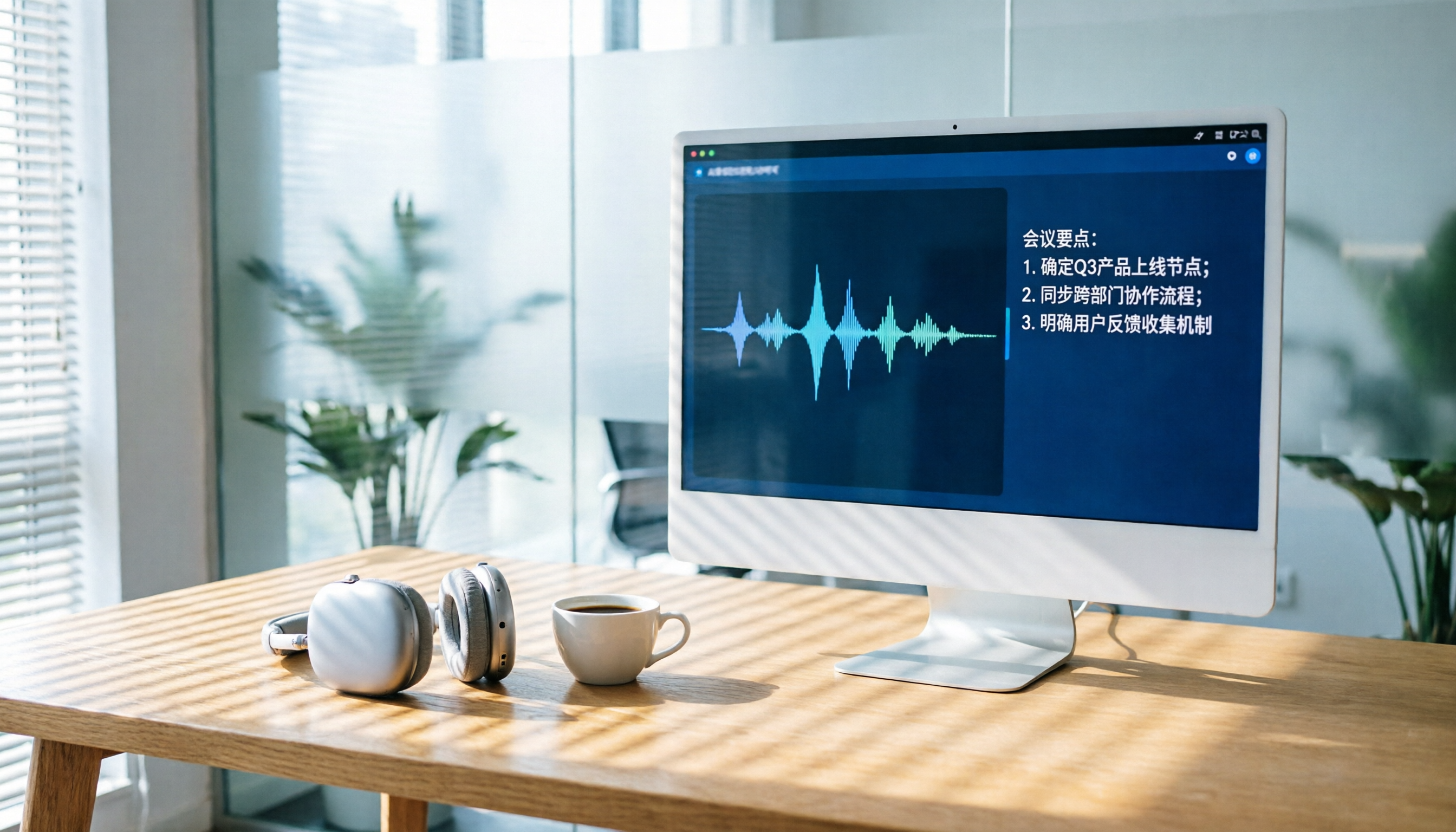
2026 AI Recording Tool Buying Guide: 6 Tools Tested and Recommended
Drowning in back-to-back meetings and still listening to recordings to write meeting minutes? We tested 6 AI recording tools—including Tinrec, Otter.ai, and Notta—to find the most time-saving solution. Say goodbye to overtime.

2026 Phone Recording App Test: Is Samsung’s Built-in Recorder Enough? Tinrec Turns Audio into a Knowledge Base
Samsung phones include a built-in voice recorder, but for long meetings, courses, or interviews, a raw audio file isn’t enough. This article tests 4 recording apps, from free to paid, to see which one can truly turn recordings into a searchable, queryable, and organized mobile knowledge base.

How to Transcribe Cantonese Audio to Text in 2026: 5-Step Guide and 3 Tool Comparisons
Struggling to turn Cantonese recordings from meetings, lectures, or interviews into text? We put Tinrec, Speechnotes, and UniScribe to the test—comparing accuracy, AI features, and cross-platform support—and walk you through 5 steps to find the right solution.

2026 AI Meeting Assistant Showdown: Which One Actually Saves You Time?
We tested 4 AI meeting assistants side by side, comparing transcription speed, summary quality, Chinese recognition accuracy, and price. Our final pick is Tinrec, and we include a full tutorial to take you from audio recording to meeting minutes in one go.
How Long Can ChatGPT Record in 2026? A Complete 4-Step Guide
ChatGPT's recording feature seems convenient, but is it truly suitable for long meeting minutes? This article tests ChatGPT's recording limits and teaches you how to use Tinrec in 4 steps to handle transcription and AI summaries for meetings, classes, and interviews. Choosing the right tool saves 80% of your organizing time.
4 Windows Recording Tools Tested in 2026: Tinrec Turns Audio into a Searchable Knowledge Base
How do you record audio on Windows? The built-in tool only records the mic, can’t capture system audio, and definitely can’t transcribe or summarize. We tested 4 solutions and found Tinrec to be the most complete: it turns meetings, courses, and videos into a searchable, Q&A-ready knowledge base—cross-platform, no hardware required, and the free plan includes core features.