

Turn recordings into transcripts and summaries in minutes
Upload audio or video for multilingual transcription, AI notes, and action items
Two Hours in a Meeting, Four Hours to Organize — You Need More Than Just a Recording
Recording is easy; the hard part is what comes after.
When you hit record on your phone during a meeting, two hours of discussion becomes a single audio file. Later, when you need to find the budget number from that discussion, you’re stuck dragging the progress bar and guessing by memory. Not to mention course lectures or interviews—these recordings often run 1–2 hours or longer. Unless someone is willing to manually transcribe them, most of these recordings end up sitting idle on your phone, never opened again.
Samsung phones do include a built-in Voice Recorder app. It’s simple and starts recording with one tap. But if you need to quickly find key points, auto-generate summaries, or even ask questions about your recordings, a bare-bones recording tool clearly isn’t enough. This article tests 4 apps that can genuinely help you “use” your recordings—maybe one is a better fit for you.
Before Choosing a Recording-to-Text Tool, Understand These 3 Key Points
Don’t just skim the feature list. First, think about what you really need.
1. Input sources: Can it only record live audio, or does it handle more?
Most phone recording apps can only capture live audio. But many people now need to organize online meetings, YouTube lecture videos, or audio files they’ve accumulated over time. If a tool only supports real-time recording, it can’t cover half of those needs. A good tool should support live recording, file uploads, and even links to online videos—so no matter where your source material comes from, it can flow into the same organization pipeline.
2. Output: Just a verbatim transcript, or actionable summaries?
Even if you get a verbatim transcript, you still have to read the whole thing. What actually saves time are “post-processed” results like auto summaries, chapter segments, and action items. If a tool can give you meeting highlights plus who-does-what right when the meeting ends, that’s genuinely helpful.
3. Follow-up use: Can you ask it questions, or are you limited to Ctrl+F?
Traditional keyword search can only find specific terms. But if you can directly ask, “Who mentioned the budget overrun last time?” and get an answer, that’s no longer a search engine—it’s a knowledge base that understands your recordings. AI-powered conversational querying is still a feature found in only a few tools, but it’s the one that can most change your workflow.
Tinrec (秒聽錄音) — Our Top Pick After Testing
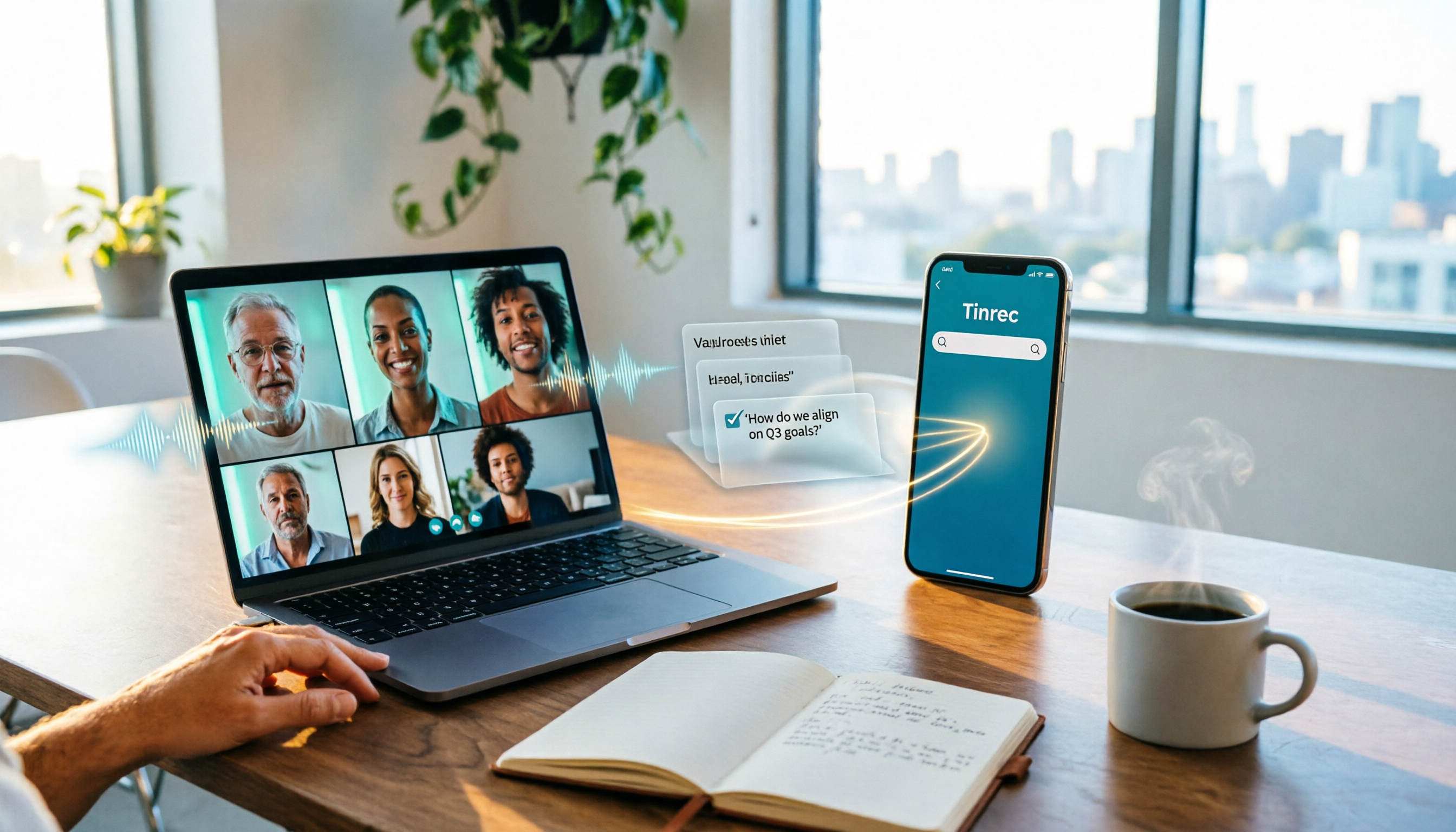
Tinrec is not just a recording tool. It’s more like an AI workstation that turns recordings and audio files into usable data. It supports iOS, Android, and web, and covers live recording, audio uploads, and online video links. After transcription, it doesn’t just hand you a transcript—it automatically generates summaries, chapters, and action items, and even lets you ask questions directly to pull out key information from the recording.
Core Features: More Than Transcription—It Actually Organizes for You
Scenario 1: Meeting Recording — Get Meeting Minutes as Soon as It Ends
Open Tinrec, start recording, and you’ll see live text appear as you record. When the meeting ends, the AI has already compiled a summary and split action items into who is responsible for what and by when. You don’t have to spend an hour relistening—just review and send the minutes to your colleagues.
Scenario 2: Turn Online Videos Into Notes—Double Your Efficiency
Paste a YouTube course link, and Tinrec will convert the entire video into text with chapter timestamps. Even more usefully, you can ask questions about the video content—for example, “What are the three examples the speaker mentioned?” The AI answers based on the text content rather than just returning a link. Right now, few competing tools can do this.
Scenario 3: Search Old Recordings Like Querying a Database
Upload past interview recordings and meeting notes, and you can not only search by keyword but also query them conversationally. “During the last user interview, did anyone mention that the interface was too complicated?” Tinrec uses semantic understanding to tell you exactly who said what and at what minute. This turns historical recordings from space-consuming files into a reusable knowledge base.
Test Data: Transcription Performance in Real-World Conditions
We tested a 5-minute meeting recording (with background AC noise and a two-person conversation, recorded on an iPhone 15, tested in July 2026). Tinrec’s transcription error rate was about 8.4%, and it correctly recognized names, numbers, and common terminology. Under the same conditions, other tools had error rates between 10% and 15%. In multi-speaker turn-taking scenarios, Tinrec also divided the transcript into segments fairly accurately.
Stop organizing recordings by hand
Upload audio or video and automatically get a transcript, summary, and action items
Pros
- Multiple input sources: It supports live recording, audio uploads, and video links—all three input methods in one app, so you don’t need separate apps for different sources.
- AI conversational search: You can directly ask questions about your recording and extract specific information. This saves a lot of effort when creating interview highlights or reviewing meeting decisions.
- Cross-platform: It syncs between phone and computer, which is great for people who switch devices frequently.
Cons
- The free plan includes only 100 minutes of transcription per month, and heavy users will need to pay. For a typical person who attends 2–3 meetings a week, though, it’s enough to experience the full functionality.
- The online video feature requires a public link. Private videos or platforms that require login cannot be processed directly.
Who Is It For?
If you regularly need to process meeting recordings, turn online courses into notes, or quickly produce highlights after an interview—especially if you need cross-platform access—Tinrec is the option worth trying first.
Beyond Tinrec: Other Options Worth Considering
Samsung’s Built-in Voice Recorder App: For the Simplest Recording Needs
Samsung phones come with a built-in Voice Recorder app that handles basic recording, playback, and sharing. It’s completely free and requires no extra download. But it’s simply a recording tool—no transcription, summarization, or AI features. If you only occasionally record a thought or plan to organize the recording yourself, the built-in app is enough. If you want actionable highlights right after you finish recording, though, it won’t help.
Otter.ai: Great for English Meetings, But Doesn’t Support Cantonese
Otter.ai is a well-known AI meeting notes tool. Its English recognition accuracy is high, and the free plan offers 300 minutes per month—very generous for English users. However, it doesn’t support Chinese or Cantonese, and it has no feature to convert online videos into text. If all your meetings are in English, Otter is a more budget-friendly choice than Tinrec. But if you need to process Chinese content or videos, Otter won’t work at all.
Notta: Strong Transcription, but Weaker Organization and Search
Notta is also a cross-platform transcription tool that supports multiple languages, with a free plan offering 120 minutes per month. Its transcription speed is fast, but its organization features are fairly basic—it provides a verbatim transcript and a simple summary, but no AI conversational search. If you just need to quickly convert recordings to text and don’t need follow-up Q&A or deep organization, Notta is worth considering.
Buying Guide: 4 Common Mistakes to Avoid When Choosing a Recording-to-Text Tool
Mistake 1: Focusing Only on Transcription Minutes and Ignoring Organization
Some tools advertise “unlimited transcription,” but after they transcribe, you just get plain text. Whether the tool can automatically summarize, create chapters, and extract action items is what truly determines your workflow efficiency. Don’t get stuck in the trap of having tons of transcribed text but still needing to read through all of it.
Mistake 2: Not Considering the Variety of Input Sources
Many people download an app and then realize it can only record live audio. Online meetings require extra setup, and videos need to be converted to audio files first—all that prep work is exhausting. Think about whether you mainly need to organize meetings, courses, or videos, and then choose a tool that matches.
Mistake 3: Overlooking Cross-Platform and Syncing Needs
Record on your phone today, then edit on your computer tomorrow. If data doesn’t sync, you’ll have to manually transfer files every time—bad for productivity. Choose a tool with web or desktop sync so your workflow stays smooth.
Mistake 4: Buying an AI Tool but Only Using Basic Features
Most people treat transcription tools as just “recording to text.” But if you don’t try AI summaries, Q&A, and other advanced features, you’re only getting a fraction of what you pay for each month. Features like Tinrec’s conversational search let you directly ask your recording questions, just as you would confirm something with a colleague. That’s the real advantage of AI tools compared to manually searching through transcripts.
Conclusion: Which One Should You Choose?
After this test, if you only need basic recording and you’re used to organizing things manually, Samsung’s built-in Voice Recorder app is more than enough—no additional software needed.
But if you want to get key points right after recording, easily revisit past discussions, or even turn online videos into written notes, here are quick recommendations:
- Need to handle Chinese meetings, courses, or interviews, and want AI to help organize → Tinrec (cross-platform, supports multiple sources, exclusive AI conversational search)
- Only record English meetings with zero budget → Otter.ai (generous free tier, but no Chinese support)
- Prefer manual organization and only need fast transcription → Notta is worth considering, but if you need organization features, Tinrec is more complete.
We recommend starting with a free trial to see if the tool fits your workflow before committing to a paid plan. Whichever one you choose, it’s better than letting your recordings sit unused.
References
- Samsung Phone Recording Guide: How to Record, Save, and Share Audio Files - Tech Girlz
- How to Record, Play Back, and Share Voice Recordings on Your Samsung Galaxy Phone | Samsung Taiwan
- How to Quickly Enable Voice Recording and Record on Galaxy S23
- Detailed Guide: Samsung Phone Call Recording Tutorial for Easily Recording Calls – AirDroid
- Phone Tips: How to Record Phone Calls on Samsung? 3 Methods | JS Communication – Challenging the Lowest Price in the Phone Market
Turn every recording into actionable outcomes
Get 60 free transcription minutes when you sign in. No credit card required.
Related Reading
You might also like

Google Meet Pricing in 2026: Free Plan Limits and Tinrec as an Alternative
Google Meet's free version caps group meetings at 60 minutes, and recording and AI features are tied to Workspace subscriptions (annual billing around $7/$14/$22 per user per month). This article, from a student's hands-on perspective, explains why post-meeting organization is the real pain point and compares Tinrec's differences in bot-free recording, Chinese transcription, AI summaries, and team knowledge retention.
How to Share System Audio in Google Meet (2026): Full System Sound + High-Quality Stereo
Google Meet now lets you share your entire device's system audio during presentations, not just Chrome tab audio. This guide covers the steps to enable it, system requirements, rollout timeline, and common limitations, plus how to use Tinrec after a presentation to turn transcripts, summaries, and action items into searchable meeting records.

3 Google Meet on Windows Options Tested in 2026: Which Meeting and Note-Taking Method Saves the Most Time?
Using Google Meet on Windows, most people only solve the meeting itself but not how to keep the post-meeting data. This article walks you through: from browser and PWA to Tinrec desktop bot-free recording, automatically turning Google Meet meetings into transcripts, summaries, action items, and team-searchable data.

How to Check Your Google Meet Version in 2026: 4 Steps to Confirm the Latest Version
Can't find the version number in Google Meet settings? This guide covers how to check and update Google Meet across web, Android, iOS, Meet hardware, and the REST API, plus a practical way to organize transcripts, summaries, and action items after meetings.

4 Google Meet Call Recording Tools Tested in 2026: Which One to Switch to When Call History Won't Show?
When Google Meet call history won't show, most people's first instinct is to reinstall the app or switch browsers, but the problem often lies with the account, device, or organization permissions—not user error. This article addresses this common misconception, explains why call history may be missing, outlines 4 key factors for choosing a meeting recording tool, and compares Tinrec with Notta, Granola, and Otter.ai. It also includes a pitfalls guide and selection recommendations.

2026 Comparison of 3 Google Meet Recording Methods on Mac: Tinrec's One-Click Transcription Saves the Most Time
The real pain point of using Google Meet on Mac is post-meeting organization. This article addresses common misconceptions and demonstrates how to use Tinrec desktop to record Google Meet without a bot, generate real-time transcripts and summaries, action items, and AI Q&A. It also covers 5 key checkpoints for choosing a tool and answers common questions.

2026 Comparison of 2 YouTube Transcript Generators: Turn Videos Without Subtitles into Usable Transcripts
Starting from real reader pain points, this side-by-side comparison of Tinrec and WayinVideo examines 5 dimensions: Chinese language processing, post-transcription organization, export formats, team collaboration, and pricing plans. Includes FAQs to help you decide which tool better fits your use case.

2026 Teams Automatic Meeting Notes Free Options: Tinrec's 4 Plans at a Glance
Teams' built-in transcription only works for meetings initiated by your own organization, and you still have to manually download and organize notes afterward. This article explains common misconceptions about Teams meeting notes, demonstrates what AI meeting notes can do using Tinrec, and outlines the use cases for four plans: Free, Weekly Pass, Pro Monthly, and Annual.

5 Best Microsoft Teams Meeting Transcription Tools in 2026: ChatGPT vs Copilot vs Tinrec — Which Saves the Most Time?
We tested 5 ways to take meeting notes in Microsoft Teams, including ChatGPT, Teams built-in transcription, Copilot, Otter, Notta, and Tinrec. Compare features, pricing, and best use cases to find the most time-saving workflow for your team.