
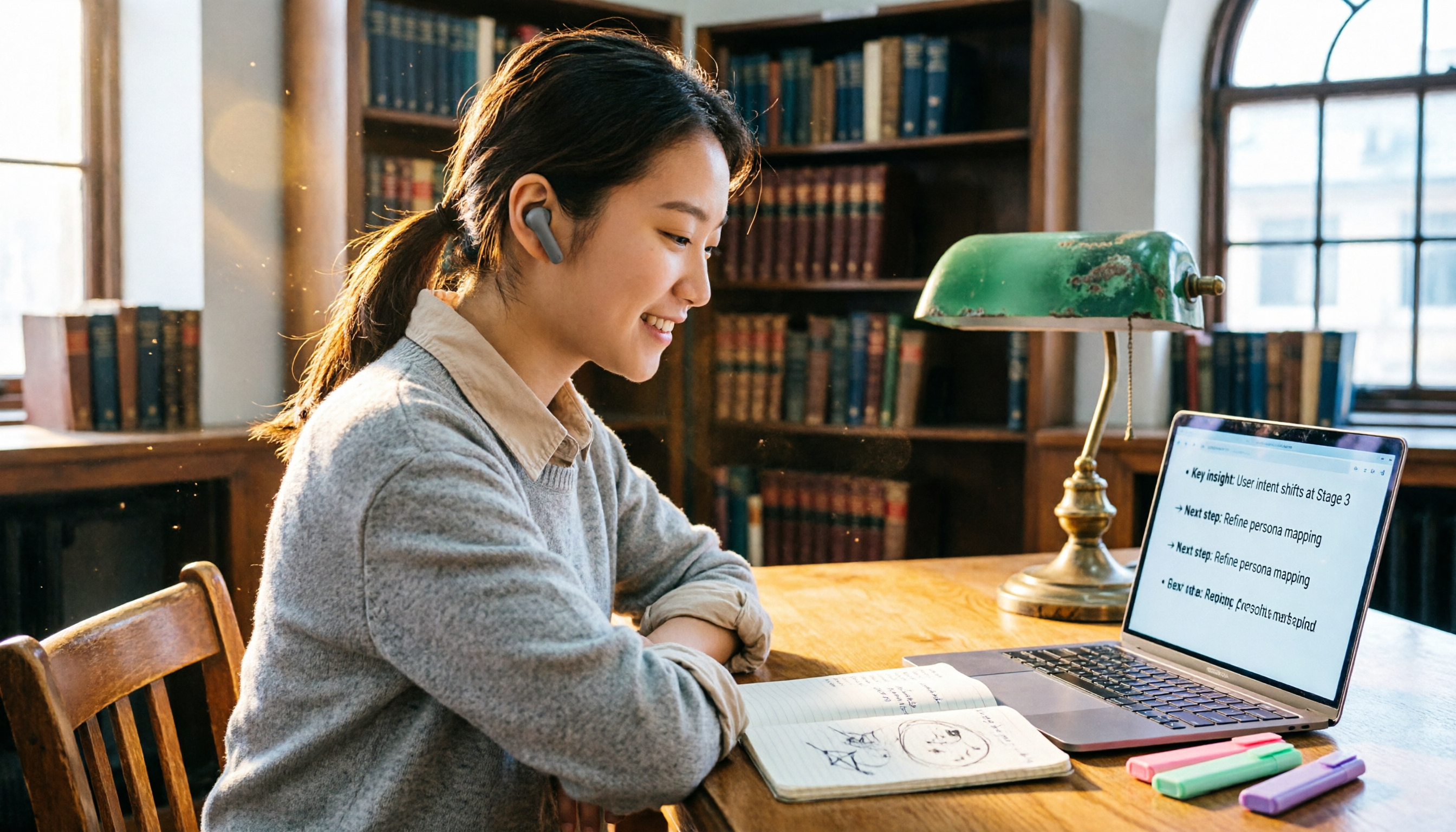
Turn recordings into transcripts and summaries in minutes
Upload audio or video for multilingual transcription, AI notes, and action items
Last semester I took the toughest required course in my department. The professor talked nonstop for two hours, and the slides flipped faster than you could turn a page. My handwriting speed couldn't keep up at all. When I opened my notebook before the midterm, I found I'd written what looked like chicken scratch. Seeing me frantic, my roommate suggested I just record the lecture with my phone. But after recording three hours of audio, where would I find the time to listen to it all? That's when I started researching computer audio-to-text tools and discovered that class recordings can be handled so much more easily. In this article, I'll share the tool I ended up keeping on my computer after testing 4 options—Tinrec.
Why Are People Looking for Notta Alternatives?
I started off like my classmates, using Notta to transcribe recordings. Its transcription speed is decent, and the 120 minutes per month in the free version was barely enough for regular classes. But after midterms, I noticed two problems: First, Notta's free version doesn't support transcribing online videos, so I couldn't take notes from YouTube tutorial videos. Second, the transcripts were long, and I had to manually pick out key points. Later, a senior in my club recommended Tinrec, saying it doesn't just transcribe—it automatically generates summaries and Q&A. So I installed it with a give-it-a-try attitude.
Tinrec vs Notta: What's Different in Core Experience?
After switching from Notta to Tinrec, the most obvious difference I felt was that it didn't just hand me a wall of text—it directly organized the key points for me.
Language Support: Notta's multilingual transcription is decent, but when mixing Chinese and English technical terms, it occasionally splits words incorrectly. Tinrec handles mixed Chinese-English classroom recordings with more natural sentence segmentation, especially when the professor reads code snippets—the recognition rate is noticeably better.
Cross-Platform: Both have Web, iOS, and Android versions, but Tinrec's desktop interface feels more intuitive. You can start recording directly from your browser without installing extra software.
AI Features: This was the key reason I decided to pay. Notta also has summaries, but you have to generate them manually. Tinrec automatically pops up summaries and chapters after recording, and you can even ask, "What are the key exam points for this class?" It answers based on semantic understanding, with higher accuracy than I expected. During last final, I reviewed using this feature and saved tons of time.
Free Credits: Notta's free version gives 120 minutes, which barely lasts a week in a month. Tinrec's free credit is labeled "basic transcription credits." In practice, I record key classes each week and trim audio segments, and I can stretch it to three weeks without an issue. If it's truly not enough, a weekly card costs just a few bucks—less than a bubble tea.
Tinrec's Key Features at a Glance
After using it for half a semester, here are the features I rely on most:
Real-Time Recording-to-Text: During class, I open the Tinrec webpage, hit start recording, and the text appears instantly—with almost no lag. When the professor hits a key point, I glance at the screen to confirm nothing's missed, then copy the text into Notion after class—notes done in ten minutes.
Stop organizing recordings by hand
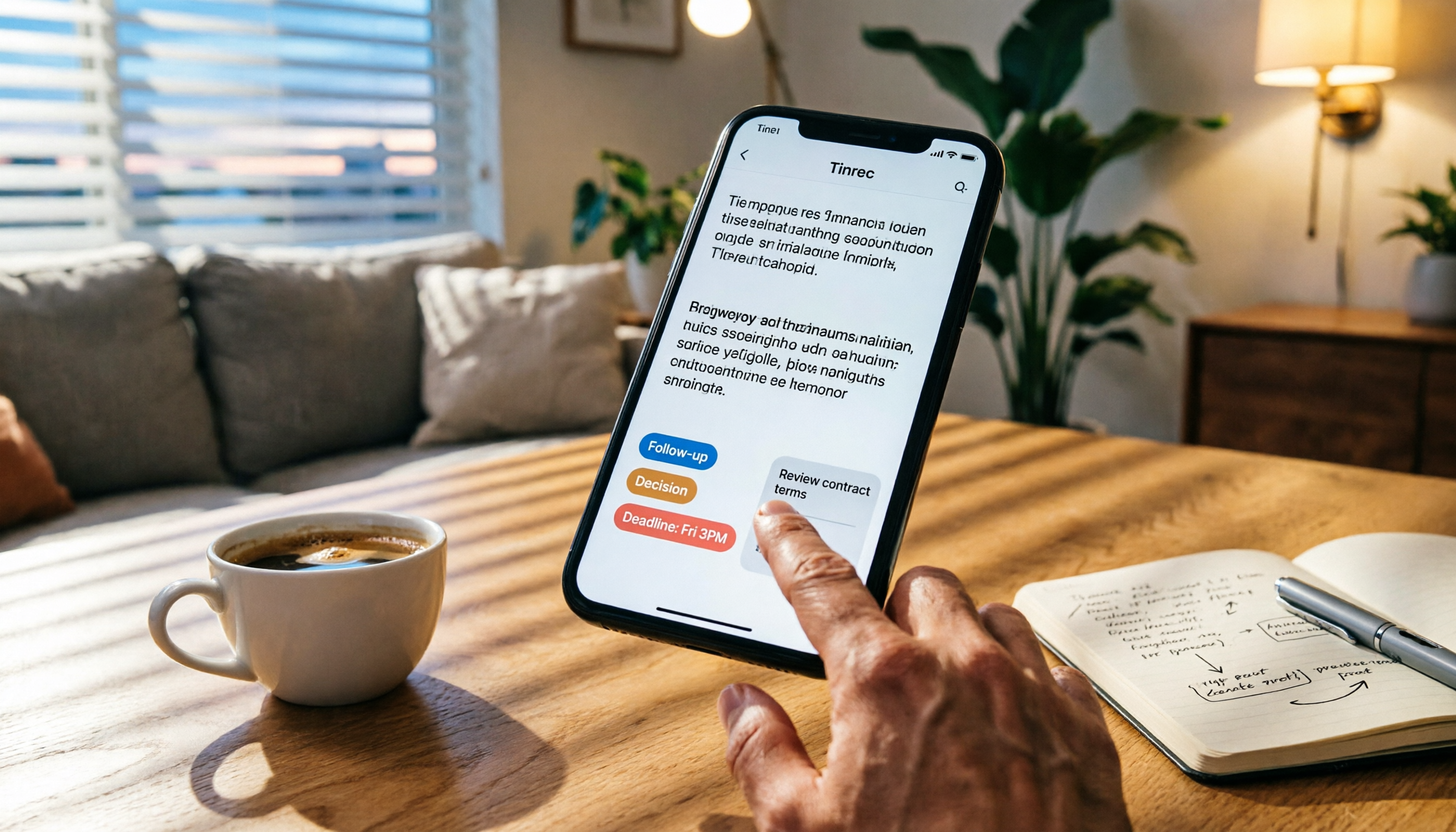
Upload audio or video and automatically get a transcript, summary, and action items
Online Video Transcription: For a general education class, I had to write a reflection paper and the teacher assigned a YouTube documentary. Before, I had to watch and type at the same time. Now I just paste the URL into Tinrec, and a five-minute video becomes a transcript and summary right away—giving me an outline for the paper.
AI Conversational Query: After group discussions, I record the conversation to capture everyone's scattered conclusions. Afterward, I ask Tinrec, "Who's responsible for what?" and "When's the deadline?" It lists them directly, so we don't need another meeting to confirm.
Multi-Format Export: I can export the summary as Markdown into Notion or export to-do items to Todoist, seamlessly integrating with my study workflow.
Real-World Use Cases
Classroom Recording: I bring my laptop to class every day, turn on Tinrec recording, and add handwritten notes while watching the text. When reviewing before an exam, I use the Q&A feature to ask about key points—faster than borrowing a classmate's notes.
Online Meetings / Group Discussions: Many discussions moved online after the pandemic. I use Tinrec to record Google Meet sessions, and within five minutes after the meeting, I have a complete transcript and to-do list—no more being the meeting-notes victim.
Self-Study with Tutorial Videos: English tutorial videos on YouTube often speak fast. By pasting the link into Tinrec, I get a transcript I can read at my own pace, making it super convenient to learn new skills.
Personal Inspiration Notes: When an idea strikes, I record a quick 30-second note. Tinrec transcribes it and automatically saves it to history, so I can find it later by keyword search—faster than typing.
Points to Consider When Choosing an Audio-to-Text Tool
- Whether free credits match your usage frequency: If you only record key classes each week, the basic credits are sufficient. But if you record daily, a weekly card or the Pro plan is more cost-effective.
- Whether the tool offers post-transcription organization: Getting only a transcript still requires effort to digest. Tools with AI summaries and Q&A can truly save time.
- Supported input sources: Can it handle online videos and local files? Tinrec handles almost all of them, which is very convenient for students.
- Cross-platform consistency: It works on desktop, phone, and tablet with syncing, so you can record on your phone and organize on your computer.
- Chinese recognition quality: When trying it out, pay special attention to how it handles professors' accents and mixed Chinese-English speech. Tinrec didn't disappoint me in this regard.
Conclusion: Is Tinrec Worth Trying?
If you're like me and don't want to be chased by audio files anymore, Tinrec is currently the choice that suits me best. It doesn't just transcribe—it helps you organize key points and answer questions, turning recordings into genuinely useful notes. The free version is enough for students with fewer classes. When you need more credits, the weekly card or Pro monthly plan isn't expensive—just skip a few bubble teas.
I suggest starting with the free version and testing it with a recording of one class—real experience is more reliable than reading any number of reviews. I hope you can review for finals with a smile next time.
References
- How to Record Your Computer Screen - Mobile01
- 4 Best Ways to Record Audio on Your Computer [2026's Best Recording Tools]
- How to Screen Record on a Computer? Windows/Mac Built-in Tools Tutorial!
- Recording Computer Audio (Computer Recording) - Microsoft Q&A
- 4 Computer Recording Tricks Revealed! Easy-to-Understand Guide to Recording PC Audio [2026 Latest]
Turn every recording into actionable outcomes
Get 60 free transcription minutes when you sign in. No credit card required.
Related Reading
You might also like
![[Tutorial] 2026 Tinrec Transcript Tool: AI Auto-Summarization + Multi-Source Transcription](https://record-img.tos-accelerate.volces.com/images/2026/08/07/1786108729028402517.png)
[Tutorial] 2026 Tinrec Transcript Tool: AI Auto-Summarization + Multi-Source Transcription
Still turning interview, meeting, and course recordings into transcripts the slow way? I tested Tinrec and Notta, two leading AI transcription tools, covering Chinese recognition, post-processing, and cross-device collaboration, so you can find a transcription workflow that actually saves you time.
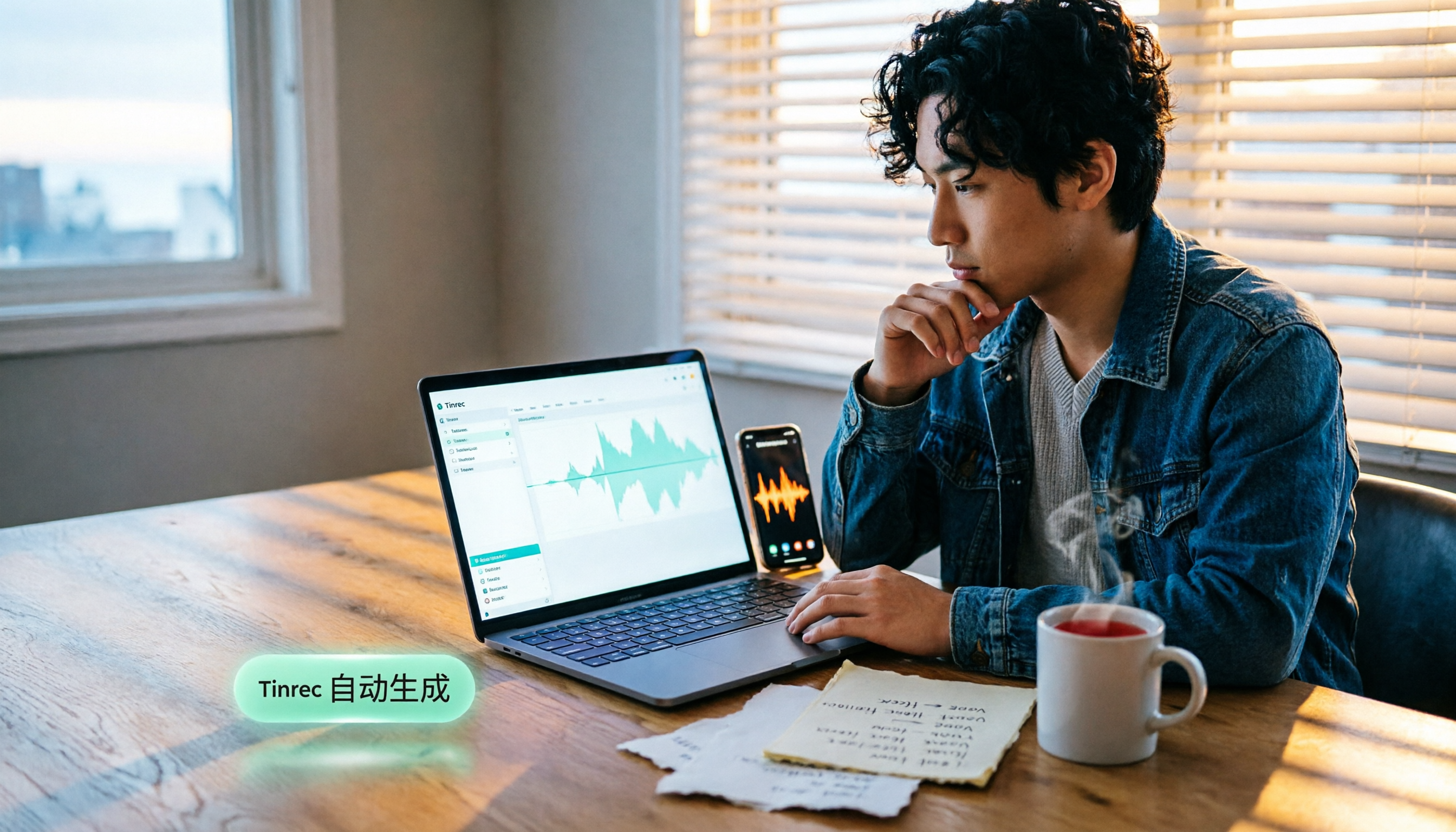
How to Add Text to iPhone Videos in 2026: 3 Quick Methods with Tinrec Auto-Subtitles
Want to add captions or subtitles to your iPhone videos? This tutorial covers 3 practical methods: using Tinrec to auto-generate subtitles and import into iMovie, using Clips for dynamic text, and iMovie's built-in caption feature. Follow along to speed up your video editing.

Best iPhone Video Converter Apps in 2026: 3 Tested, Free Shortcut Is Easiest
MOV videos from iPhone often won't play on Windows or when shared. We tested 3 ways to convert them to MP4—from the built-in Shortcuts app to professional desktop software—and compared speed, quality, and convenience to help you choose the right method.
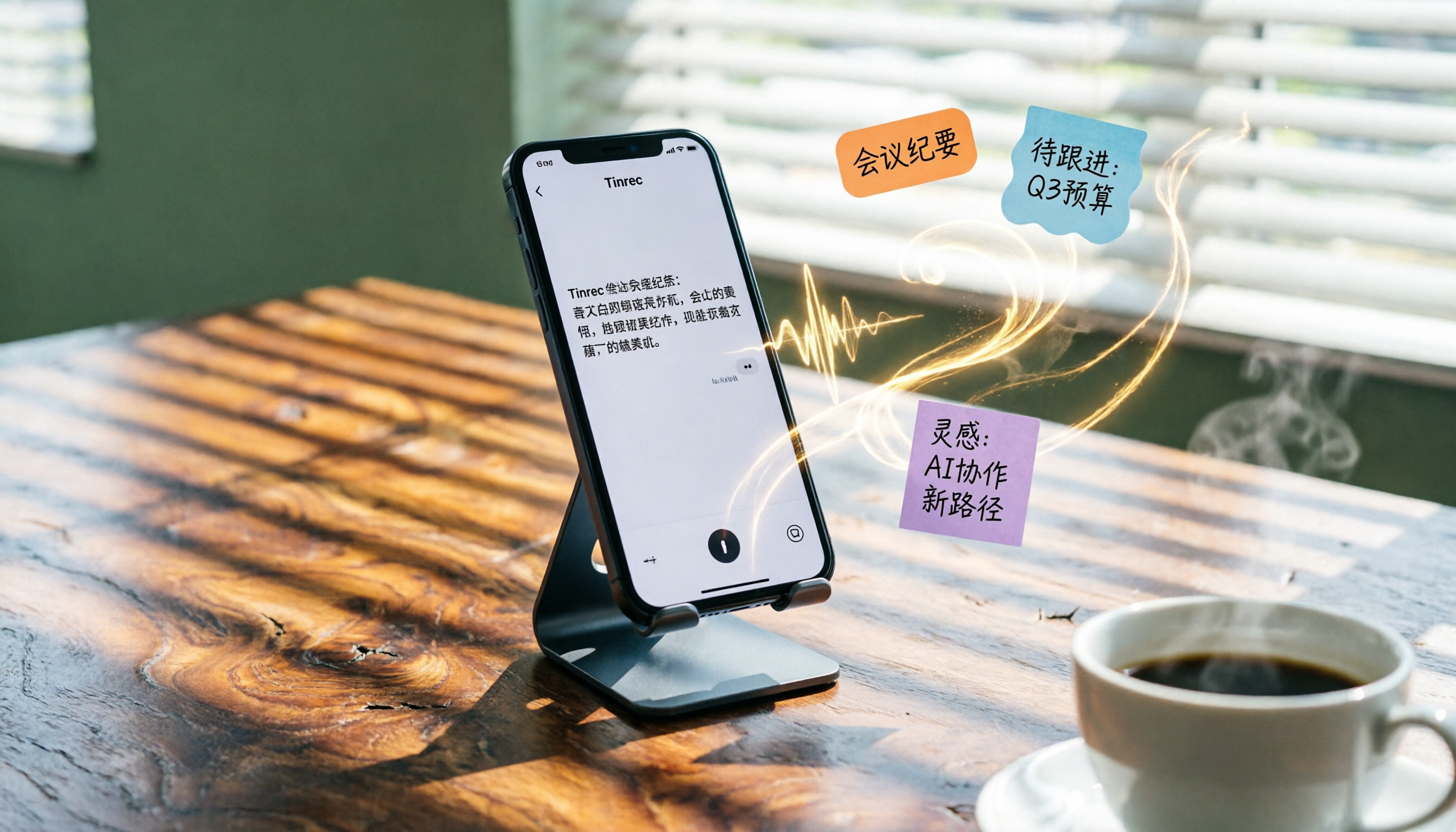
2026 iPhone Voice-to-Text Buyer's Guide: 2 Hands-On Tests and Recommendations
How to choose iPhone voice-to-text? The built-in Voice Memos app is free but limited; the third-party tool Tinrec turns recordings into a searchable, organized knowledge base. This hands-on comparison covers accuracy, organization, AI features, and cross-platform support to help you decide.

Best Meeting Recording App 2026: We Tested 4, and This One Is Most Accurate for Cantonese Transcription
Office workers in Central dread transcribing recordings after meetings. After testing multiple AI recording apps, we found Tinrec's instant transcription has the most practical Cantonese recognition and summary features. It supports meetings, classes, and YouTube video-to-text. The free version is enough for everyday use and helps you save overtime hours.

2 Video Real-Time Translation Tools Compared in 2026: More Than Translation, Understanding the Content
Choosing the right tool is crucial for real-time translation of foreign-language videos. This article compares Tinrec and Immersive Translate across input sources, organization capabilities, and Chinese support to help you decide which one suits you best.
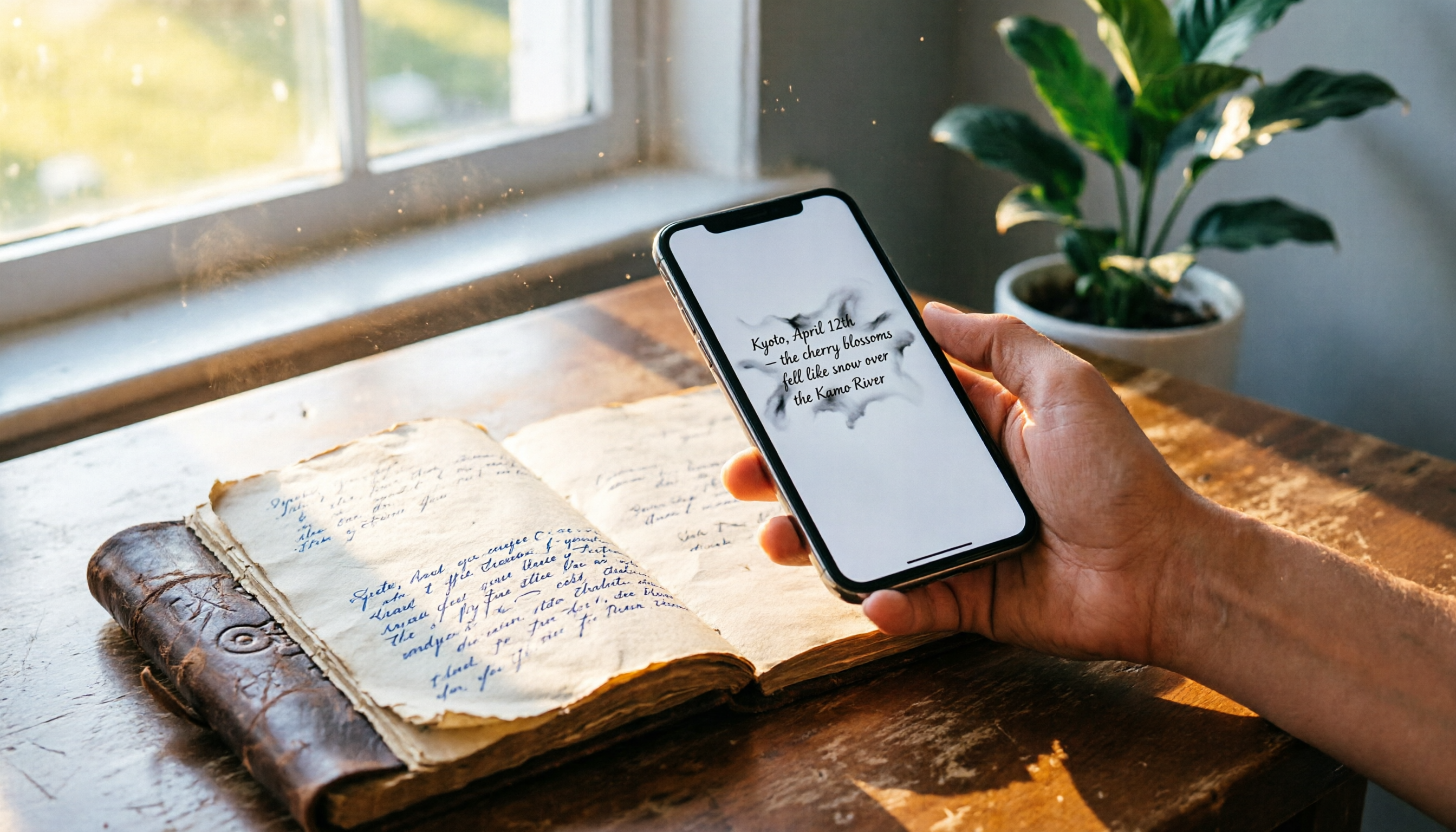
iPhone Photo to Text: 3 Built-in Methods Tested in 2026 (Which Saves the Most Time?)
Learn how to quickly copy text from photos or images on iPhone. We tested three built-in features: Live Text, Scan Text in Notes, and Live Text in Camera — and share which one saves the most time in real-world scenarios.

2026 Voice-to-Text Tools Compared: 3 Tools Tested — It Does What Even ChatGPT Can't
A middle manager hands-on tests multiple voice-to-text tools, from ChatGPT voice input to professional AI recording transcription, and reveals which one can really save you an hour of meeting notes every day—while turning all your audio files into a searchable, organized knowledge base.
2026 Tested: 3 Ways to Record LINE Calls Stealthily—Which One Is the Most Hidden and Can Auto-Summarize Key Points?
Want to record LINE calls without the other person knowing? This post tests three discreet recording methods, including iOS 26 local capture and Android screen recording, and shows how to use Tinrec to instantly transcribe, summarize, and extract to-dos—turning recordings into truly usable data.