

Turn recordings into transcripts and summaries in minutes
Upload audio or video for multilingual transcription, AI notes, and action items
Before Looking for a Free Notta Alternative, Ask Yourself This One Question
Do you really need "free transcription" or "free meeting notes"? In 2026, these are handled by different tools. Choose the wrong type, and even the cheapest option is a waste.
First, look at Notta's own free plan: 120 minutes per month, with a 3-minute cap per recording. This limit is key—it works for scattered, short recordings, but a 50-minute weekly meeting might need to be split into several parts.
So many people aren't unwilling to pay; the free plan just can't keep up with daily use. The options below are the free solutions I've tested over the past six months and feel more confident recommending to readers.
4 Key Points to Understand When Choosing a Free Transcription Tool
1. The "shape" of the free tier Don't just compare "minutes per month." Look at the per-recording cap, daily file limits, and whether features are locked. 300 minutes per month with a 30-minute per-file limit is a completely different experience from 120 minutes per month with a 3-minute per-recording limit.
2. How meetings get in There are currently three ways to handle online meetings: send a meeting bot to join, capture computer system audio directly via desktop app, or upload a recording afterward. Bots are convenient, but some clients may object to seeing an extra account in the participant list.
3. What you can do after transcription Having only a transcript versus having summaries, chapters, action items, and AI Q&A represents a completely different workload. With the former, you still have to read through a 40-minute transcript yourself.
4. Whether audio files are kept and portable Few people ask this upfront, but you'll definitely need it three months later. If the tool doesn't retain audio, you can't replay to verify; if it can't export, your data is locked in.
Tinrec (秒聽錄音) — The One I Recommend Most After Testing
Tinrec is an AI meeting notes and collaboration tool for individuals and teams, available on web, desktop, and mobile. Its positioning isn't "another audio-to-text converter" but rather turning meetings into searchable, queryable, actionable data.
Three things stand out in actual use.
First, no bot needs to join online meetings. The desktop app captures computer system audio directly—Zoom, Google Meet, Microsoft Teams, and Webex all use the same workflow. You just press record before the meeting, not edit the meeting invite first.
Second, there's more after transcription. When the meeting ends, the transcript, summary, chapters, key points, and action items are already on the page—who's responsible for what and what's next, without digging through from scratch. You can also ask AI questions directly about the recorded content, like "Who mentioned the budget in the last meeting?" It gives you an organized answer, not keyword search results. This is the most noticeable gap among current free alternatives in its class.
Third, Chinese and multilingual meeting handling is more refined. It supports mixed Chinese-English, real-time translation, and bilingual display. The team plan also lets you maintain custom vocabulary for internal company terminology, reducing the chance of mishearing technical terms.
The free plan provides a basic quota to run through the complete "record or import → transcribe → summarize" workflow once, so you can confirm whether it fits your work style. Note that the free quota is for evaluation purposes; if you have several meetings every week, you'll need to consider a weekly pass or Pro plan—actual pricing is subject to the official website. Also, file import and team sharing quotas are calculated separately.
Who it's for: People who need Chinese meeting notes, don't want bots joining meetings, and want to ask about key points directly after the meeting.
Stop organizing recordings by hand
Upload audio or video and automatically get a transcript, summary, and action items
Team plan details: If meeting data is shared across departments, the team plan offers separate team spaces where you can invite members, assign roles (owner/admin/member), and control recording, upload, and editing permissions by seat. Members without seats can still view, play, and read team data. Team monthly billing is USD 29.80 per paid seat per month; annual billing is USD 199 per paid seat per year (about USD 16.58 per month). Each paid seat includes 2,000 minutes of shared import quota per month. Eligible teams get a 7-day trial, 1 free seat, and 300 minutes of shared quota on first signup. Under an active team plan, live recording currently doesn't deduct minutes. Pricing and benefits are subject to the official purchase page.
Besides Tinrec, These 3 Free Options Are Worth a Look
Otter.ai — The free go-to for English meetings. The Basic plan offers a generous 300 minutes per month; Pro annual billing works out to about USD 8.49 per user per month, including 1,200 minutes monthly. Its integrations with Zoom, Meet, and Teams are mature. However, its strength is English business scenarios; if most of your meetings are in Chinese, Tinrec's transcripts and summaries are more readable, and Tinrec's desktop bot-free recording is more convenient for meetings with external clients.
TurboScribe — The most cost-effective file transcription. The free plan allows 3 files per day with a 30-minute per-file limit; Unlimited annual billing is USD 120 (about USD 10 per month), with files up to 10 hours or 5 GB each and up to 50 files per upload. It's great for organizing existing recordings, creating subtitles, and batch translation. But it handles "files," not "meetings in progress," and has no post-meeting Q&A—that's Tinrec's domain.
Granola — A bot-free meeting notes tool familiar to Mac users. Basic is free; Business is USD 14 per user per month. It takes a "your notes + AI enhancement" approach. Two things to note: it doesn't support uploading pre-recorded audio files, and it doesn't save meeting audio. If you need to replay for verification afterward or want to organize historical recordings together, Tinrec is more suitable.
Pitfall Guide: 3 Most Common Mistakes When Looking for Free Notta Alternatives
Pitfall 1: Only looking at total monthly minutes. Per-recording caps, daily file limits, and feature locks are the walls you'll hit every day. Finding a tool with "600 minutes per month but a 5-minute per-recording limit" is as good as nothing.
Pitfall 2: Thinking a transcript equals meeting notes. A 40-minute transcript still requires you to read it yourself. If the tool lacks summaries, chapters, and action items, you're only saving typing time, not organizing time.
Pitfall 3: Ignoring audio retention and export. This is what most people regret later. When a plan expires or you switch tools, data you can't take with you means starting over. When choosing a tool, confirm two things first: whether audio is retained, and whether it can be exported to places you already use like Google Docs or Notion.
Conclusion: Which One Should You Choose?
- Mostly Chinese meetings, no bots wanted → Tinrec (bot-free desktop recording, real-time translation and bilingual display)
- Want to ask about key points directly after recording, not reread transcripts → Tinrec (summaries, chapters, action items, AI Q&A all in one)
- Need to use on phone, computer, and web → Tinrec (multi-platform, data centralized in one place)
- Mainly organizing existing long audio files and creating subtitles → TurboScribe (free 3 files per day)
- All English meetings, zero budget → Otter.ai (300 free minutes per month)
- Department needs to share meeting data → Tinrec team plan (team spaces, roles and seats, usage and audit)
Honestly, there's no "set it and forget it" free plan. A more practical approach is to pick a tool whose free tier can run the complete workflow, and try it with your actual meeting next week. Whether the transcript flows well, whether the summary is usable, whether Q&A can answer—one test gives you the answer.
Finally, a reminder: recording and transcription involve personal data, and local regulations may require obtaining consent from participants. Check your company's policies before use.
References
- Notta Alternatives: Top 12 Audio Transcription Tools & Similar Apps | AlternativeTo
- Top 5 Free Notta AI Alternatives for 2026
- Top 10 Notta Alternatives & Competitors in 2026 | G2
- r/NoteTaking on Reddit: Can’t afford Notta AI anymore. Any alternative recommendations?
- 2026 Hands-On Comparison of 5 Free Notta Alternatives: Tinrec Is a Better Choice for Chinese Users - Official Tinrec Blog
Turn every recording into actionable outcomes
Get 60 free transcription minutes when you sign in. No credit card required.
Related Reading
You might also like

2026 Sturgis Hardware & Building Supply Guide: 5 Practical Tips for Nottawa Lumber and Do It Best
Searching for 'do it best nottawa mi' brings up two store names: Nottawa Lumber and Sturgis Hardware & Do It Best Rental Center. This guide compiles the address, phone numbers, hours, products, and rental services for the 504 N Nottawa St location, explains 5 things to confirm before you go, and covers common situations that can waste a trip to the hardware store.

2026 AI Meeting Notes Comparison: Meeting Ink vs. Tinrec — Which Is Right for Chinese-Speaking Teams?
Meeting Ink by DeepWave and Tinrec are both highly discussed AI meeting notes tools in 2026, but their strengths are completely different. This article compares them on recording method, Chinese transcription, post-meeting output, and team data ownership, and also covers how Otter.ai, Granola, and Notta differ, helping you decide which one truly fits your meeting style before trying them.

2026 AI Meeting Transcription Tool Comparison: Can Notta Translate? How It Differs from Tinrec
Can Notta translate? Yes. This article compares Notta and Tinrec across 6 dimensions—translation languages and modes, meeting capture methods, post-meeting outputs, Chinese and bilingual experience, team collaboration, and pricing quotas—to help you decide when Notta is handy and when Tinrec is better for teams.

2026 AI Meeting Recorder Comparison: Is Notta Free? Is the Free Tier Enough?
Notta does have a free plan, but with a 3-minute limit per recording and 120 minutes per month, it's not enough for even one real meeting. This article focuses on whether the free tier is sufficient, breaks down the pricing structures and hidden costs of Notta, Otter.ai, and Granola, and tests Tinrec's performance in Chinese meetings, bot-free recording, and post-meeting organization to help you calculate the real cost.

2026 Notta Alternative Comparison: 3 Key Differences and Why Teams Are Switching to Tinrec
Many people choose meeting note tools based only on free minutes, only to find they still have to organize transcripts themselves. This article addresses three common misconceptions, explains what capabilities really matter in a meeting note tool, and uses Tinrec as an example to test no-bot recording, AI summaries, action item extraction, AI Q&A, and team spaces. It concludes with 5 purchase decision points and FAQs to help you determine what might suit teams better than Notta.
2026 Comparison of 4 Audio-to-Text Apps: The Real Limits of Free Notta Download
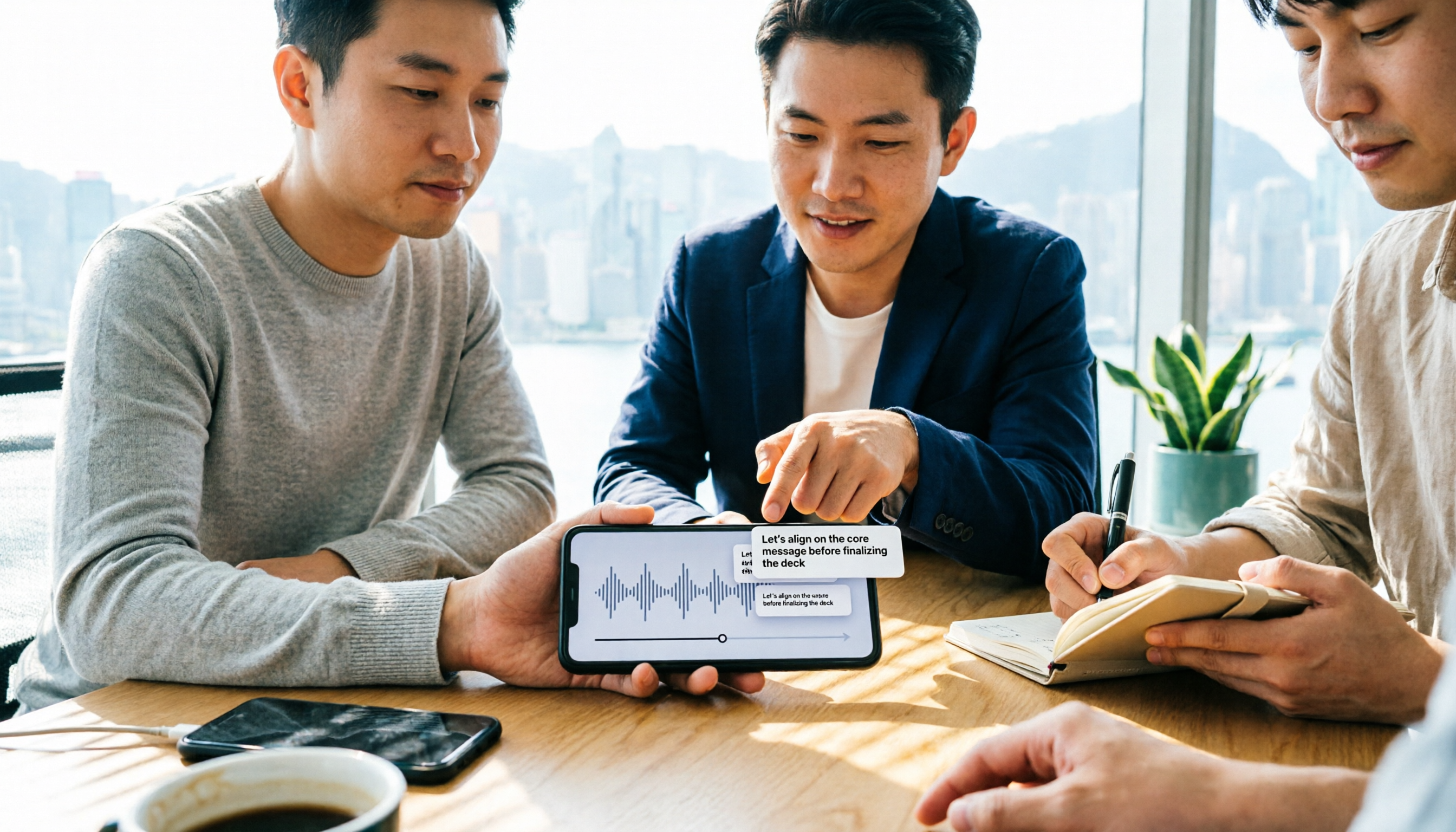
People searching for 'free download notta' are often drawn in by the free quota, only to find limitations after downloading. This article uses real meeting scenarios from Hong Kong office workers to test and compare four tools: Notta, Tinrec, Otter.ai, and TurboScribe. It breaks down free version quota traps, post-meeting organization capabilities, and team collaboration differences, and provides clear selection advice.

Notta APK Download vs Tinrec: 5-Factor Comparison for Team Meetings (2026)
After searching 'download notta apk,' most people get stuck on version confusion and source safety, but the real question is what you'll use it for after downloading. This article compares Notta and Tinrec across 5 dimensions—APK acquisition, online meeting capture, post-meeting organization, Chinese language experience, and team governance—to help you decide which one fits before you download.

2026 Recording-to-Text App Buying Guide: Good Tape Download and 4 Hands-On Recommendations
Want to download Good Tape but unsure how it compares to Tinrec, Otter.ai, and Notta? This guide covers iOS and Android download methods, then hands-on compares 4 recording-to-text tools on meeting processing, free quotas, and post-meeting workflows to help you pick the one that truly saves time.

2026 Comparison of 4 Meeting Note Tools: Is Notta Desktop Good? Which One Needs No Bot?
Does Notta have a desktop version? Yes, Notta Desktop supports macOS and Windows. This article compares Notta, Tinrec, Otter.ai, and Granola, breaking down whether the desktop app is native, recording methods, free quotas, and post-meeting organization capabilities. It also lists 4 common purchasing pitfalls to help you decide which tool fits your meeting scenario.