
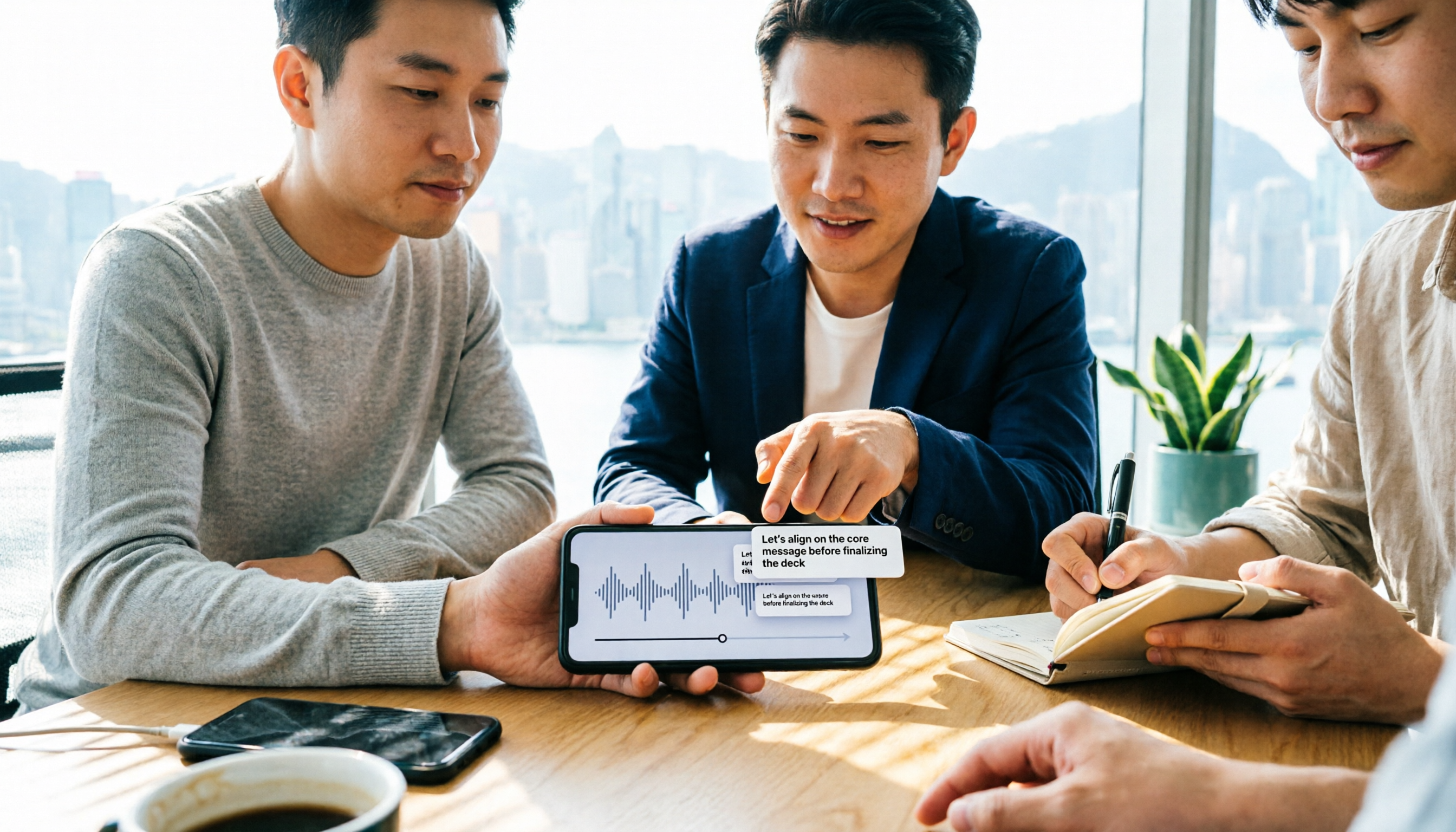
Turn recordings into transcripts and summaries in minutes
Upload audio or video for multilingual transcription, AI notes, and action items
2026 Comparison of 4 Audio-to-Text Apps: The Real Limits of Free Notta Download
After a meeting, the most painful part is actually the half hour of wrap-up
After a one-hour meeting on Monday morning, your boss turns around and asks, "What price did the last client mention, and who's following up?" You open the recording file—47 minutes—and listen sentence by sentence to take notes. By the time you look up, it's already 8 PM. This kind of overtime isn't a workload issue; it's a process issue.
Another common scenario: you type "free download notta" into the search bar, install and try it, and find that the free quota runs out after two or three uses—you'll need to pay by the third meeting. The word "free" usually comes with a few lines of fine print.
This article tests 4 tools, focusing on only four things: how the free quota is calculated, whether language support matches the mixed Chinese-English used in Hong Kong meetings, whether usable materials can be directly produced after the meeting, and who owns the data when used by a team. After reading, you'll know which one is worth installing.
Before downloading, understand these 4 key points
First, the free quota isn't just about total minutes; look at the per-recording limit. Some tools give you 100 minutes per month, but each recording can be at most 3 minutes—a 45-minute meeting recording simply won't fit. This limit is usually written at the very bottom of the pricing page; it's worth spending 30 seconds to read before downloading.
Second, language support should be judged by "mixed Chinese-English" rather than "number of languages." The official list of 58 languages is impressive, but the reality of Hong Kong meetings is: "呢個campaign的ROI要再confirm" (This campaign's ROI needs to be confirmed again). Switching between three languages in one sentence—that's the real test.
Third, a transcript is just raw material, not a finished product. What really saves time is what happens after transcription: is there a summary, chapters, automatically extracted action items, and can you directly ask "What was the conclusion of the last meeting?"
Fourth, cross-platform and post-meeting collaboration. Record on your phone today, organize on your computer tomorrow, and a colleague needs to take over the day after—if the data is locked in a personal account, the records leave when the person does.
Tinrec — the most convenient one after testing
Tinrec is an AI meeting notes and collaboration tool for individuals and teams, covering web, desktop, and mobile. Its biggest difference from ordinary transcription apps is that it also handles the "after recording" process.
Bot-free recording of online meetings. The desktop version directly captures computer system audio, handling meetings on Zoom, Google Meet, Microsoft Teams, Webex, etc., without inviting an extra bot into the meeting as a participant. For those who meet with clients, this is practical—you won't have a strange account appear in front of the client.
Directly produce deliverable materials after the meeting. When the meeting ends, the transcript is already there, and summaries, chapters, and action items are automatically generated: who is responsible for what and when it's due—all at a glance. This is where it most clearly differs from pure transcription tools.
AI Q&A is the real differentiator. After recording, you can directly ask it: "Who mentioned the budget in the last meeting?" "What were the client's concerns about the quote?" It gives answers based on content understanding, not a bunch of keyword search results for you to sift through. This capability is not common among tools at the same price point. Combined with real-time translation, cross-language meetings can be viewed in original, translated, or bilingual side-by-side formats.
Output can be taken directly. Supports export to Notion, Google Docs, OneNote, Dropbox, etc., and can also generate reports, tables, and meeting minutes based on meeting content without retyping.
Clear division of labor when used by a team. The team version is an independent team space, not several people sharing one account. Meeting data belongs to the team, and members can share and view; roles determine who can manage the team and audit, and seats determine who can record, upload, edit, and export. Administrators can view usage trends, member rankings, query and export audit logs, and accidentally deleted audio can be recovered from a 30-day recycle bin. When a member leaves or loses their seat, their team resources are transferred to other active members, so records don't disappear with the person. Currently, teams eligible for the first time can enjoy a 7-day trial, 1 free seat, and 300 minutes of team shared import quota; paid seats are USD 29.80 per month, or USD 199 annually (equivalent to about USD 16.58/month), with 2,000 minutes of team shared import quota per seat per month. Actual prices are subject to the official purchase page.
Stop organizing recordings by hand
Upload audio or video and automatically get a transcript, summary, and action items
Limitations should also be clearly stated. The free version provides a basic quota, suitable for trying one or two meetings first; heavy users need to upgrade. Real-time recording currently does not deduct minutes under valid team plans and seats, but file and web imports consume shared quota. Also, it is not a calendar bot and won't automatically join all your meetings—you need to open the desktop version yourself to start recording. Accuracy is also affected by recording quality, ambient noise, accents, and multiple people talking over each other; for important content, it's recommended to cross-check with the original text and recording.
Who it's for: People who frequently hold online meetings, need to submit minutes and action items afterward, have mixed Chinese-English meeting content, or whose team needs a shared meeting database.
Besides Tinrec, what other options are there?
Notta: A veteran choice for multi-platform transcription. Covers desktop, mobile, and web, supports meeting notes, file import, and translation; the desktop version is free for all Notta users. But read the fine print of the free version carefully: 120 minutes per month, and each recording can be at most 3 minutes—a long meeting simply won't fit. Pro annual billing is about USD 8.17/month with 1,800 minutes per month; Business annual billing is about USD 16.67/seat/month. Its strength is transcription and translation, while the AI Q&A and Agent post-processing (directly generating reports and tables) that Tinrec can do are relatively weak areas for it.
Otter.ai: The top choice for English meetings. A mature AI meeting assistant; Basic free offers 300 minutes per month, which is quite generous. Pro annual billing is about USD 8.49/user/month, including 1,200 minutes of in-app recording per month and 10 file imports. If 90% of your meetings are in English, it's a cost-effective choice. However, its Chinese and mixed Chinese-English organization experience is not as good as tools designed with Chinese meetings as the focus; real-time bilingual translation and team data accumulation are areas where Tinrec has an advantage.
TurboScribe: The king of cost-effectiveness for file transcription. Focuses on long files and batch processing; free allows 3 files per day with a 30-minute limit per file; Unlimited annual billing is USD 120 (equivalent to about USD 10/month). The paid version supports up to 10 hours or 5GB per file and can upload 50 files at once. If you have a bunch of recorded lectures or interviews to batch transcribe, it's very cost-effective. But it doesn't focus on real-time meeting recording and doesn't have post-meeting AI Q&A—these two points happen to be Tinrec's core.
Pitfall guide: The 3 things most likely to trip you up when downloading free transcription tools
Pitfall 1: Only looking at the word "free" and not the per-recording limit. 120 minutes per month sounds enough, but if each recording is at most 3 minutes, a 45-minute meeting needs to be split into 15 segments and merged one by one. Before downloading, go to the pricing page and read the fine print—it's more useful than reading promotional slogans.
Pitfall 2: Thinking a transcript means the work is done. A transcript is just raw material. What really takes time is extracting conclusions, owners, and deadlines from it. If the tool only gives you text, you still have to read it manually—saving only typing, not thinking.
Pitfall 3: Ignoring data ownership. A colleague leaves, and the meeting records stay in their personal account—you can't even log in. For team use, choose a solution with an independent team space and member/seat management from the start; don't have several people share one login.
Extra reminder: Recording and transcription involve others' conversations, and regulations vary by region. Before a meeting, inform participants and obtain consent when necessary—this is basic information security etiquette.
Conclusion: Which one should you actually download?
In one sentence: Searching for "free download notta" is not wrong, but first make sure the free version's per-recording limit matches your meeting length.
- Many meetings, need to submit minutes and action items afterward → Tinrec; summaries, chapters, action items, and AI Q&A are all in one workflow.
- Need cross-platform (record on phone, organize on computer) → Tinrec; web, desktop, and mobile are interconnected.
- Team needs a shared meeting database, afraid data will scatter when people leave → Tinrec team version; roles, seats, usage, audit, and recycle bin are all included.
- 90% of meetings are in English → Otter.ai; free 300 minutes is plenty for English scenarios.
- Have a large number of recorded files to batch transcribe → TurboScribe; long files and batch upload are its strengths.
- Only occasionally organize a recording → Try any free quota first; don't rush to pay.
The recommended approach is simple: take a real meeting recording of your own, put it into the free version once, and see whether the transcript requires extensive editing and whether the summary captures the key points. Then decide whether to upgrade—this is more accurate than any review.
References
Turn every recording into actionable outcomes
Get 60 free transcription minutes when you sign in. No credit card required.
Related Reading
You might also like

2026 Sturgis Hardware & Building Supply Guide: 5 Practical Tips for Nottawa Lumber and Do It Best
Searching for 'do it best nottawa mi' brings up two store names: Nottawa Lumber and Sturgis Hardware & Do It Best Rental Center. This guide compiles the address, phone numbers, hours, products, and rental services for the 504 N Nottawa St location, explains 5 things to confirm before you go, and covers common situations that can waste a trip to the hardware store.

2026 AI Meeting Notes Comparison: Meeting Ink vs. Tinrec — Which Is Right for Chinese-Speaking Teams?
Meeting Ink by DeepWave and Tinrec are both highly discussed AI meeting notes tools in 2026, but their strengths are completely different. This article compares them on recording method, Chinese transcription, post-meeting output, and team data ownership, and also covers how Otter.ai, Granola, and Notta differ, helping you decide which one truly fits your meeting style before trying them.

2026 AI Meeting Transcription Tool Comparison: Can Notta Translate? How It Differs from Tinrec
Can Notta translate? Yes. This article compares Notta and Tinrec across 6 dimensions—translation languages and modes, meeting capture methods, post-meeting outputs, Chinese and bilingual experience, team collaboration, and pricing quotas—to help you decide when Notta is handy and when Tinrec is better for teams.

2026 AI Meeting Recorder Comparison: Is Notta Free? Is the Free Tier Enough?
Notta does have a free plan, but with a 3-minute limit per recording and 120 minutes per month, it's not enough for even one real meeting. This article focuses on whether the free tier is sufficient, breaks down the pricing structures and hidden costs of Notta, Otter.ai, and Granola, and tests Tinrec's performance in Chinese meetings, bot-free recording, and post-meeting organization to help you calculate the real cost.

2026 Notta Alternative Comparison: 3 Key Differences and Why Teams Are Switching to Tinrec
Many people choose meeting note tools based only on free minutes, only to find they still have to organize transcripts themselves. This article addresses three common misconceptions, explains what capabilities really matter in a meeting note tool, and uses Tinrec as an example to test no-bot recording, AI summaries, action item extraction, AI Q&A, and team spaces. It concludes with 5 purchase decision points and FAQs to help you determine what might suit teams better than Notta.

Notta APK Download vs Tinrec: 5-Factor Comparison for Team Meetings (2026)
After searching 'download notta apk,' most people get stuck on version confusion and source safety, but the real question is what you'll use it for after downloading. This article compares Notta and Tinrec across 5 dimensions—APK acquisition, online meeting capture, post-meeting organization, Chinese language experience, and team governance—to help you decide which one fits before you download.

2026 Recording-to-Text App Buying Guide: Good Tape Download and 4 Hands-On Recommendations
Want to download Good Tape but unsure how it compares to Tinrec, Otter.ai, and Notta? This guide covers iOS and Android download methods, then hands-on compares 4 recording-to-text tools on meeting processing, free quotas, and post-meeting workflows to help you pick the one that truly saves time.

5 Free Notta Alternatives Tested for 2026: Which Offers the Best Free Tier and Chinese Transcription?
Notta's free plan gives you 120 minutes per month with a 3-minute cap per recording—barely enough for one meeting. We tested 5 free alternatives: Tinrec, Otter.ai, TurboScribe, Granola, and Notta itself. From free tier limits and meeting recording methods to post-meeting organization and audio file retention, we help you find the one that truly keeps up with daily use.

2026 Comparison of 4 Meeting Note Tools: Is Notta Desktop Good? Which One Needs No Bot?
Does Notta have a desktop version? Yes, Notta Desktop supports macOS and Windows. This article compares Notta, Tinrec, Otter.ai, and Granola, breaking down whether the desktop app is native, recording methods, free quotas, and post-meeting organization capabilities. It also lists 4 common purchasing pitfalls to help you decide which tool fits your meeting scenario.