
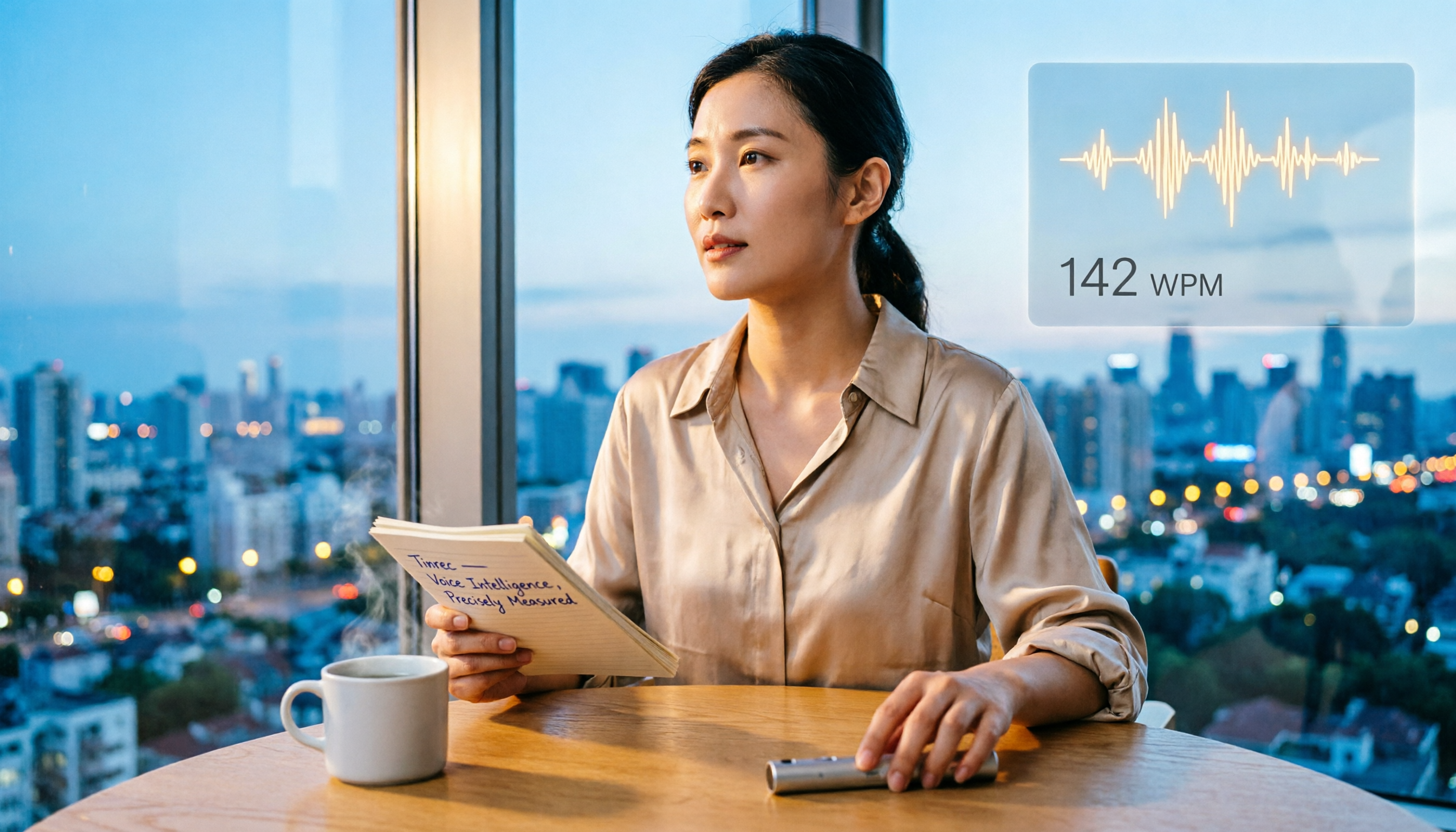
Turn recordings into transcripts and summaries in minutes
Upload audio or video for multilingual transcription, AI notes, and action items
What Can Speech Rate Measurement Do for You?
Speech rate directly affects communication quality. By measuring and adjusting it, you can:
- Speak more clearly in meetings: Ensure a moderate pace so colleagues clearly follow key points, without missing information due to speed or losing focus due to slowness.
- Deliver more compelling presentations: Measure your speech rate during practice and adjust to an optimal pace (160–240 words per minute) to improve persuasiveness and impact.
- Learn languages more efficiently: Monitor your speaking pace and mimic native speakers' fluency so your foreign language expression flows without hesitation.
- Produce more professional content: When recording podcasts or videos, control your pace so audiences absorb information easily and bounce rates drop.
With Tinrec, for example, just record your voice. AI automatically transcribes it, and you can instantly see the total word count, calculate your speaking rate per minute, and even turn the recording into notes or to-dos—killing two birds with one stone.
What Core Capabilities Should a Speech Rate Measurement Tool Have?
A good speech rate measurement tool should have the following capabilities—and Tinrec is a practical solution that brings them all together:
- Real-time audio transcription: Transcribes while you speak, not after the recording ends. Tinrec's real-time transcription has less than 1 second of delay, so text appears as you talk—no need to replay and organize afterward.
- Automatic total word count: After transcription, Tinrec shows the total word count in the transcript. Just divide by the recording length in minutes to get your speech rate instantly—no manual counting.
- Deep AI analysis: Tinrec doesn't just provide a transcript; it also auto-generates summaries, key points, and action items. When practicing a speech, you can cross-reference speech rate and content structure to identify sections that need adjustment.
- History tracking: Every measurement is saved in Tinrec. You can review speech rate changes over time, track your progress, or compare performance across different contexts.
Practical Use Cases
Practice Before Speaking in a Meeting
Before an important meeting, open Tinrec and rehearse the points you plan to raise for 1 minute. Afterward, check the transcript word count. If it's over 220 words, your pace may be too fast for the audience to follow; below 160 words, it may be slow enough to cause distraction. Adjust emphasis and pauses based on the data, and you'll be well prepared when the meeting starts.
Calibrate Speech Script Pace
When you have a speech script, first record a full practice run with Tinrec. If the total length is 10 minutes and the transcript contains 2,400 words, that's about 240 words per minute—an ideal pace for speeches. If the word count is too low, you can mark sections that need more explanation or slower delivery; if too high, consider condensing the content. Tinrec's automatic chapter segmentation also helps you check whether time allocation across sections is reasonable.
Monitor Language Learning Progress
When practicing English speaking, record your responses. The transcript generated by Tinrec not only calculates your speech rate but also helps you identify pronunciation weaknesses and hesitations. Measure once a week to track whether your speech rate approaches a native speaker's 2.5–3 syllables per second—visible progress.
Stop organizing recordings by hand
Upload audio or video and automatically get a transcript, summary, and action items
4 Things to Look for in a Speech Rate Measurement Tool
- Transcription accuracy: Accurate word count is the foundation of measurement. Ambient noise and accents can affect results. Tinrec delivers stable transcription quality with clear Chinese audio, but we won't overpromise—test it with your own voice to see if the total word count is reasonable.
- Intuitive operation: Tools that require recording, exporting, and counting every time are too cumbersome. With Tinrec, just press the record button and view the word count directly in the app when you're done—the learning curve is nearly zero.
- Additional value: A tool that only measures speech rate gets set aside after one use. Tinrec doesn't just measure speed—it also helps you organize meeting minutes, class notes, and interview highlights, turning every recording into reusable reference material.
- Cross-platform support: You might practice on your phone and join meetings on your computer. Tinrec is available on iOS, Android, and the web, with all recordings and measurement records synced to the cloud—so you can measure anywhere.
Hands-on Comparison of Three Speech Rate Measurement Methods
To show you the differences, we tested the same 1-minute audio clip (everyday Chinese conversation in a clear environment) with each method. Here are the results:
| Method | Time required | Word count accuracy | Convenience | Follow-up features | Best for |
|---|---|---|---|---|---|
| Manual timing + counting yourself | About 5 minutes | Error-prone | Low | None | One-time users |
| Generic recording app + manual calculation | About 3 minutes | High | Medium | None | People who already record but don't want another app |
| Tinrec audio transcription | About 10 seconds | High | High | AI summaries, note export, history tracking | People who want to improve communication long-term and organize recordings |
As the table shows, Tinrec comes out ahead in time efficiency and added value—especially if you need to measure repeatedly or want to organize recording content along the way.
Frequently Asked Questions
What is the average Chinese speech rate in words per minute?
According to research, everyday Chinese conversation is about 160–200 words per minute; formal speeches around 240; and news broadcasts can exceed 300. You can use these numbers as benchmarks to see whether your pace is fast, slow, or moderate.
How do I measure my speech rate accurately with Tinrec?
The steps are simple: open the Tinrec app or web version, tap record, and speak naturally for 1 minute. When you finish, the transcript will show the total word count, which is your words-per-minute rate. For greater accuracy, record 3 minutes and divide by 3 to reduce error from the beginning and end.
Does Tinrec's transcription accuracy affect the speech rate calculation?
Transcription errors can inflate or reduce the word count. In a quiet environment with clear articulation, Tinrec's transcription quality is sufficient for speech rate calculation. If the environment is noisy or the accent is strong, we recommend improving recording conditions or manually correcting some content before calculating.
Do speech rate measurement tools cost money?
Tinrec's free plan provides a monthly base transcription allowance—more than enough for measuring speech rate. If you also need to organize meetings or classes, you can choose a weekly card, Pro monthly card, or annual card based on your usage; the monthly cost is lower for long-term use.
Conclusion
Speech rate is the foundation of communication skills. Let data speak rather than relying on how you feel. Manual methods work, but they are time-consuming and prone to inaccuracy when repeated. Tinrec turns speech rate measurement into a 10-second task and can also turn all your recordings into a searchable, organizable, reusable knowledge base. If you want to understand your speaking rhythm more scientifically while saving time on transcription, start your first measurement with Tinrec now.
References
- How Many Words a Minute Is Best? Mastering the Art of Speaking Pace – JB Women's Style Accessories
- What Is the Normal Speech Rate in Words Per Minute? 2025 Audio Transcription Tool Hands-On Review and Buying Guide – 秒聽錄音Blog
- Normal Chinese Speech Rate Can Be Overwhelming for Foreign Students! – Tou Tou's Chinese Teaching Notes – Arts Info Sharing | PIXNET
- Speaking Slowly Is a Privilege! – Perfect Image Chen Li-Qing's Image Management Academy
- What Is the Ideal Speech Rate for Presentations? – Autoppt
Turn every recording into actionable outcomes
Get 60 free transcription minutes when you sign in. No credit card required.
Related Reading
You might also like
Tinrec vs ChatGPT Speech-to-Text in 2026: A 5-Dimension Showdown – Which Should Students Choose?
As a senior, I tested ChatGPT's speech-to-text feature and found it required too many steps and weak organization, so I tried Tinrec. This article compares five dimensions—convenience, organization, price, use cases, and file support—to tell you which one suits lecture notes and meeting records.

Tinrec 2026 Tutorial: Instant Recording, Multi-Language Transcription & AI Chat Query
Struggling with meeting minutes or course transcripts? This comprehensive comparison shows you how to choose a recording-to-text tool. From Tinrec's AI chat query and multi-source transcription, to the development team behind Yating Transcript and Otter.ai's strengths in English meetings, this complete hands-on review and scenario guide helps you find the best solution for your needs.
2026 Recording-to-Text Tools Buyer’s Guide: 5 Tools Tested and How to Choose
Spending hours organizing meeting recordings only to get transcripts full of filler words? Based on hands-on experience as a productivity consultant, this article reviews whether 'Vocal AI' tools are actually useful, and tests five options—Tinrec, Notta, Otter, Whisper, and Vocol.ai—to help you find a recording workflow that truly boosts efficiency for real-world scenarios like meetings, studying, and content creation.

2026 Speech-to-Text Tool Buying Guide: 4 Products Tested and Recommendations
Struggling to export audio files from Yating Transcriber? The truth is Yating only exports text—it won't let you download the original audio. This article digs straight into that pain point, testing four tools—Tinrec, Otter, Notta, and Fireflies—and comparing audio export, transcription accuracy, and AI post-processing, so you can pick the best speech-to-text solution for Hong Kong office workers.

2026 Hands-On Comparison: Free Gemini vs. Professional Tinrec for Audio-to-Text Transcription – Which One Saves You More Time?
Google Gemini can transcribe recordings for free, but is it really enough? This article puts Gemini and Tinrec to the test across transcription accuracy, Chinese language support, post-processing features, and pricing, helping you find a truly time-saving audio-to-text solution.

2026 Comparison of 5 Audio-to-Text Tools: From Transcripts to AI Summaries, Which Is Most Complete?
A transcript is just the starting point; AI summaries, chapters, Q&A, and follow-up organization are what truly matter. This article compares Tinrec, Otter.ai, Notta, TurboScribe, and PLAUD, from free to paid, from meetings to creation, to help you choose the best speech-to-text solution for your needs.

2026 Gemini Free vs Paid Plans Compared: From $0 to Ultra, Which Is Right for You?
Is Gemini free? This article takes a practical manager's view, comparing 5 plans for 2026: Gemini Free, Google AI Plus (NT$260/month), Pro, Ultra 5x, and Ultra 20x. Across usage limits, features, and work integration, we'll help you decide whether the free tier is enough, when to upgrade, and how to get a 30-day free enterprise trial.

Free Laptop Recording Solutions in 2026: 5 Tools Compared at a Glance
Still recording with the built-in voice recorder and listening back slowly? This article tests 5 laptop recording solutions, from free tools to AI transcription platforms, showing you how to turn recordings into searchable, organized knowledge.

2026 Real-Time Translation App Buying Guide: 5 Tested Tools and Pairing Recommendations
Looking for the best real-time translation app? This article tests 5 popular tools, from recording transcription to voice translation, to help you choose the right solution—whether you're traveling abroad or in a work meeting, you won't have to worry about language barriers.