

Turn recordings into transcripts and summaries in minutes
Upload audio or video for multilingual transcription, AI notes, and action items
How to Convert MP4 to Text with TinRec in 4 Quick Steps
TinRec supports Pro, Business, and Enterprise plan users in importing MP4 files and automatically converting them to text. After transcription, you can download the text file in multiple formats.
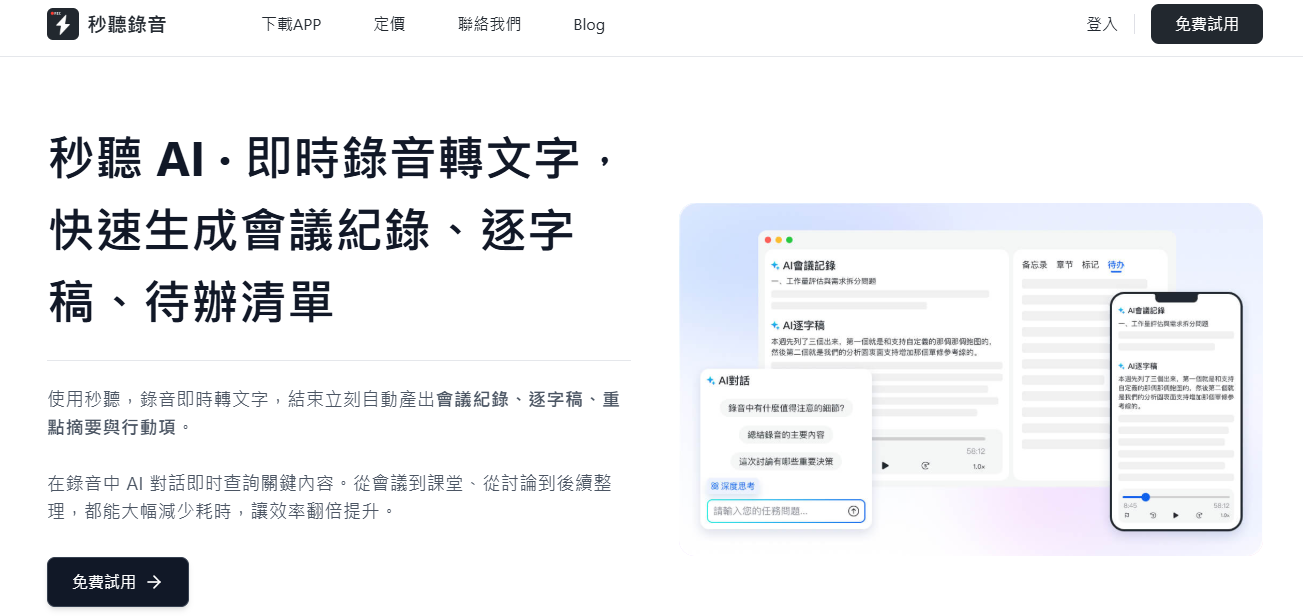
Step 1: Click the "Import" Button
On the TinRec homepage, click the "Import" button in the upper right corner and select the MP4 file you want to convert.
Step 2: Wait for MP4 to Text Conversion
The system will take a few minutes to transcribe based on the file length. You can check the progress on the screen. Once done, click "Go to Transcript" to view the content.
If you use the TinRec mobile app, you will receive a notification when transcription is complete. Generally, every 4 minutes of video takes about 1 minute to transcribe.
Step 3: Edit the Transcript and Collaborate with Your Team
Editing: TinRec provides an "Edit" button that lets you easily modify the content and supports shortcuts to boost efficiency. Click "Done" in the upper right corner to save after editing.
Keyword Search: Use the search bar in the upper right corner to quickly find specific terms.
Team Collaboration: Click the "+" button in the upper right corner, enter a member's name, email, or group, or share the transcript via a link.
To enhance the collaboration experience, TinRec also provides the following information:
- Transcription date and time
- Total video length
- Keyword summary
- Number of speakers and their speaking ratio
Stop organizing recordings by hand
Upload audio or video and automatically get a transcript, summary, and action items
Step 4: Export Your Transcript
Click the "three dots" menu in the upper right corner and select "Export".
TinRec supports multiple text formats and lets you customize whether to include speaker names, timestamps, and other information when exporting.
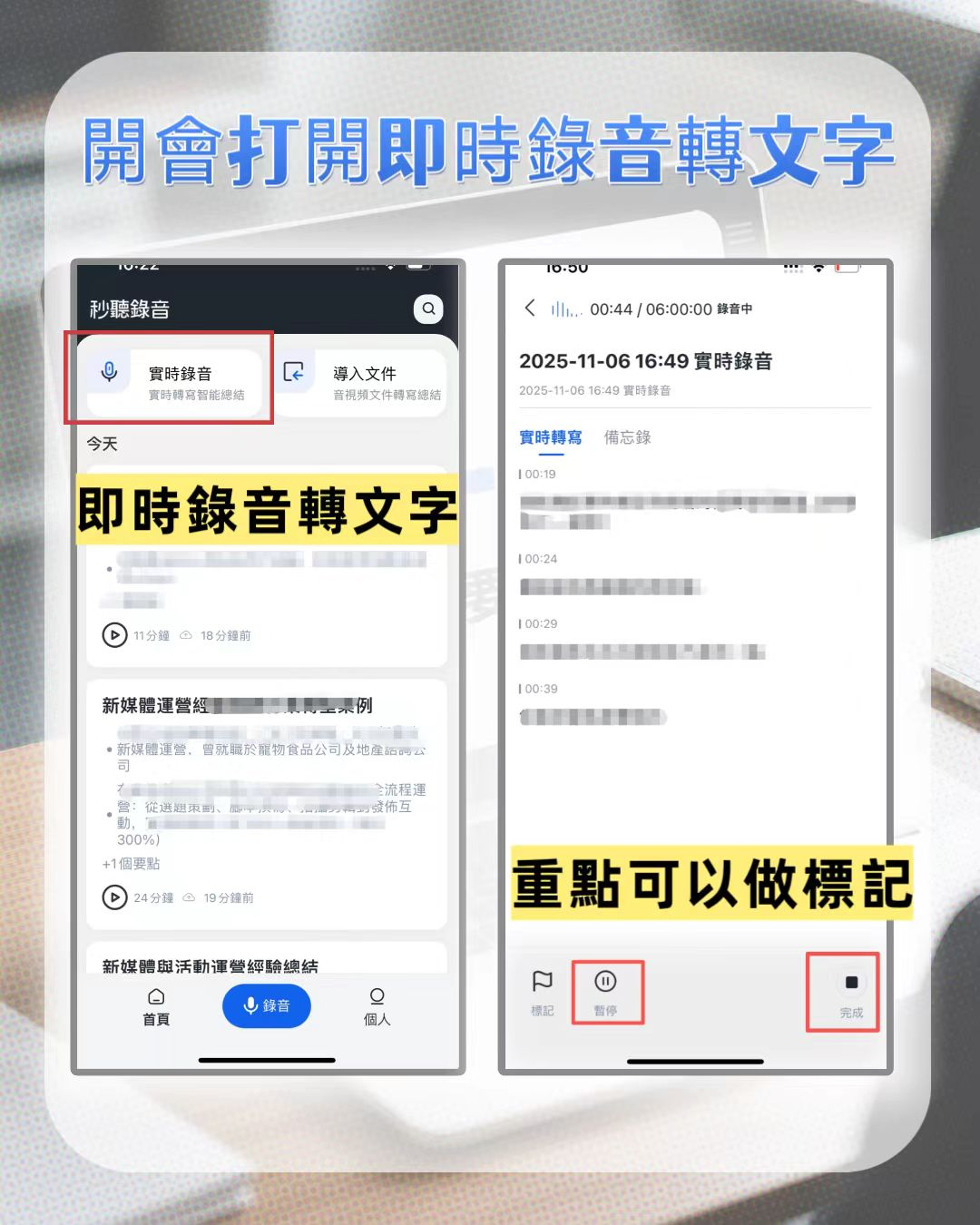
Why Convert MP4 Videos to Text?
Video is one of the best mediums to reach a wide audience, but the importance of text is still undeniable. According to Facebook research, 41% of videos are meaningless without sound. (1) Even with captions, logos, or product displays, muted videos may not convey the full message.
Converting MP4 to text has three major advantages:
- Paired with text content, it can improve search engine rankings
- Having both video and text content strengthens your online presence
- Text helps reach a broader audience
According to the World Health Organization (WHO), it is estimated that by 2050, 1 in 4 people globally will have hearing problems. (2) Providing text content not only aligns with trends but also expands your business market and audience reach, especially for those with hearing impairments.
You can use the MP4-to-text results in the following ways:
- Export the text file as SRT format to use as video subtitles
- Attach the transcript as text descriptions below the video
- Repurpose the content into articles to extend the value of your video
You may also be interested in reading:
Frequently Asked Questions About MP4 to Text
Can I convert MP4 files to text?
Of course! With AI tools like TinRec, you can complete transcription in minutes. You can further edit the content and export it as TXT or SRT format.
How to convert MP4 to text for free?
TinRec offers a free trial that lets you transcribe MP4 files for a limited time. Additionally, the basic plan supports recording and transcribing your own audio, but file import is currently only available with paid plans.
How to transcribe video conference content?
Simply record the meeting and import the audio or video file into TinRec, and the system will automatically transcribe it. Processing time depends on the length. It supports multilingual recognition including Chinese, English, Japanese, Cantonese, and Taiwanese Hokkien, ensuring seamless cross-language communication.
Turn every recording into actionable outcomes
Get 60 free transcription minutes when you sign in. No credit card required.
Related Reading
You might also like

2026 Audio Summarizer Guide: Auto Summaries + AI Q&A to Find Key Points
How do you choose an audio summarizer? This guide covers common pitfalls and key factors like summary quality, AI Q&A, and cross-platform export. We recommend Tinrec, which supports bot-free online meeting recording, automatic summaries, action item extraction, and team spaces. Also includes alternatives like Granola and PLAUD, plus tips to avoid mistakes.

5 Best AI Transcription Tools in 2026: Which One Saves the Most Time?
We tested 5 recording-to-transcript tools, comparing Chinese recognition, post-meeting organization, AI Q&A, and team collaboration. See how Tinrec stacks up against Otter.ai, Notta, and TurboScribe, plus key buying tips and pitfalls to avoid.

Tinrec vs Otter.ai: Which AI Meeting Summary Tool Is Better for Chinese-Speaking Teams in 2026?
Many people think a transcript means the meeting notes are done, but the real time sink is post-meeting organization. This hands-on comparison of Tinrec and Otter.ai—two tools that automatically generate meeting summaries from recordings—evaluates them across six dimensions: Chinese-language meeting experience, recording method, post-meeting outputs, audio retention, team governance, and pricing/quotas, helping Chinese-speaking teams decide which tool better fits their workflow.

4 Best Meeting Transcription Tools in 2026: Free Tiers, Chinese Accuracy, and Post-Meeting Efficiency Compared
Tired of spending hours writing meeting minutes? This article compares Tinrec, Notta, Granola, and PLAUD Note across four key areas: how they record online meetings, Chinese and mixed-language transcription accuracy, post-transcription summarization and AI Q&A, and team data ownership. It also includes a pitfalls guide and selection advice.

How to Auto-Generate Transcripts in 2026: Tinrec vs Yating + Bot-Free Meeting Recording
Auto-generating transcripts isn't a one-click job. This article breaks down the three most common pitfalls, then compares Tinrec and Yating Transcript across five dimensions to clarify how to choose for Hong Kong office scenarios.

2026 AI Meeting Notes Tools Compared: 5 Top Picks for Transcription & Team Collaboration
Tired of spending hours after meetings organizing transcripts? This article reviews 5 AI meeting notes tools based on real testing, breaking down 5 key dimensions: audio capture methods, post-meeting outputs, audio retention, and team governance. It focuses on Tinrec as the primary example, comparing its use cases with Notta, Otter.ai, Granola, and TurboScribe, and includes a pitfalls guide and selection advice.

2026 AI Meeting Summary Comparison: 5 Common Misconceptions and Tinrec in Practice
Many people think having a transcript means having a meeting summary, but after the meeting they still have to read through it themselves. This article examines 5 common misconceptions to explain where AI meeting summaries truly help, their core capabilities, practical use cases, and key purchasing considerations, using Tinrec as a concrete example.

How to Summarize Meeting Highlights in 2026: 5 Steps from Recording to AI Summary
The problem with meeting notes usually isn't slow typing—it's trying to capture and organize at the same time. This article breaks down a 5-step workflow from recording, transcription, AI summarization, to action item tracking, and explains how Tinrec (秒听录音) uses desktop bot-free recording, AI Q&A, and multi-format export to turn meetings into searchable, collaborative team data.

Tinrec Audio to Text Tutorial 2026: Chinese Transcripts + AI Meeting Notes in One Go
How to choose an audio-to-text tool? This article compares Tinrec and Yating Transcript across five dimensions: Chinese and multilingual transcription, bot-free online meeting recording, post-transcription summaries and action items, cross-platform export, and team seats and usage management. It then tells you directly which one to choose for which situation.