

Turn recordings into transcripts and summaries in minutes
Upload audio or video for multilingual transcription, AI notes, and action items
2026 AI Meeting Notes Tool Recommendation: Why Tinrec Is Worth Trying Over Meeting Ink
Why Are People Looking for Meeting Ink Alternatives?
I initially used Meeting Ink for online meetings. Its Google Calendar integration and AI speaker diarization were solid, and transcripts were ready as soon as the meeting ended. But my work isn't just about Zoom or Google Meet calls—I also need to process client interview recordings, industry analysis videos from YouTube, and even mobile recordings of team brainstorming sessions. Meeting Ink struggled with these external files, and sometimes I wanted to ask the AI directly, "What was the budget conclusion for this meeting?" Meeting Ink only gave me a summary, without the ability to dig deeper through chat. If you've faced similar issues, Tinrec might be the tool you've been looking for.
Tinrec vs Meeting Ink: What's Different in Core Experience?
Input Source Flexibility
Online meeting notes are just a small part of my work. Tinrec can record in real time, upload local audio/video files, or even paste a YouTube or Bilibili link to start processing. This flexibility means I don't need to switch between different tools for different scenarios—all audio/video data can be turned into usable text and summaries in one place.
AI Q&A and Deep Understanding
My personal favorite is Tinrec's AI chat query. After recording a one-hour meeting, I can ask, "What were the three most important decisions?" or "Who is responsible for what?" It gives direct answers based on semantics, without manually flipping through 30 pages of transcript. Meeting Ink has clear summaries, but this interactive exploration is what makes Tinrec the tool I'm most attached to.
Detail in Chinese Meeting Minutes
My team includes colleagues from Hong Kong and Taiwan, and our Chinese meetings often mix in English jargon. Tinrec's recognition and summarization of Traditional Chinese mixed with English is closer to our actual meeting context than Meeting Ink, and the generated action items are more aligned with Chinese workplace conventions.
Tinrec's Core Features at a Glance
- Real-time voice-to-text: During meetings or classes, text appears simultaneously with less than a second delay, and the transcript is complete by the end.
- AI auto-summary and action item extraction: No need to listen to the entire recording; Tinrec tells you the key points and automatically pulls out a to-do list from the discussion. Copy it to Slack or Notion to assign tasks.
- Web video to text: Paste a YouTube link to get the transcript, key points, and chapters—super useful for managers who need to quickly digest industry content.
- Agent post-processing: After transcription, you can have AI generate formal meeting minutes, Excel reports, or mind maps, ready to deliver to your boss.
Stop organizing recordings by hand
Upload audio or video and automatically get a transcript, summary, and action items
Real-World Use Cases
- Cross-department meetings: I watch Tinrec's real-time transcription during the meeting, mark important conclusions, and use AI Q&A afterward to confirm action items. I can send out meeting minutes in five minutes.
- Client interview processing: Previously, I had to transcribe interviews manually. Now I upload the audio file, and Tinrec automatically segments, summarizes, and extracts client pain points, cutting proposal prep time in half.
- Personal learning and research: I drop online course or podcast links into Tinrec, which generates chapters and notes. I can review them during my commute, which is more efficient than listening and taking notes simultaneously.
What to Look for When Choosing a Voice-to-Text Tool
- Multi-source input support: If a tool only offers real-time recording, you'll need another tool for old files or web videos. Tinrec covers real-time recording, file upload, and link transcription all in one.
- Post-transcription organization: Transcripts are just the first step; summaries, action items, and Q&A are where the time savings really happen. Tinrec's AI organization package means I'm no longer a "text mover."
- Optimization for Chinese scenarios: Many tools have high English accuracy but struggle with Chinese meetings. Tinrec is tuned for Traditional Chinese users, from the interface to summary templates.
- Export and workflow integration: Can you easily save results to Notion, Google Docs, or share a link? Tinrec's multi-format export makes collaboration with my team smoother.
Summary: Is Tinrec Worth Trying?
If you need more than just meeting transcription—a toolbox that can handle various audio/video sources and deeply understand and apply the content after transcription—Tinrec is one of the few options that meets these needs. Especially for Chinese-speaking professionals, its summaries, action items, and AI Q&A will make you feel like a tool finally understands "human language." I recommend downloading the free version with 100 minutes of transcription per month and trying it with your own meetings or recordings. That's more direct than any review.
References
- Meeting Ink - 2026 AI Meeting Notes Tool Test: 8 Voice-to-Text and Summary Speed Comparison | Meeting Ink - AI Meeting Notes Assistant, Auto-Transcribe and Summarize
- AI Meeting Notes - Google Play App
- Meeting Ink - AI Meeting Notes Assistant, Auto-Transcribe and Summarize
- Recently, many people have asked me if there's an AI tool for meeting notes. They still type manually, often can't multitask, and it's time-consuming. My answer is always SeaMeet. Why recommend it? Here are the key points: - Integrates with Google Meet, syncs transcripts in real time, and has instant summaries, super convenient. - No need to reorganize; after the meeting, it emails all participants directly. - So easy to use that I taught middle-aged and older people with no AI experience in 10 minutes. - For in-person meetings...
- Unlimited Time! 3 Free AI Transcription Tools, Great Recommendations! AI Voice Notes for Meeting Minutes, Slides, Mind Maps | 104 Career
Turn every recording into actionable outcomes
Get 60 free transcription minutes when you sign in. No credit card required.
Related Reading
You might also like

2 One-Click Meeting Minutes Tools Compared in 2026: Which One Should Students Choose?
A junior information management student tests Tinrec and Notta, from lecture recording and group discussions to final exam review, comparing one-click export, AI summaries, free quotas, and Chinese language support to help you save time on note-taking.

2026 Comparison of 4 AI Speech-to-Text Tools: Which One Best Understands the Needs of Office Workers?
We tested four AI speech-to-text tools—Tinrec, Otter.ai, Notta, and PLAUD NotePin—comparing accuracy, AI summarization, Chinese language support, and pricing to help you find the best option for meetings, lectures, and interviews.

2026 Notta Alternatives: Why More Users Are Switching to Tinrec?
A mid-level manager with 15 meetings per week tests Notta vs Tinrec: beyond transcription, Tinrec offers AI summaries, action item extraction, and multi-format export. This comparison helps you choose the right AI meeting assistant for productivity.

2026 Comparison of 4 Meeting Transcription Tools: From Plaud NotePin to Tinrec, Which One Really Reduces Your Meeting Burden?
A mid-level manager tests Plaud NotePin, Feishu Minutes, Meeting Ink, and Tinrec, comparing transcription accuracy, AI summaries, cross-platform convenience, and real-world workplace applications to help you choose the best automatic meeting transcription tool.

2026 Hands-On Comparison of 3 AI Voice Recognition Assistants: Why Tinrec Is Better for Multi-Scenario Audio/Video Organization
Looking for an EVOX EVAA alternative? This hands-on comparison of 3 AI voice recognition assistants explains why Tinrec is better suited for organizing meetings, courses, interviews, and other multi-scenario audio/video content, and offers a free plan for evaluation.
Best Recording-to-Text Apps in 2026: 3 Tested, Top Pick for Students
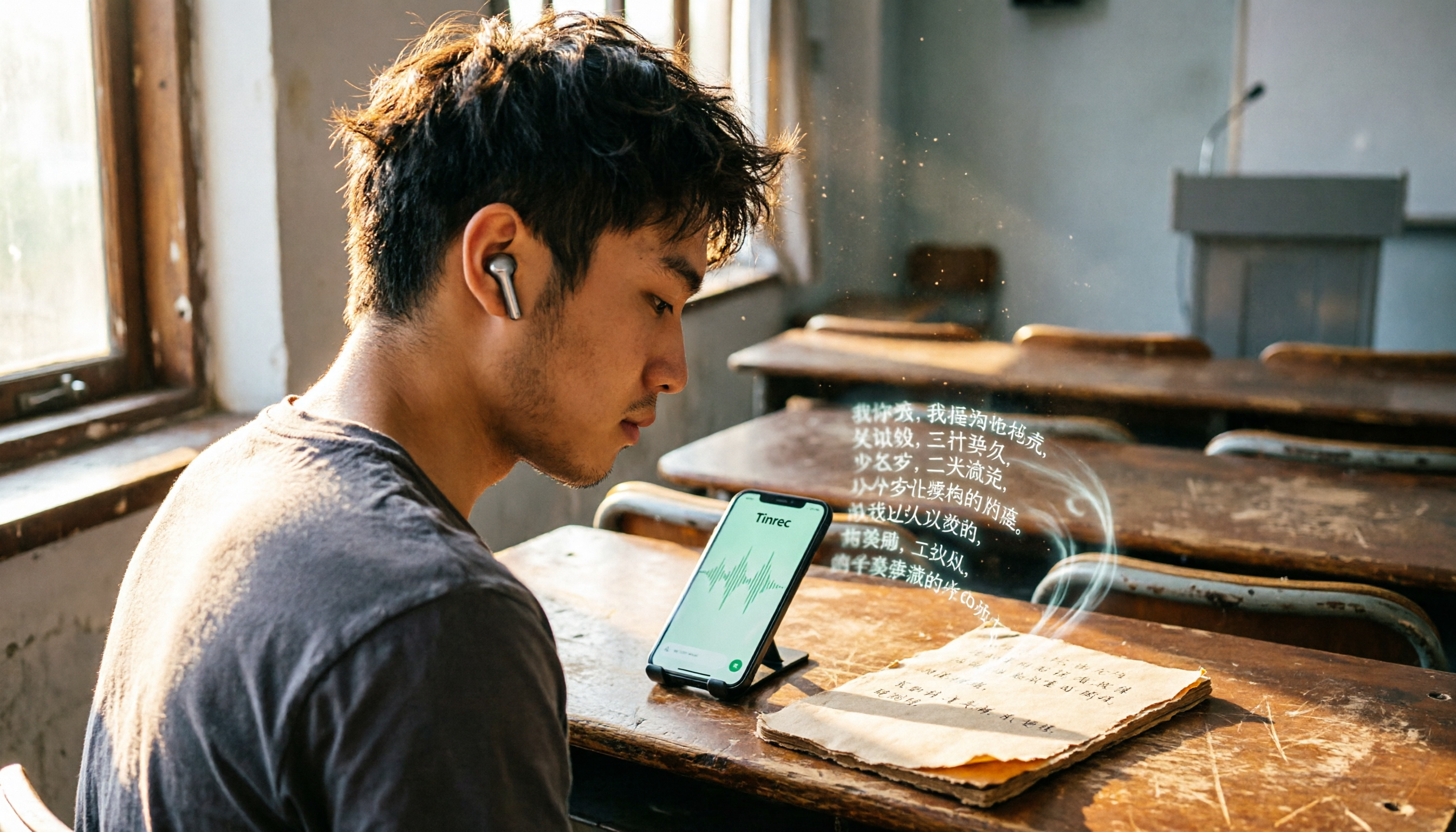
A student's hands-on review of 3 recording-to-text apps, comparing free allowances, classroom accuracy, and AI summarization features. Recommends Tinrec (Miao Ting Lu Yin) as the best value, with a generous free tier and affordable paid plans.

How to Choose an AI Meeting Assistant in 2026: A 5-Step Guide from Recording to Meeting Summaries
Tired of scrambling during meetings? This guide walks you through your needs and hands-on tests of Tinrec, Otter.ai, and Notta, showing you step by step how to pick the best AI meeting assistant for automatic transcription, summaries, and to-dos.

2026 Hands-On Comparison of 3 AI Recording and Transcription Tools: Beyond ChatGPT, This One Understands Chinese Workplaces Better
After testing ChatGPT's recording feature, Tinrec, and Otter.ai, we found that if you need more than just transcription—a workspace that truly lightens the load for Chinese meetings—Tinrec is currently the most practical choice.

4 Automated Meeting Minutes Tools Tested in 2026: Which One Handles Chinese Best?
We tested 4 automated meeting minutes tools in 2026, comparing Chinese transcription accuracy, AI summarization, and pricing to help you find the best fit.