

Turn recordings into transcripts and summaries in minutes
Upload audio or video for multilingual transcription, AI notes, and action items
2026 Meeting Tools Comparison: Google Meet vs Teams vs Tinrec — Which Saves the Most Time?
"Google Meet or Microsoft Teams?" This question shows up in search boxes every day, but most people are actually asking the wrong question. Nine out of ten comparison articles out there compare video quality, noise suppression, and how natural the virtual background looks. Those things matter, of course — but what really makes you work overtime usually isn't a blurry picture. It's that after the meeting ends, nobody remembers what the conclusion was.
Another, even more common source of inefficiency: clients use Meet, your company uses Teams internally, and old clients are back on Meet. Meeting notes are typed by hand, and afterward you go back through recordings to fill in the gaps. Platforms keep changing, data ends up scattered across three or four places, and when it's time to submit the weekly report, you have to listen to everything again. This article looks at three tools you'll actually use: Google Meet, Microsoft Teams, and Tinrec, which is built specifically for the "after the meeting" part.
The Pain Point: You Don't Need Better Video Software — You Need a Way to Keep What Was Said
Three meetings a day, and the break between them is barely enough for a bathroom trip. The meeting itself is 50 minutes, and organizing the notes afterward takes another 40 — and those 40 minutes usually land right around quitting time, which means guaranteed daily overtime.
What's worse is how scattered the content gets. The same topic comes up once in Meet and again in Teams. Both have recordings, but nobody can say "who mentioned last month that the budget was getting cut by 30%?" When it's time to reply to a client or write a retrospective, you're piecing things together from memory.
If any of this sounds familiar, the problem isn't which video software you chose. What you need is to turn "meetings" into data that can be searched, queried, and delivered — and whether the platform is Meet or Teams matters far less than you think.
Before Choosing Google Meet or Microsoft Teams, Understand These 4 Key Points
1. Which one your company is already paying for. The decision usually isn't feature versus feature — it's whether you've already bought Google Workspace or Microsoft 365. Both can host meetings, and the cost of forcing a switch between ecosystems far outweighs the feature differences.
2. Is it a "video tool" or a "collaboration suite"? Google Meet is essentially a browser-first video conferencing tool — quick to start, lightweight interface. Microsoft Teams is a full collaboration platform built around persistent chat, co-editing files, and deep Microsoft 365 integration. Do you want "a quick call" or "a work headquarters"? The answer changes everything.
3. Can your colleagues' computers handle it? The Teams desktop app has a heavier architecture and uses relatively more memory when running in the background. Meet runs on browser WebRTC, which is friendlier to older laptops. If your company has a lot of three-year-old machines, you will hear complaints about this.
4. Where does the post-meeting content go? Both have built-in captions or transcription, but transcription is only the starting point. Summaries, action items, follow-up questions, exports, and cross-meeting accumulation are what really determine whether you'll actually use it.
One more thing: Microsoft adjusted its Teams plan offerings in July 2026, and Google's plans change often too. Before you commit, check the official pricing pages directly — don't rely on a comparison article from three months ago.
Tinrec — Whether You Use Meet or Teams, Hand Off the Post-Meeting Work to It
Tinrec is an AI meeting notes and collaboration tool for individuals and teams, available on iOS, Android, and the web, with a desktop version that can record meetings directly on your computer. Its positioning isn't "another video software" — it's about turning meeting content into data you can keep working with.
Here's how it works in practice: before the meeting, open the Tinrec desktop app and start recording. It captures your computer's system audio, so you don't need to drop a meeting bot into the room. This matters especially for client meetings — no client wants to see a strange account suddenly appear on the attendee list. It can handle meeting audio played on your computer from Zoom, Google Meet, Microsoft Teams, and Webex, and a transcript is generated automatically once recording ends.
It's after the meeting ends that it really pulls ahead. AI automatically generates summaries and chapters, so you can quickly jump through sections of a long meeting. Action items that come up in discussion are pulled out into a list — who's responsible, for what — so you don't have to scroll through the transcript line by line. The most useful part is AI Q&A: you can ask the meeting directly, "What were the client's concerns about the quote?" and it answers based on meaning rather than dumping a list of keyword search results on you. For multilingual meetings that need side-by-side reference, you can turn on real-time translation and view in original, translated, or bilingual mode.
Stop organizing recordings by hand
Upload audio or video and automatically get a transcript, summary, and action items
Organized content can be exported to Notion, Google Docs, OneNote, Dropbox, and other tools for further work, and can also generate reports, tables, and meeting minutes directly. The team version centralizes this data in a separate team space: members join via invite link, admins assign roles and seats, and you can view usage trends and operation audits. When a member leaves or loses their seat, the data belongs to the team and can be handed over to someone else — it doesn't disappear with the individual account. The team trial is 7 days, 1 free seat, and 300 shared onboarding minutes; paid seats are USD 29.80/month, or USD 199/year (about USD 16.58/month), with each paid seat including 2,000 minutes of team shared onboarding per month. Live recording under an active seat is currently not deducted by the minute.
Limitations should be stated clearly too: Tinrec does not automatically join your calendar meetings — you need to actively start recording on the desktop app. The team version currently shares at the team level, meaning all active members can read team data; it does not offer file-level granular permissions. Deleted audio files can be restored from the recycle bin, which currently keeps them for 30 days. Also, transcription accuracy is affected by recording quality, accents, people talking over each other, and technical terminology — for important content, it's best to cross-check against transcript timestamps and the recording.
Who it's for: People who have a lot of online meetings every day, whose meetings span both Meet and Teams, who need Chinese transcripts and post-meeting AI follow-up questions, and who want meeting data to stay with the team rather than on someone's personal hard drive.
Besides Tinrec, Are Google Meet and Microsoft Teams Themselves Enough?
Google Meet: Open it in a browser and you're ready to go — clean interface, quick to learn, and nearly zero cost for teams that only use Google Workspace. The limitation is that its focus is still on video itself, meeting content stays within the Google ecosystem, and cross-platform meetings get scattered. What Tinrec can do is bring Meet, Teams, and Zoom meetings into a single database, and support uploading existing audio files for re-processing. If your meetings are simple and you only need to review captions afterward, Meet's built-in features are enough. But the moment you want to ask across meetings, "How many times did this client bring up this issue last quarter?" you need another tool.
Microsoft Teams: This is a full collaboration suite — persistent chat, co-editing files, deep Microsoft 365 integration, all-in-one internal communication. It suits large organizations with heavy processes. But the external meeting experience is often complained about; many people on Reddit report that Teams feels more cumbersome when meeting with clients and prefer the intuitiveness of the Google ecosystem. What Tinrec fills in: no bot needs to join, no need to pull clients into your organization — the desktop app records directly and produces Chinese meeting minutes. If your company uses Microsoft 365 across the board and meetings are mostly internal, Teams itself is a reasonable choice.
Notta: Good multilingual transcription and translation, suited for pure file transcription and caption processing. The free version offers 120 minutes per month with a 3-minute limit per session; Pro annual billing works out to about USD 8.17/month. It overlaps significantly with Tinrec — the difference is that Tinrec puts more emphasis on bot-free online meeting recording, post-meeting AI follow-up questions, and team data governance. If your main need is "turn audio files into text," Notta is worth considering.
Pitfall Guide: The 4 Most Common Mistakes When Choosing a Meeting Notes Tool
Pitfall 1: Assuming built-in transcription means you "have records." Built-in transcription gives you a stream of text, not usable data. No summary, no action items, no follow-up questions — you've just saved a transcript that someone still has to read through again later.
Pitfall 2: Only looking at transcription minutes, not post-meeting output. Many people compare prices by "how many minutes per month," but what really eats time is organizing and delivering. Whether it can directly generate minutes, tables, and reports matters far more than an extra 500 minutes of quota.
Pitfall 3: Ignoring the social cost of "a bot joining the meeting." When a recording bot suddenly appears in an external meeting, clients ask "What is that?" — and some industries don't even allow it. Using system audio capture avoids that awkwardness entirely.
Pitfall 4: Never thinking about data ownership. Record a year of meetings on a personal account, and when the person leaves, the data is gone. If meeting content is valuable to the team, it belongs in a team space with roles, seats, and handover mechanisms.
Conclusion: Which One Should You Actually Choose?
In one sentence: Keep your platform as your company already has it, and handle meeting notes with a separate tool.
- Company uses Microsoft 365 across the board, mostly internal collaboration → Use Microsoft Teams — chat, files, and meetings in one place.
- Team is all on Google Workspace, only needs quick video → Use Google Meet — open a browser and start meeting.
- Meetings span Meet, Teams, and Zoom, need unified retention → Use Tinrec — bot-free desktop recording, everything into one database.
- Need Chinese transcripts and want to ask AI "What was the conclusion?" right after the meeting → Use Tinrec — AI Q&A, summaries, and action items are its biggest difference from pure transcription tools.
- Multiple team members share meeting data, need to manage seats and usage → Use Tinrec's team version — roles, seats, usage, and audits are all there.
In practice, most people go with a combination: keep using Meet or Teams for video, and let Tinrec handle the wrap-up afterward. To see if it fits, record one or two of your own meetings with the free version's basic quota — that's more accurate than reading ten comparison articles.
Final reminder: before recording and transcribing, obtain attendees' consent in accordance with local regulations, and keep meeting data secure.
Sources
- Google Meet vs MS Teams (2026): Which One is Better?
- r/smallbusiness on Reddit: Microsoft Teams vs Google Meet (purely for external meetings)?
- Microsoft Teams vs Google Meet, Which One to Choose
- Microsoft Teams vs. Google Meet: Which Is Right for Your ... - Siit
- Google Meet vs. Microsoft Teams: A Comprehensive Comparison for Business
Turn every recording into actionable outcomes
Get 60 free transcription minutes when you sign in. No credit card required.
Related Reading
You might also like

How to Join Google Meet Without Gmail in 2026: 4 Free Methods Explained
You can join Google Meet without Gmail, but you need the meeting link or code and the host must admit you. This guide, based on real testing by a mid-level manager, covers 4 ways to join without an account in 2026, their limitations, common pitfalls, a host-side checklist, and how to keep a record after the meeting.

Google Meet vs FaceTime in 2026: 5-Dimension Showdown, Tinrec Does Meeting Notes Better
How to choose between Google Meet and FaceTime? This article compares the two across 5 dimensions: cross-platform capability, audio/video quality, group size, workflow integration, and cost. It then addresses a commonly overlooked post-meeting need: transcripts, summaries, and action items. It explains how Tinrec uses bot-free recording, AI Q&A, and team spaces to handle the meeting documentation that neither Google Meet nor FaceTime can manage.

Google Meet vs Zoom 2026: Which to Choose? Free Limits & Meeting Notes Integration
What's the real difference between Google Meet and Zoom? This guide compares setup, Google ecosystem integration, host controls, and free tiers, plus the key most people miss: how to capture transcripts, summaries, and action items after the meeting—and where Tinrec fits in alongside Meet and Zoom.

Google Meet vs Teams in 2026: How Tinrec Fills the Meeting Notes Gap
Starting from the real pain points of student group projects, this article compares the positioning and plan limitations of Google Meet and Microsoft Teams, then explains how Tinrec uses desktop bot-free recording, real-time transcription, AI summaries, and Q&A to turn online meetings into searchable, queryable data. It also covers common campus use cases, purchasing considerations, and free plan recommendations.

Google Meet on iPhone: 3 Free Meeting Notes Tools Compared (2026)
Using Google Meet on iPhone is easy; organizing meeting notes afterward is the hard part. Based on real pain points from student group discussions, this article reviews free plans of 3 meeting notes tools and tests Tinrec's workflow after Google Meet calls, helping you decide if a free version is enough and which use cases it suits.

Google Meet vs Zoom Free (2026): Time Limits, Recording, and Which to Choose
How do Google Meet and Zoom free versions differ? This comparison covers meeting time limits, participant caps, recording, and in-meeting collaboration tools, and explains the post-meeting transcript and summary gaps that free plans can't fill—helping you decide whether to use Meet, Zoom, or add a separate meeting notes tool.
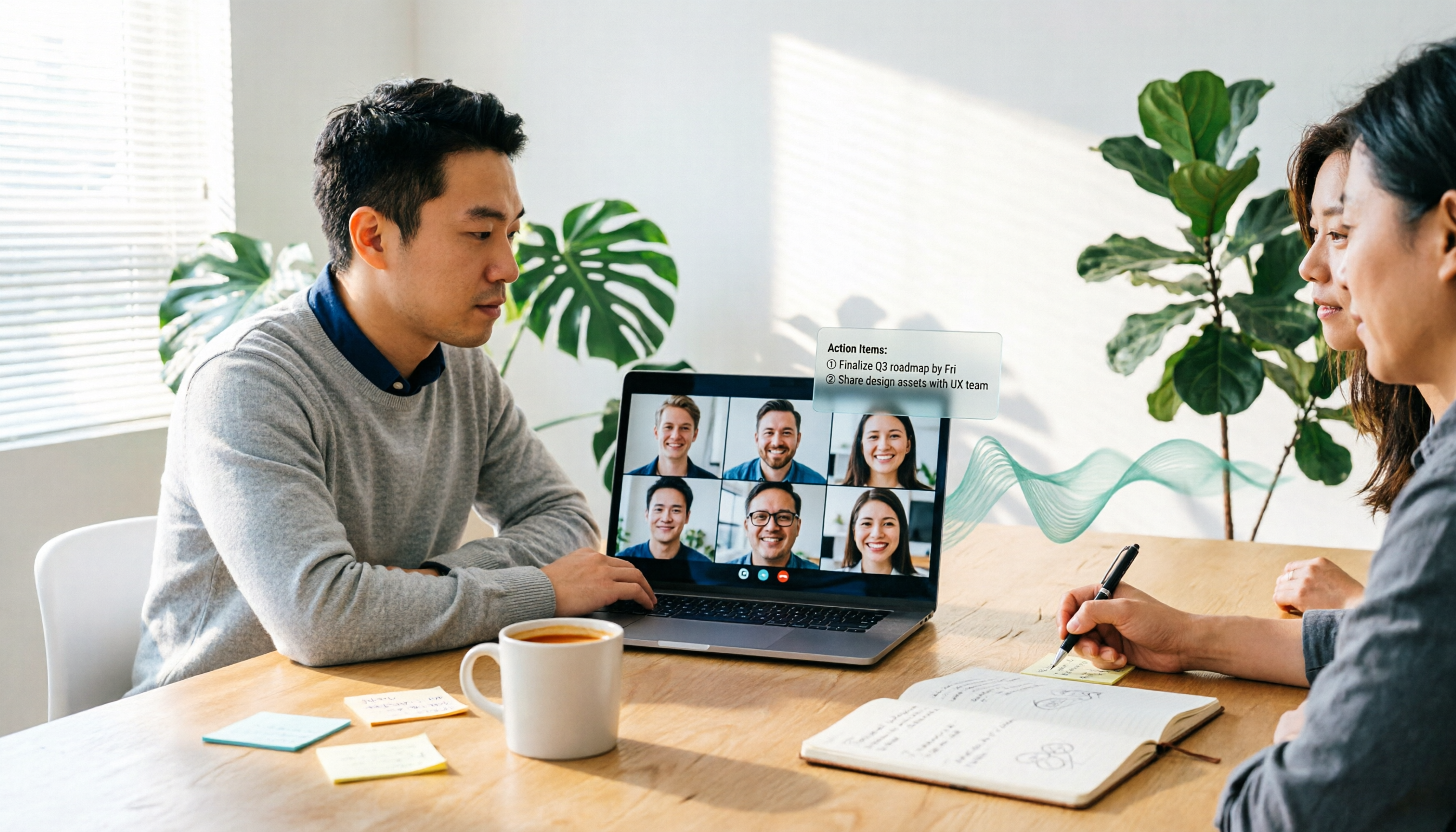
2026 Google Meet Updates + 3 Meeting Note Tools Tested: No Bot Recording, Which Is Easiest for Chinese Meeting Minutes?
A roundup of recent Google Meet updates: meeting cards on the homepage now show meeting rooms and physical locations, post-quantum encryption, AI meeting notes, and hardware adjustments. It also compares Tinrec, Otter.ai, Granola, and Notta in Google Meet scenarios, with 4 key buying factors and 3 common mistakes.

Google Meet Free Plan in 2026: A Comparison of 3 Video Conferencing Tools
A comparison of the free plans of Google Meet, Zoom, and Microsoft Teams across five practical dimensions: free limits, user experience, interaction and collaboration, host controls, and post-meeting records. Helps you decide which tool suits you best and how to fill the gap in meeting notes.
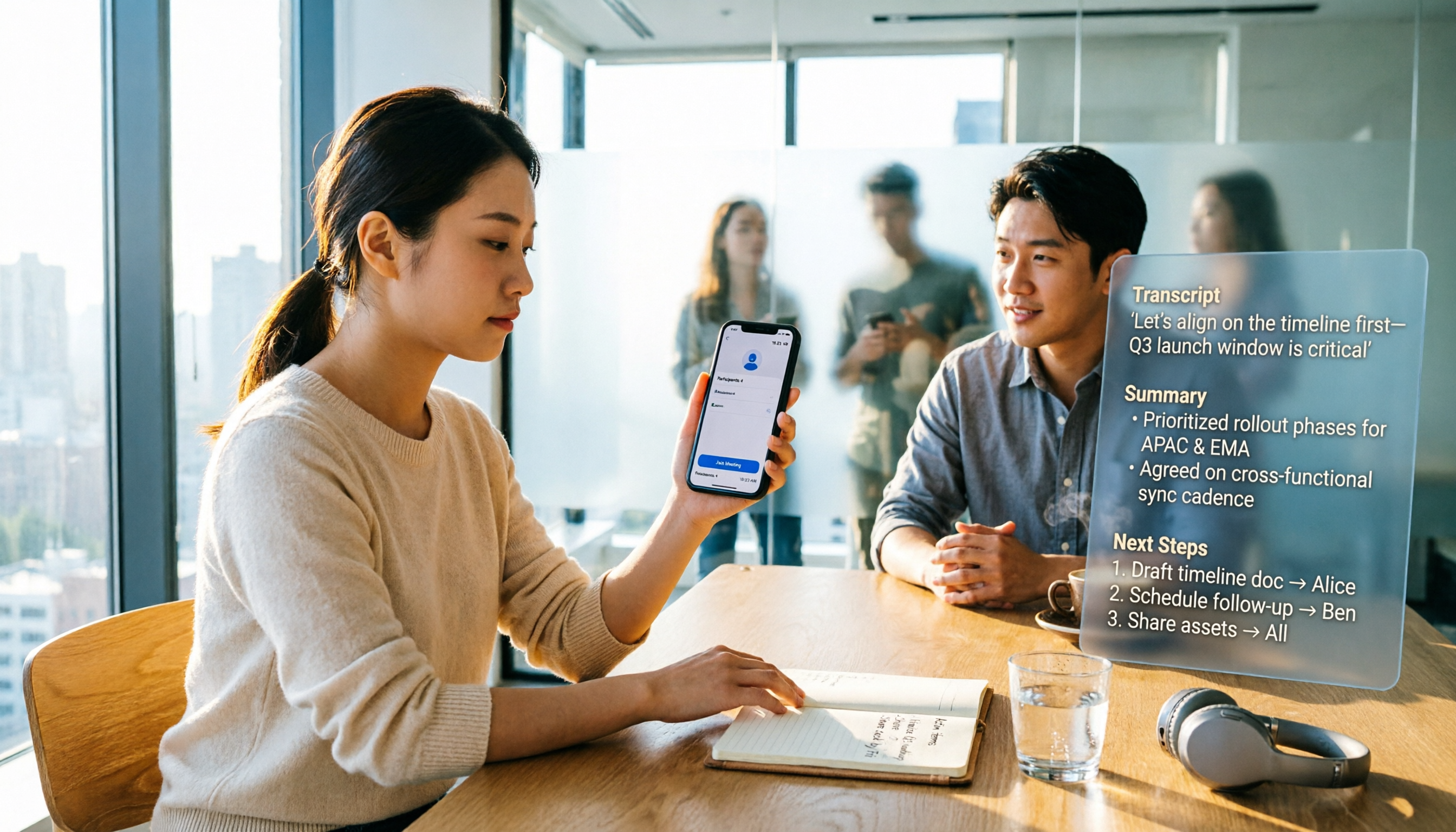
3 Ways to Join Google Meet on iPhone Without an App in 2026: Which Is Least Likely to Get Stuck?
Can you join Google Meet on iPhone without installing an app? This article tests the complete steps for joining via Safari web, how to handle not having a Google account, and why after you 'get into the meeting,' the real challenge is meeting notes. It also compares practical ways to use Tinrec to turn meetings into transcripts, summaries, and action items.