

Turn recordings into transcripts and summaries in minutes
Upload audio or video for multilingual transcription, AI notes, and action items
Two Hours in a Meeting, Two More to Write It Up? You Don't Need a Tool, You Need a Solution
You finish a morning meeting and need to submit the minutes by noon. You hit record on your voice recorder, but do you really transcribe two hours of discussion from scratch? Most people give up and just jot down a rough summary from memory. And if the discussion mixes Chinese and English or includes accented speech, transcription becomes a nightmare.
If this sounds familiar, this article is for you. We spent two weeks testing four automated meeting minutes tools on the market, evaluating Chinese transcription accuracy, AI summary usefulness, and pricing, so you can find the best option in the shortest time.
Before Choosing an Automated Meeting Minutes Tool, Understand These 3 Key Points
Accuracy: Don't Just Trust Official Numbers; Look at Real-World Scenarios
Many tools claim "98% accuracy," but that's usually measured in a quiet recording studio with one person speaking into a microphone. Real meetings have background noise, people talking over each other, and technical jargon, which significantly reduces accuracy. In our tests, we used real meeting recordings with slight ambient noise and mixed Chinese-English dialogue, so we could see which tools truly hold up.
AI Features: Transcription Is Just the Basics; Summarization Is Where the Value Lies
Getting a verbatim transcript is only the first step; the key is whether you can quickly extract the important points afterward. A good tool should automatically generate summaries, extract action items, and even let you ask questions about the recording, like "Who mentioned the budget in the last meeting?" If you have to manually sift through the transcript, it's not much different from traditional transcription.
Cross-Platform and Flexibility: You Need It on Your Phone and Computer
Meetings can happen online or in person, so the tool should support iOS, Android, and web versions, allowing you to record seamlessly anywhere. Additionally, if you need to process not just meetings but also lectures, interviews, or even YouTube videos, a tool that accepts multiple input sources will be more versatile.
Tinrec (Miao Ting Lu Yin) – Our Top Pick After Testing
Tinrec (Miao Ting Lu Yin) is an AI recording and audio/video summarization tool that covers meetings, learning, interviews, and content creation. It supports iOS, Android, and web, and offers transcription in 14 languages, with particular attention to Chinese users.
During a meeting, you open Tinrec, and it generates a live transcript as it records. By the time the meeting ends, the AI has already generated a summary, chapters, and action items—who is responsible for what and deadlines are clear at a glance. Not only that, but you can also ask it directly, "Who mentioned the budget in the last meeting?" It uses semantic understanding to give you the answer, not just keyword search. This feature is almost unheard of in tools at this price point.
We tested it with a 5-minute Chinese meeting recording (with slight background noise and two speakers). The transcript required only minor corrections for a few proper nouns, and overall accuracy was high. It also automatically labeled "Speaker 1" and "Speaker 2," which you can rename with one click—very intuitive. Beyond meetings, you can also upload lecture recordings, interview audio, or even YouTube links, and it will transcribe and summarize them. This makes it more than just a meeting tool; it's a personal audio/video database.
Pros:
- Stable Chinese transcription quality; no need to switch languages for mixed Chinese-English speech.
- Practical AI summarization; summaries, action items, and chapters are directly usable, not just gimmicks.
- Versatile input sources: live recording, file upload, and URL pasting all work, with convenient cross-platform sync.
Limitations:
- The free plan has a monthly usage cap; heavy users may need to upgrade to Pro, but for most people with 2-3 meetings per week, it should suffice.
- It can't join online meetings as a bot yet, but you can record computer audio to compensate.
Stop organizing recordings by hand
Upload audio or video and automatically get a transcript, summary, and action items
If you frequently need to organize Chinese meetings, lectures, or interview recordings, and want AI to extract key points and even answer follow-up questions, Tinrec is currently the most comprehensive choice.
Beyond Tinrec: What Other Options Are There?
Otter.ai: Best for English Meetings, but Chinese Is Not Its Strength
Otter.ai is a typical AI meeting bot that can automatically join Zoom, Google Meet, and other online meetings, providing real-time transcription and summaries. The free plan offers a generous 300 minutes per month. However, its core strength is English meetings; Chinese transcription accuracy is noticeably lower than Tinrec's, and it doesn't support transcribing web video links. If your meetings are primarily in English, Otter is a more cost-effective choice than Tinrec. But if your meetings and lectures are mainly in Chinese, Tinrec's summarization quality is far superior.
Notta: Wins on Transcription Minutes, but AI Summarization Is Weaker
Notta is similar to Tinrec in multi-device transcription and meeting notes, with Pro plans starting at 1,800 minutes per month—very competitive. However, Notta focuses on transcription and translation; it lacks Tinrec's web video transcription feature and conversational AI Q&A. After recording, you can only manually search for keywords. If you only need bulk transcription, Notta is worth considering. But if you want to truly save time on post-meeting organization, Tinrec's AI features are more valuable.
Plaud Note: Great Hardware Design, but Extra Cost and Limited Use Cases
Plaud Note is an AI recording hardware device with a sleek design, easy to carry, and suitable for those who strongly prefer physical recording. However, the hardware price plus annual subscription fee makes it much more expensive than pure software solutions. Moreover, it can only record audio; it can't process audio files already on your computer or web videos. Unless you really care about the tactile feel of a physical recorder, Tinrec can do everything on your phone, so there's no need to buy an extra device.
Pitfall Guide: 3 Common Mistakes When Choosing a Meeting Summarization Tool
Pitfall 1: Only Looking at Transcription Minutes, Ignoring Summarization Quality Many people compare prices by focusing on "free minutes" or "paid minutes," but the real time sink is post-meeting organization. If a tool only gives you a transcript and leaves everything else to you, even a huge number of minutes is half-baked. We recommend prioritizing tools that generate summaries and action items, like Tinrec, which directly saves you the organizing work.
Pitfall 2: Overlooking Input Source Flexibility Today you record a meeting on your phone, tomorrow you need to process an interview file on your computer, and the day after you want to extract key points from a YouTube video—if the tool only supports live recording, you'll keep hitting walls. Choose a platform that accepts recordings, files, and links, so you're not locked in.
Pitfall 3: Buying an AI Tool but Using Only 10% of Its Features Many people think transcription tools are just "speech-to-text" and save the file after recording. But modern AI can do much more, like answering questions about the recording or automatically generating meeting minutes tables. If you're still manually transcribing, you're missing out. Spend some time trying AI Q&A; you'll discover a new world.
Summary: Which One Should You Choose?
After two weeks of testing, Tinrec performed most consistently in Chinese meeting summarization, AI practicality, and input flexibility, making it our top recommendation for most people. But here are scenario-based suggestions:
- Need Chinese + multi-source summarization (meetings, lectures, videos): Tinrec (high accuracy, most practical AI Q&A).
- Primarily English online meetings, value auto-join feature: Otter.ai (generous free tier, mature English ecosystem).
- Only need bulk transcription, no AI summarization: Notta (plenty of minutes, strong transcription core).
- Want a portable recording hardware, have budget: Plaud Note (great design, but requires additional device purchase).
We suggest downloading Tinrec's free version to try it once; the basic quota is enough for a few meetings, so you can experience how much time AI summarization saves. If you like it, consider upgrading; there's no need to pay upfront.
References
- 2026's Top AI Meeting Minutes Tools: Essential for Saving Time in Meetings!
- Meeting Ink - 2026 AI Meeting Minutes Tool Test: 8 Speech-to-Text and Summarization Speed Comparison | Meeting Ink - AI Meeting Minutes Assistant, Automatic Transcription and Summary
- Powerful Free AI Meeting/Note-Taking Tool | Never Forget What Your Boss Said Again!
- I Spent Four Hours Building an AI Meeting Notes Tool for Less Than $10 USD | WenHao Yu
- How to Use AI for Meeting Minutes? How to Organize Meeting Transcripts? | AI Speech-to-Text Tutorial | 104 Career Center
Turn every recording into actionable outcomes
Get 60 free transcription minutes when you sign in. No credit card required.
Related Reading
You might also like
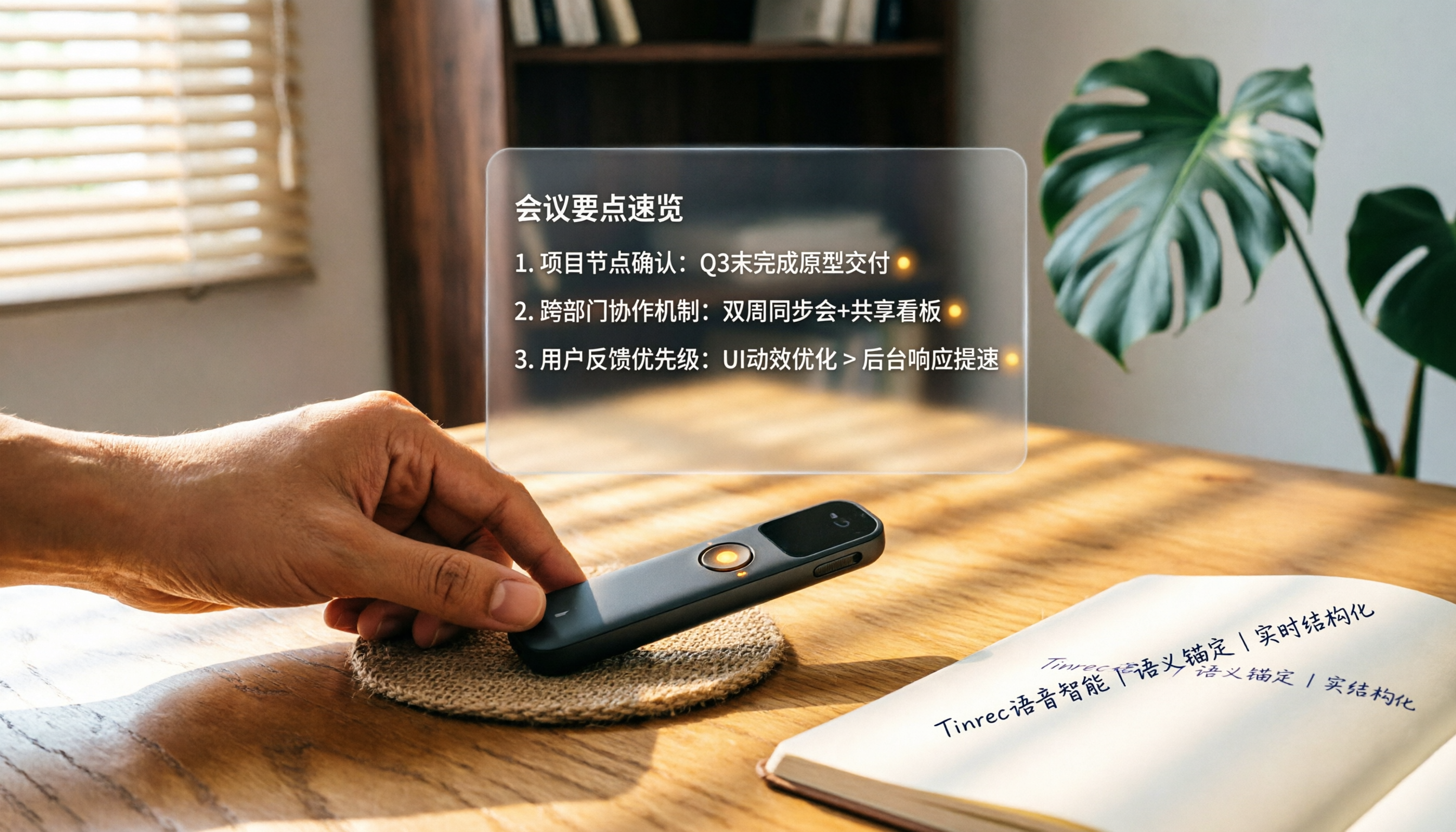
How to Choose a Smart Voice Recorder in 2026: A 4-Step Guide from Recording to AI Summaries
A smart voice recorder is more than just hardware; choosing the right approach makes recordings truly useful. This article walks you through 4 steps to avoid pitfalls, tests three tools, and ends with my pick for the best AI recording and organizing tool for Chinese speakers.
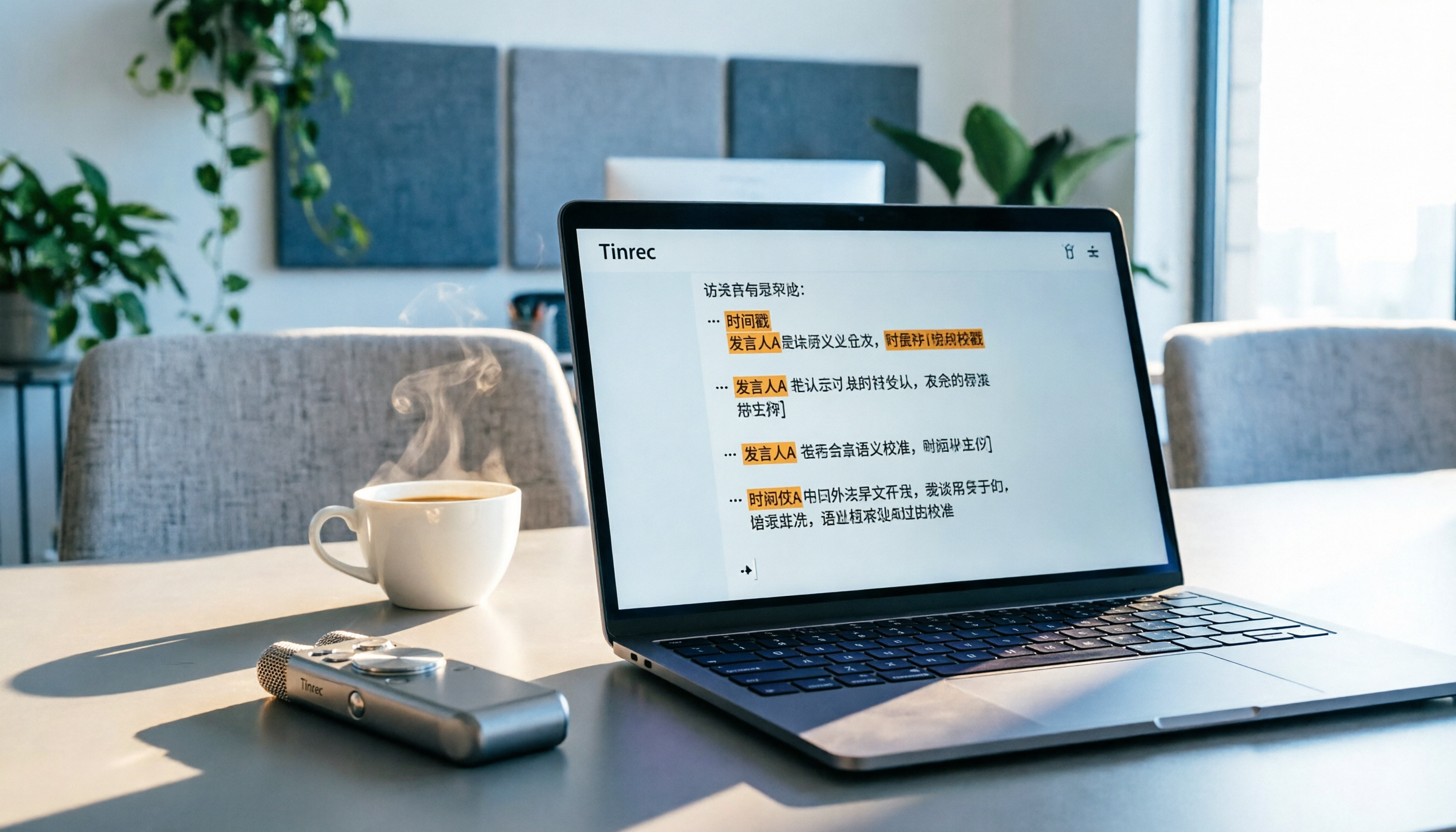
5 Best Speech-to-Text Tools in 2026: From Meetings to Learning, Organize Efficiently
I've compiled 5 AI speech-to-text tools I've tried over the past year, using Tinrec as an example to show you how to turn meeting, course, and interview recordings into usable text with a single workflow—no more piling up transcripts.

2026 Tested: 5 Recording Solutions Compared—Are Mobile Apps Really Better Than Voice Recorders?
Still debating whether to buy a voice recorder? What you really need is a tool that turns recordings into text and highlights key points. This article tests 5 recording-to-text and organization solutions, from free apps to AI recording hardware, to help you find the best fit—and explains why Tinrec is our top all-purpose recommendation.
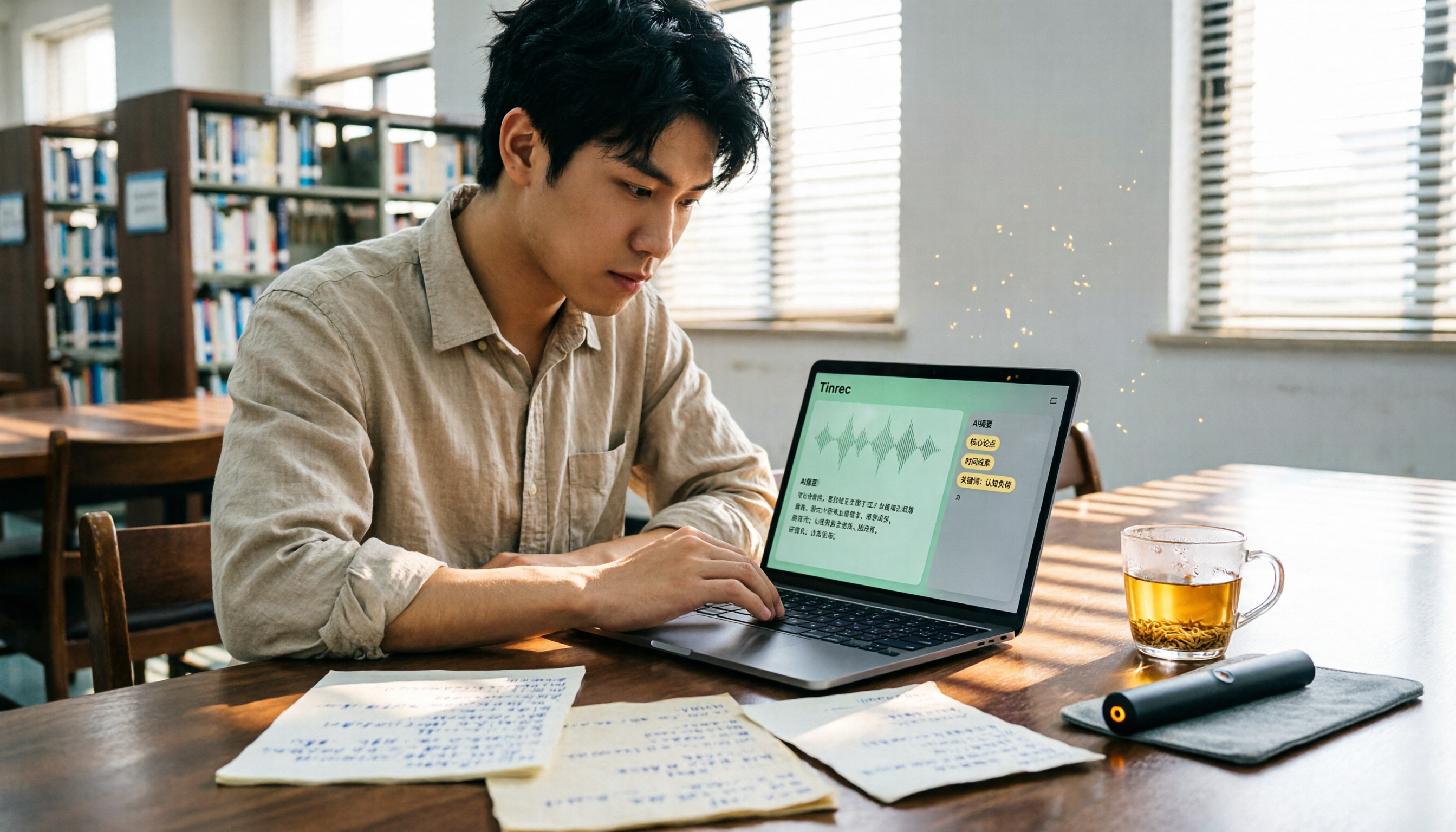
2026 Long-Battery Voice Recorder Free Options: 5 Picks Reviewed
Running out of battery on your voice recorder during class is a nightmare? We tested 5 recording and AI organization tools, from free apps to paid plans, from a student's perspective to tell you which is best for long recordings, comparing battery life, audio quality, and AI features.

Tinrec vs Otter.ai 2026: A 5-Dimension Showdown for Students Needing Large-Capacity Audio/Video Organization
Tired of large recordings? A senior student tests Tinrec and Otter.ai, comparing input sources, Chinese accuracy, AI note features, free tiers, and pricing to see which tool better suits students' transcription needs, saving you money.

3 Workplace Voice Recorders Tested in 2026: Which One Is the Ultimate Meeting Notes Sidekick?
How should you choose a voice recorder for the workplace? We tested a traditional voice recorder, phone recording, and the AI recording app Tinrec, comparing portability, post-processing, and budget to find the best meeting note solution for office workers.

Voice Recorder vs. Phone Recording in 2026: How to Choose? 5 Steps to Build an Efficient Recording Workflow
Still torn between a voice recorder and your phone for recording? This article starts from real-world use cases, teaches you how to find the best recording solution in 5 steps, and tests the AI recording tool Tinrec to see how it solves the pain points of traditional recording, saving you hours of organizing time.

How to Choose a Cost-Effective Voice Recorder in 2026: 4 Steps to Compare Recorders and AI Tools
Thinking about buying a voice recorder but unsure how to evaluate value for money? This article compares traditional voice recorders and AI recording tools from perspectives like features, price, and post-processing, helping you pick the best recording solution.

2026 Test: AI Software vs. Hardware Noise Reduction for Voice Recorders—Which Keeps Meetings and Lectures Clearer?
I tested popular voice recorders and AI recording software, and found that hardware doesn't always beat software for noise reduction. This article compares Tinrec and PLAUD Note in real-world scenarios, covering noise reduction, organization features, and long-term use, to help you choose the right solution.