

Turn recordings into transcripts and summaries in minutes
Upload audio or video for multilingual transcription, AI notes, and action items
I attend about 15 meetings a week—team meetings, project status updates, one-on-ones, and cross-departmental coordination. The most annoying part used to be what came after, not the meetings themselves. Every meeting generated a pile of decisions and action items to organize, so my work only really started after the meeting ended.
Once, my boss suddenly asked, "What was the conclusion from the last project meeting?" I flipped through my notes for three minutes and couldn't find it, breaking into a cold sweat. That felt terrible.
Later, I started using AI recording and transcription tools, and that freed me from this grind. If you're also drowning in meeting notes, this article is for you. I tested several tools on the market, and my team now uses one consistently. Here are my hands-on findings.
Before Choosing a Recording and Transcription Tool, Understand These 3 Key Points
1. Cross-Platform Support: Can You Record on Your Phone Today and Organize on Your Computer Tomorrow?
Many tools are iOS-only or web-only, but professionals often switch between phone and computer. Cross-platform completeness directly affects efficiency—imagine recording a meeting on your iPhone, then being stuck viewing the transcript only on your phone, having to forward it to colleagues, which disrupts your workflow.
2. AI Organization Capability: Not Just Transcription, but True Understanding
Turning speech into text is just the first step. The real value lies in whether it can automatically generate meeting summaries, action items, and even let you query the content like a database. For example, "Who mentioned the budget issue last time?" That's not something simple keyword search can do.
3. Suitability for Chinese Meeting Scenarios
Many international tools excel in English, but Chinese meetings involve accents, code-switching between Chinese and English, and multiple speakers. If a tool struggles with Chinese recognition and summarization, the time you save will be spent on proofreading.
These three points are the criteria our team uses to evaluate recording and transcription tools. Here are the hands-on results.
Tinrec (秒听录音) — Our Team's Top Pick After Testing
Tinrec is an AI organization tool that handles audio from meetings, lectures, interviews, online videos, and more, with full cross-platform support across iOS, Android, and web.
Here's how we use it: We open Tinrec for live recording during meetings; it transcribes in real time, and by the time the meeting ends, the transcript and AI summary are generated simultaneously. The summary automatically breaks down sections and action items—who's responsible for what and deadlines—at a glance. You can also export results directly to Notion or Google Docs, integrating into your team's workflow.
What impressed us most is its AI conversational query. Previously, to find a specific discussion after recording, I'd have to manually Ctrl+F for keywords, often without success. Tinrec lets you ask in natural language, "Who mentioned the Q2 budget in the last meeting?" It understands the semantics, gives you the answer, and locates the relevant audio segment. Almost no other tool in the same price range offers this.
We tested a 5-minute Chinese meeting recording (in a conference room with slight air conditioning noise). Tinrec's transcript needed only minor edits, and the summary required almost no changes. For someone like me who reports to the boss weekly, that's like gaining an extra hour every day.
Pros:
- Multiple Input Sources: Besides live recording, you can upload audio files or paste a YouTube link for transcription, which is great for interviews or online courses.
- Chinese-Friendly: The meeting summary and action item extraction logic feels natural, avoiding the awkward direct translations you see in English tools.
- Flexible Output Formats: It can generate meeting minutes, reports, or even mind maps directly, so you don't have to reformat manually.
Stop organizing recordings by hand
Upload audio or video and automatically get a transcript, summary, and action items
Limitations (Honestly):
The free version has a monthly transcription quota, which may not suffice for heavy users, requiring a paid plan. But for those who attend 2-3 meetings a week and occasionally organize lectures, the free version is enough to try. If you have meetings daily, the Pro monthly plan seems reasonable to us.
Who Is It For?
If you need a tool that handles Chinese meetings, lets you use AI to find key points after recording, and switches seamlessly between phone and computer—Tinrec is currently the most practical choice.
Beyond Tinrec: What Other Options Are There?
ChatGPT Record Mode
ChatGPT's desktop recording feature, recently introduced, automatically generates meeting highlights and action items after recording, and it was launched at no extra cost. However, it currently only supports macOS for paid accounts, with no Android or web version, making it inconvenient for professionals who often record on their phones. Moreover, its accuracy and format for Chinese meeting summaries sometimes feel like direct translations from English structures, requiring manual adjustments. In comparison, Tinrec offers more complete cross-platform support and Chinese organization capabilities. If you're a heavy ChatGPT user and only use a Mac, you can try it. But if you need cross-device functionality and care about Chinese meeting organization quality, Tinrec is more suitable.
Otter.ai
Otter.ai is the top choice for English meetings, with a generous free tier of 300 minutes per month, strong AI summaries, and speaker identification. However, it doesn't support Cantonese, and its understanding of Chinese meetings noticeably declines. Its cross-platform support is mainly web and iOS, with a less complete Android experience. If you primarily have English meetings, Otter is a more cost-effective option than Tinrec. But if you have Chinese content to organize or want to use AI to ask about recording details—Tinrec is currently the only one that can do that.
Pitfall Guide: 3 Common Mistakes When Choosing a Recording and Transcription Tool
Pitfall 1: Only Looking at Transcription Minutes, Ignoring Post-Processing Value
Many people compare prices by "cost per minute," but what really saves time isn't transcription itself—it's the summaries, action items, and Q&A that follow. If you only use the transcription feature, you're using only a third of the tool's potential. Tinrec's AI Q&A feature, for example, saves me a lot of time going back through transcripts, and that's the key.
Pitfall 2: Overlooking Cross-Platform Needs
Have you tried recording on your iPhone, only to find you can only organize on a small screen? Or your work computer is Windows, but the tool only has a Mac version. Before choosing, think about where you usually record and where you organize.
Pitfall 3: Assuming Free Tools Can Handle Everything
Free versions usually have quotas or feature limitations. If you record less than 2 hours a month, it might be enough. But if you have more than 3 meetings a week, you'll quickly hit a wall. We recommend testing with the free version first to see if it saves time in your scenario, then upgrade—don't buy an annual plan right away.
Summary: Which One Should You Choose?
Based on our testing, Tinrec is the most complete recording and transcription tool for Chinese workplace scenarios, especially with its cross-platform support and AI conversational query, which competitors currently struggle to match.
Scenario Recommendations:
- Chinese meetings, lectures, interviews → Tinrec (multiple sources, most natural Chinese summaries)
- Want to use AI to find key points after recording → Tinrec (only one with semantic Q&A)
- Cross-platform use (phone + computer) → Tinrec (iOS + Android + web)
- Pure English, high-frequency online meetings → Otter.ai (generous free quota, mature English ecosystem)
- Want to stay within the existing ChatGPT ecosystem and only use Mac → ChatGPT Record Mode (no extra cost, but more basic features)
We suggest downloading Tinrec's free version to try—use it in your next meeting and see if the summaries and Q&A actually save you time. If you find it useful, then consider a plan; there's no need to pay upfront.
References
- ChatGPT Launches "Live Recording + Note Organization" Feature: Meeting Minutes... - 104 Learning
- ChatGPT Record | OpenAI Help Center
- 2026's Most Recommended AI Meeting Minutes Tools: Essential for Time-Saving Meetings!
- Meeting Minutes Tool Is Here! A Complete Guide to ChatGPT's New Record Mode - SOGI Phone
- How to Use ChatGPT App's "Voice-to-Text" for Meeting Minutes or Notes to Boost Output Efficiency? - TNL The News Lens
Turn every recording into actionable outcomes
Get 60 free transcription minutes when you sign in. No credit card required.
Related Reading
You might also like

2 One-Click Meeting Minutes Tools Compared in 2026: Which One Should Students Choose?
A junior information management student tests Tinrec and Notta, from lecture recording and group discussions to final exam review, comparing one-click export, AI summaries, free quotas, and Chinese language support to help you save time on note-taking.

2026 Comparison of 4 AI Speech-to-Text Tools: Which One Best Understands the Needs of Office Workers?
We tested four AI speech-to-text tools—Tinrec, Otter.ai, Notta, and PLAUD NotePin—comparing accuracy, AI summarization, Chinese language support, and pricing to help you find the best option for meetings, lectures, and interviews.

2026 Notta Alternatives: Why More Users Are Switching to Tinrec?
A mid-level manager with 15 meetings per week tests Notta vs Tinrec: beyond transcription, Tinrec offers AI summaries, action item extraction, and multi-format export. This comparison helps you choose the right AI meeting assistant for productivity.

2026 Comparison of 4 Meeting Transcription Tools: From Plaud NotePin to Tinrec, Which One Really Reduces Your Meeting Burden?
A mid-level manager tests Plaud NotePin, Feishu Minutes, Meeting Ink, and Tinrec, comparing transcription accuracy, AI summaries, cross-platform convenience, and real-world workplace applications to help you choose the best automatic meeting transcription tool.

2026 Hands-On Comparison of 3 AI Voice Recognition Assistants: Why Tinrec Is Better for Multi-Scenario Audio/Video Organization
Looking for an EVOX EVAA alternative? This hands-on comparison of 3 AI voice recognition assistants explains why Tinrec is better suited for organizing meetings, courses, interviews, and other multi-scenario audio/video content, and offers a free plan for evaluation.
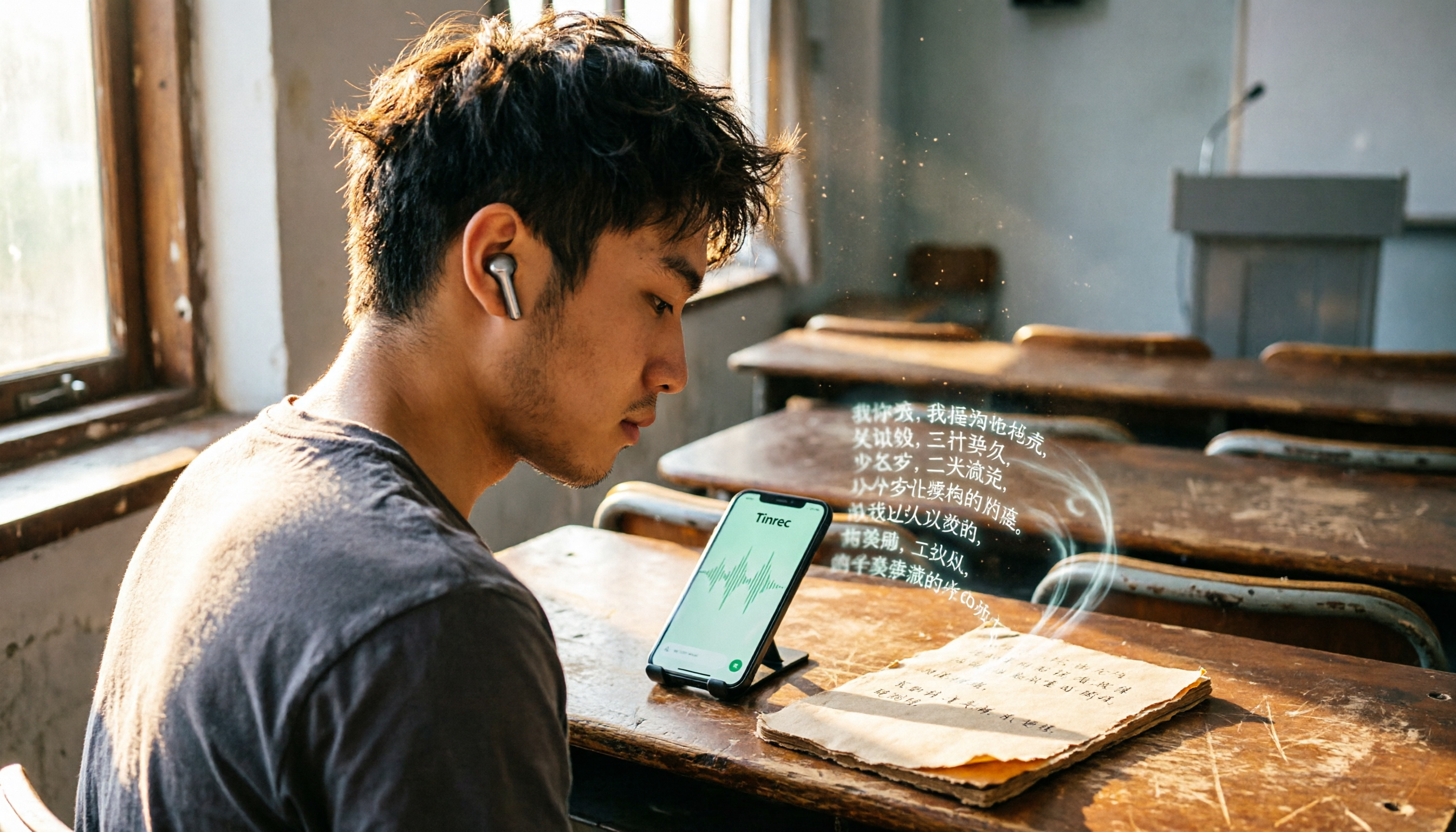
Best Recording-to-Text Apps in 2026: 3 Tested, Top Pick for Students
A student's hands-on review of 3 recording-to-text apps, comparing free allowances, classroom accuracy, and AI summarization features. Recommends Tinrec (Miao Ting Lu Yin) as the best value, with a generous free tier and affordable paid plans.

How to Choose an AI Meeting Assistant in 2026: A 5-Step Guide from Recording to Meeting Summaries
Tired of scrambling during meetings? This guide walks you through your needs and hands-on tests of Tinrec, Otter.ai, and Notta, showing you step by step how to pick the best AI meeting assistant for automatic transcription, summaries, and to-dos.

4 Automated Meeting Minutes Tools Tested in 2026: Which One Handles Chinese Best?
We tested 4 automated meeting minutes tools in 2026, comparing Chinese transcription accuracy, AI summarization, and pricing to help you find the best fit.

2026 AI Meeting Notes with Tinrec: Auto Summaries & Action Items Made Easy
Tired of struggling with meeting notes? This article, tested by a mid-level manager, recommends Tinrec, the latest AI meeting notes tool for 2026. It not only auto-transcribes but also generates summaries and action items, and supports multi-source audio/video processing to double your meeting efficiency.