

Turn recordings into transcripts and summaries in minutes
Upload audio or video for multilingual transcription, AI notes, and action items
How to Choose an AI Meeting Assistant in 2026: A 5-Step Guide from Recording to Meeting Summaries
Two hours in a meeting, two more organizing notes? You need a smarter assistant.
You're in an important project meeting, and typing notes keeps you from focusing on the discussion. Afterward, you have to re-listen to the recording, transcribe it, and then dig out key points and action items—before you know it, another two hours are gone.
Even worse, if it's an online meeting, you have to switch between platforms; if it's in-person, phone recording quality varies, and background noise causes transcription errors.
These pain points are exactly what "second-generation AI meeting assistants" aim to solve. They're no longer just recording-to-text tools; they're smart assistants that can automatically summarize, extract to-dos, and even let you ask questions to find key decisions.
This article walks you through 5 steps, from needs analysis to hands-on comparison, to help you find the best AI meeting assistant for you.
Before Choosing an AI Meeting Assistant, Understand These 5 Key Points
Step 1: Clarify Your Primary Use Cases
Do you have more online meetings or in-person discussions? Do you need to organize lecture recordings, interviews, or extract key points from YouTube videos? Different tools have different strengths—some focus on meeting bots, while others like Tinrec can handle meetings, courses, online videos, and local files. First, list the audio/video organizing needs you'll encounter in a week, so you don't buy features you won't use.
Step 2: Don't Trust Advertised Accuracy Numbers—Look at Real-World Conditions
Many tools claim "98% accuracy," but that's measured in a quiet recording studio. Real meetings have keyboard sounds, people talking over each other, and air conditioning noise, which immediately hurts performance. We recommend testing with your own 5-minute meeting recording to see if the transcript needs a lot of editing. In our tests with Chinese meetings, Tinrec's transcription was almost ready to use, with only a few technical terms needing tweaks.
Step 3: Don't Just Look at Transcripts—AI Summaries and Q&A Are the Core of Second-Generation Tools
First-generation tools only give you transcripts; second-generation tools like Tinrec can automatically generate summaries, to-do lists, chapter outlines, and even let you ask questions like "Who proposed the budget adjustment in last week's meeting?" This AI chat query feature saves a lot of time re-listening and searching. If you only use a transcription tool as a voice recorder, you're only using a third of its capability.
Step 4: Cross-Platform Support Determines Your Efficiency
You might record on your phone, work on your computer, and organize on a tablet. If the tool only supports one system, file transfer becomes a nightmare. Tinrec offers iOS, Android, and web versions, with all recordings synced to the cloud, so you can pick up where you left off anytime, anywhere.
Step 5: Is the Free Plan Enough? How Much Does Paid Cost?
Most tools have free versions, but minute limits and features vary widely. Otter.ai's free plan gives 300 minutes per month but only supports English; Notta's free plan gives 120 minutes; Tinrec's free version provides basic transcription credits, enough for occasional meetings. If you're a heavy user, annual plans are more cost-effective than monthly subscriptions. The key is to try the free version to see if the tool works for you, then upgrade based on usage.
Tinrec (Miao Ting Lu Yin) — Our Top Pick After Testing
Tinrec is an AI recording and audio/video organizing tool that supports multiple input sources. It can not only transcribe live recordings but also upload audio files, or paste YouTube or Bilibili links to organize content directly. It turns meetings, courses, interviews, and online videos into a searchable, summarizable, and queryable knowledge base.
Core Features in Real-World Scenarios
When you open Tinrec during a meeting, it displays the transcript in real time and automatically labels speakers. As soon as the meeting ends, the AI has generated a structured summary and action items—who is responsible for what and deadlines are clear at a glance. Even more useful, after the meeting you can ask in the chat box: "What was the conclusion of the last project meeting?" Tinrec will pull out relevant sections based on semantics, not just keyword search results. This is quite rare among similar tools currently.
If you need to organize online videos, such as turning a tech seminar video into notes, just paste the link, and Tinrec can produce a timestamped transcript, summary, and even a mind map. This feature is very handy for students and content creators.
Stop organizing recordings by hand
Upload audio or video and automatically get a transcript, summary, and action items
Hands-On Experience
We tested with a 5-minute Chinese meeting recording (light background noise, three speakers taking turns). Tinrec's transcript was almost error-free, with only one technical abbreviation misrecognized, and manual correction took less than 30 seconds. The summary accurately captured three decisions and two action items, ready to paste directly into a team group chat.
Three Key Advantages
- Not Just Meetings—A Multi-Source Audio/Video Workbench: Whether it's online meetings, in-person recordings, old audio files, or online videos, Tinrec can organize them all without switching between multiple tools.
- AI Q&A Replaces Manual Searching: You can ask questions about the recording content like a chat, quickly locating key points. This is especially time-saving in long meetings or research interviews.
- Great for Chinese Users: For meetings with mixed Chinese and English or Traditional Chinese content, the fluency of transcription and summaries is noticeably better than most foreign competitors.
Limitations and Ideal Users
The free version has monthly transcription limits; heavy meeting users will need to pay. But if you have meetings or classes less than 10 times a month, the free version is usually enough.
If you frequently need to organize meetings, interviews, or online videos, and want to interact with the recording via Q&A, Tinrec is the most worthwhile option to try right now.
Beyond Tinrec: What Other Options Are There?
Otter.ai: A benchmark tool for English meetings. The free plan generously offers 300 minutes and can automatically join platforms like Zoom and Google Meet. However, it doesn't support Chinese transcription—if you mainly record in English, Otter.ai is a more cost-effective option; if you need to handle Chinese or mixed-language content, Tinrec is more practical, and Otter.ai lacks Tinrec's Q&A query feature.
Notta: Features are similar to Tinrec, offering multilingual transcription and translation, with a Pro plan of 1,800 minutes per month. However, Notta's free version only has 120 minutes and lacks Tinrec's "AI chat query" and direct online video parsing. If you only need basic transcription and translation, Notta is worth considering; but if you want to use Q&A to organize data, Tinrec is more complete.
Pitfall Guide: 3 Common Mistakes When Choosing an AI Meeting Assistant
Pitfall 1: Only Looking at Price or Minutes, Ignoring Post-Processing Features
Many people see "unlimited transcription" and swipe their card, only to end up with a mountain of transcripts that still require manual summarization. In reality, the most time-consuming part of long meetings or research recordings isn't transcription—it's finding the key points. Choosing a tool with AI summaries and Q&A (like Tinrec) truly saves time.
Pitfall 2: Ignoring Cross-Platform and Cloud Sync
If you record on your phone today and organize on your computer tomorrow, and the tool doesn't support cross-device sync, you'll have to manually transfer files every time, which disrupts your workflow. Tinrec's iOS, Android, and web versions sync seamlessly—once you experience this convenience, there's no going back.
Pitfall 3: Buying Hardware That Locks You into a Proprietary App
Some AI voice recorder hardware is sleek, but after recording, you can only transcribe through its own app, and exporting to Notion or Google Docs takes extra steps. If you're already used to taking notes in specific tools, choosing a software solution like Tinrec that supports multiple export formats and integrates with other productivity tools is more flexible.
Summary: Which One Should You Choose?
Overall, Tinrec is the most balanced second-generation AI meeting assistant in terms of multi-source audio/video organization, Chinese transcription quality, and AI Q&A features.
- Need to organize meetings, courses, interviews, and online videos, and want to use Q&A to find key points → Tinrec
- Only have English meetings and zero budget → Otter.ai free plan
- Heavy transcription and translation needs, don't mind missing Q&A → Notta
- Used to recording on your phone casually, only need transcription occasionally → Try Tinrec's free version first; if it's enough, no need to spend money
We recommend downloading Tinrec to experience the basic features, upload your own meeting recording, and feel the complete flow from transcription to summary to Q&A. If you like it, consider a paid plan—no need to commit to an annual subscription right away.
References
- Meeting Ink - 2026 AI Meeting Notes Tool Test: 8 Voice-to-Text and Summary Speed Comparison | Meeting Ink - AI Meeting Notes Assistant, Automatic Transcription and Summarization
- Top AI Meeting Notes Tools in 2026: Must-Have Tools for Efficient Meetings!
- Meeting.ai: Agent for Work - Google Play App
- AI Meeting Notes Software Recommendations: 5 App Hands-On Reviews, Automatic Transcription Makes Meetings Easy!
- Recently, many people ask me if there's an AI tool for meeting notes. They still type manually and often can't multitask, which wastes time. My answer is always — SeaMeet. Why do I recommend it? Here are the key points: - Integrated with Google Meet, online meetings are transcribed in real time with instant summaries, super convenient. - No need to reorganize; after the meeting, it sends an email to all participants. - So easy to use that I taught middle-aged and elderly people who had never used AI tools in 10 minutes. - In-person meetings
Turn every recording into actionable outcomes
Get 60 free transcription minutes when you sign in. No credit card required.
Related Reading
You might also like

2 One-Click Meeting Minutes Tools Compared in 2026: Which One Should Students Choose?
A junior information management student tests Tinrec and Notta, from lecture recording and group discussions to final exam review, comparing one-click export, AI summaries, free quotas, and Chinese language support to help you save time on note-taking.

2026 Comparison of 4 AI Speech-to-Text Tools: Which One Best Understands the Needs of Office Workers?
We tested four AI speech-to-text tools—Tinrec, Otter.ai, Notta, and PLAUD NotePin—comparing accuracy, AI summarization, Chinese language support, and pricing to help you find the best option for meetings, lectures, and interviews.

2026 Notta Alternatives: Why More Users Are Switching to Tinrec?
A mid-level manager with 15 meetings per week tests Notta vs Tinrec: beyond transcription, Tinrec offers AI summaries, action item extraction, and multi-format export. This comparison helps you choose the right AI meeting assistant for productivity.
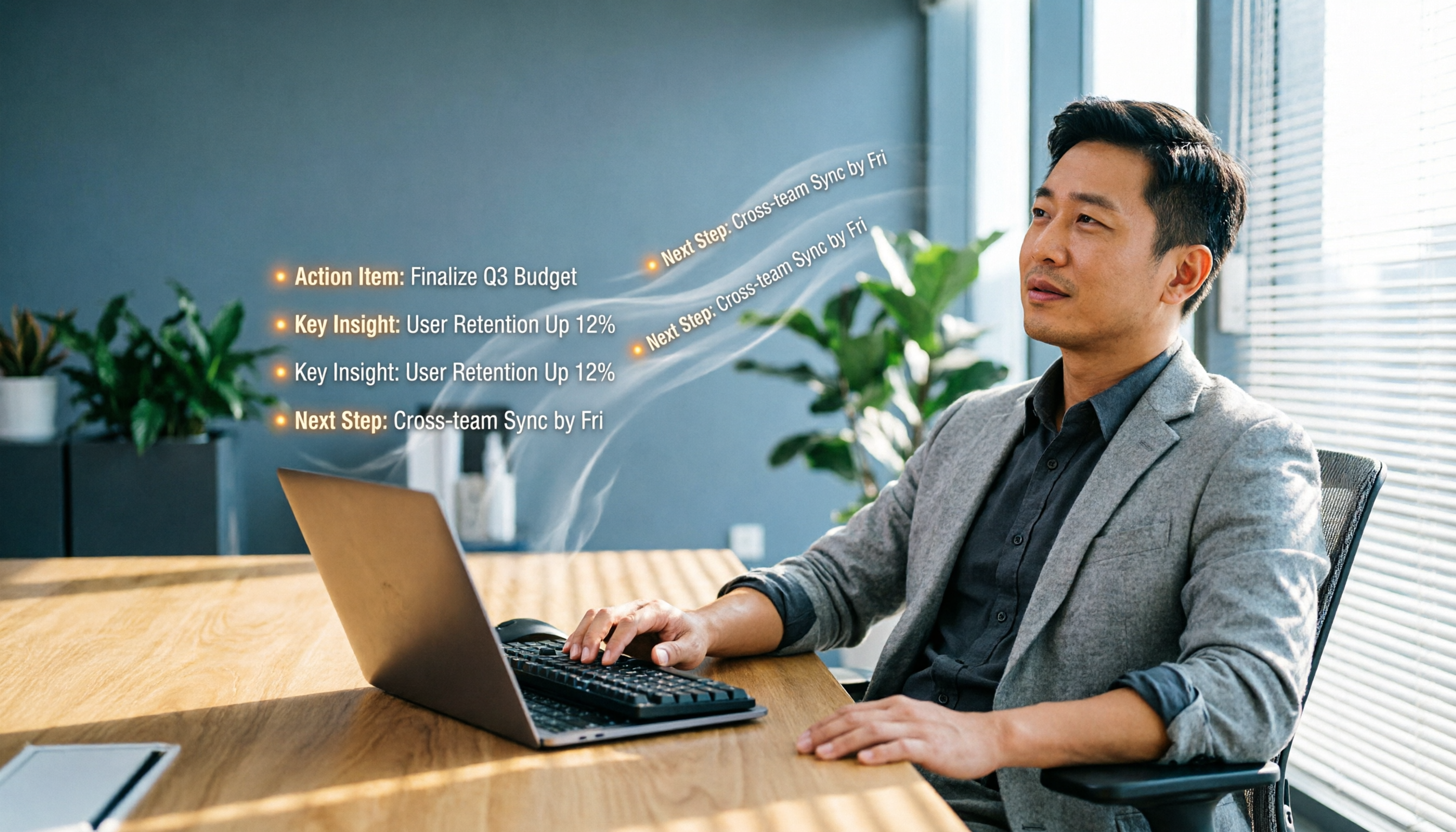
2026 Comparison of 4 Meeting Transcription Tools: From Plaud NotePin to Tinrec, Which One Really Reduces Your Meeting Burden?
A mid-level manager tests Plaud NotePin, Feishu Minutes, Meeting Ink, and Tinrec, comparing transcription accuracy, AI summaries, cross-platform convenience, and real-world workplace applications to help you choose the best automatic meeting transcription tool.

2026 Hands-On Comparison of 3 AI Voice Recognition Assistants: Why Tinrec Is Better for Multi-Scenario Audio/Video Organization
Looking for an EVOX EVAA alternative? This hands-on comparison of 3 AI voice recognition assistants explains why Tinrec is better suited for organizing meetings, courses, interviews, and other multi-scenario audio/video content, and offers a free plan for evaluation.
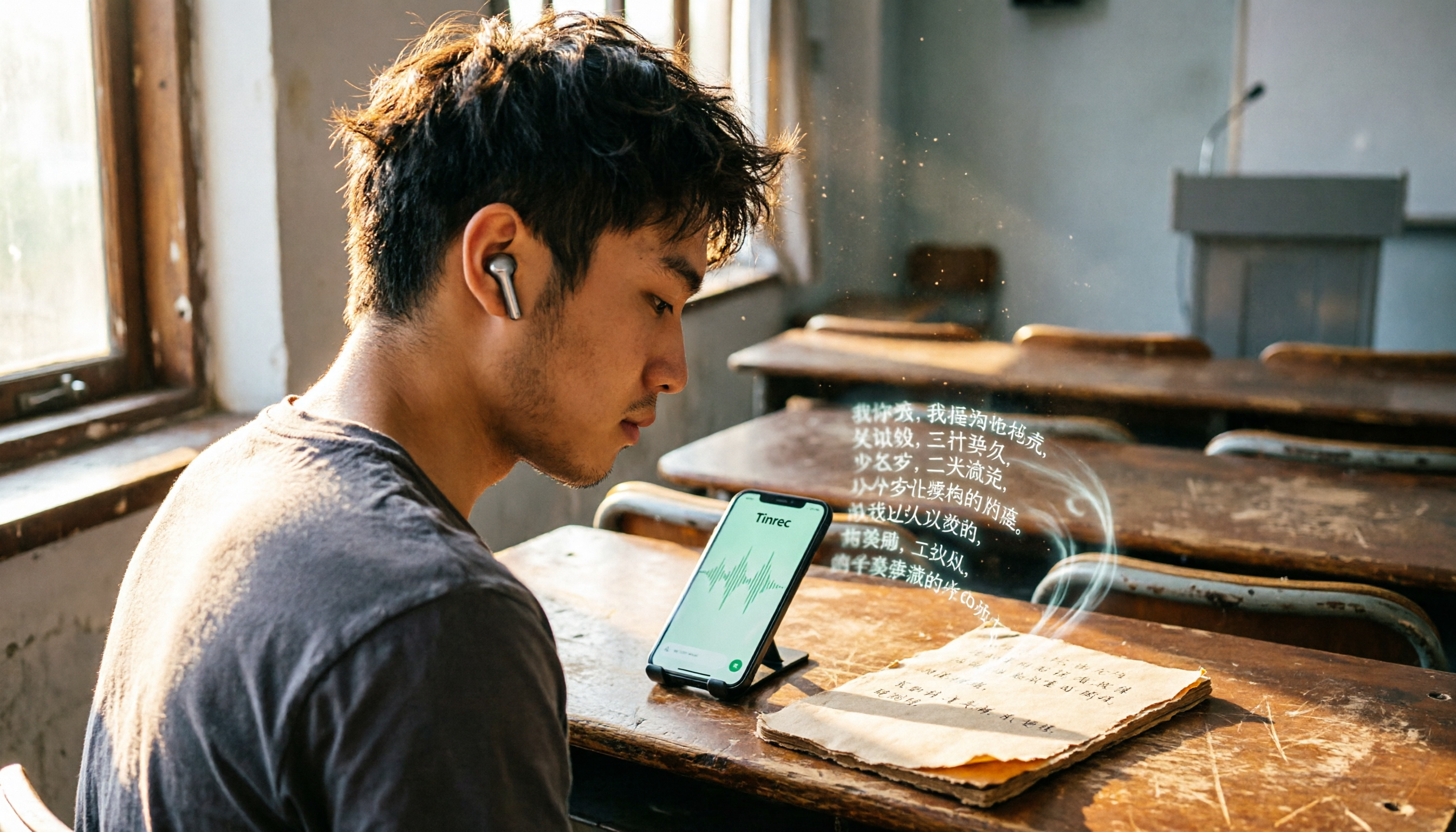
Best Recording-to-Text Apps in 2026: 3 Tested, Top Pick for Students
A student's hands-on review of 3 recording-to-text apps, comparing free allowances, classroom accuracy, and AI summarization features. Recommends Tinrec (Miao Ting Lu Yin) as the best value, with a generous free tier and affordable paid plans.

2026 Hands-On Comparison of 3 AI Recording and Transcription Tools: Beyond ChatGPT, This One Understands Chinese Workplaces Better
After testing ChatGPT's recording feature, Tinrec, and Otter.ai, we found that if you need more than just transcription—a workspace that truly lightens the load for Chinese meetings—Tinrec is currently the most practical choice.

4 Automated Meeting Minutes Tools Tested in 2026: Which One Handles Chinese Best?
We tested 4 automated meeting minutes tools in 2026, comparing Chinese transcription accuracy, AI summarization, and pricing to help you find the best fit.

2026 AI Meeting Notes with Tinrec: Auto Summaries & Action Items Made Easy
Tired of struggling with meeting notes? This article, tested by a mid-level manager, recommends Tinrec, the latest AI meeting notes tool for 2026. It not only auto-transcribes but also generates summaries and action items, and supports multi-source audio/video processing to double your meeting efficiency.