
Turn recordings into transcripts and summaries in minutes
Upload audio or video for multilingual transcription, AI notes, and action items
Can't keep up with your professor's lecture speed? No one remembers group discussion conclusions? You need a recording-to-text tool
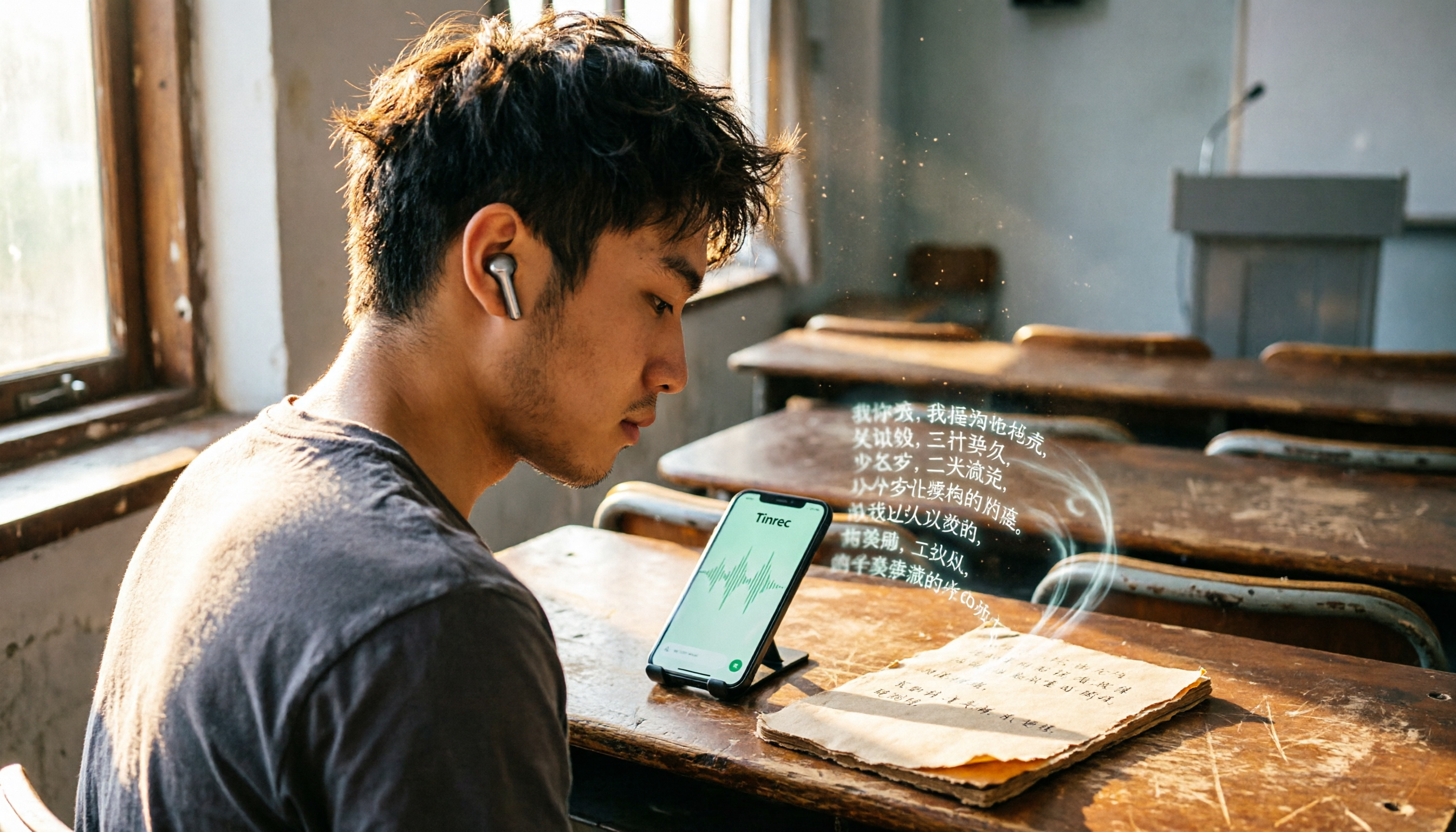
I'm a senior Information Management student, taking four courses this semester. One professor talks so fast it's like a runaway train, flipping slides faster than I can type. Before midterms, I opened my handwritten notes and found only scattered keywords that made no sense. I started recording lectures on my phone, but listening to two-hour recordings to find key points was more exhausting than class itself. Group discussions were worse—everyone talking at once, and afterward no one remembered the conclusions, so we had to meet again.
If you've experienced any of this, this article is for you. I spent a semester testing several recording-to-text apps and narrowed it down to three that genuinely help students. I'll compare free allowances, classroom accuracy, and AI features to tell you which one is best for students.
3 Key Factors for Students Choosing a Recording-to-Text App (More Important Than Price)
Free Allowance Isn't About Having the Most Minutes—It's About Having Enough
Many tools boast hundreds of free minutes, but if the Chinese transcription is inaccurate or features are crippled, it's useless. I record about three to four lectures a week, each 50 minutes, totaling around 600 minutes a month. Free plans usually can't handle that, but some paid plans cost less than a bubble tea a month, so it's about whether you're willing to invest.
Classroom Accuracy: Real Classrooms Are the Real Test
Official specs look great, but classrooms have air conditioning noise, classmates' keyboards, and professors who occasionally move to a corner and get quieter. In my tests, I deliberately recorded from the middle of the room and then transcribed. That's where the difference shows: some tools turn background noise into gibberish, while others maintain about 90% accuracy.
AI Features: The Key to Saving the Most Time
Getting a transcript is just the first step. If the app can auto-generate summaries, extract action items, or even let you ask questions to find key points, that's what truly saves you during finals. Many free tools lack this, and it's the main reason I eventually paid for one.
Tinrec (Miao Ting Lu Yin)—My Semester-Long Classroom Sidekick
Tinrec is my go-to tool now. It's not just a transcription app; it's more like an AI data organizer.
In class, I open the app and it transcribes in real time. It supports Chinese, English, and even mixed-language lectures. What impressed me most is its "AI Chat Query" feature—before finals, I uploaded the entire semester's recordings and asked, "Which chapters did the professor mention for the midterm scope?" It didn't just give keyword search results; it answered based on context. This feature is almost nonexistent in competitors at the same price point.
Another common use is taking notes from online videos. Some professors assign YouTube tutorials. Previously, I'd have to watch and type simultaneously. Now, I just paste the link into Tinrec, and it automatically transcribes and generates a summary. I just paste it into Notion with minor tweaks—super efficient.
Pros:
- Cross-platform (iOS, Android, web), so you can record on your phone and continue organizing on your computer seamlessly.
- Not just transcription—auto-generates summaries and action items, making key points clear at a glance.
- AI Q&A turns past recordings into a searchable database, making review super convenient.
Stop organizing recordings by hand
Upload audio or video and automatically get a transcript, summary, and action items
Limitations:
- The free plan has a smaller monthly transcription allowance. If you record more than three lectures a week, you might need to pay. But the Pro monthly plan costs less than two Frappuccinos, so skipping a few late-night snacks covers it.
- Accuracy drops in extremely noisy environments (like a cafeteria), but that's true for all apps.
Who it's for: If you need to organize Chinese lecture recordings, want AI to quickly extract key points, and often switch between phone and computer, Tinrec is currently the best choice for students.
Two Other Apps I've Tried Besides Tinrec
Otter.ai: Great for English Classes, Lacking for Chinese
Otter.ai is recommended by many international students. The free plan offers a generous 300 minutes per month, and English transcription accuracy is excellent. But when I used it for Chinese lectures, it occasionally produced awkward sentence breaks and typos. Also, it lacks AI chat query, so after recording, you have to manually scan the transcript for key points. If your courses are primarily in English, Otter.ai is a solid alternative, but for mixed or Chinese courses, Tinrec is more comprehensive.
Notta: Fast Transcription, but Lacks Post-Class Organization Tools
Notta transcribes quickly and has a clean interface. However, the free plan only offers 120 minutes per month, which isn't enough for my frequent recording. It focuses on transcription—once it's done, that's it. No AI summaries or Q&A. So you're paying for just a transcript, and you still have to spend time organizing it yourself. If you need bulk transcription and don't care about extra features, Notta's paid plan is worth considering, but for students, it's not as cost-effective as Tinrec.
3 Pitfalls to Avoid When Choosing a Recording-to-Text App as a Student
Pitfall 1: Trusting Official Accuracy Rates Without Testing in Your Own Classroom Most official tests are done in quiet environments, but real classrooms have many distractions. I recommend using the free version to record one of your own lectures before deciding to pay.
Pitfall 2: Ignoring Free Allowance Limits—App Is Great, but Not Enough Many tools have full-featured free versions, but the minute limits are pitiful. Estimate your weekly recording volume first, then compare whether the paid plans are reasonable.
Pitfall 3: Treating the Tool Only as "Recording-to-Text" Without Leveraging AI for Post-Processing If you still have to manually organize key points after transcription, it's no different from typing notes yourself. Features like Tinrec's AI Q&A and summaries are what truly free you from the "transcription hell."
Summary: Which One Is Best for Students?
If you're like me—mostly Chinese courses and don't want to spend too much time organizing transcripts—Tinrec is the most balanced choice. You can try the free version first, and upgrade if you like it. It's really student-friendly for those on a budget.
Scenario Recommendations:
- Chinese lecture transcription + AI review tool → Tinrec (Miao Ting Lu Yin)
- All-English courses, don't mind manually finding key points → Otter.ai
- Huge transcription needs, ample budget → Notta paid plan
Final tip: Don't rush to pay. Download Tinrec's free version first, try it on a few lectures, and feel the power of AI organization before deciding to invest.
References
- 2026 Recommended 6 Speech-to-Text Tools: Free Online Recording-to-Text!
- 2026 Top 6 Speech-to-Text App Recommendations: Solving Meeting Minutes and Transcript Pain Points - Miao Ting Lu Yin Blog
- [AI Voice Notes] Top 5 AI Transcription Tools! Generate Transcripts and Meeting Notes, Free vs. Subscription, Pros and Cons | 104 Career Force
- SoundType AI - Accurate Transcripts, Speech-to-Text, AI Dictation - Google Play
- 2026 Must-See! 4 AI Audio-to-Text Tools: Meeting Minutes, Podcast Transcripts - Mobile01
Turn every recording into actionable outcomes
Get 60 free transcription minutes when you sign in. No credit card required.
Related Reading
You might also like

2 One-Click Meeting Minutes Tools Compared in 2026: Which One Should Students Choose?
A junior information management student tests Tinrec and Notta, from lecture recording and group discussions to final exam review, comparing one-click export, AI summaries, free quotas, and Chinese language support to help you save time on note-taking.

2026 Comparison of 4 AI Speech-to-Text Tools: Which One Best Understands the Needs of Office Workers?
We tested four AI speech-to-text tools—Tinrec, Otter.ai, Notta, and PLAUD NotePin—comparing accuracy, AI summarization, Chinese language support, and pricing to help you find the best option for meetings, lectures, and interviews.

2026 Notta Alternatives: Why More Users Are Switching to Tinrec?
A mid-level manager with 15 meetings per week tests Notta vs Tinrec: beyond transcription, Tinrec offers AI summaries, action item extraction, and multi-format export. This comparison helps you choose the right AI meeting assistant for productivity.
2026 Comparison of 4 Meeting Transcription Tools: From Plaud NotePin to Tinrec, Which One Really Reduces Your Meeting Burden?
A mid-level manager tests Plaud NotePin, Feishu Minutes, Meeting Ink, and Tinrec, comparing transcription accuracy, AI summaries, cross-platform convenience, and real-world workplace applications to help you choose the best automatic meeting transcription tool.

2026 Hands-On Comparison of 3 AI Voice Recognition Assistants: Why Tinrec Is Better for Multi-Scenario Audio/Video Organization
Looking for an EVOX EVAA alternative? This hands-on comparison of 3 AI voice recognition assistants explains why Tinrec is better suited for organizing meetings, courses, interviews, and other multi-scenario audio/video content, and offers a free plan for evaluation.

How to Choose an AI Meeting Assistant in 2026: A 5-Step Guide from Recording to Meeting Summaries
Tired of scrambling during meetings? This guide walks you through your needs and hands-on tests of Tinrec, Otter.ai, and Notta, showing you step by step how to pick the best AI meeting assistant for automatic transcription, summaries, and to-dos.

2026 Hands-On Comparison of 3 AI Recording and Transcription Tools: Beyond ChatGPT, This One Understands Chinese Workplaces Better
After testing ChatGPT's recording feature, Tinrec, and Otter.ai, we found that if you need more than just transcription—a workspace that truly lightens the load for Chinese meetings—Tinrec is currently the most practical choice.

4 Automated Meeting Minutes Tools Tested in 2026: Which One Handles Chinese Best?
We tested 4 automated meeting minutes tools in 2026, comparing Chinese transcription accuracy, AI summarization, and pricing to help you find the best fit.

2026 AI Meeting Notes with Tinrec: Auto Summaries & Action Items Made Easy
Tired of struggling with meeting notes? This article, tested by a mid-level manager, recommends Tinrec, the latest AI meeting notes tool for 2026. It not only auto-transcribes but also generates summaries and action items, and supports multi-source audio/video processing to double your meeting efficiency.