

Turn recordings into transcripts and summaries in minutes
Upload audio or video for multilingual transcription, AI notes, and action items
Why Do You Need to Turn Meeting Recordings into Documents?
After a meeting, the last thing you want is to spend time recalling discussions, re-listening to recordings, and manually typing transcripts—especially for long meetings or multiple speakers, which is time-consuming and prone to missing key points. According to surveys, office workers spend an average of over 2 hours per week organizing meeting notes. If you can delegate this to AI tools, you can use that time for more important work. This article rounds up 5 practical AI meeting recording-to-document tools, from free entry-level options to professional paid plans, so you can quickly find the right fit.
Tinrec (Seconds to Listen Recording) — The Most Complete AI Recording and Audio/Video Organization Assistant
Tinrec is more than just a recording-to-text tool; it's a workspace that turns audio and video content into actionable knowledge. It supports real-time recording transcription, uploading audio and video files, and even pasting links from platforms like YouTube to directly convert to text, automatically generating summaries, chapters, and to-do items. My favorite feature is "AI Q&A," where you can ask questions about the recording content as if querying a database, such as "What budget items were discussed in this meeting?" Tinrec will answer based on the original text, saving you from searching back and forth.
The free version provides a monthly base transcription quota, sufficient for occasional meetings or course organization. For heavier use, the weekly card suits short-term intensive projects, the Pro monthly card fits office workers with weekly meetings, and the annual card is more cost-effective for long-term knowledge management. Overall, Tinrec is especially suitable for those who need to process diverse audio and video materials—whether workplace meetings, academic interviews, course notes, or online video organization—all in one solution.
Otter.ai — Top Choice for Online Meeting Notes and Team Collaboration
Otter.ai is a well-known international AI meeting notes tool, excelling at automatically joining online meetings like Zoom and Google Meet, providing real-time transcription with speaker identification, and generating summaries and action items afterward. The free version offers 300 minutes per month, suitable for light users; the Pro plan costs about US$8.33 per month when billed annually, providing more minutes and file import. However, Otter is primarily focused on English scenarios, and its Chinese transcription accuracy is relatively lower compared to tools specifically optimized for it. It also leans more toward meeting use, unlike Tinrec, which can handle courses, interviews, or online videos. It's suitable for users who frequently have English meetings and need team collaboration.
Notta — Multilingual Transcription and Meeting Notes Tool
Notta, similar to Tinrec, is a cross-platform transcription tool that supports real-time recording, file-to-text conversion, and meeting notes, with web, app, and browser extension versions. The free version offers 120 minutes per month, while Pro costs about US$8.17/month when billed annually, with 1,800 minutes. Notta excels in multilingual transcription and translation, with business plans offering unlimited transcription. However, compared to Tinrec, which focuses more on "content organization" after transcription and AI Q&A, generating meeting minutes, reports, or mind maps directly, Notta mainly provides a transcript. If you need frequent transcription and translation across multiple languages, Notta is worth trying; if you want to turn recordings into immediately usable documents, Tinrec is more convenient.
CLOVA Note — Free Voice-to-Text App and Web Version
CLOVA Note from LINE is a completely free voice-to-text tool. Using the mobile app or web version, you can convert meeting recordings into transcripts, with automatic segmentation and timestamps, and share via links with colleagues. The free version has no minute limits, but features are relatively basic—no AI summaries, to-do extraction, or Q&A, and it doesn't support uploading videos or web links. It's suitable for light users who only need to convert recordings to text without spending money.
Stop organizing recordings by hand
Upload audio or video and automatically get a transcript, summary, and action items
Gemini — Google AI Directly Organizes Recording Files into Meeting Minutes
Gemini (formerly Bard) now allows you to upload recording files directly and have AI organize meeting minutes. Simply drag the audio file into the chat box, type "Help me organize this into meeting minutes," and Gemini will generate a summary and key points. The free version is available, but there may be limits on file size and length per upload, and it can't automatically segment or identify speakers like professional tools. It's better suited for short recordings or ad-hoc needs. If you're already a heavy Google ecosystem user, Gemini can serve as an emergency free option.
With So Many Options, How Do You Choose?
- Want the most complete AI features (transcription + AI Q&A + auto minutes + multiple sources) → Tinrec, the only choice covering all these needs.
- Frequently have English online meetings and need team collaboration → Otter.ai, with a mature auto-join meeting experience.
- Need extensive transcription and translation, and budget allows for paid plans → Notta, with ample minutes and language support.
- Only need free text conversion without extra organization features → CLOVA Note, zero-cost entry.
- Occasionally need to organize short recordings and don't want to install new tools → Gemini, using your existing Google account.
Basically, for 80% of scenarios, I'd recommend starting with Tinrec because it not only transcribes but also helps you truly "understand" the recording content, saving you the effort of subsequent organization.
4 Things to Know Before Using Meeting Recording-to-Document Tools
- Recording quality determines transcription accuracy: Background noise, multiple people speaking simultaneously, accents, and other factors affect results. It's advisable to use an external microphone or record close to the speaker.
- Free plans often have minute or feature limits: For example, Tinrec's free version has a monthly base quota, Otter offers 300 minutes per month, and CLOVA Note is free but lacks AI organization. Assess your usage first before deciding.
- AI-generated summaries still need human review: For important decisions or legal-related content, be sure to cross-check with the original text or re-listen to avoid misunderstandings.
- Comply with platform rules and copyright: If using web video-to-text features, ensure compliance with the platform's terms of service and copyright regulations.
Conclusion
Turning meeting recordings into documents no longer requires manual typing. By 2026, many AI tools can do the job. From free options like CLOVA Note and Gemini to feature-rich Tinrec, you can choose based on your usage habits and budget. If you want a workspace that handles various audio/video sources and automatically generates summaries and to-dos, I recommend trying Tinrec first—the free version lets you experience its convenience.
FAQ
Q: How accurate are these tools for Chinese transcription? A: With clear recording conditions, most tools perform well for Chinese transcription, but actual accuracy is affected by accents and noise. Tinrec is specially optimized for Chinese content, providing stable results in typical meeting scenarios.
Q: Can I record on my phone and upload directly? A: Yes, Tinrec, Notta, and CLOVA Note have mobile apps, and Gemini also allows file uploads from your phone. After recording, you can upload and convert to text directly.
Q: Is the free version sufficient for daily office use? A: If you have no more than 2-3 hours of meetings per week, Tinrec's free version or CLOVA Note is usually enough. For frequent meetings, consider paid plans.
Q: What formats can I export the meeting minutes to? A: Most tools support plain text, Word, PDF, or direct link sharing. Tinrec also allows exporting to third-party services like Notion and Google Docs for easy archiving.
Q: Can multi-speaker meetings be distinguished? A: Some tools like Otter.ai can automatically identify speakers. Tinrec and Notta depend on audio quality; mono recordings are harder to distinguish. It's recommended to use recording equipment placed near the main speaker.
Q: Do I need an internet connection to use these tools? A: Yes, these AI tools require an internet connection for speech-to-text and analysis.
References
- Master Meeting Minutes! How to Use AI Voice-to-Text? Gemini Notebook, Gemini, EchoScript Operation Guide | 104 Career Force
- How to Use AI for Meeting Minutes? How to Organize Meeting Transcripts? | AI Voice-to-Text Tutorial | 104 Career Force
- Gemini Tutorial | AI Auto-Generates Meeting Minutes, 100x Faster Than Handwriting - Workplace AI Training Customer Service Outsourcing & Service Outsourcing - Chengxi Information
- Using NotebookLM to Quickly Create Meeting Minutes - Part 1/2
- Top AI Meeting Recording Tools in 2026, Time-Saving Meeting Essentials!
Turn every recording into actionable outcomes
Get 60 free transcription minutes when you sign in. No credit card required.
Related Reading
You might also like

2 Best Recording-to-Text Tools Worth Recommending in 2026: From Business Meetings to Class Notes, a Student's Hands-On Comparison
Every time a meeting or class ends, the recording sits there for two hours, and going back to organize notes is a nightmare. This article is a hands-on comparison by a senior student of two recording-to-text tools, Tinrec and Otter.ai, covering Chinese recognition, input sources, AI organization, pricing, and ease of use, to help you see which one is better for students handling meetings and class needs.

2026 Tested: 4 Best Speech-to-Text Tools for Remote Work—Which One Actually Saves You Time?
Remote workers dread spending twice as long transcribing meeting recordings. We tested 4 leading speech-to-text tools for accuracy, AI summaries, cross-platform support, and free tiers to help you find the one that saves you the most time.

5 Best Free & Paid Audio-to-Text Tools in 2026: A Complete Guide
Tired of working overtime on meeting minutes? In 2026, whether free or paid, these 5 audio-to-text tools help you quickly organize meetings, classes, and videos. Read on to find the right one for you!

2026 Tested: 5 Online Course Subtitle Tools Compared - Tinrec AI Features Most Useful
We tested 5 online course subtitle generation tools, comparing accuracy, AI organization, and cross-platform support. We found Tinrec's automatic chaptering, key point extraction, and AI Q&A features most helpful for students and professionals to quickly organize course content.

2026 Free Interview Recording to Text Tools: 5 Options Compared
Interview recording to text tools help you quickly organize interview conversations and generate transcripts, saving you a lot of time. This article reviews 5 free or partially free tools, including Tinrec, Yating Transcript, cSubtitle, Vocol.ai, and inFin, analyzing their features, pricing, and ideal use cases.
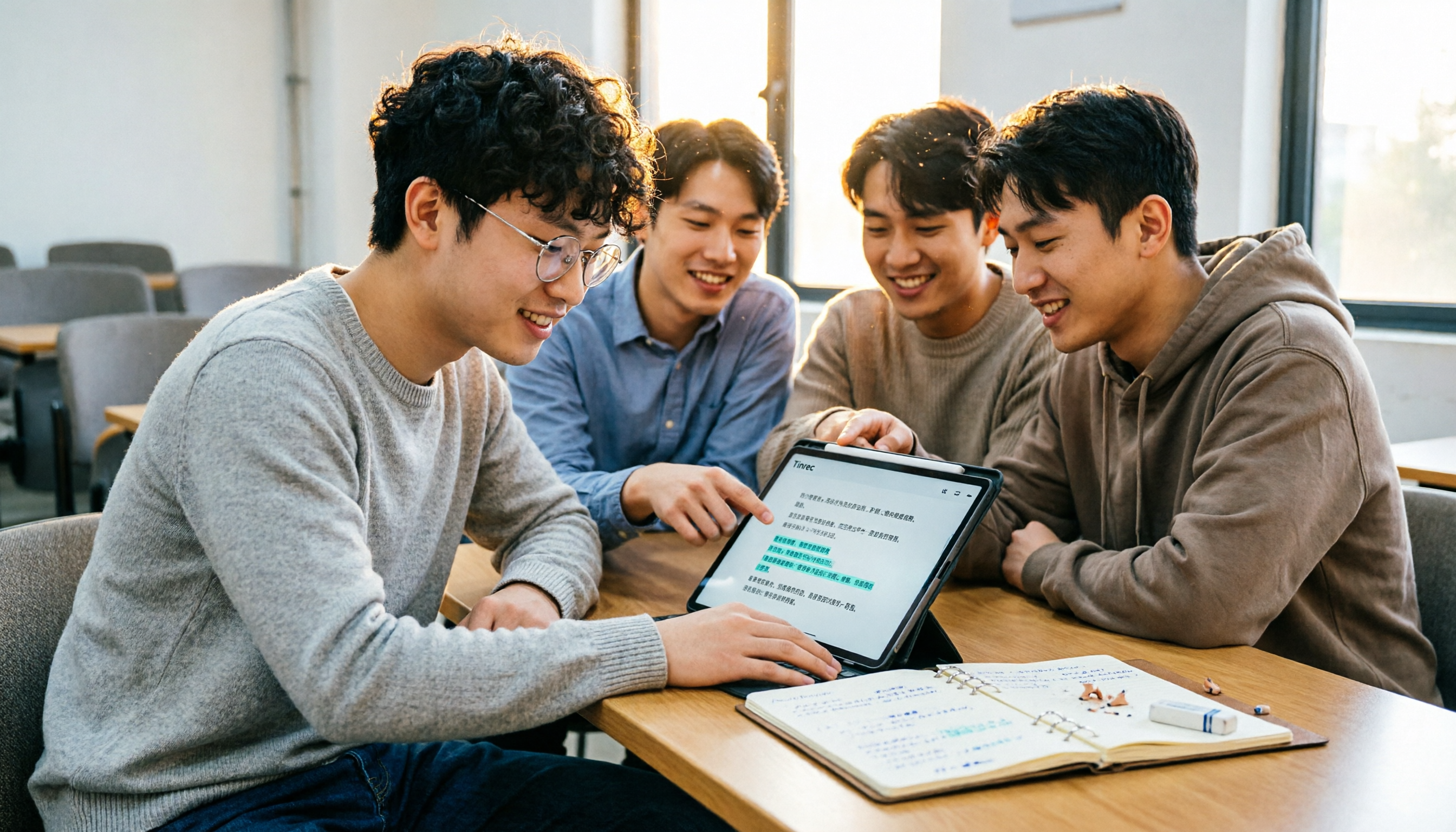
Tinrec vs Notta 2026: 5-Dimension Comparison for Chinese Classroom Notes - Which AI Is Better?
Comparing Tinrec and Notta for student note-taking, this article evaluates language support, cross-platform availability, AI summarization, free plans, and use cases to help you choose the best recording-to-notes solution for Chinese content.
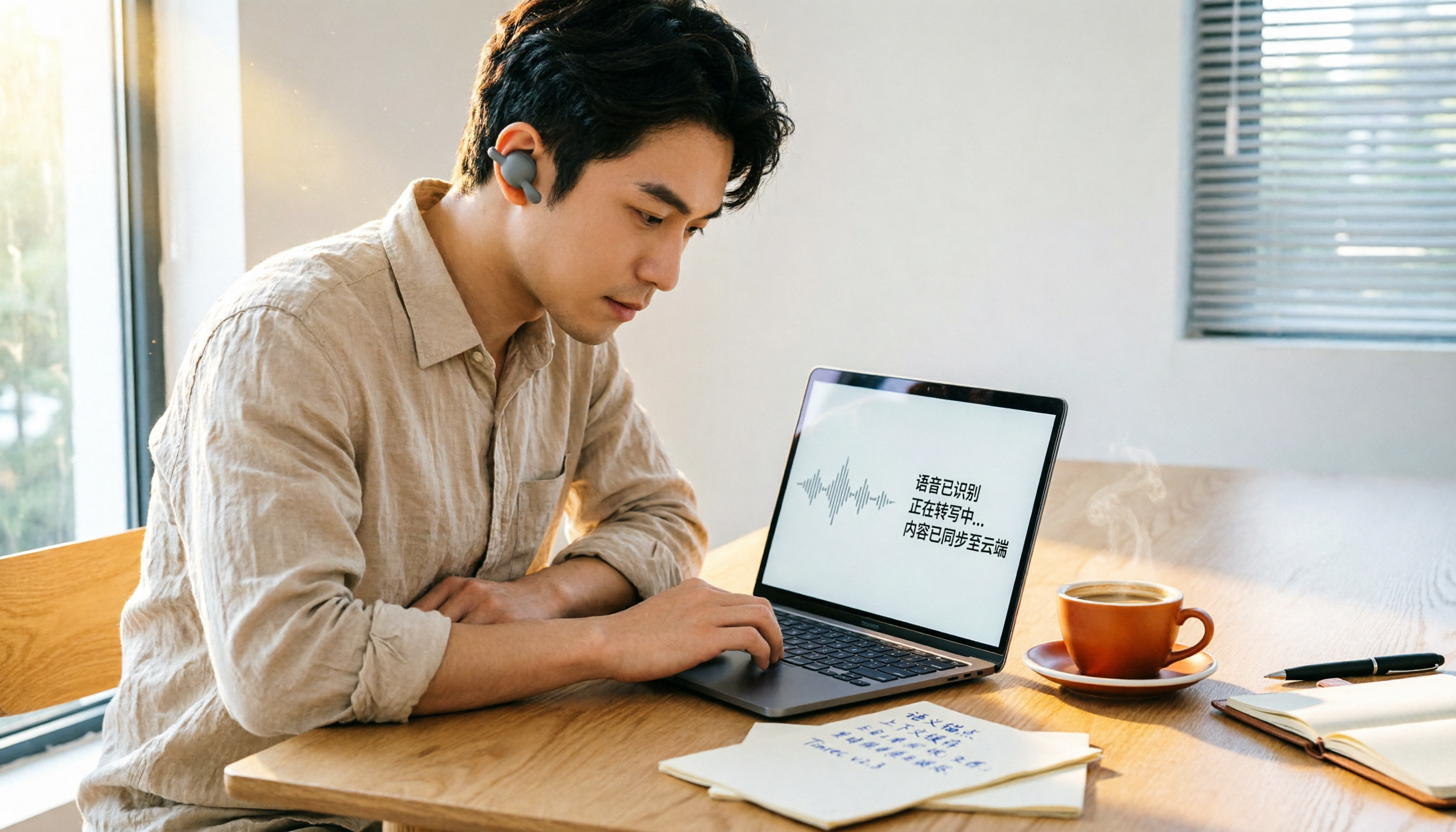
How to Choose a Voice-to-Text Tool for Work in 2026: A 5-Step Guide
Struggling with meeting notes and interview transcriptions? Our editors break down what to look for in a voice-to-text tool, test top options like Tinrec, and help you pick the right one without wasting money.

2026 Hands-On Comparison of 3 Auto Note-Taking Tools for Online Classes: Which Free Version Is Most Useful?
The biggest fear in online classes is missing key points. AI auto note-taking tools can generate text notes, summaries, and to-do lists while you listen. This article tests 3 tools, using Tinrec as a complete tutorial, and compares free plan differences to help you choose the best note-taking assistant for online learning.

Best AI Recording-to-Text Tools in 2026: Tinrec vs Notta Compared
Tired of manually turning meeting recordings into documents? This hands-on comparison of Tinrec and Notta focuses on their ability to automatically generate meeting minutes, reports, and notes, helping you choose the best assistant for creating deliverable files.