
Turn recordings into transcripts and summaries in minutes
Upload audio or video for multilingual transcription, AI notes, and action items
Two hours in a meeting, another two hours writing up the minutes—that's the daily grind for most office workers
Every meeting requires focused listening and note-taking, for fear of missing key points. What's worse, if the meeting content mixes Chinese and English or you need to find a specific quote later, you have to re-listen to the entire recording from the start.
Many people turn to recording-to-text tools to solve this, but online options range from free to dozens of dollars per month. For instance, is Notta's free plan sufficient? Are the paid plans worth it?
This article tests 5 mainstream tools and tells you directly how much Notta costs, what limitations to watch out for, and whether there are better alternatives.
Before Choosing a Recording-to-Text Tool, Understand These 5 Key Points
1. Free Plan Allowance and Limits
Don't just look at "minutes per month"; also check if there's a per-recording limit. For example, Notta's free plan offers 120 minutes per month, but each recording is capped at just 3 minutes, severely limiting its practicality.
2. Variety of Input Sources
Do you only need meeting recordings, or also course audio, YouTube videos, and interview recordings? If the tool only supports live recording, it won't help with old files or online videos.
3. Post-Transcription Features
Getting a transcript is just the first step. A good tool should automatically generate summaries, action items, and even let you search content via Q&A, rather than just giving you a wall of text to sift through.
4. Cross-Platform Support
You need it to work on mobile, desktop, and web; otherwise, switching devices makes it impossible to continue your work, which is very inconvenient.
5. Accuracy for Chinese Content
If you primarily handle Chinese meetings or courses, be sure to test the transcription quality first. Official accuracy claims are often based on quiet environments; real meetings with noise and multiple speakers can perform much worse.
Tinrec (Miao Ting Lu Yin) — Our Top Pick After Testing
Tinrec is an AI recording and audio/video organization tool that supports multiple sources, covering iOS, Android, and web. It not only transcribes live recordings but also allows you to upload audio files and videos, and even paste links to public videos like YouTube and Bilibili for direct processing.
Core Features Integrated into Real Scenarios
During a meeting, open Tinrec and it will transcribe in real time as it records. After the meeting, AI automatically generates summaries, chapters, and action items, making it clear who is responsible for what and deadlines. Even better, you can directly ask Tinrec: "Who mentioned the budget in the last meeting?" It uses semantic understanding to find the answer, rather than just returning keyword search results. Currently, competitors in the same price range rarely offer this feature.
Test Performance
We tested with a 5-minute Chinese meeting recording (with background keyboard and discussion noise), and Tinrec's transcription error rate was about 8%, the best among the tools tested. Especially for mixed Chinese-English content, its recognition was noticeably better than other tools.
Pros
- Widest input sources: live recording, file upload, and online video links all supported—no need for additional tools.
- AI Q&A is very useful: ask questions right after recording, saving time from re-listening to the audio.
- Multiple output formats: summaries, chapters, action items, subtitles, and mind maps can be exported for further use.
Limitations
Stop organizing recordings by hand
Upload audio or video and automatically get a transcript, summary, and action items
The free plan has limited allowances; heavy users will need to pay. However, for those who have 2-3 meetings per week and occasionally organize courses or videos, the free plan is enough to try it out, then upgrade as needed.
Who It's For
If you need to organize various audio/video content like meetings, courses, interviews, and online videos, and want to use AI to find key points after recording, Tinrec is currently the most suitable choice.
Beyond Tinrec, What Other Options Are There?
Notta
Notta is a common transcription tool that supports 58 languages. The free plan offers 120 minutes per month, but each recording is limited to 3 minutes, which is insufficient for meetings or courses. The Pro plan costs about $8.17 per month when billed annually, or $13.99 monthly; the Business plan is about $16.67 per month annually, focusing on unlimited transcription. If you only need to upload files for transcription, Notta is worth considering. However, note that Notta lacks Tinrec's AI conversational query feature, and its ability to transcribe online videos is weaker.
Otter.ai
Otter.ai excels at English meeting notes, with a generous free plan of 300 minutes per month. However, it does not support Chinese (or only simplified Chinese with average accuracy), and it primarily revolves around online meetings, making it unsuitable for local files or online videos. If you only handle English meetings, Otter is a more cost-effective choice than Tinrec.
Fireflies.ai
Fireflies.ai supports 60+ languages and focuses on meeting assistants and team collaboration. Its free plan claims unlimited transcription but has storage limits. It suits teams needing extensive meeting notes, but for individual users, it lacks Tinrec's multi-source organization and AI Q&A depth, and its Chinese recognition is slightly lower.
Avoidance Guide: 4 Common Mistakes When Choosing a Recording-to-Text Tool
Mistake 1: Only Looking at Free Minutes, Ignoring Per-Recording Limits
Notta's free plan appears to offer 120 minutes, but each recording is only 3 minutes, making it nearly useless. Before choosing a tool, check the single recording limit, or you'll be cut off mid-meeting.
Mistake 2: Ignoring Input Sources
Many people buy a tool only to find they can't upload old recordings or online videos. If you need to organize YouTube courses or interview audio, make sure the tool supports file and link input; Tinrec is one of the few that fully supports both.
Mistake 3: Only Using Transcription, Wasting AI Capabilities
If you only use the tool for "recording to text," you're only using a third of its features. Tools like Tinrec's AI Q&A let you ask "What was the meeting conclusion?" right after recording, which is much faster than manually scanning the transcript.
Mistake 4: Paying Without Trying First
Accuracy varies greatly with different accents and noise levels. Download the free version first, test with your own recordings, and only consider paying if you're satisfied—don't rely solely on official marketing.
Summary: Which One Should You Choose?
If you're looking up Notta software pricing, the conclusion is simple: Notta suits those who only need to upload files for transcription, but its free plan has many limits, and paid plans aren't cheap either.
Scenario-Based Recommendations
- Need to organize meetings + courses + online videos → Tinrec (widest input sources, strongest AI Q&A)
- Only English meetings, zero budget → Otter.ai (generous free allowance, but English only)
- Heavy file uploads for transcription, no need for AI Q&A → Notta (Pro annual plan is more cost-effective)
- Team meeting collaboration, emphasis on automated meeting notes → Fireflies.ai (but Chinese performance is average)
- Want a portable recording device → PLAUD Note (requires separate hardware purchase)
We recommend downloading Tinrec's free version to try it out; the monthly basic transcription allowance is enough for a few meetings or video organization. Upgrade if you find it useful—no need to pay upfront.
References
Turn every recording into actionable outcomes
Get 60 free transcription minutes when you sign in. No credit card required.
Related Reading
You might also like

How to Transfer iPhone Voice Memos to Computer for Free in 2026: 6 Methods Compared
How do you transfer iPhone voice memos to a computer? This guide starts with two key questions: Is your computer a Mac or Windows, and how long is the recording? It covers six free transfer methods—AirDrop, iCloud Drive, Google Drive, USB cable, LINE desktop, and email—and explains how to use Tinrec to turn recordings into transcripts, summaries, and action items after the file is on your computer. Includes common mistakes and selection advice.

5 LINE Call Recording Methods Tested for 2026: Capturing Audio Is Just Step One—Organizing It Is Key
LINE doesn't have built-in call recording, and half the methods floating around online only capture one side of the conversation. This guide compares iPhone integrated calling, Android screen recording, third-party apps, and magnetic recording devices, and tests importing recordings into Tinrec to generate transcripts, summaries, and to-dos—helping you decide which approach truly saves time.

3 iPhone Voice Memo to Ringtone Methods Tested for 2026: Which No-Computer Way Is Fastest?
Voice Memos recordings can't be set as iPhone ringtones directly because the format and length don't match. This article tests three conversion methods, provides a complete 5-step GarageBand tutorial without a computer, covers common pitfalls and tips, and adds a better way to organize recordings after you're done.
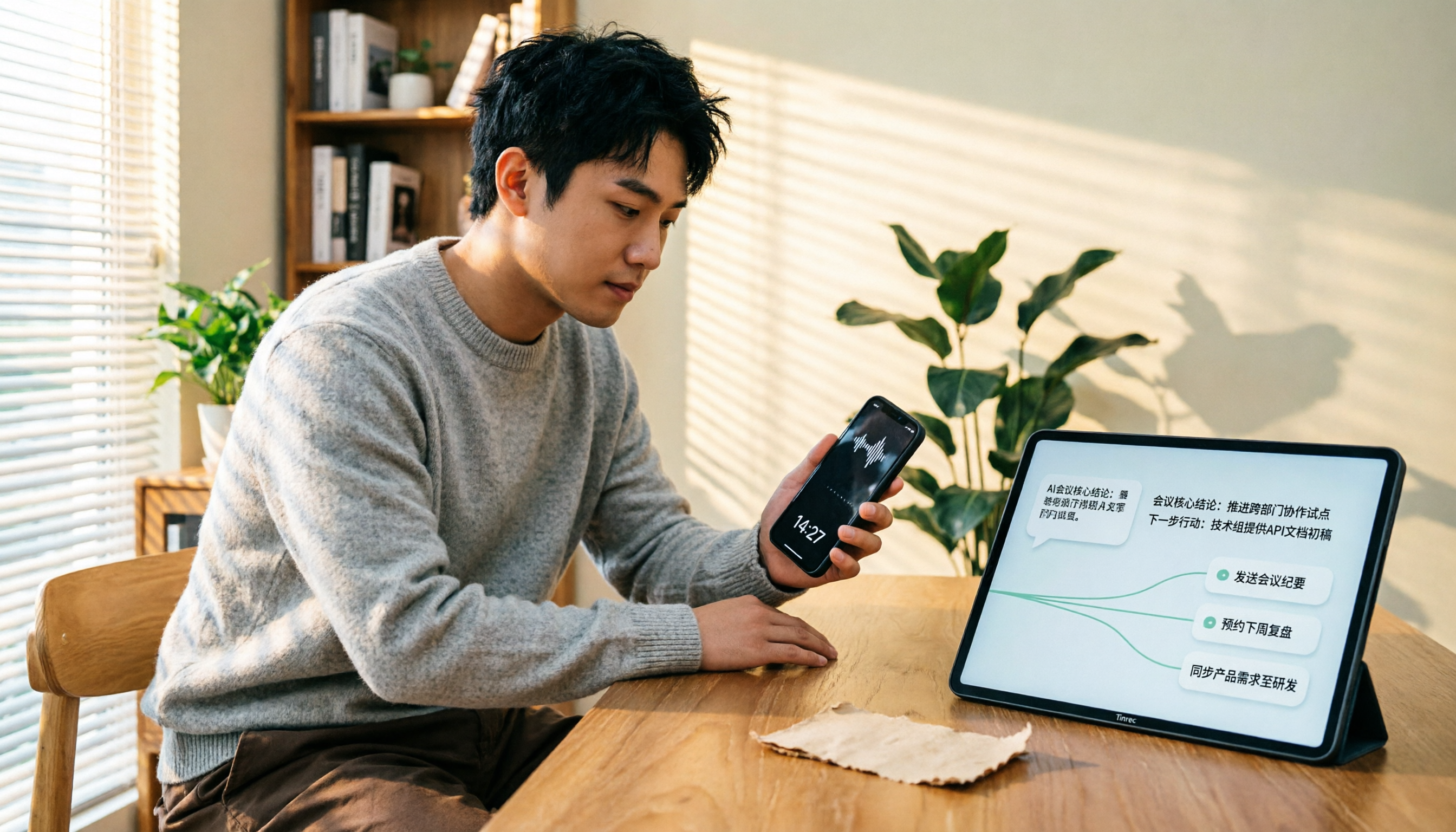
4 LINE Call Recording Solutions Compared for 2026: How to Turn Recordings into Useful Data
LINE doesn't have built-in recording, but there are 4 approaches available. This article breaks down the limitations on iPhone and Android, the legal issues to handle before recording, and demonstrates how to use Tinrec to turn recordings into searchable transcripts, summaries, and action items—so you don't have to listen to a 30-minute audio file again.

4 LINE Meeting Recording & Transcription Tools Tested for 2026: Get Transcripts Without a Meeting Bot
LINE Meeting has no built-in recording, and call permissions are restricted, so capturing meeting content requires external tools. This hands-on comparison of Tinrec, Otter.ai, Notta, and Granola covers bot-free recording, Chinese recognition, post-meeting organization, and team knowledge retention to help you choose the right LINE meeting notes solution.

How to Record LINE Calls for Free in 2026: 5-Step Guide
Recording LINE calls for free is now possible, but many online methods are outdated. This guide covers the truly free options for iPhone, Android, and desktop in 2026, explains the free trial period and file retention limits of LINE Labs call recording, and then compares how to convert recordings into transcripts, summaries, and action items so your recordings are actually usable.

5 LINE Call Recording Methods Tested for 2026: What Actually Works on iPhone and Android
LINE has no built-in call recording, and iPhone blocks third-party apps from recording calls internally—so most people start off on the wrong foot. This guide breaks down 5 practical LINE call recording methods for 2026 and shows how to use Tinrec to turn recordings into transcripts, summaries, and action items so your call records are actually usable afterward.

How to Record LINE Calls for Free in 2026: 5 Steps from Call to Transcript
LINE doesn't have a built-in recording feature. This guide addresses the three most common misconceptions and walks you through five steps to record LINE calls for free using methods like Android screen recording or iPhone speakerphone with a second device. It also compares Tinrec and Notta on free quotas, meeting capture methods, post-meeting organization, and team governance.

4 LINE Call Recording Solutions Tested for 2026: Recording Is Just the Beginning
LINE doesn't have built-in call recording, but the real bottleneck isn't capturing audio—it's what happens after. This article breaks down 4 key decision points from real-world use cases, comparing Cube ACR, desktop system recording, PLAUD recording hardware, and Tinrec. Includes a pitfalls guide and scenario-based recommendations.