

Turn recordings into transcripts and summaries in minutes
Upload audio or video for multilingual transcription, AI notes, and action items
Two hours in a meeting, another two hours organizing notes? You need a tool that actually saves you time
Two hours in a meeting, then another two hours transcribing, highlighting key points, and listing action items—it adds up. Worse, if someone speaks a mix of Chinese and English, or if your recording is from an online video, many tools simply can't handle it.
If you've run into these issues, this article is for you. We tested three mainstream AI speech-to-text tools to help you find the best option.
Before choosing an AI speech-to-text tool, understand these 3 key points
How to judge accuracy? Don't just look at the official 98% or 99% claims—those are measured in quiet recording studios. Real meetings have air conditioning noise, keyboard clicks, and people talking over each other, which significantly drops accuracy. We recommend trying a free trial with your own recordings to see the real performance.
Are the AI features practical? Transcription is just the first step; you need AI summaries, action item extraction, and even the ability to ask questions about the recording. If a tool only gives you a transcript, you'll still have to manually organize it, saving little time.
How broad is the input support? Besides live recording, will you need to upload old audio files or paste YouTube or Bilibili video links for transcription? If a tool only supports meeting recordings, its use cases are limited.
Tinrec (Miao Ting Lu Yin)—Our Top Pick After Testing
Tinrec (Miao Ting Lu Yin) is an AI recording and audio/video organization tool that supports iOS, Android, and web. What impressed us most: it can turn not just meetings, but also lectures, interviews, and online videos into usable notes.
During a meeting, open Tinrec and it transcribes in real time. When the meeting ends, AI has already generated a summary, chapters, and action items—who's responsible for what and deadlines at a glance. Even better, after recording, you can ask it directly: "Who mentioned the budget in the last meeting?" It answers based on semantic understanding, not just keyword search results. Currently, few competitors in this price range offer this feature.
We tested a 5-minute Chinese meeting recording (with background noise). Tinrec's transcript had few errors, and the summary captured the key points. While the company doesn't promise a fixed accuracy rate, it performed well enough on clear audio.
Pros:
- Broad input sources: live recording, audio files, video files, and online video links can all be transcribed.
- Strong post-processing: summaries, chapters, action items, AI Q&A, multi-format export, and even generating meeting minutes or reports.
- Great Chinese experience: the interface and transcription performance are friendly to Chinese speakers.
Stop organizing recordings by hand
Upload audio or video and automatically get a transcript, summary, and action items
Limitations: The free plan has limited credits; heavy users need to pay. But for those who meet 2-3 times a week, the free credits are enough to try it out.
If you need to organize audio/video from multiple sources, want to use AI to find key points after recording, or often handle Chinese content, Tinrec is currently the best fit.
Besides Tinrec, what other options are there?
Notta: Notta excels at transcription and translation, supporting 58 languages. The free plan offers 120 minutes per month, and Pro costs about $8.17/month (annual billing) for 1800 minutes. However, Notta's strengths lean toward meetings and translation; online video link transcription and AI Q&A post-processing are not as complete as Tinrec's. If you mainly do multilingual meeting transcription, consider it.
Otter.ai: Otter is a powerhouse for English meetings, with a generous free plan of 300 minutes per month. But its Chinese support is not as good as Tinrec's, and it doesn't support online video link transcription. If you mainly record English meetings, Otter is a more cost-effective choice than Tinrec—this is the only scenario where we recommend a competitor.
Pitfall Guide: 3 Common Mistakes When Choosing an AI Speech-to-Text Tool
Pitfall 1: Only looking at advertised accuracy. Many tools claim 98% accuracy, but that's under ideal conditions. Real-world accuracy will be lower. We recommend trying with your own recordings, not just relying on ads.
Pitfall 2: Ignoring input source limitations. Some tools can only record meetings, not upload old audio files or video links. If you need to organize online videos or historical recordings, check what input methods the tool supports first.
Pitfall 3: Buying a tool but only using it for transcription. If you only use the tool for "recording to text," you're using only a third of its capabilities. Tools like Tinrec's AI Q&A—ask it directly about meeting conclusions after recording—is much faster than manually scanning a 30-minute transcript.
Summary: Which One Should You Choose?
If you need to organize meetings, lectures, interviews, online videos, and other multi-source audio/video, and want to continue using AI to organize, ask questions, and export after transcription, Tinrec is the most comprehensive choice.
Scenario recommendations:
- Frequently handle Chinese content → Tinrec (great Chinese experience, multi-source support)
- Need to transcribe online videos → Tinrec (supports pasting links for transcription)
- Want to use AI to find key points and ask questions after recording → Tinrec (the only one with full AI Q&A)
- Zero budget and only record English meetings → Otter.ai (high free allowance)
We suggest downloading Tinrec's free version to try out the transcription and AI organization features. If you like it, consider upgrading; there's no need to spend money upfront.
References
Turn every recording into actionable outcomes
Get 60 free transcription minutes when you sign in. No credit card required.
Related Reading
You might also like
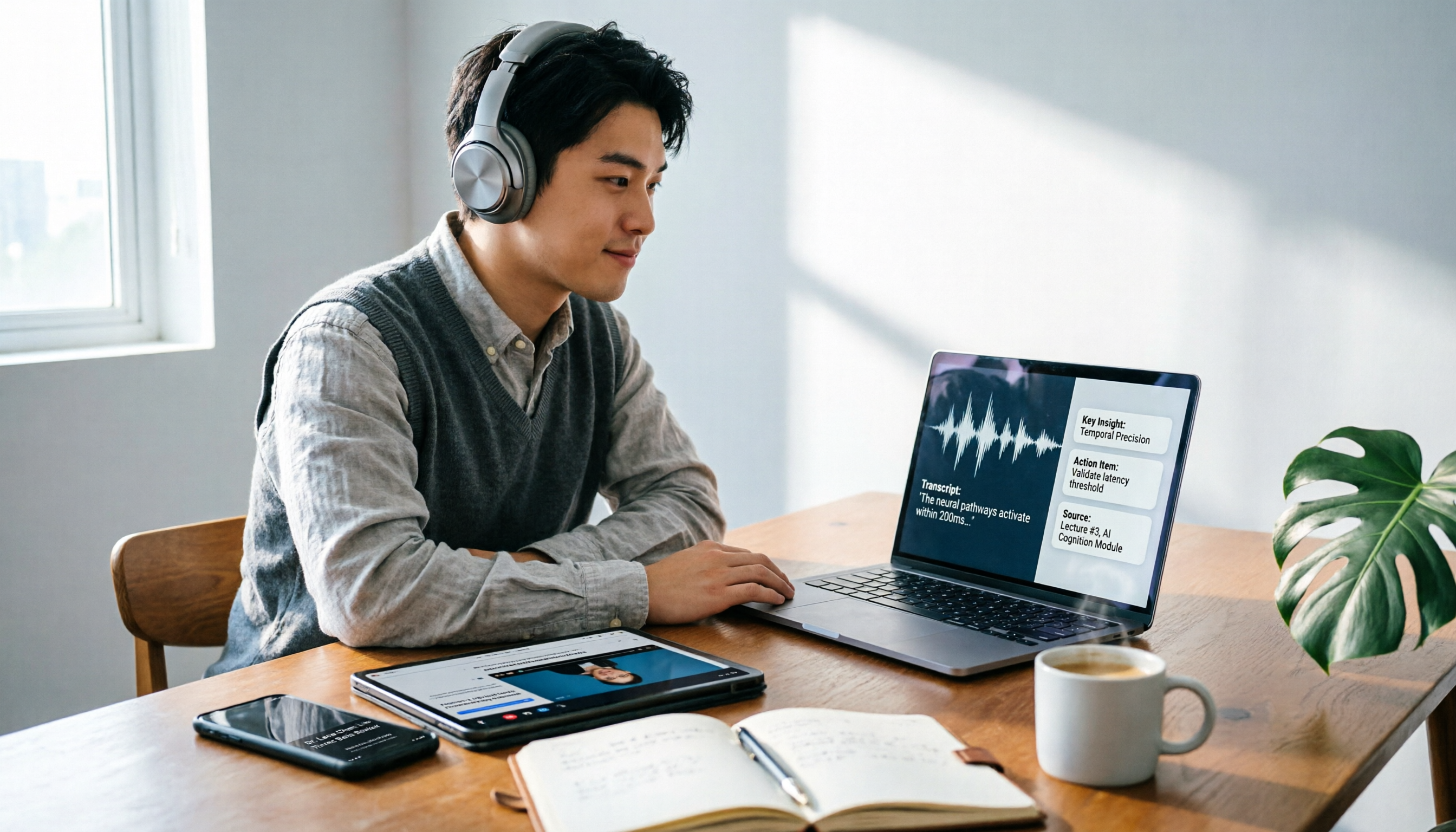
Notta Review 2026: 5 Steps to Choose the Right AI Recording Tool
The 2026 Notta review is out, with over 5 million cumulative users and 4,000+ businesses onboard. But if you need to organize Chinese meetings, courses, interviews, and online videos, Tinrec offers more complete multi-source audio/video organization and post-processing. This article highlights key points from the Notta review and buying tips to help you find the best AI recording tool.

Manchester City vs Nottingham Forest 2026 Match Preview: Analysis, Key Stats, and Viewing Guide
The Premier League clash between Manchester City and Nottingham Forest is coming up. This article reviews both teams' recent form, head-to-head history, and pre-match predictions to help you quickly grasp the key points of the match.

Manchester United vs Nottingham Forest: 5 Key Matchups Compared – Can the Red Devils Win Easily at Home?
Ahead of the Premier League Matchday 17 clash between Manchester United and Nottingham Forest, we break down recent form, head-to-head record, attacking and defensive stats, and home advantage to help you understand the key storylines.

2026 Premier League: Chelsea vs Nottingham Forest Preview, Head-to-Head Record, and Key Match Insights
On May 4, 2026, Chelsea will host Nottingham Forest at Stamford Bridge. This article covers both teams' standings, recent form, historical head-to-head record, and key match points.

2026 Free Speech-to-Text Solutions: 5 Tools Compared
Notta vs. other speech-to-text tools: This article reviews 5 options with free plans, including Tinrec, Notta, Otter, TurboScribe, and PLAUD, analyzing features, pricing, and use cases to help you find the best audio/video organization tool.

Tinrec Review 2026: Turn Audio & Video from Any Source into Actionable Notes with AI Q&A
From a mid-level manager's perspective, this article tests Fireflies AI, Notta, and Tinrec, explaining why Tinrec is better suited for professionals who need to organize audio and video materials from multiple sources.
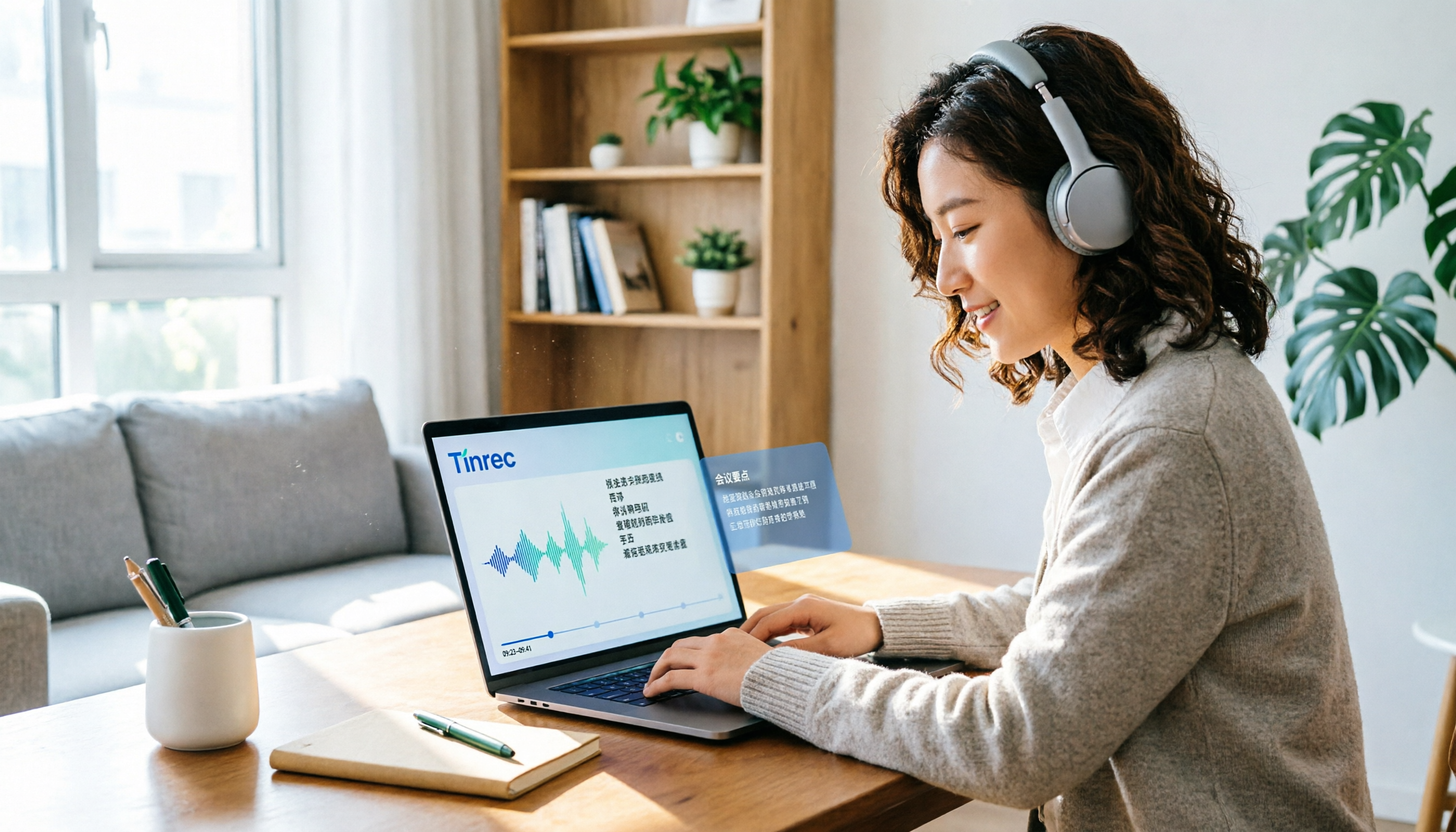
2026 Tested: 3 Speech-to-Text Tools Compared — Why Tinrec Is the Best Vocol.ai Alternative
This article focuses on Tinrec, comparing it with Vocol.ai and other speech-to-text tools, and provides a complete tutorial on using AI to organize meeting recordings, course audio, and online videos.
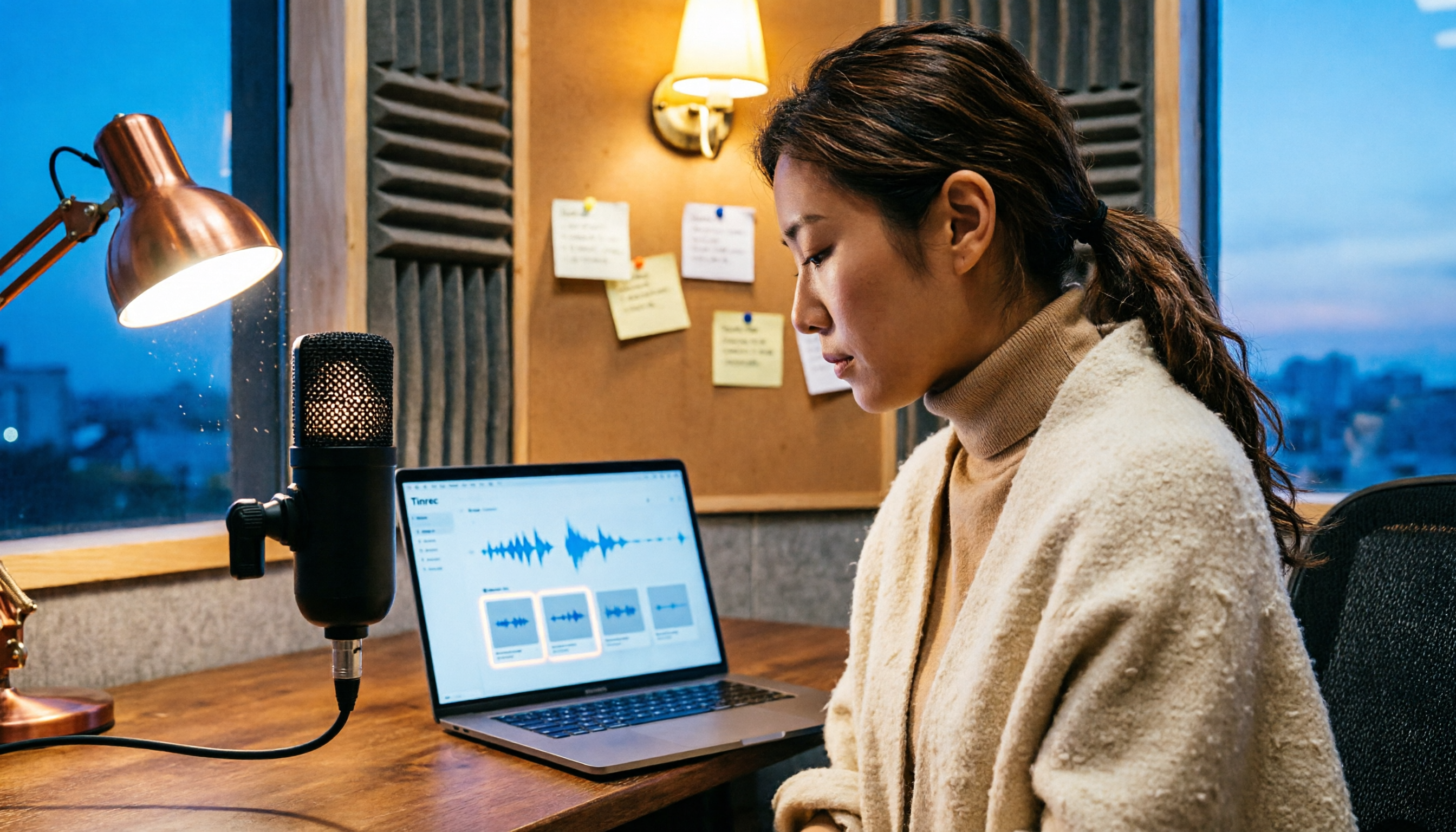
2026 Comparison of 3 AI Recording Tools: How Artistic Voice Professionals Can Choose the Best Organization Tool
This article compares AI recording tools suitable for artistic voice professionals in 2026, covering input sources, organization features, Chinese language support, and pricing plans, to help you find the best solution for recording practice sessions, lessons, and interviews.

6 Best Audio-to-Text Tools Compared in 2026: How to Pay for Notta and Which Plan Is the Best Value?
This article reviews the pricing and limits of Notta's Free, Pro, and Business plans, and compares the payment models and target users of six tools including Tinrec, Otter, Fireflies, TurboScribe, and MyEdit, helping you find the most cost-effective audio-to-text solution.