

Turn recordings into transcripts and summaries in minutes
Upload audio or video for multilingual transcription, AI notes, and action items
Notta vs Fathom vs Tinrec: 2026 Hands-On Comparison for Chinese Audio/Video Organization
Notta and Fathom are two AI meeting notes tools often compared by users in Taiwan. Notta supports 58 languages and real-time transcription; Fathom deeply integrates with Zoom, Meet, and Teams, and generates summaries quickly.
But after hands-on testing, I found that most people don't just need "meeting notes"—they need to turn various audio and video materials into usable knowledge. That's exactly where Tinrec's instant recording fits in.
This article, from Tinrec's perspective, compares the differences among the three tools and explains why Tinrec is better suited for users in Taiwan who need to handle meetings, courses, interviews, or online videos.
First, Look at the Positioning Differences Between Notta and Fathom
Notta's strength is multilingual transcription and real-time verbatim notes, ideal for international meetings. Fathom focuses on meeting integration, generating summaries within 30 seconds and syncing to CRM.
But both lean toward online meeting scenarios. If you also need to organize existing audio files, course recordings, or YouTube videos, their support is more limited.
Tinrec fills this gap: it doesn't just do meetings—it also brings courses, interviews, podcasts, and online videos into the same organization workflow.
What Can Tinrec Do for You?
Scenario 1: Meeting Recordings to Minutes
Record a meeting with Tinrec, and it transcribes in real time. When the meeting ends, it automatically generates a summary, action items, and assignees—no more spending an hour on notes.
Scenario 2: Course Audio to Notes
Record a class or lecture, and Tinrec will break it into chapters, list key points, and even generate a mind map for easy review.
Scenario 3: Interviews into Quotable Material
Upload an interview recording to Tinrec, get a verbatim transcript quickly, then use AI Q&A to extract key insights for direct quoting.
Scenario 4: Online Videos to Text
Paste a YouTube, Bilibili, or other video link, and Tinrec will transcribe and summarize it, perfect for content notes or repurposing.
What Are Tinrec's Core Capabilities?
Multi-Source Transcription
Tinrec supports live recording, audio/video files, online video links, computer meeting recordings, and even quick phone recordings. You don't need to decide if it's a meeting or a course—if it's audio or video, it can handle it.
AI Summaries and Chapters
It doesn't just give you a transcript; it breaks long content into structured sections: topics, conclusions, and action items listed separately, so you can see the key points at a glance.
Action Items and Key Point Extraction
Meeting discussions are automatically turned into action lists—who is responsible for what and deadlines—no manual organization needed.
AI Q&A
After transcription, you can ask Tinrec directly: "Who mentioned the budget in the meeting?" "What was the client feedback?" It answers based on semantic understanding, like querying your own database.
Stop organizing recordings by hand
Upload audio or video and automatically get a transcript, summary, and action items
Multi-Format Export and Post-Processing
Results can be exported to Notion, Google Docs, OneNote, and more. Tinrec can also generate meeting minutes, reports, tables, and other deliverables—it doesn't just stop at transcription.
Real-World Use Cases: How to Use Tinrec
Meetings: Tap record → real-time transcription → summary and action items generated at the end → export to your team.
Classes: Record the course audio → upload to Tinrec → auto-chapters and key points → export as notes or a mind map.
Interviews: Upload the interview recording → get a transcript → use AI Q&A to distill core insights → organize into quotable material.
Videos: Copy the video link → paste into Tinrec → get text and summary → use for content creation or personal notes.
4 Things to Watch When Choosing an AI Meeting Notes Tool
1. Accuracy
Don't just trust official claims. Test with your own recordings. Tinrec delivers stable quality with clear audio and common scenarios, but it doesn't overstate fixed numbers.
2. Input Sources
Check whether the tool supports local files and online videos. Tinrec, besides live recording, also allows uploading audio files and pasting video links, covering more ground.
3. Post-Processing Capabilities
Transcription is just the first step; what matters is whether you can organize, ask questions, and export afterward. Tinrec's AI summaries, action item extraction, and export features make the data truly usable.
4. Chinese Experience
Notta supports 58 languages and Fathom 28, but how well they handle Chinese content needs testing. Tinrec is optimized for Chinese meetings, courses, and interviews, and handles Traditional Chinese without issues.
FAQ
Q1: Which is better, Notta or Fathom?
It depends on your needs. If you only need online meeting notes, Fathom integrates smoothly; for multilingual transcription, Notta is strong. But if you need to organize courses, videos, and other sources, Tinrec is more comprehensive.
Q2: Is Tinrec's free plan enough?
It includes a monthly base transcription quota, so you can try live recording, file transcription, and online video parsing. It's suitable for light use.
Q3: Does Tinrec support Chinese?
Yes, it supports Traditional Chinese, and it's suitable for organizing Chinese meetings, courses, interviews, and videos. Actual results may vary with audio quality and accents.
Q4: Can Tinrec transcribe online videos?
Yes. Paste a public video link from YouTube, Bilibili, Xiaohongshu, etc., and it will transcribe and summarize the content.
Q5: What is Tinrec's accuracy rate?
It doesn't provide a fixed number because accuracy depends on recording quality, noise, accents, and other factors. But it significantly reduces manual organization time; for important content, we recommend cross-checking with the original.
Conclusion
Notta and Fathom perform well in their respective strengths, but if you need to handle not just online meetings but various audio and video materials, Tinrec is a more comprehensive choice.
It turns recordings and videos into searchable, summarizable, and queryable knowledge, suitable for work, learning, interviews, and content creation.
We recommend trying the free version first—drop in a meeting or course recording and experience the feeling of AI organizing your materials.
References
Turn every recording into actionable outcomes
Get 60 free transcription minutes when you sign in. No credit card required.
Related Reading
You might also like

Notta vs Ultimate Vocal Remover 2026: 4-Factor Comparison — Which Free Vocal Remover Should You Choose?
Free vocal removers seem plentiful, but their limitations vary widely. This article compares Notta's free online vocal remover with the open-source desktop tool Ultimate Vocal Remover across 4 dimensions, covering format support, the 20-minute limit, dual-track output, and how to judge separation artifacts. It also includes selection criteria and 3 common pitfalls to help you find the right tool.

2026 AI Meeting Recorder Comparison: Notta Tutorial & Tinrec Review
Starting with a complete Notta tutorial, we tested and compared five AI meeting recorder tools—Notta, Tinrec, Otter.ai, TurboScribe, and Granola—on transcription, post-meeting organization, Chinese language experience, and free tier limits. Includes key buying factors and three common pitfalls to help you decide which tool truly saves time on meeting follow-ups.

Notta Sin Foods Sugar-Free Snacks Buying Guide 2026: Reviews of 2 Products and Recommendations
There are few Chinese reviews of Notta Sin Foods. This guide compiles public information from the official website, Instagram, Amazon, and bigbasket into a buying guide: it breaks down the two main products, Choco Almond Spread and MilBites, explains the rating distribution behind the 4.5 stars, and summarizes three common buying mistakes to help you think clearly before ordering whether the alternative sweetener taste and price are really right for you.

How to Prepare for the 2026 Vocol Gubin Job Opening: 5 Steps from Understanding the Job Posting to Interview Notes
Vocol Sp. z o.o. has an opening for a pracownik biurowy (office administrator) in Gubin, Poland, with a gross salary starting at 4,666 PLN, a fixed-term contract, and 40 hours per week. This article covers 4 key points for understanding the job posting, a practical interview preparation process, and the tools I actually use to record and organize communication.

5 'Sweat' Reviews Compared: How to Read Lynn Nottage's Working-Class Rage
People searching for 'sweat lynn nottage review' usually aren't wondering if the play is good—they want to know what angle to take. This guide distills key points from five reviews—Los Angeles Times, Variety, The New York Times, blogger Kevin Stephany, and a 2026 Glasgow production—plus methods and tools for organizing research before and after seeing the play.

2026 AI Meeting Notes Comparison: Vocol.ai vs Tinrec — Which Is Better for Chinese-Speaking Teams?
Vocol.ai is a GPT-powered voice collaboration platform, and many users start looking for alternatives after trying it. This article examines three decision points—how to record online meetings, what you get after transcription, and how teams manage data—to compare Vocol.ai and Tinrec. It also covers Tinrec's features, real-world use cases, and pricing for personal and team plans, helping you decide which fits your meeting workflow.

Sweat by Lynn Nottage: 2026 Comparison of 3 Productions — Which Is Worth Seeing?
How to review Lynn Nottage's Sweat? This comparison covers the 2017 Broadway, 2018 Los Angeles, and 2026 Glasgow productions, with 4 key evaluation points and common pitfalls. Plus, if the play's interview-based writing inspires you, here's how to record, transcribe, and follow up on interviews.

2026 VOCOL Capillary GC Columns Comparison: How to Choose Length, Film Thickness, and Temperature Limit
How to choose a VOCOL capillary GC column? This article compares the publicly available specifications of three options—105 m × 0.53 mm, 60 m × 0.25 mm, and 30 m—covering differences in length, film thickness, and maximum temperature. It explains suitable scenarios for purge and trap versus direct injection and uses an FAQ to answer the most common purchasing questions, helping you decide based on your sample and method conditions.
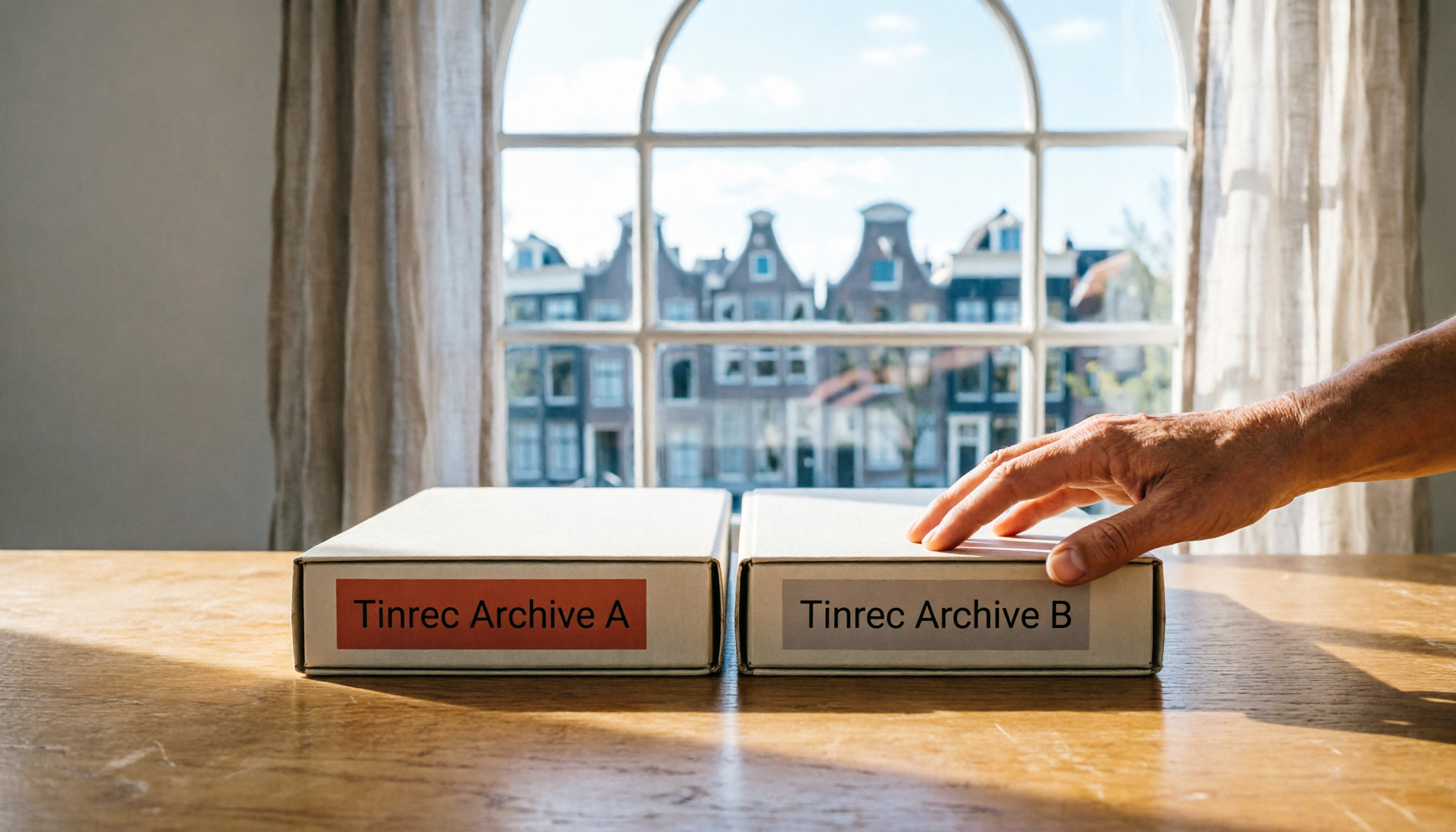
Vocol B.V. vs Vocol Nederland B.V. in 2026: 5 Key Differences Between Two Same-Name Dutch Companies
Searching for "vocol bv" returns two Dutch companies: a trailer manufacturer and a Rotterdam tank storage firm. This article uses 5 dimensions—KVK number, industry code, address, size, and business activity—to distinguish them, and highlights practical tips and common pitfalls when researching Dutch company data.