
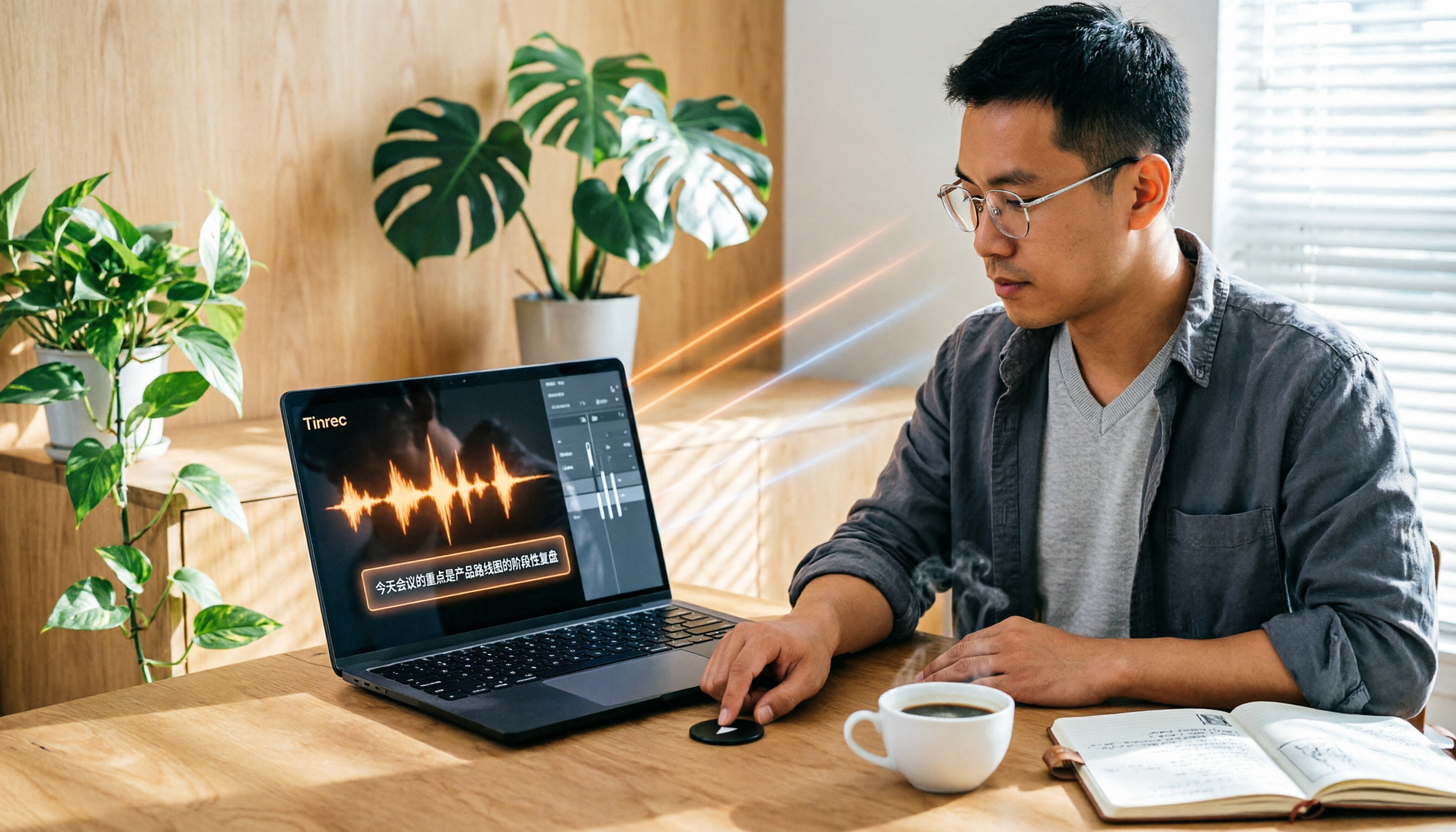
Turn recordings into transcripts and summaries in minutes
Upload audio or video for multilingual transcription, AI notes, and action items
Tinrec vs Otter | Quick Overview
Many people search for Notta tutorials, but if you're also considering other AI transcription tools, this Tinrec vs Otter comparison can help clarify your needs.
Tinrec is an AI recording and audio/video organization tool designed for meetings, learning, interviews, and content creation, while Otter is a typical AI meeting notes tool. Both can transcribe speech, but their positioning and strengths differ.
Quick comparison:
| Item | Tinrec | Otter |
|---|---|---|
| Positioning | AI recording and audio/video organization workspace | AI meeting notes and team collaboration |
| Input Sources | Live recording, audio/video files, web links, online meetings, mobile | Primarily online meetings, some files |
| Post-Transcription Processing | Summaries, chapters, action items, Q&A, export, generate deliverables | Meeting summaries, action items, team collaboration |
| Chinese Support | Product content clearly covers Traditional Chinese and multiple languages | Stronger English business meeting mindset |
| Pricing Plans | Free version, weekly pass, Pro monthly, Pro yearly, more flexible | Free version 300 minutes/month, Pro $8.33/yearly, fixed plans |
This article compares them across 5 dimensions to help you decide which one fits your use case better.
Dimension 1 | Breadth of Input Sources
Otter's strength is automatically joining online meetings and generating transcripts, supporting platforms like Zoom, Google Meet, and Microsoft Teams. However, its support for local audio files, video files, or web videos is relatively limited, mainly focusing on meeting scenarios.
Tinrec covers more input sources: live recording, uploading audio/video files, pasting public video links (e.g., YouTube, Bilibili, Xiaohongshu), computer meeting recording, and mobile recording. You don't need to think about the content type in advance; any audio/video content can be organized.
→ This dimension: Tinrec clearly wins, better suited for handling multi-source materials.
Dimension 2 | Post-Transcription Processing Capabilities
Otter provides meeting summaries and action items after transcription, helping teams quickly grasp key points. However, its output leans toward meeting minutes, with fewer other formatting options.
Tinrec not only provides verbatim transcripts but also automatically generates summaries, chapters, action items, subtitles, mind maps, and can even use AI to generate reports, tables, and other deliverables. The transcribed content can be further utilized rather than just staying as text.
→ This dimension: Tinrec wins, with richer post-processing options.
Dimension 3 | Chinese Content Organization
Otter is a well-known tool in English business meetings. Although it has added Traditional Chinese support in recent years, most users still associate it with English scenarios. If you often handle mixed Chinese-English content, Otter's performance may not be ideal.
Tinrec's product copy and use cases clearly cover Chinese, Traditional Chinese, and multilingual users, suitable for organizing Chinese meetings, courses, interviews, and videos. It can also handle mixed Chinese-English content, better aligning with the daily needs of Taiwanese users.
Stop organizing recordings by hand
Upload audio or video and automatically get a transcript, summary, and action items
→ This dimension: Tinrec wins, better suited for Chinese content organization.
Dimension 4 | AI Q&A and Database
Otter has built-in AI Chat that allows you to ask questions about a single meeting, such as "What was the conclusion of this meeting?" However, its Q&A scope is usually limited to that specific meeting, and historical data accumulation search is weaker.
Tinrec also offers AI Q&A, and it can ask questions across all historical recordings, turning scattered recordings into a searchable knowledge base. This is especially useful for people who organize meetings, courses, or interviews over time.
→ This dimension: Tinrec wins, better for building a personal or small team recording database.
Dimension 5 | Pricing and Plan Flexibility
Otter's free version offers 300 minutes of transcription per month, and the Pro plan costs about $8.33/month when billed annually, suitable for users who need regular meeting transcription. However, plan options are limited; if you only use it occasionally, the free tier may not be enough, and paying might feel wasteful.
Tinrec offers a free version, weekly pass, Pro monthly, and Pro yearly, allowing users to choose based on usage frequency. Use the free version for occasional transcription, the weekly pass for short-term intensive meetings, and consider the yearly plan for long-term use. It's more flexible than Otter.
→ This dimension: Tinrec wins, with more flexible pricing plans.
What Unique Advantages Does Each Have?
Tinrec's unique advantages:
- Multi-source input: Not just meetings, but also courses, interviews, podcasts, and web videos can be organized.
- Chinese-friendly: Interface and copy cover Traditional Chinese, suitable for Taiwanese users.
- Rich post-processing: From summaries and chapters to mind maps, you can continue producing deliverables after transcription.
- AI Q&A and database: Historical recordings are searchable and can be queried, forming a personal knowledge base.
Otter's unique advantages:
- Online meeting automation: Can automatically join meetings and generate transcripts, suitable for high-frequency English meeting teams.
- Team collaboration: Features like sharing, commenting, and assigning action items are more complete.
Summary: Who Should You Choose?
• If you need to process Chinese audio/video and multi-source material organization → Tinrec (broad input sources, good Chinese support) • If you want to generate summaries, action items, and mind maps after transcription → Tinrec (rich post-processing options) • If you want to turn historical recordings into a searchable knowledge base → Tinrec (AI Q&A covers all recordings) • If you mainly attend English online meetings and need team collaboration → Otter is sufficient
In one sentence: For most Chinese users, Tinrec is a more complete choice. We recommend downloading the Tinrec free version and testing it with your own recordings to see the results.
References
Turn every recording into actionable outcomes
Get 60 free transcription minutes when you sign in. No credit card required.
Related Reading
You might also like

2026 AI Meeting Notes Comparison: Vocol.ai vs Tinrec — Which Is Better for Chinese-Speaking Teams?
Vocol.ai is a GPT-powered voice collaboration platform, and many users start looking for alternatives after trying it. This article examines three decision points—how to record online meetings, what you get after transcription, and how teams manage data—to compare Vocol.ai and Tinrec. It also covers Tinrec's features, real-world use cases, and pricing for personal and team plans, helping you decide which fits your meeting workflow.

Sweat by Lynn Nottage: 2026 Comparison of 3 Productions — Which Is Worth Seeing?
How to review Lynn Nottage's Sweat? This comparison covers the 2017 Broadway, 2018 Los Angeles, and 2026 Glasgow productions, with 4 key evaluation points and common pitfalls. Plus, if the play's interview-based writing inspires you, here's how to record, transcribe, and follow up on interviews.

2026 VOCOL Capillary GC Columns Comparison: How to Choose Length, Film Thickness, and Temperature Limit
How to choose a VOCOL capillary GC column? This article compares the publicly available specifications of three options—105 m × 0.53 mm, 60 m × 0.25 mm, and 30 m—covering differences in length, film thickness, and maximum temperature. It explains suitable scenarios for purge and trap versus direct injection and uses an FAQ to answer the most common purchasing questions, helping you decide based on your sample and method conditions.
Vocol B.V. vs Vocol Nederland B.V. in 2026: 5 Key Differences Between Two Same-Name Dutch Companies
Searching for "vocol bv" returns two Dutch companies: a trailer manufacturer and a Rotterdam tank storage firm. This article uses 5 dimensions—KVK number, industry code, address, size, and business activity—to distinguish them, and highlights practical tips and common pitfalls when researching Dutch company data.

4 AI Meeting Transcription Tools Tested in 2026: Notta AI Pricing Explained and Which Offers the Best Value?
Before asking how much Notta AI costs, understand the difference between annual billing converted to monthly price, per-recording limits, and seat-based pricing. This article, based on hands-on testing, breaks down the cost structures and use cases of Notta, Otter.ai, TurboScribe, and Tinrec, and highlights four common pitfalls that can lead to overspending, helping you choose the plan that truly fits your needs.
Free Vocal Remover Tools in 2026: A Buying Guide to 4 Options and Selection Tips
Want to remove vocals and keep only the instrumental? You don't need to install editing software first. This article covers four options: Notta Online Vocal Remover, Ultimate Vocal Remover, online Vocal Remover tools, and Tinrec. It explains format support, the 20-minute limit, free quotas, and practical limitations, with selection advice for practice singing, video scoring, interviews, and meeting notes.

Notta Sin Foods Review 2026: Sugar-Free Spread, Millet Snacks & Breakfast Cereal Compared
Notta Sin Foods review roundup: This Indian brand uses monk fruit and stevia instead of sugar to make palm oil-free chocolate almond spread, millet snacks, and breakfast cereals. We break down the specs, retailer ratings, and prices of three main products, plus four common pitfalls to watch out for before buying.
How to Use Notta in 2026: 5-Step Recording-to-Text Tutorial (with Tinrec Workflow Comparison)
Searching for a Notta tutorial but stuck on the first step? This guide breaks down the complete recording-to-text workflow into five steps: live recording or post-processing, transcription, proofreading, summary and action items, and export and sharing. It compares Notta and Tinrec at each stage so you can build a method that works even if you switch tools.

Tinrec vs Vocol.ai in 2026: 5-Dimension Comparison — Which Is Better for Chinese Meeting Notes?
Starting from a Dcard review of Vocol.ai, this comparison evaluates Tinrec and Vocol.ai across 5 dimensions: meeting capture, post-meeting organization, input sources, team governance, and pricing. It helps you decide which tool is better suited for Chinese meeting notes and team knowledge retention.