

Turn recordings into transcripts and summaries in minutes
Upload audio or video for multilingual transcription, AI notes, and action items
4 AI Voice-to-Text Tools Compared in 2026: What Are Notta's Recommended Features? From Free to Paid, Explained
Two hours of meetings, two more hours to write up minutes? You don't need a tool; you need a solution
You're busy taking notes during the meeting, but you miss the discussion. The recording sits on your phone, and you have to type it out yourself. Worse, some tools just give you a huge transcript, and you still have to find the key points, action items, and conclusions yourself. If you've been through this, this article is for you.
Before Choosing an AI Voice-to-Text Tool, Understand These 4 Key Points
Accuracy: Don't Just Trust the Official Numbers. Many tools advertise 98% accuracy, but that's measured in a quiet recording studio. Real meetings have background noise and people talking over each other, which lowers accuracy. We recommend trying free trials with your own recordings to see real-world performance.
AI Features: Not Just Transcription, but Organization. A transcript is just the first step; AI summaries, chapters, action items, and Q&A are what really save time. If a tool only transcribes, you'll still spend time digesting the content.
Input Sources: Are You Only Handling Meetings? Some people need to organize meetings, others handle lectures, interviews, podcasts, or online videos. Tools that support multiple input sources are the ones you can use for everything.
Free Tier: Is It Enough for Your Monthly Use? Free versions usually have limits, so check the monthly minutes and feature restrictions. Heavy users should look at paid plans directly to avoid hitting a wall mid-use.
Tinrec (秒听录音) — Our Top Pick After Testing
Tinrec is an AI recording and audio/video organization tool designed for meetings, learning, interviews, and content creation. It doesn't just convert speech to text; it emphasizes turning recordings into searchable, summarizable, and queryable data.
Core Features in Action:
During a meeting, open Tinrec and it transcribes in real time. When the meeting ends, AI summaries, chapters, and action items are already organized, showing who's responsible for what and deadlines at a glance.
If you often watch tutorial videos on YouTube, Bilibili, or Xiaohongshu, just paste the link into Tinrec. It converts the video content to text and summarizes the key points, so you don't have to pause and take notes manually.
After recording, you can ask Tinrec like a database: "Who mentioned the budget in the last meeting?" It gives you the answer directly, not just a bunch of keyword results.
Pros:
Multiple input sources: Handles live recording, audio files, video files, web links, and online meetings. Strong Chinese processing: Suitable for Chinese meetings, lectures, interviews, and video content. AI Q&A is a killer feature: Not just summaries, but you can query historical recordings. Easy export: You can take results to Notion, Google Docs, and other tools.
Limitations:
The free version has basic transcription limits; heavy use requires a paid plan. No official guarantee of 99% accuracy; real-world performance depends on audio quality and accents. If you only need to transcribe large volumes of documents and don't need AI Q&A, there might be cheaper options.
Stop organizing recordings by hand
Upload audio or video and automatically get a transcript, summary, and action items
Who Is It For?
If you often need to organize Chinese meetings, lectures, interviews, or online videos, and you want to use AI to find key points and query content after recording, Tinrec is the most suitable choice right now.
Beyond Tinrec: What Other Options Are There?
Notta
Notta is an AI tool that supports real-time transcription and translation in 58 languages. Recommended features include AI summaries, custom vocabulary, summary templates, and recording meetings on Zoom, Google Meet, Teams, and more. The free plan offers 120 minutes per month, while Pro costs about $8.17/month (billed annually) for 1800 minutes. Compared to Tinrec, Notta excels at transcription and translation, but Tinrec adds web video link transcription and more complete AI Q&A, allowing you to query recordings as a database.
Otter.ai
Otter.ai is a popular choice for English meeting notes, offering 300 free minutes per month, which is generous for English users. But if you mainly handle Chinese content, Tinrec's Chinese processing is more tailored to your needs, and it also supports web video transcription.
Plaud Note
Plaud Note is AI recording hardware, suitable for those who need a standalone recording device. The hardware cost plus transcription subscription makes it expensive overall. Tinrec doesn't require extra equipment; you can use it on your phone and computer, and it can directly process web video links.
Pitfall Guide: 4 Common Mistakes When Choosing an AI Voice-to-Text Tool
Pitfall 1: Only Looking at Official Accuracy Claims. Many tools achieve high accuracy in quiet environments, but real meetings have noise and accents, reducing accuracy. Try it with your own recordings, not just ads.
Pitfall 2: Ignoring Input Sources. You think you'll only use meeting recordings, but later you might want to organize lectures or videos. Choose a tool that supports multiple sources, so you don't find out it's insufficient later.
Pitfall 3: Using the Tool Only for Transcripts. If you only use the tool for transcription, you're using only a third of its capabilities. With Tinrec's AI Q&A, you can ask "What's the conclusion?" right after recording, saving hours of scanning transcripts.
Pitfall 4: Ignoring Chinese and Mixed-Language Needs. Many tools are more English-friendly, but performance varies greatly for Chinese meetings and mixed Chinese-English content. If you often handle Chinese, prioritize tools with strong Chinese processing.
Summary: Which One Should You Choose?
If you need an integrated tool that handles meetings, lectures, interviews, and online videos, Tinrec is the top choice. Scenario-based recommendations:
- Need Chinese meeting, lecture, or interview organization → Tinrec (most complete Chinese processing and AI Q&A)
- Need to transcribe online videos → Tinrec (supports video link to text)
- Want to use AI to find key points after recording → Tinrec (AI Q&A feature)
- Mainly handle English meetings with a limited budget → Otter.ai (generous 300 free minutes)
- Need multi-language real-time translation → Notta (58 languages is a strength)
We recommend downloading Tinrec's free version first and testing it with your own recordings. If it works well, consider upgrading; there's no need to pay upfront.
References
- 5 AI Meeting Notes Tools Compared: Features and Pricing of Otter, Notta, and More
- Notta Tutorial: AI Transcripts and Translation | Mason AI Lab
- Notta | Learn AI
- Super Useful Voice-to-Text Tool — Notta, No More Painstaking Typing
- Henry Chu's Weekly: No.57 | 🎤 Tool Sharing - Notta Recording to Text, High Recognition Rate + Highlighting Key Points in Transcripts
Turn every recording into actionable outcomes
Get 60 free transcription minutes when you sign in. No credit card required.
Related Reading
You might also like
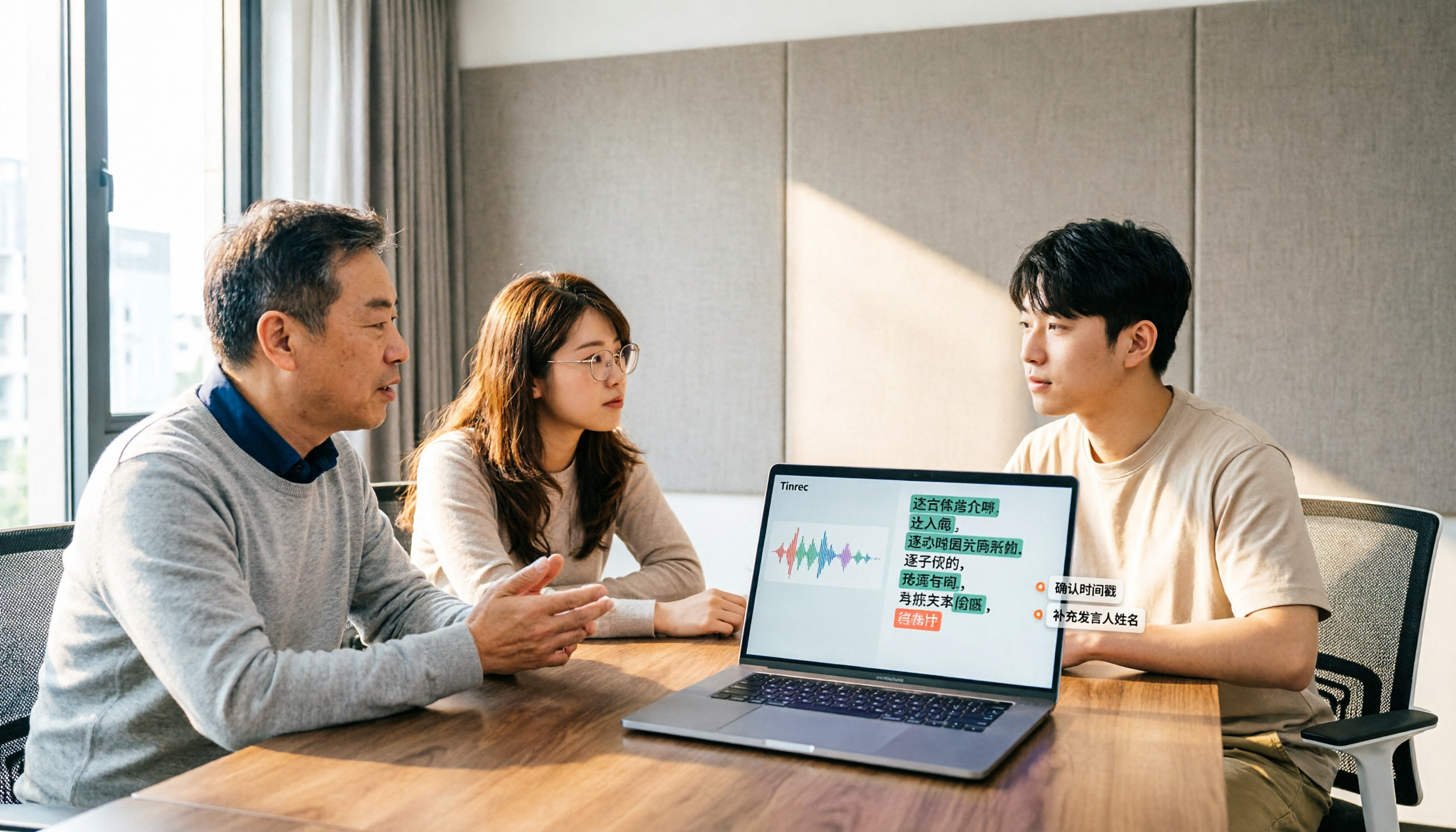
2026 Comparison of 3 Chinese Speech-to-Text Tools: Good Tape Chinese Performance vs. Tinrec—Which Saves More Time?
People searching for 'Good Tape Chinese' really want to know: can its Chinese transcripts be used directly? This article starts from that decision point, first explaining 4 key criteria for choosing a Chinese transcription tool, then compares Tinrec, Good Tape, and Notta in real tests on Chinese meetings, post-meeting organization, and team collaboration, with a guide to avoiding pitfalls and selection advice.

2026 Comparison of 4 AI Meeting Summary Tools: Free Tiers, Summary Quality, and Team Collaboration Explained
From student classes and group projects to internship meetings, this article breaks down the differences among 4 common approaches to AI meeting summary tools, explains how free tiers are calculated, what you can do after getting a transcript, and uses Tinrec to demonstrate the complete workflow from recording, transcription, summarization, action items, to AI Q&A and team knowledge retention.

2026 AI Transcription Tools Comparison: Vocol, Yating, Good Tape, and Tinrec — Which One Should You Choose?
If you're searching for 'Vocol comparison,' you're probably not looking for a spec sheet but wondering whether the tool you already use is still worth keeping. This article examines four key criteria: what you get after transcription, how meetings are recorded, whether you can search back through past meetings, and how teams manage data. We put Vocol.ai, Yating Transcription, Good Tape, and Tinrec through real-world tests and honestly list each tool's limitations and ideal users.

2026 Comparison of 3 Audio-to-Transcript Tools: Beyond the Good Tape Tutorial, Tinrec Offers a More Complete Chinese Meeting Workflow
Starting with the actual steps from the Good Tape tutorial, we cover the complete process from registration, upload, transcription to export, along with usage limitations. Then we compare Tinrec's differences in Chinese meetings, bot-free recording, AI summary action items, and team data retention, helping you decide which tool fits your meeting scenario.

2026 Voice Collaboration Platforms Compared: Vocol vs. Tinrec — Which Should You Choose?
Vocol and Tinrec are both tools that turn meeting audio into usable data, but they address different parts of the workflow. This article examines four key criteria: transcription quality, how meetings are recorded, data ownership, and post-meeting outputs. We walk through a real mixed Chinese-English meeting workflow and honestly list Tinrec's free plan limits, team plan seats, and pricing to help you determine which collaboration approach suits your team.

4 AI Voice Collaboration Tools Tested in 2026: Vocol vs. Tinrec Team Edition — Which Should You Choose?
Team meeting notes aren't just about dropping an audio file into a group chat. This article starts with common misconceptions and compares Tinrec, Vocol, Otter.ai, and Notta on meeting capture, post-meeting organization, AI Q&A, team governance, and Chinese-language experience. It also covers team edition seats, usage, and pricing to help you choose a tool that truly turns meetings into lasting assets.
4 LINE Call Recording Methods Tested and Compared in 2026: How to Quickly Turn Recordings into Transcripts
LINE does not have a built-in call recording feature. Most people's first attempt either has no sound or only records their own voice. This article starts with common pitfalls and tests four methods: iPhone's "Local Capture," Android screen recording with Cube ACR, and hardware recorders. It then compares how to use Tinrec to turn audio files into transcripts, summaries, and to-dos, with honest disclosure of costs and limitations.

Free iPhone Audio Editing Options in 2026: 2 Tools Compared
First, learn how to trim, replace, and delete/restore recordings in iPhone Voice Memos. Then compare Apple Voice Memos and Tinrec across transcription, summaries and action items, AI Q&A, team collaboration, and export workflows to see which fits your needs.

4 Free LINE Call Recording Methods Tested for 2026: How to Organize Recordings with the Least Time
LINE has finally opened free trials for call recording, but the trial only lasts until late January 2027, after which a LINE Premium monthly fee applies. This article compiles 4 currently available free LINE call recording methods, compares their limitations, recording file retention periods, and actual operation steps, and explains how to use Tinrec after recording to turn audio files into searchable, queryable transcripts and action items.