

Turn recordings into transcripts and summaries in minutes
Upload audio or video for multilingual transcription, AI notes, and action items
Two Hours of Meeting Recording, Two More Hours of Transcribing—You Need a Solution
Meetings, classes, interviews—many people record audio, but the real pain comes afterward. Especially for Cantonese speech-to-text, many tools only support Mandarin, or their accuracy is so poor it makes you question everything. There are free tools out there, but many are "fake free": they give you a few minutes of trial before charging, or they only support English. If you've ever stayed up late listening to a recording while typing along, this article is for you.
Before Choosing a Cantonese Voice-to-Text Tool, Understand These 4 Key Points
Accuracy: Don't Just Trust Official Numbers. Many tools claim 98% or 99% accuracy, but that's from quiet recording studio conditions. Real meetings have background noise, overlapping speech, and accents, which reduce accuracy. For our test, we used an actual recording: a 5-minute Cantonese meeting clip with slight air conditioning noise in the room. Under these conditions, the differences between tools become real.
Output: Do You Want a Transcript or a Polished Summary? If you just want a text transcript for yourself, many tools can do that. But if you want AI to summarize, list action items, or even ask it "What was the meeting conclusion?", you need a tool with post-processing features. Tinrec stands out in this regard.
Free Tier: Is a Few Minutes a Month Enough for You? Free versions usually have limits—some are total minutes, others reset monthly. If you only have one or two meetings a week, the free tier might suffice; but for heavy users, a paid plan may be necessary.
Cross-Platform: Can You Seamlessly Record on Phone and Edit on Computer? Many people record on their phone and then need to edit on a computer. If the tool only has a mobile app, you'll be frustrated. Tinrec supports iOS, Android, and web, which is convenient.
Tinrec (Seconds Recording)—Our Top Pick After Testing
Tinrec is an AI recording and audio/video organization tool that supports live recording, audio file transcription, and converting online video links to text, plus it can auto-generate summaries, chapters, and action items. After a week of testing, what impressed us most was that after converting Cantonese recordings to text, you can use AI Q&A to find key points.
Core Features in Action:
During a meeting, open Tinrec and it will display the transcript in real time as it records. When the meeting ends, AI has already generated a summary and action items—who is responsible for what, deadlines, all clear at a glance, no need to spend two hours organizing.
Besides live recording, you can also upload old audio files or paste YouTube or Bilibili video links, and Tinrec will automatically convert them to text and organize them. This is very useful for people who need to organize online courses, interviews, or podcasts.
Even more powerful is the AI Q&A feature. After recording, you can ask: "Who mentioned the budget in the last meeting?" Tinrec uses semantic understanding to give you the answer directly, not just keyword search results. Many similar tools currently lack this feature.
Pros:
- Multiple input sources: live recording, files, and online videos—no need to think about whether it's a meeting or a class.
- More than just a transcript: auto-summary, chapters, action items, and Q&A—ready to use after processing.
- Optimized for Chinese content: interface and recognition are tuned for Chinese (including Cantonese), making it more intuitive than foreign tools.
Limitations: The free version has a monthly transcription quota; heavy users may need to consider a paid plan. Additionally, Tinrec requires an internet connection, so if offline privacy is a major concern, you might want to look elsewhere.
Stop organizing recordings by hand
Upload audio or video and automatically get a transcript, summary, and action items
Who It's For: If you need to organize Cantonese meetings, classes, or interviews, and want to avoid manually going through transcripts after recording, Tinrec is currently the most suitable choice.
Beyond Tinrec: Other Options
Notely Voice: An open-source, offline voice-to-text app that uses the OpenAI Whisper model, supports Cantonese, and can convert colloquial speech into written language. However, its functionality is limited to transcription—no AI summaries, action items, or Q&A, and it can't handle online video links. It's suitable for users who prioritize privacy and only need a transcript. But if you want organized notes right after transcription, Tinrec's AI post-processing is more convenient.
iPhone Built-in Voice-to-Text: Built into iOS 18.4 and later, it faithfully transcribes Cantonese colloquial speech without needing a separate app. But it only provides a transcript—no summaries, action items, or other organizational features, and it's not cross-platform. If you only have an iPhone and occasionally need a transcript, this is the simplest option. But if you want AI to help organize key points, Tinrec will save you more effort.
Google AI Studio: Upload audio files via Google Gemini, free and supports Cantonese, but you need to manually write prompts, upload files, and select models—it's more like a tool for engineers. It has no automatic organization or export features; you have to copy and paste the results yourself. It's suitable for tinkerers who don't mind multiple steps. In contrast, Tinrec is out-of-the-box ready, with summaries and action items right after transcription, saving you time.
Pitfall Guide: 3 Common Mistakes When Choosing a Cantonese Voice-to-Text Tool
Pitfall 1: Only Looking at Official Accuracy Claims. Many tools claim 98% accuracy, but that's in quiet environments. Real meetings have noise and accents, which reduce accuracy. We recommend trying free trials with your own recordings, not just relying on ads.
Pitfall 2: Ignoring Post-Processing Features. If you only treat a transcription tool as "voice-to-text," you're only using a third of its capability. Tools like Tinrec's AI Q&A let you ask "What was the meeting conclusion?" right after recording, which is much faster than manually going through a 30-minute transcript. But many free tools only offer plain transcription without these features.
Pitfall 3: Assuming Free Means Truly Free. Some tools claim to be free, but after a few minutes of trial, they demand a subscription, or the free version is extremely restrictive. Tinrec's free version provides a basic transcription quota, so you can try it out before deciding to upgrade.
Summary: Which One Should You Choose?
Based on our hands-on testing, if your need is "Cantonese voice-to-text plus automatic key point organization," Tinrec is the top choice. It not only transcribes accurately but also provides summaries, action items, and Q&A, and supports multiple input sources.
Scenario-based recommendations:
- Need Cantonese meeting notes + AI summary + action items → Tinrec (most comprehensive)
- Only want offline transcripts and don't mind organizing yourself → Notely Voice (privacy-first)
- Only use iPhone and occasionally need transcripts → iPhone built-in voice-to-text (zero cost)
- Enjoy DIY and have a technical background → Google AI Studio (free but labor-intensive)
We recommend downloading Tinrec's free version to try it out—it includes a basic monthly quota, enough for a few meetings to experience the effect. If you like it, consider a paid plan; there's no need to spend money upfront.
References
- Tutorial: Free AI Offline Voice-to-Text App Converts Cantonese Colloquial to Written Language, Compared with iPhone Built-in Transcription
- [Tutorial] iPhone Voice Memo to Text: Supports Cantonese, No Third-Party Software Needed - unwire.hk Hong Kong
- "Free + Cantonese OK: How to Use Google AI Studio to Convert Your Recordings to Text" Finding a good transcript app is painful; maybe you've tried different voice-to-text apps—some are fake free, charging after the first few minutes; some only support English, not Cantonese; some require a lot of API setup. Recently I discovered Google Gemini is world-class in this regard: - [Truly Free] No subscription after a few uses - [Cantonese Friendly] Gemini is accurate
- Online AI Voice, Video, and Audio File Auto-Transcription - Free Trial - cSubtitle
- Free Cantonese Voice-to-Text App 2025 | Subanana
Turn every recording into actionable outcomes
Get 60 free transcription minutes when you sign in. No credit card required.
Related Reading
You might also like

3 Cantonese Voice-to-Text Tools Tested in 2026: More Than Just Transcription, They Organize Key Points
Hong Kong professionals often use Cantonese in meetings, but transcribing recordings can be time-consuming. This article tests Tinrec, Otter, and Notta, comparing Cantonese recognition, AI organization features, and free tiers, and provides buying tips and pitfalls to avoid, helping you find the best Cantonese voice-to-text solution.
2026 Hands-On Comparison of 3 Cantonese Voice-to-Text Apps: Which Free Version Is Good Enough?
Struggling to transcribe Cantonese meetings and lectures? This article tests Tinrec, Otter.ai, and Notta, comparing accuracy, free allowances, and AI features to help you find the best Cantonese voice-to-text solution within your budget.

4 Cantonese Speech-to-Text Tools Compared in 2026: From Free to Paid, Everything You Need to Know
A hands-on comparison of 4 mainstream Cantonese speech-to-text tools, focusing on accuracy, AI summaries, multi-source input, and free tiers. Using Tinrec as an example, it shows how to quickly turn meetings, interviews, and videos into searchable text files.

5 Cantonese Audio-to-Text Tools Compared in 2026: From Free to Professional
A comparison of 5 tools that support Cantonese audio-to-text conversion, from free trials to professional plans, with a methodology to help you choose the best one for meetings, interviews, and course recordings.

How to Choose Cantonese Voice-to-Text in 2026? A 5-Step Comparison of Tinrec vs Otter.ai
We tested Tinrec and Otter.ai, two Cantonese voice-to-text tools, comparing Cantonese recognition, mixed Chinese-English handling, input sources, AI organization, and pricing to help Hong Kong professionals pick the most time-saving option.

2026 Free Cantonese Recording-to-Text Solutions: 4 Options Compared
Hong Kong professionals often need to convert meeting recordings and class audio into text, but which tools truly support Cantonese? This hands-on comparison tests Tinrec, Notta, Otter, and iPhone's built-in feature to find the best free option for you.

2026 Cantonese Audio to Text Complete Guide: 3 Use Cases and Free Plan Tested
A senior student shares hands-on experience using Tinrec's free plan to quickly transcribe Cantonese classroom recordings, group discussions, and interviews into text, then organize them into notes and to-dos. This guide covers features, use cases, buying tips, and FAQs, ideal for budget-conscious students.
Tinrec vs Plaud Note 2026: 5-Dimension Comparison – Which One Handles Cantonese Transcription Better?
A Hong Kong tech journalist's hands-on comparison of Tinrec and Plaud Note for Cantonese voice-to-text, analyzing accuracy, hardware requirements, input sources, AI features, and price across 5 dimensions to help you choose the right tool.
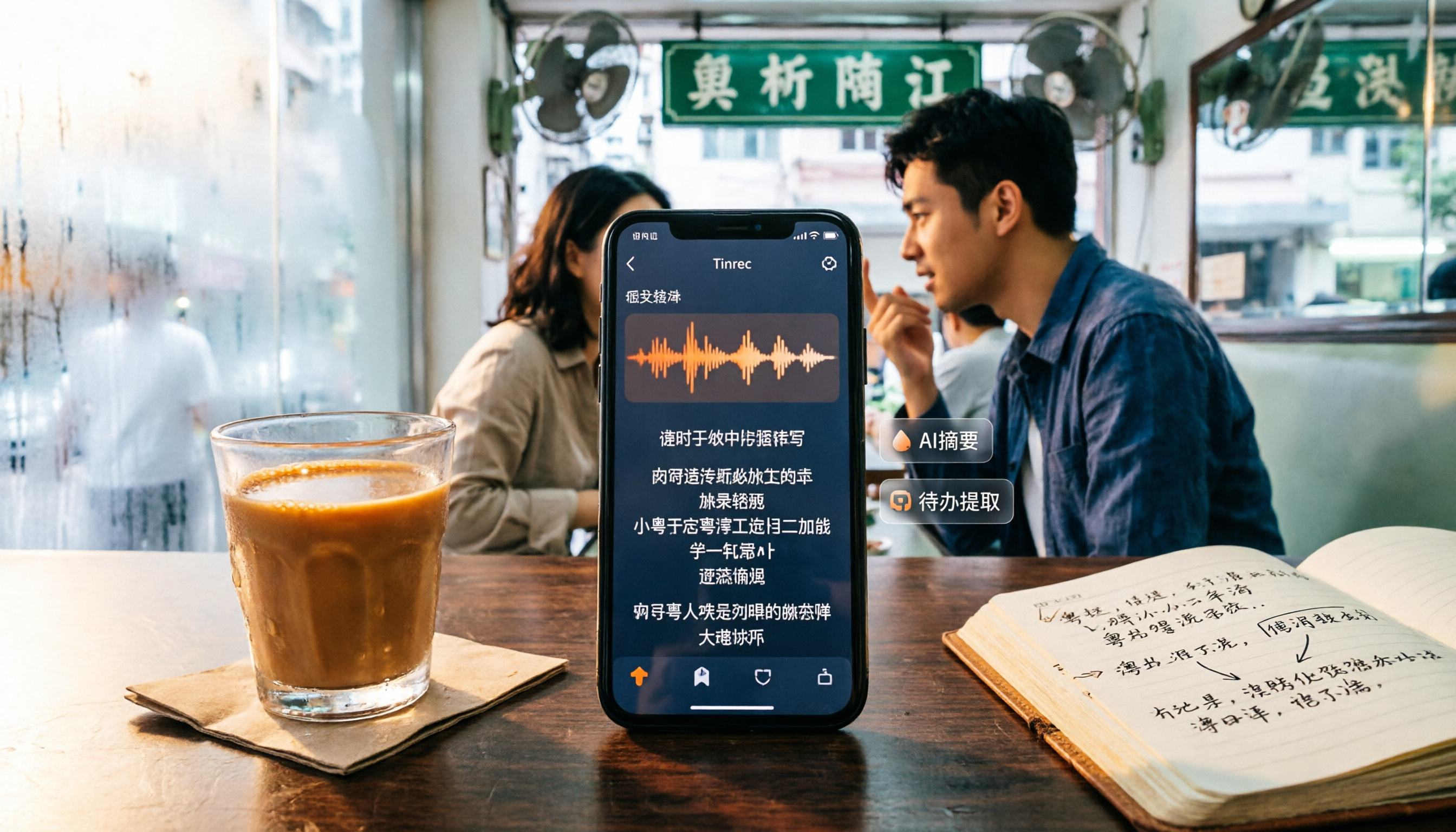
2026 Tested: 4 Cantonese Voice-to-Text Tools Compared – Which AI Meeting Notes Really Save Time?
Looking for a Cantonese voice-to-text tool? This article tests Tinrec, Otter.ai, Notta, and Plaud Note, comparing Cantonese recognition, AI summaries, action item extraction, and free plans to help you save transcription time.