

Turn recordings into transcripts and summaries in minutes
Upload audio or video for multilingual transcription, AI notes, and action items
Constantly in cross-border meetings with a mix of Chinese and English, Cantonese and Mandarin thrown in, and struggling to compile meeting notes afterward? After testing several multilingual meeting note tools, we found that Tinrec handles mixed Chinese-English content quite well—not only transcribing quickly but also automatically generating summaries and action items. Below, we use Tinrec as the main example to help you choose the best tool for your needs.
What Can Multilingual Meeting Note Tools Do for You?
It's not just about converting audio to text; it's about saving you tons of manual organization time. Here are four scenarios using Tinrec as an example:
Scenario 1: Get Meeting Notes in 5 Minutes
Previously, after a two-hour meeting, you might spend another hour organizing notes. Now with Tinrec, by the time the meeting ends, AI has already generated summaries, conclusions, and action items—who's responsible for what and deadlines are clear at a glance.
Scenario 2: No More Guessing in Mixed Chinese-English Meetings
In Hong Kong's workplace, mixing Chinese and English is common, sometimes with English and Cantonese in the same sentence. Tinrec automatically recognizes mixed content, producing clean text without garbled characters, making it easy to search for key points later.
Scenario 3: Instant Records When Meeting Foreign Clients
In video calls with foreign clients, language barriers make note-taking difficult. With Tinrec's real-time transcription, you can read along while listening, and it can even auto-translate to Chinese, allowing you to focus on the conversation.
Scenario 4: Repurpose Online Videos as Material
Beyond meetings, if you need to organize multilingual interviews or tutorials from YouTube or Bilibili, Tinrec lets you paste a link and directly get text and summaries, saving you from transcribing line by line.
What Are Tinrec's Core Capabilities?
Tinrec offers several practical features for multilingual meeting notes:
Real-Time Transcription: Text as You Record
It doesn't wait until after recording; it generates text simultaneously with low latency. You can follow along during the meeting to ensure no key points are missed.
AI Semantic Summaries: Structured, Not Just Condensed
It automatically organizes meeting topics, conclusions, action items, and assignees, so you don't have to categorize manually. For example, ask "What was the client feedback?" and it can answer directly instead of making you sift through the full transcript.
AI Conversation Query: Ask Like a Database
After transcription, you can ask Tinrec: "Who mentioned the budget?" "When is the deadline?" It provides answers based on semantic understanding, saving you search time.
Multi-Format Export: Take Results With You
You can export summaries, meeting notes, and action items in various formats or sync to tools like Notion and Google Docs for easy follow-up.
Agent Post-Processing: Generate Deliverables
Beyond transcripts, Tinrec can generate formal meeting minutes, reports, and tables that you can directly submit to your boss or clients.
Practical Use Cases
Cross-Border Meetings: Simultaneous Chinese-English Recording
Many Hong Kong companies meet with overseas teams, switching languages frequently. With Tinrec's real-time transcription, mixed Chinese-English dialogue is automatically recognized, and summaries are ready post-meeting—no need to re-listen to recordings.
Stop organizing recordings by hand
Upload audio or video and automatically get a transcript, summary, and action items
Class Notes: Follow Foreign Lectures
University students or lifelong learners often attend English lectures or online courses. Record with Tinrec to get instant text, organized by chapters, making it easy to find key points when studying without re-listening from the start.
Interview Organization: Quickly Get Quotable Material
Journalists or researchers may interview people in different languages. Tinrec converts interview recordings to text, and AI summaries help you find important viewpoints, streamlining writing and reporting.
Online Video Organization: Multilingual Content to Text
If you want to organize foreign YouTube videos or podcasts, Tinrec supports pasting links for direct transcription, saving you from listening manually, and can generate highlight summaries for content creation.
5 Points to Consider When Choosing a Multilingual Meeting Note Tool
1. Language Support Range
Don't just rely on official claims; test with actual mixed Chinese-English recordings. Tinrec supports multiple languages, especially mixed content, producing natural text without separating Chinese and English sentences.
2. Depth of AI Features
Transcription is just the first step; the key is whether it can organize afterward. Tinrec's AI conversation query lets you ask for key points directly, rather than just giving you a wall of text.
3. Accuracy and Audio Quality
Any tool's accuracy is affected by recording quality. Tinrec performs well with clear audio, but in noisy environments or with overlapping speakers, consider using an external microphone and double-check important content by re-listening.
4. Cross-Platform Convenience
Ensure the tool supports your common devices. Tinrec has iOS, Android, and web versions, so you can start recording and transcribing anytime on your phone or computer.
5. Privacy and Data Security
Meeting content may involve company secrets. Look for tools with encrypted transmission and a complete account system. Tinrec uses enterprise-grade encryption, better than using unknown free conversion websites.
Frequently Asked Questions
Q: Is Tinrec's free version sufficient?
A: It's enough for a trial. The free version includes a monthly base transcription quota, allowing you to experience real-time recording and file import. Try the free version first to see if it fits your needs before deciding to upgrade.
Q: Which languages does Tinrec support?
A: It supports multiple languages, including Chinese (Traditional and Simplified), English, Japanese, Korean, etc., especially suitable for mixed Chinese-English meetings and content. Actual performance depends on audio quality.
Q: Is transcription accuracy 100%?
A: No. Any AI transcription can make errors, especially with heavy accents, background noise, or overlapping speakers. Tinrec greatly reduces manual organization time, but for important decisions, we recommend re-listening to the recording to verify.
Q: Will mixed Chinese-English content cause garbled text?
A: No. Tinrec uses a new-generation model that automatically adapts to mixed-language contexts, producing text that usually preserves the original language order for easy reading.
Q: What formats can I export?
A: Tinrec supports various export formats, including text files, PDF, and can sync to third-party tools like Notion and Google Docs for easy follow-up.
Conclusion
If you frequently deal with multilingual meeting notes, especially mixed Chinese-English situations, Tinrec is a tool worth trying. It not only transcribes quickly but also automatically organizes summaries and action items, saving you overtime hours. We recommend downloading the free version and testing it over a few meetings before deciding to upgrade to a paid plan. Instead of continuing manual transcription, let AI help you.
References
- Meeting Ink - 2026 AI Meeting Notes Tool Test: 7 Voice-to-Text and Summary Speed Comparison | Meeting Ink - AI Meeting Notes Assistant, Automatic Transcription and Summary
- Ultra-Practical Guide: How to Write English Meeting Minutes | CommonWealth Magazine
- Ultra-Practical Guide: How to Write English Meeting Minutes
- 2026 Latest 5 Recommended AI Tools for Bilingual Chinese-English Meeting Notes: Solving Recording Organization and Cross-Language Communication Pain Points - Tinrec Blog
- Struggling to Capture Key Points in English Meeting Minutes? Use Universal Sentence Patterns and Templates for Professional Notes
Turn every recording into actionable outcomes
Get 60 free transcription minutes when you sign in. No credit card required.
Related Reading
You might also like

What is VOCOL GmbH Kevelaer? 5-Step Verification and Meeting Intelligence Guide
Searching for VOCOL GmbH Kevelaer usually means you're verifying a German tank manufacturer or preparing for a meeting with a European supplier. This article first uses public sources to quickly answer VOCOL GmbH's address, products, and contact details, then uses Tinrec as an example to explain how cross-language meetings can be turned from recordings and transcripts into summaries and action items—organized into trackable team data.

2026 VOCOL Capillary GC Column Comparison: How to Choose for Purge-and-Trap VOC Analysis
VOCOL capillary GC columns come in more than one specification—change the film thickness, inner diameter, or column length, and the suitable application changes completely. Based on real-world needs for purge-and-trap and GC/MS, this article covers 4 key column selection points, a comparison of common specifications, suitable and unsuitable scenarios, and the 4 most common pitfalls before purchasing, helping you avoid detours before placing your order.

2026 Comparison of 3 Meeting Notes Tools: How to Choose Between Dcard-Buzzed Vocol.ai and Tinrec
Searching for vocol.ai on Dcard mostly yields feature lists about 'one-click transcript generation.' But what really matters is three things: whether meetings are online or in-person, whether you need a transcript or deliverable post-meeting materials, and whether data stays in a personal account or a team space. This article breaks down the actual workflow and uses Tinrec to explain how each step works.

What Does Notta Mean in 2026? A 5-Dimension Comparison of Tinrec vs. Notta to See Which Fits You Better
Notta is not the same as nada. This article breaks down three meanings of notta (colloquial contraction, rare surname, and transcription tool brand), then compares Notta and Tinrec's meeting note capabilities across 5 dimensions to help you decide whether to check a dictionary or choose a tool.

Notta vs Tinrec in 2026: 5-Dimension Comparison — Which Is Better for Chinese Meeting Notes?
What exactly can Notta do? This article first explains Notta's positioning, 58-language transcription, meeting integrations, and free plan limits in one paragraph, then compares it with Tinrec across five dimensions: transcription languages, meeting capture methods, post-meeting organization, team governance, and pricing structure. Finally, it offers scenario-based recommendations for choosing the right tool.

Notta vs Ultimate Vocal Remover 2026: 4-Factor Comparison — Which Free Vocal Remover Should You Choose?
Free vocal removers seem plentiful, but their limitations vary widely. This article compares Notta's free online vocal remover with the open-source desktop tool Ultimate Vocal Remover across 4 dimensions, covering format support, the 20-minute limit, dual-track output, and how to judge separation artifacts. It also includes selection criteria and 3 common pitfalls to help you find the right tool.

2026 AI Meeting Recorder Comparison: Notta Tutorial & Tinrec Review
Starting with a complete Notta tutorial, we tested and compared five AI meeting recorder tools—Notta, Tinrec, Otter.ai, TurboScribe, and Granola—on transcription, post-meeting organization, Chinese language experience, and free tier limits. Includes key buying factors and three common pitfalls to help you decide which tool truly saves time on meeting follow-ups.
Notta Sin Foods Sugar-Free Snacks Buying Guide 2026: Reviews of 2 Products and Recommendations
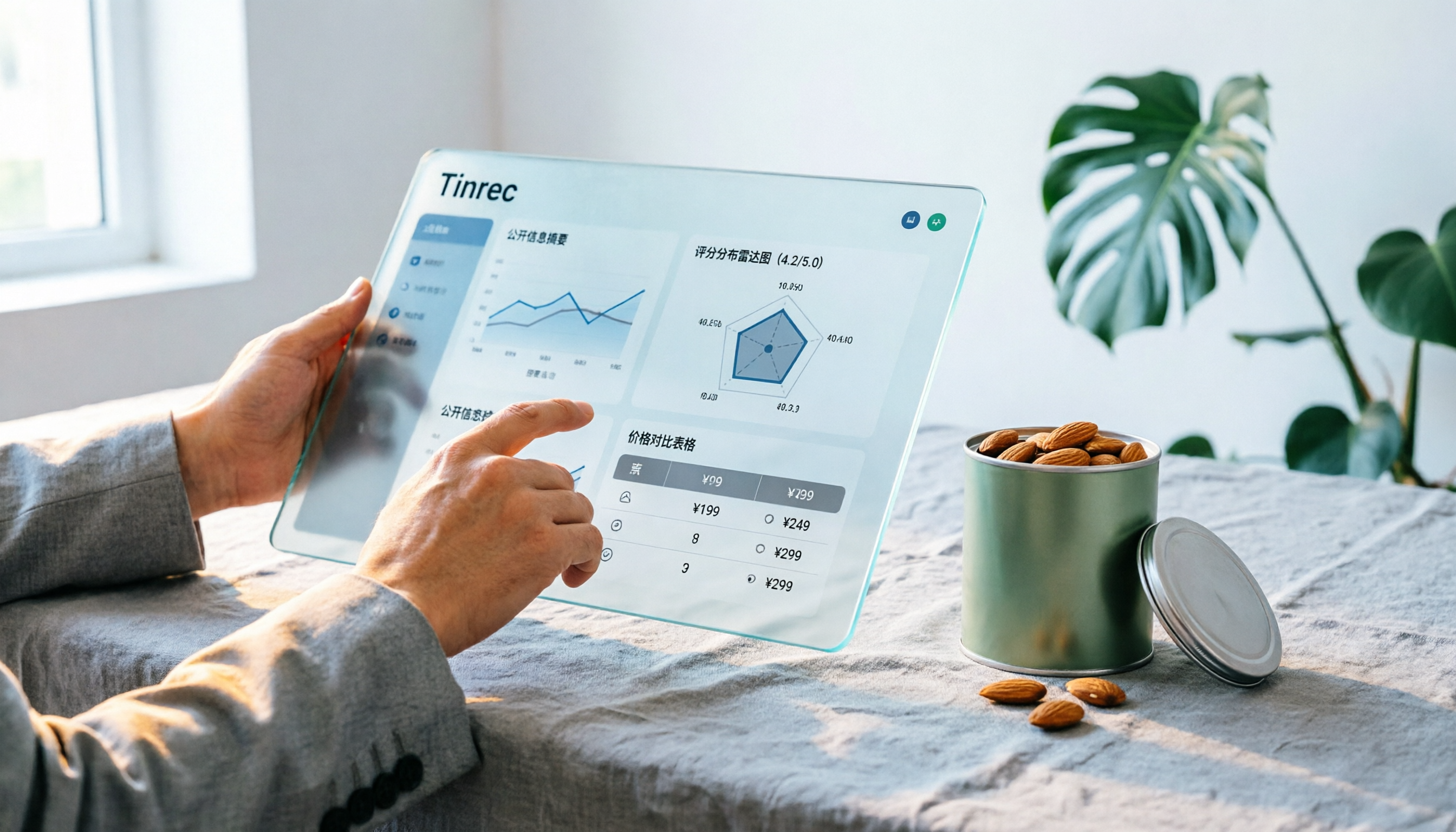
There are few Chinese reviews of Notta Sin Foods. This guide compiles public information from the official website, Instagram, Amazon, and bigbasket into a buying guide: it breaks down the two main products, Choco Almond Spread and MilBites, explains the rating distribution behind the 4.5 stars, and summarizes three common buying mistakes to help you think clearly before ordering whether the alternative sweetener taste and price are really right for you.

How to Prepare for the 2026 Vocol Gubin Job Opening: 5 Steps from Understanding the Job Posting to Interview Notes
Vocol Sp. z o.o. has an opening for a pracownik biurowy (office administrator) in Gubin, Poland, with a gross salary starting at 4,666 PLN, a fixed-term contract, and 40 hours per week. This article covers 4 key points for understanding the job posting, a practical interview preparation process, and the tools I actually use to record and organize communication.