

Turn recordings into transcripts and summaries in minutes
Upload audio or video for multilingual transcription, AI notes, and action items
Why You Need a Cantonese Speech-to-Text Tool?
Meetings, classes, interviews, video editing—there are many times when you need to turn recordings into text. Manual transcription is time-consuming and prone to errors. While there are many AI transcription tools available, few support Cantonese, and even fewer are free. We tested 5 tools to help you find the most time-saving and cost-effective solution.
Tinrec | Instant Recording Playback—The Most Complete AI Recording Assistant
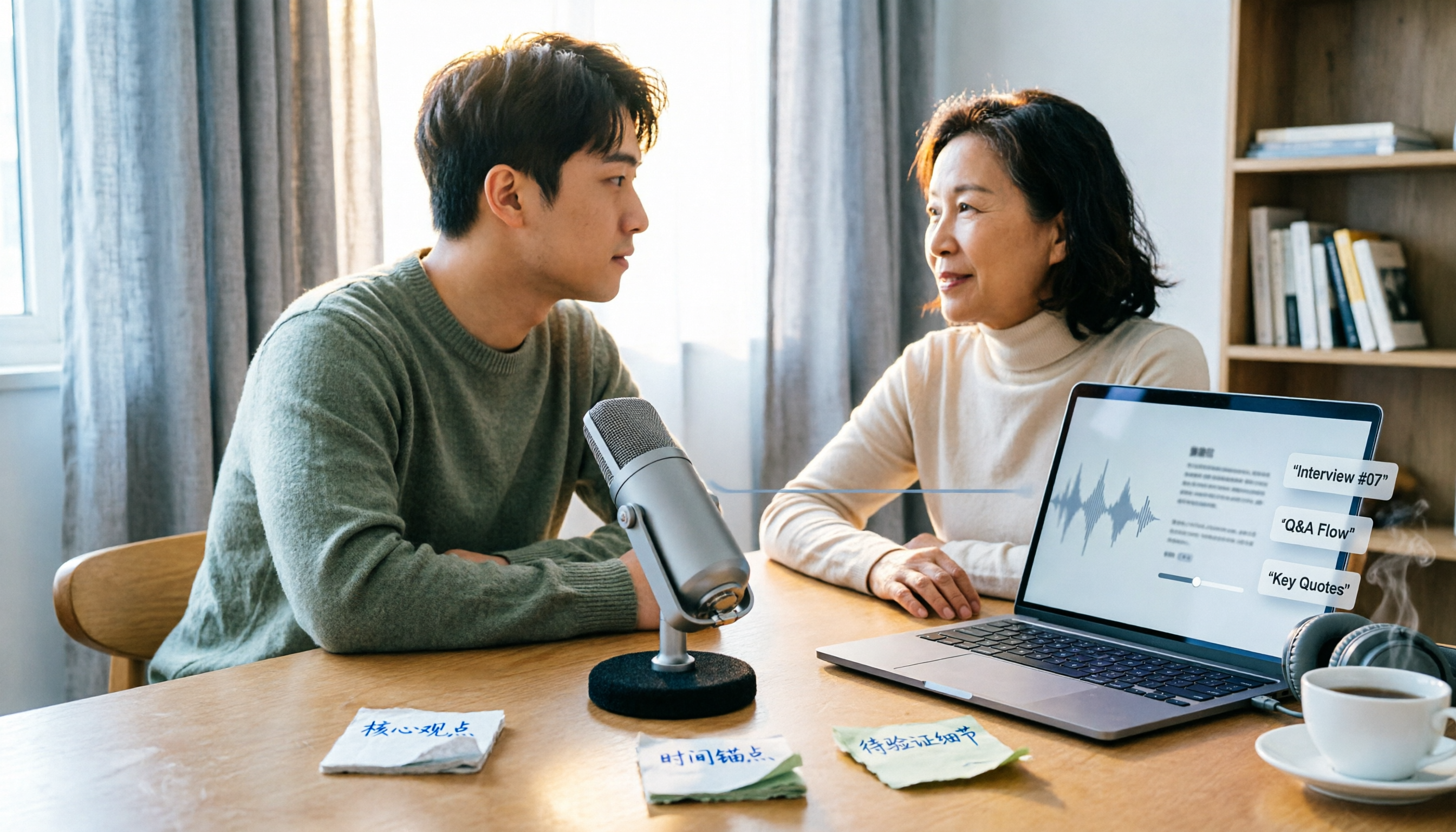
Tinrec is more than just a speech-to-text tool; it's an AI recording and audio/video organization platform. You can use it to record meetings, upload audio or video files, or even paste a YouTube or Bilibili link, and it will transcribe the content, automatically generating summaries, chapters, and to-do lists. What's more, it has an AI Q&A feature where you can ask questions like "What are the key points in this recording?" and get answers.
The free version includes basic transcription credits, enough for occasional use, while the Pro version suits professionals with daily meetings. If you need to process large amounts of Cantonese content, Tinrec offers comprehensive support for Chinese (including Cantonese), with good accuracy on clear recordings.
Overall, Tinrec is a tool that transforms "recordings" into "knowledge," not only providing verbatim transcripts but also organizing the content. Whether it's meeting minutes, lecture notes, or interview summaries, Tinrec has you covered.
Subanana | Online Subtitle Generator—Free Trial with Limitations
Subanana is an online tool that claims to support Cantonese with up to 98% accuracy. You can upload audio or video to generate subtitle files in various formats. However, its free trial is limited, and you may need to pay for continued use. It's suitable for users who occasionally need subtitles or short transcriptions.
cSubtitle | Focused on Chinese Transcription—Free Version Limited to 3 Minutes
cSubtitle is a transcription tool focused on Chinese, with support for Cantonese. The free version only allows 3 minutes of transcription before requiring an upgrade. The advantage is its focus on Chinese, providing decent transcription quality, but the free quota is too small for extensive use. It's suitable for testing the tool's effectiveness before deciding.
Plaud Note | AI Recording Hardware—Comes with 300 Free Minutes per Month
Plaud Note is an AI recording hardware device, not just software. You need to purchase the device first, and then you get 300 minutes of free transcription each month. It supports Cantonese and is convenient for on-the-go recording, but the upfront cost is higher. If you're in the market for a recording device, this could be an option; otherwise, software solutions are more practical.
Stop organizing recordings by hand
Upload audio or video and automatically get a transcript, summary, and action items
Google AI Studio | Truly Free but Requires Manual Setup
Google AI Studio uses the Gemini model to transcribe recordings for free, supports Cantonese, and has no usage limits. However, you need to manually upload audio and set up prompts—it's not a one-click solution. It's suitable for users with some technical knowledge or those who want a completely free option.
How to Choose Among These Options?
- If you want the most complete AI features (transcription + AI Q&A + automatic summaries) → Tinrec, as it's the only one with all these features.
- If you need to process large amounts of Cantonese content and want it for free → Google AI Studio, but be prepared for manual operation.
- If you only occasionally need subtitles and don't want to install an app → Subanana or cSubtitle, but note the limited free quotas.
- If you want a portable recording device → Plaud Note, but it comes with higher costs.
- If you're a professional with daily meetings, Tinrec will save you the most time.
5 Things to Know Before Using Cantonese Speech-to-Text Tools
- Recording quality matters: Lower background noise and clear audio capture significantly improve transcription accuracy. Tools like Tinrec perform better with clear audio.
- Free quotas are limited: Most free plans have restrictions. Tinrec's free version offers basic credits, while cSubtitle only allows 3 minutes. Check the details before use.
- Don't fully trust automatic transcription: AI can make mistakes. For important content, always cross-check with the original recording.
- Protect your privacy: Before uploading recordings to cloud-based tools, be aware of how they handle your data.
- Using the right tool doubles efficiency: If you need post-processing (summaries, to-dos), choose tools like Tinrec that offer AI post-processing for better efficiency.
Conclusion
There are limited options for Cantonese speech-to-text tools, and even fewer free ones. Tinrec is a comprehensive AI tool that is friendly to Chinese (including Cantonese), with a free trial version and a Pro version suitable for high-frequency users. If you want a completely free option, Google AI Studio is a choice, but it involves more steps. In summary, if you want to save time and avoid overtime, Tinrec is worth trying.
References
- Free Cantonese Speech-to-Text App 2025 | Subanana
- Hong Kong's Top 5 Speech-to-Text Tools: Accurate Cantonese Recognition, Boost Meeting and Interview Efficiency!
- Text-to-Speech Cantonese - Toolbaz
- "Free + Cantonese OK: How to Use Google AI Studio to Transcribe Your Recordings" Finding a good transcript app is painful; Have you tried different recording-to-text apps? Either they are fake free, charging you after the first few minutes of trial, or they only support English, not Cantonese, or you have to go through a lot of API setup before using it. // Recently I discovered that Google Gemini is world-class in this regard: - [Really Free] No subscription charges after a few uses - [Cantonese Friendly] Gemini is accurate
- Online AI Speech, Video, and Audio File to Text - Free Trial - cSubtitle
Turn every recording into actionable outcomes
Get 60 free transcription minutes when you sign in. No credit card required.
Related Reading
You might also like

Notta APK Download Guide 2026: 6 Transcription Apps Compared for Chinese Meetings
Before searching for notta apk download, clarify whether you need to download an APK or turn recordings into usable text. This guide examines six transcription solutions in 2026, covers Notta APK download and version considerations, and compares their strengths in Chinese meetings, post-meeting organization, and team collaboration—helping you choose the right tool, not just a popular one.

Notta Chrome Extension Free Plan in 2026: 2 AI Meeting Tools Compared
Compare Notta Chrome Extension and Tinrec on free plans, meeting recording methods, post-meeting organization, team collaboration, and ease of use to help Hong Kong office workers quickly decide which AI meeting tool suits them best.

2026 Comparison of 4 AI Subtitle and Transcription Tools: From Free to Paid
2026 comparison of 4 AI subtitle and transcription tools, from free to paid. We tested meeting recording transcription, subtitle timecodes, team collaboration, and export formats to help you choose the right tool for your workflow.

4 AI Meeting Note Tools Tested in 2026: Is Notta Desktop Really Worth It After Download?
Many people search for Notta desktop download to take meeting notes, only to find the real pain point is post-meeting organization. This article first explains the official download and installation steps for Notta desktop, then compares Tinrec, Notta, Otter.ai, and Granola on four key points: Chinese meeting support, bot-free recording, AI follow-up questions, and team knowledge retention, with actual pricing and pitfalls to avoid.

5 Notta AI Login Methods Compared in 2026: Which Is Fastest and Least Likely to Get Locked?
Stuck on the Notta AI login page? Based on Notta's official Help Center and login page, this article covers 5 login methods: email password, Google, Microsoft, Apple ID, and passwordless/forgot password. It compares suitable scenarios, potential issues, and account lockout precautions. Learn from common mistakes to choose the right login entry and avoid a 1-hour lockout from repeated wrong passwords.

Notta Pricing 2026: Free vs Paid Plans Compared (4 Options)
How much does Notta really cost? This guide breaks down Notta's Free, Pro, Business, and Enterprise plans, including monthly vs annual pricing, mobile limitations, per-seat costs, and hidden fees. We also compare Tinrec's team plan and post-meeting workflow to help you decide which tool fits your budget and needs.
Notta AI Online Vocal Remover Review: 2026 Test of 3 Tools and What to Choose After the Web Version Shutdown
Many people search for Notta AI Online Vocal Remover to get pure instrumental tracks, but that page is currently unavailable. This article first helps you distinguish between two completely different needs: 'vocal removal' and 'audio-to-text transcription.' Then it compares four key points including output format, length limits, and post-processing usability, tests three tools—Tinrec, Notta, and TurboScribe—and summarizes four common pitfalls to help you choose the right tool in one go.

Notta vs Tinrec Pricing in 2026: Real Cost Comparison of 3 Transcription Apps
Notta's pricing page looks affordable, but the free plan caps recordings at 3 minutes and Business is priced per seat, so your actual bill often differs from the sticker price. This article breaks down the cost structures of Notta and Tinrec, comparing free quotas, pricing units, post-meeting organization costs, and team seat calculations to help you figure out what you'll really pay.

Notta Free Plan in 2026: Limits and 3 Alternatives
Notta's free plan offers 120 transcription minutes per month with a 3-minute cap per recording—seemingly enough, but impractical for full meetings. This article breaks down Notta's real free-plan limits and paid tiers, highlights 3 key factors for judging if a free transcription tool is sufficient, and compares alternatives like Tinrec, Otter.ai, and TurboScribe to help you decide whether to stay or switch.