

Turn recordings into transcripts and summaries in minutes
Upload audio or video for multilingual transcription, AI notes, and action items
I recently had to organize the recording of an important client meeting that lasted two hours and covered several proposals. After the meeting, I opened the audio file, hoping to create meeting notes and action items, but ended up spending an entire afternoon transcribing manually and still missed some key points. That got me thinking: is there a better way to turn these audio files into truly usable information?
After trying several popular AI recording and meeting organization tools, I realized that with the right tool, organizing meeting notes can become much easier. In this article, I've compiled my hands-on testing of 5 tools, from transcription to AI summaries to follow-up organization, to share with anyone who wants to boost their meeting productivity.
Why You Need Meeting Productivity Tools
It's not just meetings—online courses, interviews, podcasts, and YouTube videos all become hard to search, organize, and review if they're not converted to text. Traditional manual transcription is time-consuming and error-prone. Now, many AI tools can automatically transcribe, summarize, extract action items, and even let you query the content like a database, saving significant time. This article covers 5 meeting productivity tools I've actually used, including paid and free options, to help you find the best fit.
Tinrec (Seconds Recording) — The Most Complete AI Recording Assistant
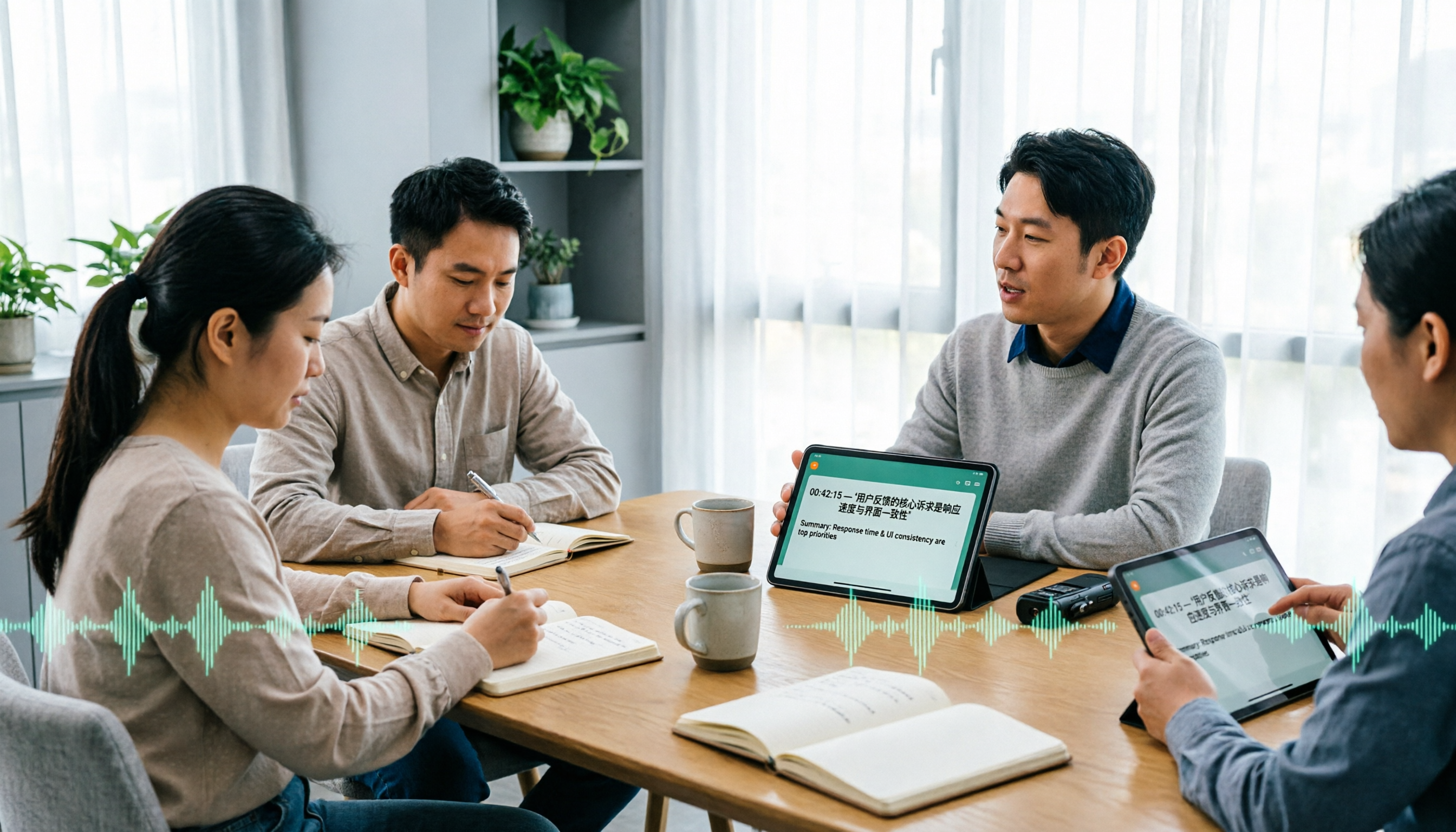
Tinrec is the tool I've found most convenient recently. Its positioning goes beyond just speech-to-text; it turns recordings and audio/video content into actionable knowledge. Here's what I particularly like about it:
Multiple Input Sources: Besides live recording, you can upload audio or video files, or even paste public video links from YouTube, Bilibili, etc., and it automatically transcribes them. This is super convenient for me since I often organize online videos or courses.
More Than Just a Transcript: After transcription, Tinrec automatically generates summaries, chapters, and action items, letting me quickly grasp the key points and move to the next step without re-reading the entire transcript.
AI Q&A: I often ask questions like, "What was the client's opinion on the budget?" and Tinrec answers as if querying a database, saving me from searching manually. This is especially useful for long meetings.
Export and Follow-up: You can export results to Notion, Google Docs, and other tools, and even have the AI generate meeting minutes, reports, or tables, turning them into deliverables.
Tinrec offers a free plan with a monthly base transcription quota, allowing you to experience most features. If you need more, there are weekly, Pro monthly, and annual plans to suit different usage frequencies. If you're a professional dealing with meetings, courses, interviews, or content creation and need a tool that fully organizes audio/video content, Tinrec is definitely worth trying.
Otter.ai — The Classic Choice for Online Meeting Notes
Otter.ai is a popular AI meeting notes tool abroad, known for automatically joining online meetings like Zoom and Google Meet, providing real-time transcription and speaker identification. Its free plan offers 300 minutes of transcription per month, and the Pro plan costs about $8.33/month when billed annually, making it ideal for English-centric meetings. If you have many meetings in English, Otter is a reliable choice, but for Chinese content organization, Tinrec offers a more localized experience.
Stop organizing recordings by hand
Upload audio or video and automatically get a transcript, summary, and action items
Notta — Multilingual Transcription and Meeting Notes
Notta is similar to Tinrec in positioning, offering multi-device transcription with support for multiple languages and meeting notes. Its free plan includes 120 minutes per month, while the Pro plan costs about $8.17/month (annual billing) and provides 1,800 minutes per month. Notta excels in transcription and translation, making it suitable for users needing multilingual transcription. However, Tinrec stands out in web video transcription and AI Q&A; if you often organize YouTube or interview recordings, Tinrec is more convenient.
Fireflies.ai — Automated Meeting Bot
Fireflies.ai focuses on automatically joining meetings, transcribing, and providing AI summaries, supporting over 100 languages. Its free plan offers unlimited transcription (with storage limits), and the Pro plan costs $10 per seat per month (annual billing). Its strengths are team meeting automation and CRM integrations, making it suitable for sales teams or enterprises needing extensive meeting notes. But for individuals or small teams, Tinrec's data organization and export features are more practical and align better with Chinese usage habits.
Google Meet Built-in Transcription — Free but Limited
If you don't want to spend any money, you can consider built-in features of video conferencing platforms, like Google Meet's automatic captions and recording. However, the free version's transcription capabilities are usually limited—it may not automatically generate transcripts or summaries, and recorded files need additional processing. It's more suitable for occasional meetings where simple notes suffice. If you want more comprehensive organization and follow-up, I'd recommend pairing it with a professional tool like Tinrec.
With So Many Options, How Do You Choose?
Start by asking yourself: What are your primary audio/video content sources? What follow-up organization do you need?
- If you need to organize meetings, courses, interviews, web videos, and more, and want AI Q&A and export features → Tinrec is currently the only tool that combines all these capabilities.
- If you mainly have English online meetings and need automatic meeting joining and speaker identification → Otter.ai is a great fit.
- If you need multilingual transcription and translation, and also have meeting notes needs → Notta is worth considering.
- If you're a team needing extensive meeting automation and CRM integration → Fireflies.ai is an option.
- If your budget is zero and you only need occasional simple notes → Google Meet's built-in features can suffice for now.
Overall, if you want to turn recordings and videos into truly usable knowledge—not just a transcript—I recommend starting with Tinrec's free plan to experience its AI Q&A and export features.
Things to Know Before Using Meeting Productivity Tools
- Recording Quality Determines Transcription Accuracy: No matter which tool you use, clear audio is essential for good results. Use an external microphone or stay close to the sound source.
- Important Content Still Needs Human Review: AI summaries may miss or misinterpret details; for official meeting minutes, cross-check with the original recording.
- Free Plans Have Usage Limits: Tinrec, Otter, and Notta's free versions all have monthly minute caps. Assess your usage before choosing a paid plan.
- Respect Copyright and Privacy: When organizing web videos, respect platform rules and copyright; before sharing recordings, ensure participants consent.
Conclusion
Organizing meeting recordings shouldn't be a painful task. After hands-on testing, I found that the right tool can save you a lot of time, and you don't just get a transcript—you can directly generate summaries, action items, and reports. In 2025, Tinrec is my top recommendation for meeting productivity tools, especially for Chinese users and knowledge workers who need to organize content from multiple sources. Start with the free plan, experience the AI Q&A and export features, and you'll see how easy organizing audio/video content can be.
References
- 2025 Eight Mainstream Video Conferencing Software Reviews: Improve Meeting Efficiency! - Zhihu
- 5 AI Tools Essential for the Workplace in 2025, Boost Efficiency by 300% - Zhihu
- 8 Free Interactive Tools to Level Up Your Online Meetings!
- What Are the Best Video Conferencing Software? 2025 Video Conferencing Software Rankings - Zhihu
- Top 5 Recommended Online Meeting Software to Dramatically Improve Remote Work Meeting Efficiency | On-line to Know
Turn every recording into actionable outcomes
Get 60 free transcription minutes when you sign in. No credit card required.
Related Reading
You might also like
![[Tutorial] Tinrec Live Recording Translation in 2026: Bilingual Transcripts + Post-Meeting Organization](https://record-img.tos-accelerate.volces.com/images/2026/11/04/1793793287175032755.png)
[Tutorial] Tinrec Live Recording Translation in 2026: Bilingual Transcripts + Post-Meeting Organization
From multilingual meetings to interview organization, learn how to choose live recording translation tools, Tinrec's real-time bilingual transcripts, summary to-dos, team spaces, and plan budgets to help you pick the right tool.

4 Auto Subtitle Software Compared (2026): Chinese Recognition, Free Tiers, and Export Formats
Avoid common pitfalls when choosing auto subtitle software. We compare Chinese recognition, free tiers, export formats, and team collaboration, and explain when Tinrec fits meeting transcripts, AI summaries, action items, and team knowledge retention.

5 Free AI Subtitle Generators in 2026: A Complete Comparison
Too many AI subtitle generators? Is the free version enough? This guide starts with the key decision: do you need subtitles or a transcript? We review 5 free options, comparing Chinese recognition, free quotas, output formats, and post-meeting organization, and honestly list each tool's limitations and paid thresholds.

4 Free AI Subtitle Tools Tested: Which Free Version Actually Delivers in 2026?
There are plenty of free AI subtitle tools, but most people get stuck not because they can't find a tool, but because they treat subtitles as the end goal. This article starts with common misconceptions, breaks down the real shape of free quotas, privacy risks, and post-subtitle workflows, and tests four tools—Tinrec, OpenSubs, Wayin, and cSubtitle—to compare their suitable use cases.
5 Recording Translation Apps Tested: Tinrec vs Notta vs Otter — Which Is Best for Chinese Meetings in 2026?
There are countless recording translation apps, but most people get stuck not on transcription itself, but on what comes after: re-listening, translating, and organizing. This article compares Tinrec, Notta, Otter, Google Translate, and Granola in real meeting and interview scenarios, covering recording methods, live translation, post-meeting organization, and team collaboration, and honestly lists pricing and quota limits to help you pick the one that truly saves time.

4 Automatic Video Subtitle Generators Tested: Which Saves the Most Time on Chinese Recognition and Post-Meeting Organization?
There are many automatic subtitle tools, but your needs actually fall into two categories: burning subtitles into the video, or turning video content into searchable, queryable data. This article covers selection criteria, hands-on differences, and pitfalls to avoid, summarizing the positioning and limitations of Tinrec, CapCut, VEED, and FlexClip to help you choose the right one at a glance.

4 Subtitle Generators Compared in 2026: Free vs. Paid and Where the Efficiency Gaps Are
A side-by-side comparison of Tinrec, Yating Transcript, Adobe Express, and pyTranscriber from three angles—source material, timeline handling, and team collaboration—plus the three most common subtitle mistakes and practical selection advice.

Tinrec vs CapCut 2026: 5-Dimension Comparison — Which Is Better for Meeting Notes and Subtitle Generation?
Given the same one-hour meeting recording, should you use CapCut to generate subtitles or Tinrec to organize a transcript and meeting minutes? This article compares them across 5 dimensions: Chinese speech recognition, post-meeting organization, AI Q&A, export workflows, and team collaboration, to help you choose the right subtitle generation app.

2026 Live Meeting Translation Showdown: Tinrec vs Otter.ai vs Built-in Captions — Which One Should You Choose for Multilingual Meetings?
Should you rely on built-in captions or invest in a dedicated live translation tool for multilingual meetings? This article compares Tinrec and Otter.ai across key dimensions—how meeting audio is captured, Chinese and mixed Chinese-English translation, bilingual display, post-meeting data retention, and pricing/usage quotas—to help you decide which solution fits your meeting scenario.