

Turn recordings into transcripts and summaries in minutes
Upload audio or video for multilingual transcription, AI notes, and action items
If you often attend multilingual meetings and need to organize transcripts, translations, and key points afterward, you probably need a tool that turns meeting content into searchable, online-viewable data. In this article, I'll compare Tinrec (秒听录音) and Notta, and briefly touch on Otter, to see which is better for multilingual meeting notes and online organization.
Tinrec vs Notta | Quick Overview
Tinrec is an AI recording and audio/video organization tool that not only generates transcripts but also summaries, Q&A, and reports; Notta excels at multi-device transcription and meeting notes. Both support multiple languages, but Tinrec places more emphasis on Chinese content and post-processing.
| Product | Positioning | Platforms | Free Plan | Paid Plans |
|---|---|---|---|---|
| Tinrec | AI recording and audio/video organization workspace | Web, iOS, Android | Monthly basic transcription quota | Weekly card, Pro monthly, Pro yearly |
| Notta | Multi-device transcription and meeting notes | Web, iOS, Android | 120 minutes per month | Pro yearly ~$8.17/month (1800 minutes), Business yearly $16.67/month (unlimited) |
Below, I'll compare them across 4 dimensions to see which one better fits your multilingual meeting transcription needs.
Dimension 1 | Multilingual Transcription and Chinese Content Organization
Notta supports multilingual transcription and performs steadily in meeting scenarios, and it also has translation features. However, its strengths are fairly balanced, and it doesn't particularly emphasize handling mixed Chinese colloquial speech (e.g., code-switching between Chinese and English). Tinrec, on the other hand, stands out more in Chinese content organization; its product description explicitly mentions suitability for Chinese meetings, courses, interviews, and video organization, and in practice, it produces cleaner transcripts for mixed Chinese-English segments.
→ This dimension: Tinrec wins slightly.
Dimension 2 | Online Video-to-Text and Multi-Source Input
Notta mainly focuses on audio files and meeting transcription; converting online video links is not a primary feature. Tinrec natively supports pasting public video links from YouTube, Bilibili, Xiaohongshu, etc., and directly converts them into transcripts and summaries, which is convenient for those who need to organize meeting recordings or webinar videos.
→ This dimension: Tinrec clearly wins.
Stop organizing recordings by hand
Upload audio or video and automatically get a transcript, summary, and action items
Dimension 3 | AI Post-Processing and Q&A Capabilities
Notta offers AI summaries and key point extraction, but only summaries. Tinrec goes beyond summaries with chapters, action items, and the ability to ask questions directly about the recording, such as "What was the conclusion of this meeting?" or "What are the action items?" It can even generate meeting minutes, reports, or tables based on the recording. In essence, it turns the transcript into workable data.
→ This dimension: Tinrec wins.
Dimension 4 | Pricing and Free Trial
Notta's free version offers 120 minutes per month; Pro yearly is ~$8.17/month (1800 minutes); Business yearly is $16.67/month (unlimited). Tinrec offers a free version to try, plus weekly, monthly, and yearly plans to suit different usage frequencies. If you only occasionally organize meeting recordings, Tinrec's free version and weekly card offer more flexibility; if you have heavy meeting transcription needs, Notta's unlimited plan is also attractive.
→ This dimension: Tie (depends on usage frequency).
What Unique Advantages Does Each Have?
Tinrec's unique advantages:
- Online video-to-text: Paste a link to organize public videos.
- AI Q&A and Agent post-processing: Not just summaries, but also deliverables.
- Multi-source audio/video organization workspace: Suitable for meetings, courses, interviews, and videos.
- Chinese content-friendly: More detailed handling of mixed Chinese-English content.
Notta's unique advantages:
- Complete team plans: Business plan includes unlimited transcription and team management.
- Mature interface: Smooth multi-device sync and operation.
Conclusion: Which Should You Choose?
If you need a tool that can handle multilingual meetings, organize online videos, and allow AI Q&A and report generation afterward, Tinrec is a more complete choice. I recommend downloading Tinrec's free version and testing it with your own meeting recordings. If you need team collaboration and unlimited transcription, Notta's Business plan is also worth considering.
FAQ
Is Tinrec's free version sufficient? → The free version includes a basic transcription quota and allows you to try live recording, file import, and online video parsing, suitable for light use.
What languages does Tinrec support? → It supports multilingual transcription, including Chinese, Traditional Chinese, and mixed-language content; actual accuracy depends on audio quality.
Can meeting recordings be viewed online? → Yes, Tinrec supports web and app; after transcription, you can browse transcripts, summaries, and key points online.
What's the biggest difference between Tinrec and Notta? → Tinrec adds online video-to-text, AI Q&A, and Agent post-processing, making it more of an audio/video data organization workspace.
Can I export meeting notes? → Yes, it supports multiple export formats and sync with third-party tools (e.g., Notion, Google Docs).
How secure is it? → Recordings and transcripts are stored securely; we recommend backing up important data yourself.
References
Turn every recording into actionable outcomes
Get 60 free transcription minutes when you sign in. No credit card required.
Related Reading
You might also like

[Tutorial] Tinrec Live Recording Translation in 2026: Bilingual Transcripts + Post-Meeting Organization
From multilingual meetings to interview organization, learn how to choose live recording translation tools, Tinrec's real-time bilingual transcripts, summary to-dos, team spaces, and plan budgets to help you pick the right tool.

4 Auto Subtitle Software Compared (2026): Chinese Recognition, Free Tiers, and Export Formats
Avoid common pitfalls when choosing auto subtitle software. We compare Chinese recognition, free tiers, export formats, and team collaboration, and explain when Tinrec fits meeting transcripts, AI summaries, action items, and team knowledge retention.

5 Free AI Subtitle Generators in 2026: A Complete Comparison
Too many AI subtitle generators? Is the free version enough? This guide starts with the key decision: do you need subtitles or a transcript? We review 5 free options, comparing Chinese recognition, free quotas, output formats, and post-meeting organization, and honestly list each tool's limitations and paid thresholds.

4 Free AI Subtitle Tools Tested: Which Free Version Actually Delivers in 2026?
There are plenty of free AI subtitle tools, but most people get stuck not because they can't find a tool, but because they treat subtitles as the end goal. This article starts with common misconceptions, breaks down the real shape of free quotas, privacy risks, and post-subtitle workflows, and tests four tools—Tinrec, OpenSubs, Wayin, and cSubtitle—to compare their suitable use cases.

5 Recording Translation Apps Tested: Tinrec vs Notta vs Otter — Which Is Best for Chinese Meetings in 2026?
There are countless recording translation apps, but most people get stuck not on transcription itself, but on what comes after: re-listening, translating, and organizing. This article compares Tinrec, Notta, Otter, Google Translate, and Granola in real meeting and interview scenarios, covering recording methods, live translation, post-meeting organization, and team collaboration, and honestly lists pricing and quota limits to help you pick the one that truly saves time.

4 Automatic Video Subtitle Generators Tested: Which Saves the Most Time on Chinese Recognition and Post-Meeting Organization?
There are many automatic subtitle tools, but your needs actually fall into two categories: burning subtitles into the video, or turning video content into searchable, queryable data. This article covers selection criteria, hands-on differences, and pitfalls to avoid, summarizing the positioning and limitations of Tinrec, CapCut, VEED, and FlexClip to help you choose the right one at a glance.
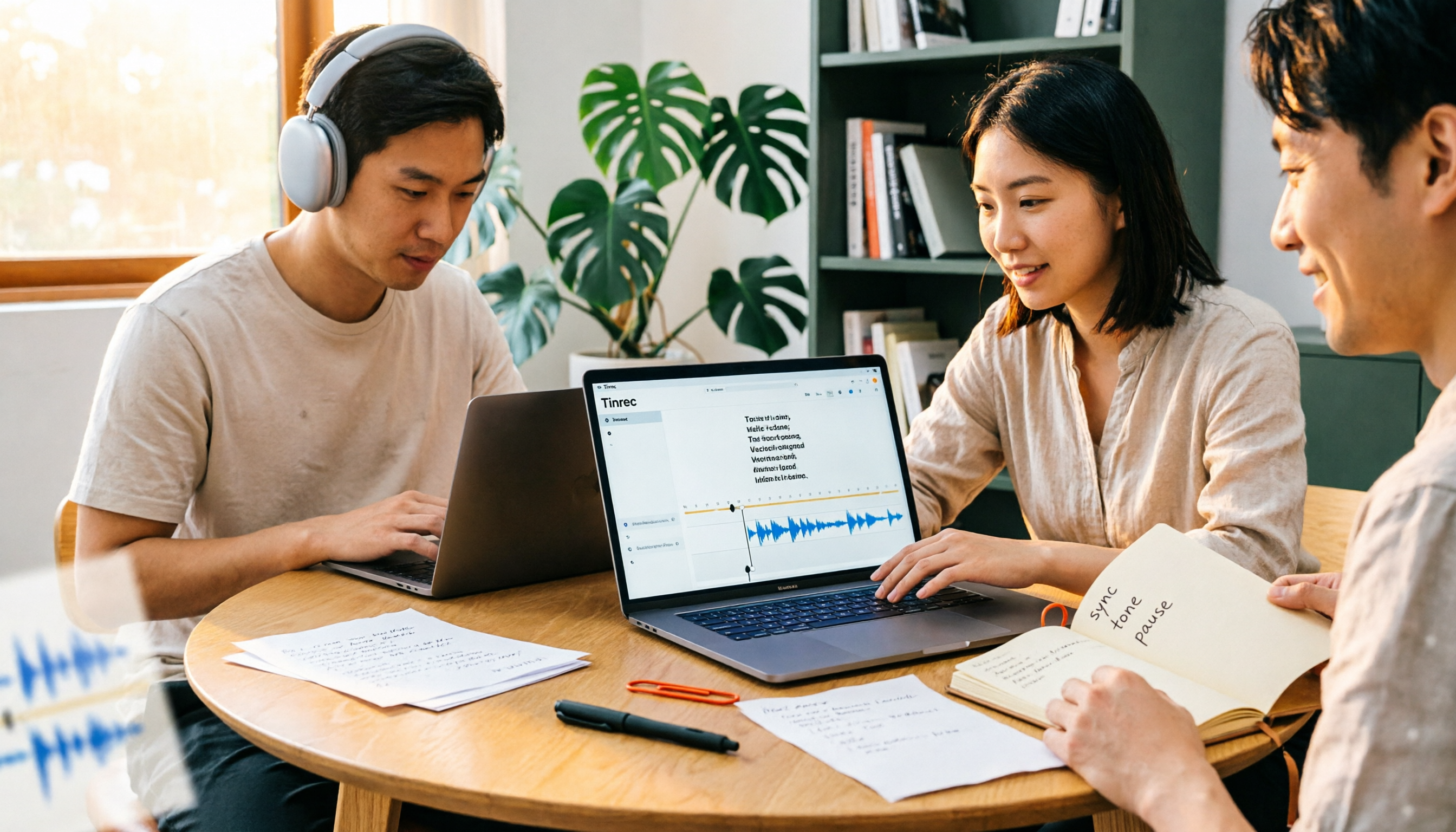
4 Subtitle Generators Compared in 2026: Free vs. Paid and Where the Efficiency Gaps Are
A side-by-side comparison of Tinrec, Yating Transcript, Adobe Express, and pyTranscriber from three angles—source material, timeline handling, and team collaboration—plus the three most common subtitle mistakes and practical selection advice.

Tinrec vs CapCut 2026: 5-Dimension Comparison — Which Is Better for Meeting Notes and Subtitle Generation?
Given the same one-hour meeting recording, should you use CapCut to generate subtitles or Tinrec to organize a transcript and meeting minutes? This article compares them across 5 dimensions: Chinese speech recognition, post-meeting organization, AI Q&A, export workflows, and team collaboration, to help you choose the right subtitle generation app.
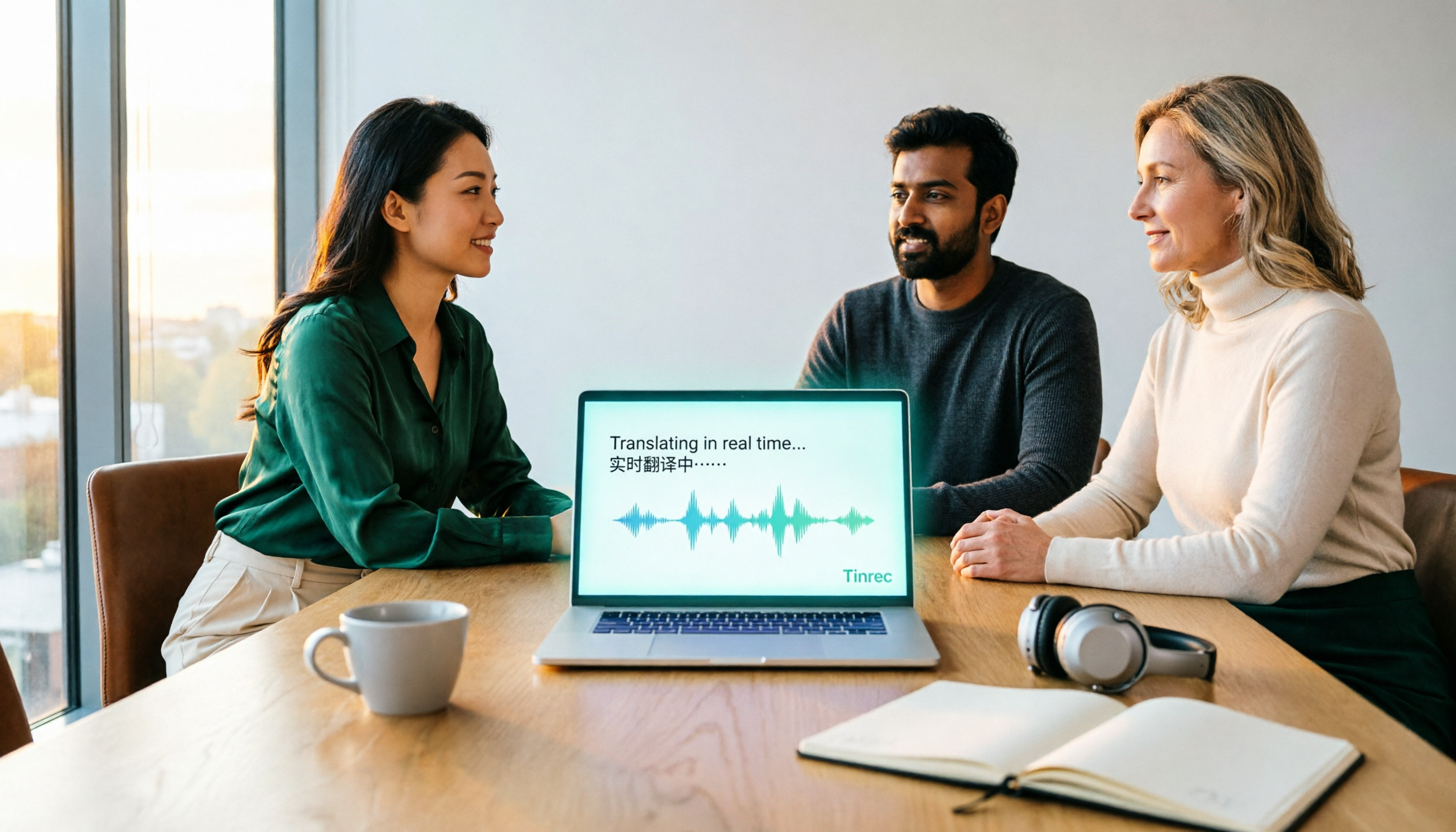
2026 Live Meeting Translation Showdown: Tinrec vs Otter.ai vs Built-in Captions — Which One Should You Choose for Multilingual Meetings?
Should you rely on built-in captions or invest in a dedicated live translation tool for multilingual meetings? This article compares Tinrec and Otter.ai across key dimensions—how meeting audio is captured, Chinese and mixed Chinese-English translation, bilingual display, post-meeting data retention, and pricing/usage quotas—to help you decide which solution fits your meeting scenario.