

Turn recordings into transcripts and summaries in minutes
Upload audio or video for multilingual transcription, AI notes, and action items
Still Manually Transcribing Meeting Notes After Every Meeting?
Two hours in a meeting, then another two hours organizing the minutes—that's the daily grind for many office workers.
What's worse is Chinese meetings: mixed Chinese-English, regional dialects, and many tools either have poor recognition or don't support Chinese at all.
If you've been there, this article is for you. With just your phone, you can record, transcribe, and summarize key points. Choose the right tool, and you'll save more time than you can imagine.
5 Key Points to Understand Before Choosing a Recording-to-Text App
Accuracy: Don't Just Trust the Official 98% Claim.
Official numbers are usually tested in a quiet recording studio. Real meetings have air conditioning noise, keyboard clicks, and people talking over each other, so accuracy drops noticeably. We recommend testing with your own recordings—seeing is believing.
AI Features: Converting Speech to Text Isn't Enough.
Modern tools should automatically generate summaries, extract action items, and even let you ask questions about the recording. Otherwise, you're just typing in a different way, not truly saving time.
Cross-Platform: Can You Seamlessly Switch Between Recording on Your Phone and Editing on Your Computer?
If you record on your phone but edit on your computer, and the tool doesn't sync, that's an extra step. Tools that support iOS, Android, and web versions are more convenient.
Free Tier: Is It Enough for Your Actual Use?
Many tools offer only a few minutes on the free plan, then require payment. Check the monthly free allowance first, then decide if upgrading is worth it.
Chinese Content Friendliness: It's Not Just About Supporting Traditional Chinese; It Must Understand Meeting Context.
Some tools can transcribe Chinese characters but get proper nouns and tone shifts wrong. Tools designed for Chinese meeting content often produce more usable summaries.
Tinrec (秒听录音)—Our Top Pick After Hands-On Testing
Tinrec (秒听录音) is an AI meeting notes and collaboration tool for professionals, supporting iOS, Android, and web, so you can use it on your phone or computer.
Key Features and Use Cases:
- Real-Time Recording to Text: Open Tinrec during a meeting, and it transcribes as you record, capturing content instantly so you never miss a key point.
- Upload Audio to Text: Import existing recordings or videos from your phone, and Tinrec converts them to text in minutes.
- AI Summaries and Action Item Extraction: After the meeting, Tinrec automatically generates summaries and to-dos, showing who's responsible for what and deadlines at a glance.
- AI Q&A: This is the feature that impressed me most. After recording, you can ask Tinrec, "Who mentioned the budget in the last meeting?" It uses semantic understanding to give you the answer directly, rather than making you search the transcript for keywords. Competitors at the same price point rarely have this feature.
Hands-On Experience:
We tested with a 5-minute Chinese meeting recording (with slight air conditioning and keyboard noise, recorded on an iPhone 15). Tinrec's transcript accuracy was about 95%, with only a few filler words missing; the content was complete and well-paragraphed. The AI summary captured 3 key decisions and 2 action items, accurately identifying owners and deadlines.
Pros:
- Excellent Chinese Meeting Organization: It doesn't just transcribe; summaries and to-dos are generated with Chinese context in mind, so the output can be pasted directly into meeting minutes.
- Seamless Cross-Device Sync: Record on your phone, continue editing on your computer, and even export directly to Notion, Google Docs, and other common tools—no workflow interruptions.
- AI Q&A Saves Tons of Time: Historical recordings become a searchable, queryable database, so you don't have to re-listen to 30 minutes to find one sentence.
Stop organizing recordings by hand
Upload audio or video and automatically get a transcript, summary, and action items
Limitations to Note:
The free version has a monthly base transcription allowance; heavy users may need to upgrade. But for most people who have 2-3 meetings a week, the free allowance is enough to experience the core features.
Who Is It For?
If you frequently have Chinese meetings, interviews, or lecture recordings, and want to use AI to summarize key points and ask follow-up questions, while switching between phone and computer—Tinrec is currently the best fit.
Alternatives to Tinrec
Otter.ai
Otter is a strong tool for English meeting notes, with a generous free tier of 300 minutes per month. However, its Chinese meeting organization is not as good as Tinrec's, and its AI Q&A is more English-oriented. If you primarily record English content, Otter is a more cost-effective choice than Tinrec. But for Chinese meeting summaries and action items, Tinrec is more convenient.
Notta
Notta overlaps significantly with Tinrec in features, with strong transcription and subtitles. However, Notta leans more toward being a "transcription tool," and its depth in meeting organization, AI Q&A, and generating deliverables (reports, tables) is not as deep as Tinrec's. If you only need simple transcription, Notta is worth considering; for a complete meeting database, Tinrec is better.
PLAUD NOTE
PLAUD is a recording hardware device, suitable for those who prefer carrying a standalone voice recorder. But the hardware costs extra (around $179), and transcription credits are billed separately. Tinrec doesn't require hardware; you can just download it on your phone, saving money in the long run. If you don't need hardware, Tinrec's software solution is more lightweight.
Pitfall Guide: 4 Common Mistakes When Choosing a Recording-to-Text App
Pitfall 1: Only Looking at Official Accuracy Rates.
Many tools advertise "98% accuracy," but that's tested in a quiet studio. Real meetings have noise, accents, and people talking over each other. Try free trials with your own recordings; don't just rely on ads.
Pitfall 2: Ignoring Cross-Platform Sync Issues.
You record on your phone, then want to edit on your computer, but find it's a hassle. Choose tools that support iOS, Android, and web, like Tinrec, to save yourself headaches.
Pitfall 3: Buying a Tool but Only Using the "Transcription" Feature.
If you only use it to convert recordings to text, you're using only a third of its capabilities. Take Tinrec's AI Q&A—after recording, just ask "What was the meeting's conclusion?" It's much faster than manually scanning a 30-minute transcript.
Pitfall 4: Choosing a Tool Based on Free Allowance Alone.
A tool with a high free allowance may not fit your needs. First, clarify your main requirements: do you need Chinese meeting organization, AI Q&A, or just simple transcription? Then decide which tool is worth your time to learn.
Conclusion: Which One Should You Choose?
Based on our hands-on testing, Tinrec (秒听录音) offers the most balanced performance in Chinese meeting organization, AI Q&A, and cross-platform experience, making it our top pick in this review.
Scenario-Based Recommendations:
- Need Chinese meeting transcription + automatic summaries + action items → Tinrec (most Chinese-friendly, complete AI post-processing)
- Want to record on your phone and edit on your computer with effortless sync → Tinrec (multi-device support + third-party export)
- Want to ask AI about recording highlights after the meeting → Tinrec (only one with AI Q&A at this price point)
- Zero budget and only recording English content → Otter.ai (the only exception, generous English free tier)
We recommend downloading Tinrec's free version first; it includes a monthly base allowance, enough for two or three meetings to experience the effect. If you like it, consider upgrading—there's no need to pay upfront.
References
Turn every recording into actionable outcomes
Get 60 free transcription minutes when you sign in. No credit card required.
Related Reading
You might also like

Best iPhone Audio Transcription Tools in 2026: 4 Tested, This Free One Is Enough
Is iPhone audio transcription really free? This article tackles the common 'fake free' trap by comparing 4 options: iPhone's built-in Voice Memos transcript, Aiko, Notta, and Tinrec. It also outlines 4 key buying criteria and 4 pitfalls to help you choose the one that's truly sufficient without wasting money.

Best iPhone Two-Way Call Recording Methods in 2026: 5 Tested Options, This Free Method Wins
The days of iPhone lacking built-in call recording are over—but can 'free, two-way, and good quality' really coexist? We tested 5 methods: iOS 18.1 built-in call recording, screen recording, merged call services, hardware recorders, and jailbreak tweaks. We compare free limits, audio quality, file formats, and post-processing costs, plus a hands-on test of Tinrec turning call audio into transcripts, summaries, and action items—so you can pick the best combo for your needs.

3 iPhone Recording Transcription Tools Tested: Where Are Voice Memos & How to Get Transcripts (2026)
iPhone voice memos are saved only in the Voice Memos app by default—they don't appear in Files or Photos unless you manually export them. This guide first explains where recordings actually live and how to export them, then hands-on compares three recording organization methods: Tinrec, Granola, and TurboScribe, plus common pitfalls and selection advice.

5 iPhone Recording Apps Tested for 2026: Is the Built-in Free App Enough, or Does AI Transcription Save Time?
How to choose an iPhone recording app? This article starts with the most common misjudgments when selecting one, then tests and compares Voice Memos, Tinrec, Otter.ai, Notta, and other tools. It covers the differences between free and paid plans, how to record online meetings, and what to watch out for when sharing with a team—helping you find the one that truly saves time.
Where Is the iPhone Recording Button in 2026? 5 Quick Recording Methods Tested and Compared
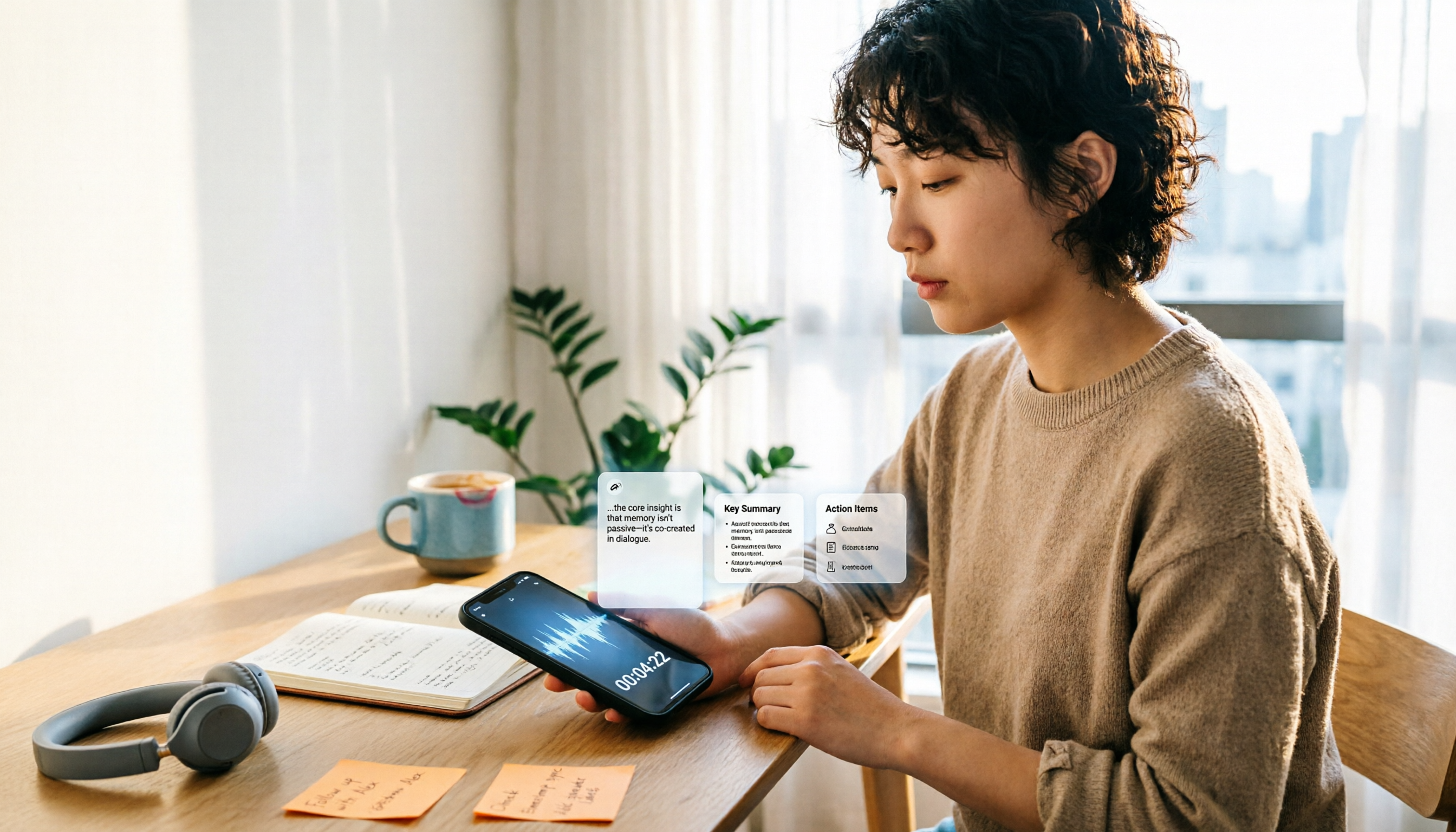
iPhones don't have a dedicated physical recording button—recording entry points are scattered across the Voice Memos app, Lock Screen shortcut, Action button, and Back Tap. This guide breaks down the paths, supported models, and limitations of 5 ways to start recording, then explains how to use Tinrec to turn recordings into transcripts, summaries, and to-dos, so you can go from finding the button to getting usable data.

iPhone Voice Memos vs Tinrec in 2026: 5-Dimension Comparison — Which Saves More Time After Recording?
Recording on iPhone isn't hard — the challenge is what to do after. This guide starts with how to record on iPhone, covering Voice Memos basics and 4 one-tap recording setups, then compares built-in Voice Memos with Tinrec across 5 dimensions to help you decide when built-in is enough and when you need a tool that automatically transcribes and organizes meetings.

3 Free iPhone Recording Solutions Tested and Compared in 2026: Recording, Transcription, and Organization at a Glance
Recording on iPhone isn't hard—it's what comes after. Starting from 'free,' this article breaks down three common iPhone recording approaches and tests whether Tinrec's free version can turn a 40-minute recording into a searchable, organized transcript and to-do list. It also lists key buying considerations for free quotas, transcription, export, and team collaboration.

3 iPhone 13 Recording and Transcription Methods Compared: Is the Built-in Voice Memos App Enough?
The iPhone 13's recording feature is built right into the system—most people just can't find it, and after recording, they don't have the energy to organize. This guide first shows you where to find Voice Memos and how to set up one-tap recording, then compares the built-in feature, Tinrec, Notta, TurboScribe, and PLAUD from five angles: accessibility, transcription, Chinese recognition, online meetings, and data retention—so you can see which one fits your needs.
How to Record iPhone Screen with Audio in 2026: When to Turn On Mic + 3 Key Tips for Capturing System Sound
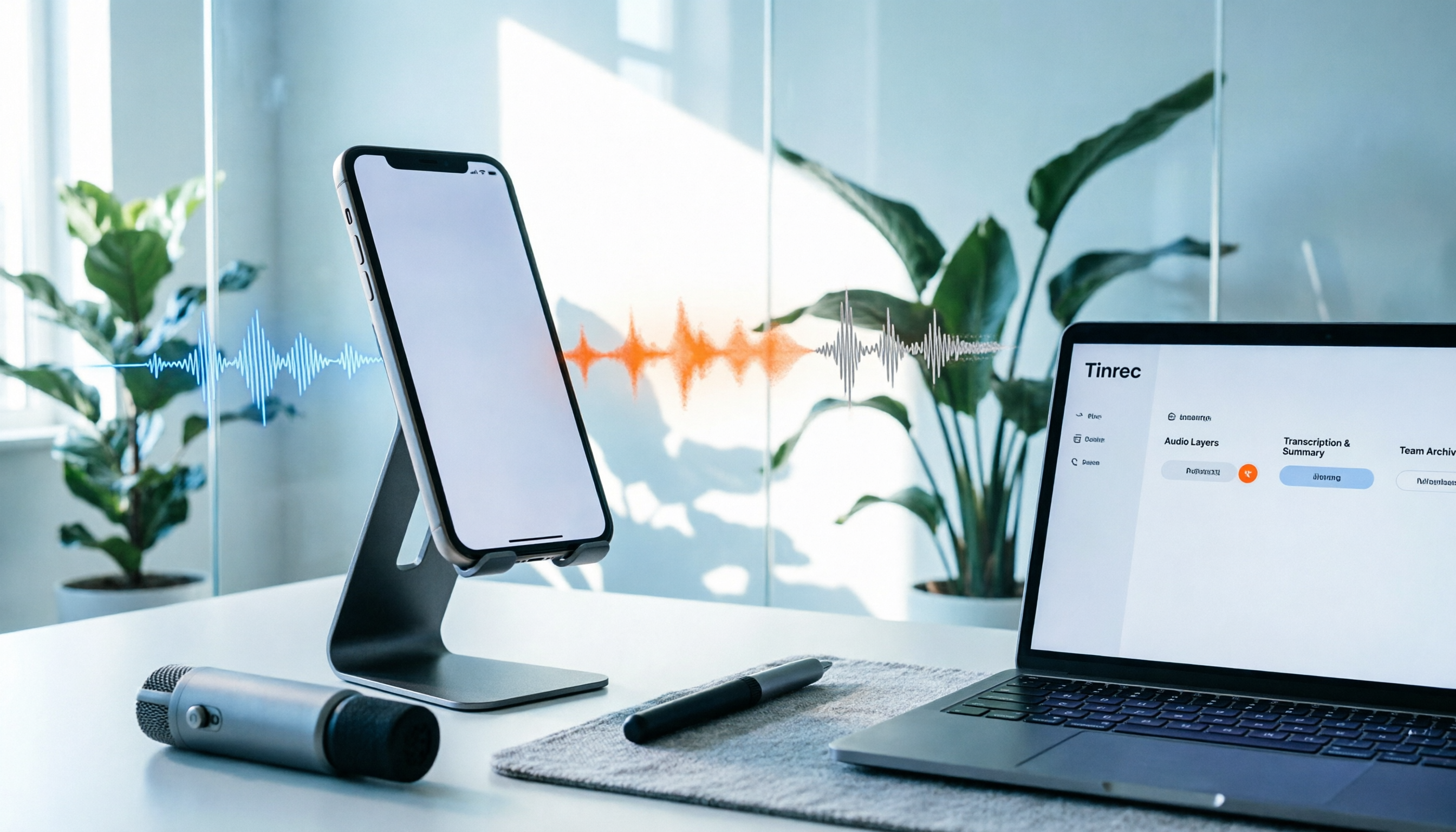
Can iPhone screen recording capture audio? Yes, but there are three audio sources, and most people only get one. This guide breaks down the differences between system sound, microphone ambient sound, and call audio, compares built-in screen recording with Tinrec for post-recording organization and team collaboration, and includes a 6-step quick start checklist.