
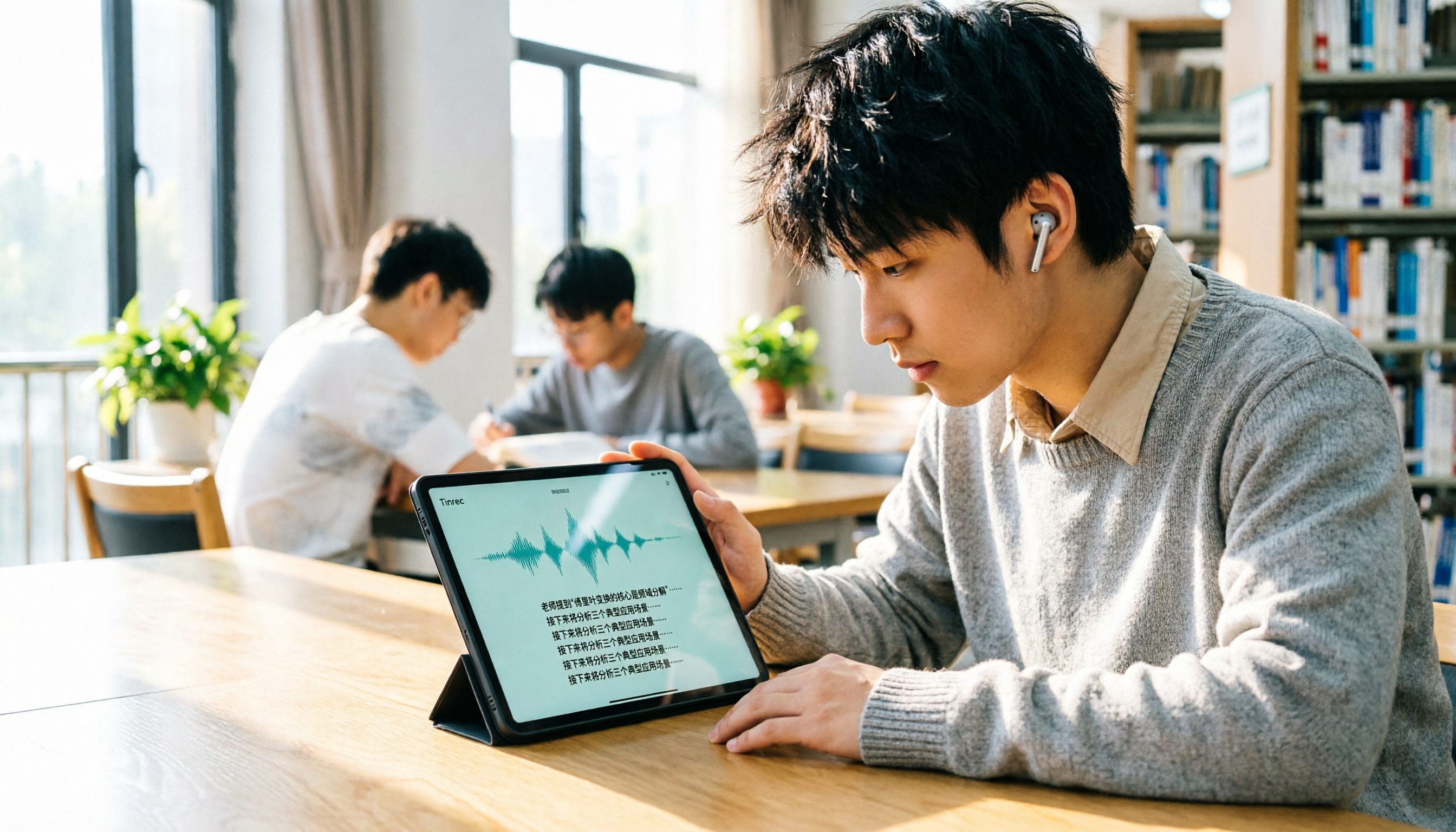
Turn recordings into transcripts and summaries in minutes
Upload audio or video for multilingual transcription, AI notes, and action items
A 2-hour lecture, 18 weeks per semester, that's 36 hours of recordings—you can't listen to all of it again. Many students think "recording-to-text" is enough, but the transcripts come out long and messy, and you still can't find the key points. What you need is a tool that can directly help you organize summaries, to-dos, and even answer questions. I was originally looking for a Good Tape platform introduction, but after using it, I found that Tinrec is more suitable for students.
Why You Need a Recording-to-Text Tool (Starting with Good Tape)
Good Tape is a free transcription tool developed by Danish media, supporting multiple languages, with good privacy protection, and is popular in Taiwan's media circles. If you only occasionally transcribe a recording or two, Good Tape is sufficient; but if you need to organize lecture recordings and group discussions every week, you need a more complete tool—like Tinrec.
Tinrec doesn't just turn audio into text; it can also automatically generate summaries, list to-dos, and even let you ask in Chinese, "Did the teacher mention the midterm scope?" It will find the answer from the transcript. That's what students really need.
Tinrec's Core Capabilities: Not Just Transcription, But Also Key Point Organization
Real-time Recording-to-Text: Transcribe as you record in class, no need to wait until the recording is finished. Tinrec's real-time transcription has almost no delay; you can listen and read the text simultaneously, and fill in any missed parts immediately.
AI Summaries and Chapters: For a 2-hour lecture, Tinrec automatically splits it into chapters, each with a subtitle. Click to view the key points of that section. For final exam review, you don't have to listen from start to finish.
To-Do Extraction: After group discussions, often no one remembers the conclusions. Tinrec automatically extracts "who is responsible for what" from the conversation and lists it directly.
AI Q&A: You can ask questions about the recording content. For example, "Did the teacher mention the assignment deadline?" or "What pain points were mentioned in the client interview?" Tinrec answers based on semantics, not keyword search.
Multi-format Export: After transcription, you can save as transcript, subtitle files, or export to Notion, Google Docs, so you can integrate lecture notes into your own note-taking system.
Practical Use Cases: Lectures, Group Discussions, Final Exam Review
Scenario 1: Lecture Recording Professors speak fast, and slides flip even faster. You open Tinrec's desktop version or mobile app, and it transcribes as you record. By the end of class, the AI summary is already generated; you just glance at it to know the key points of the lecture.
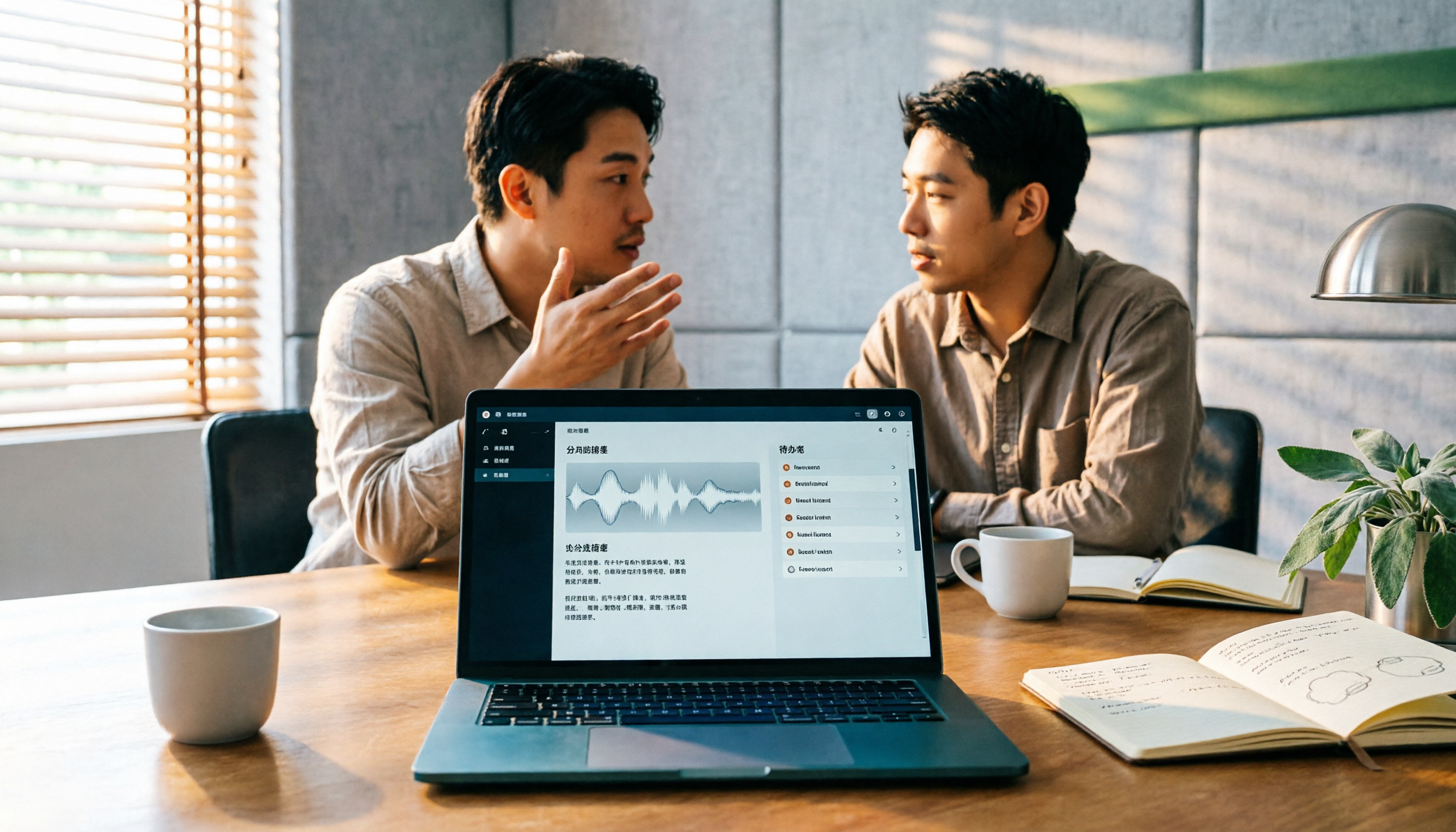
Scenario 2: Group Discussion Everyone is talking over each other during report discussions, and afterward no one remembers the conclusions. Tinrec records the discussion, automatically extracts to-dos, and shows who is responsible for what and the deadlines at a glance.
Scenario 3: Final Exam Review You upload all semester's lecture recordings to Tinrec, then use AI Q&A to quickly find key points for each unit. For example, ask "What is the formula in Chapter 2?" and it will answer directly from the corresponding recording.
Stop organizing recordings by hand
Upload audio or video and automatically get a transcript, summary, and action items
Scenario 4: Online Courses Many students take online courses. Tinrec's desktop version can directly record computer system audio, no need to install a meeting bot. It works with Zoom, Google Meet, and Teams, and you don't have to add a bot to the meeting, so you won't disturb the instructor.
5 Things to Consider When Choosing a Recording-to-Text Tool (Including Good Tape vs. Tinrec)
1. Free Credits and File Retention Good Tape is free but files are only kept for 3 days, and there's no history feature. Tinrec's free version has basic credits, and transcribed data can be saved in your account for later access. For students, being able to retain recordings for the whole semester is important.
2. AI Organization Capabilities Good Tape mainly transcribes; you have to do all the subsequent organization yourself. Tinrec adds summaries, chapters, to-dos, and Q&A, effectively pulling out the key points for you, saving a lot of manual organization time.
3. Chinese and Mixed Chinese-English Experience Good Tape supports Chinese, but in my experience, it occasionally stumbles on mixed Chinese-English course content. Tinrec emphasizes Chinese experience, and transcription is more stable for classes with mixed Chinese-English and discussions of original English textbooks.
4. Cross-Platform Support Good Tape currently only has a web version, so to record in class, you have to figure out how to upload the audio file. Tinrec has web, desktop, and mobile apps, so I can record directly with my phone or use the desktop version to record online meetings, which is much more convenient.
5. Team Collaboration For group projects, you often need to share recordings and transcripts. Good Tape has no team features; everyone has to share files individually. Tinrec has team spaces where you can invite group members to join, share meeting materials and to-dos, and everyone sees the same updated version.
Frequently Asked Questions
Q1: Is the free version sufficient for students? If you're a light user, occasionally recording a key lecture or two, the free version is worth trying. But if you want to record every lecture and do group discussions, the free credits might not be enough. Tinrec's paid plans are affordable—just skip a couple of late-night snacks.
Q2: How accurate is Tinrec's transcription? With clear audio and normal speaking speed, Chinese transcription quality is very good. But if the professor has a heavy accent or the classroom is noisy, you'll need to do some proofreading yourself. No tool is 100% accurate, but Tinrec can save you 80% of the listening and typing time.
Q3: Do I need the professor's consent to record lectures? It's recommended to get consent from the professor or classmates first, and follow school regulations. Some schools explicitly prohibit recording, so check beforehand.
Q4: Which should I choose, Good Tape or Tinrec? If you just want a free, simple transcription tool and don't mind files being deleted after 3 days, Good Tape is fine. But if you want automatic key point organization, history retention, and collaboration with group members after recording, Tinrec is more suitable for students.
Conclusion
Upgrading from "recording-to-text" to "recording-to-key-points" has been the most worthwhile tool investment I've made this semester. Tinrec has saved me a lot of time re-listening to recordings and manually organizing, allowing me to focus on understanding content and preparing for exams. If you're also looking for a good recording organization tool, try Tinrec's free version first and see if the AI summaries and Q&A really help you.
References
- Surpassing Ya-Ting, Journalists in Tears: What Makes Good Tape So Amazing? | CommonWealth Magazine
- Good Tape Recording-to-Transcript Automation Tool, Supports Multiple Languages Including Chinese
- Good Tape Taiwan - AI Fully Automated Transcript Service, Online Cloud, Simple and Fast, Save Hours of Listening and Typing | Purchase Inquiry
- - Good Tape
- Good Tape: Recommended Recording-to-Transcript Software! The Tool Most Understands Journalists' Needs | Future Commerce AI Tool Guide
Turn every recording into actionable outcomes
Get 60 free transcription minutes when you sign in. No credit card required.
Related Reading
You might also like

Best Sales Meeting Transcription Tools in 2026: 4 Tested, Tinrec Wins for Online Review
Sales meeting notes aren't just about uploading audio to the cloud. This article compares Tinrec, Otter.ai, Granola, and PLAUD across four dimensions—review experience, Chinese recognition, recording methods, and team governance—to identify the best selection criteria and pitfalls to avoid for sales teams in 2026.

6 Free Sales Meeting Notes Templates Tested for 2026: Fill These Fields to Track Deal Signals
Even a detailed sales meeting note won't help you close if the fields are wrong. This article compiles free, copy-ready sales meeting note templates, breaks down 5 key selection criteria, and tests Tinrec, Notta, Otter.ai, Granola, and two free templates to show how to turn customer quotes, concerns, and action items into follow-up leverage.

5 Best Speech-to-Text Apps of 2026 Tested: Which Handles Chinese Meetings Best?
We tested the latest speech-to-text apps of 2026, comparing free tiers, Chinese recognition, meeting summaries, AI Q&A, and team collaboration to help you decide which app best fits your daily meetings and transcript needs. Using Tinrec as an example, we illustrate a real-world workflow and plan selection.

4 Best Free Speech-to-Text Tools in 2026: Free Tiers and Chinese Support Compared
We tested 4 free speech-to-text tools in 2026—Tinrec, cSubtitle, Monica, and MyEdit—comparing free tiers, Chinese language support, post-meeting organization, and team collaboration to help you pick the right free plan for your needs.
2026 AI Meeting Assistant Comparison: 4 Tools Tested — How to Start and Which Saves the Most Time
Many people search "how to start an AI meeting assistant" but get stuck not on the button, but on their assumptions. This article addresses three common misconceptions, outlines 4 key points to understand before starting an AI meeting assistant, tests the full desktop workflow of Tinrec, compares Otter.ai, Granola, and Notta in positioning and pricing, and ends with a pitfalls guide and selection advice.

How to Use an AI Meeting Assistant in 2026: 5 Steps from Recording to Meeting Minutes
There are many AI meeting assistants, but the key isn't which one is the most powerful—it's where your meetings take place, whether you need a transcript or minutes, and whether it's for personal or team use. This article first provides 3 questions to ask and 4 key factors for choosing, then demonstrates Tinrec's complete workflow in 5 steps: recording, real-time transcription, AI summary, and export. It also covers plan limitations, team version benefits, and common pitfalls to avoid.

2026 AI Meeting Assistant Cost Comparison: How Many Meeting Minutes per Dollar?
The cost of an AI meeting assistant isn't just the monthly fee. This article breaks down the pricing units, free quotas, team seats, and real limits of 'unlimited' plans for 5 tools, using Tinrec's personal and team pricing as an example to calculate your actual annual cost, and concludes with actionable recommendations.

5 Sales Meeting Note Tools Compared for 2026: From Transcripts to AI Action Items
Sales meeting notes are hard to write because after the meeting you have to reconstruct customer needs, objections, and commitments. This article examines four dimensions—meeting capture method, Chinese recognition, post-meeting Q&A, and team data ownership—and hands-on compares tools like Tinrec, Notta, Granola, and Otter.ai. It also covers four common pitfalls when choosing a tool, helping you pick the right one for your sales team.

3 Recommended Ways to Install AI Meeting Assistants in 2026: From Mobile Apps to Desktop
How should you install an AI meeting assistant? Most people get stuck not on features but on choosing the wrong version or not enabling permissions, ending up with an hour of blank audio. This article breaks down three installation routes—mobile app, desktop, and web—using Tinrec as an example to explain the complete setup steps, plus 5 key considerations before installation and common FAQs.