

Turn recordings into transcripts and summaries in minutes
Upload audio or video for multilingual transcription, AI notes, and action items
Three Common Mistakes in Sales Meeting Notes: Files Pile Up, But You Can't Find Them When You Need Them
Many teams think they're taking meeting notes, but in reality they're just dumping audio files into a cloud folder. When it's time to look up "what was the budget cap the client mentioned last time," they discover they can only fast-forward through a 40-minute audio file from the beginning.
The second mistake is writing notes while talking. Sales meetings move fast—when the client is discussing decision processes, competitor comparisons, or deal terms, those 30 seconds you spend looking down to write are often where information gets lost.
The third mistake is keeping data in personal accounts. When a salesperson changes jobs or phones, a whole year of client meeting records goes with them, and the team has to start from scratch every time.
A more sensible approach: hold meetings as usual, but keep recordings, transcripts, summaries, and action items in the same cloud space. When you need something, you can pull it up with search or by asking directly. That's what "online review" really means—not uploading audio files, but turning meeting content into searchable data.
Before Choosing a Sales Meeting Notes Tool, Understand These 4 Key Points
1. How you review determines how fast you find information
Fast-forwarding through a player versus "searching keywords in a transcript and clicking to jump back to that sentence" are two different things. The former relies on memory and patience; the latter relies on indexing. Sales meetings often run an hour—the time savings can be substantial.
Ask one more question: can you ask questions directly about the meeting content? For example, "What does this client care about most?" With this capability, you won't need to reread the entire transcript.
2. Handling Chinese and mixed Chinese-English
Sales meetings are rarely pure Chinese. Product model numbers, English terminology, pricing terms, and client company names often get mixed together. When choosing a tool, test it with your own real recording rather than just reading the official marketing copy.
Tools that let you customize team-specific terminology make a noticeable difference in these scenarios—especially for product names and proper nouns.
3. How meetings are recorded
There are two common approaches for online meetings: sending a meeting bot to join, or using a desktop app to capture computer system audio directly. The former is convenient, but clients sometimes mind seeing "AI assistant has joined the meeting"; the latter doesn't disturb the meeting, but the trade-off is you have to remember to press record yourself.
There's no absolute right or wrong, but in sales scenarios, "not making clients feel weird" is usually the bigger concern.
4. Who owns the data, and who can act on it
Personal plan data belongs to the individual; team plan data belongs to the team—these are two different paths. When choosing a team plan, distinguish between "roles" and "seats": roles determine who can manage the team and view usage, while seats determine whether members can record, upload, edit, and export.
This is where many purchasing decisions get stuck—ask clearly before discussing price.
Tinrec—After Hands-On Testing, the Smoothest Option for Sales Scenarios
Tinrec is an AI meeting notes and collaboration tool for individuals and teams, supporting iOS, Android, desktop, and web. Its positioning isn't "audio-to-text" but rather turning meetings into searchable, collaborative, actionable data.
No bot needed for online meetings
The desktop app captures computer system audio directly, handling Zoom, Google Meet, Microsoft Teams, Webex, and other meetings without requiring an extra bot to join. For sales, this is very practical: clients won't see a strange account listed among participants.
Note that this doesn't mean "automatically joining all calendar meetings"—you still need to actively open Tinrec to start recording.
No need to re-listen after meetings—summaries and action items are already organized
After the meeting ends, transcripts, AI summaries, chapters, and action items are generated together. Who promised to send a quote, which client mentioned a budget cap—checking the organized results is much faster than digging through recordings.
Even better is the extended processing: you can generate reports, tables, or documents from meeting content, and export to existing workflows like Notion, Google Docs, OneNote, and Dropbox.
For review, it achieves "follow-up questioning"
Stop organizing recordings by hand
Upload audio or video and automatically get a transcript, summary, and action items
This is the biggest difference from most transcription tools. You don't need to Ctrl+F in the transcript guessing keywords—just ask directly: "Which competitor was that client mentioning last week?" "What did this meeting decide the next step is?" It answers based on meeting content and can trace the same client's context across multiple meetings.
For salespeople who need to track changes across three to five meetings with the same client, this feature is more valuable than extra transcription minutes.
Team use keeps data where it belongs
The team plan is an independent team space, not multiple people sharing a personal account. Meeting data belongs to the team; new members can view historical data; when members leave or lose their seats, resources must be handed over to other active members and won't be taken away personally.
Management features include role and seat assignment, team usage trends and member rankings, audit logs, audio recycle bin (currently retained for 30 days, can be restored or permanently deleted), and team hotword maintenance.
One thing to note: currently it's team-level shared visibility + role-based governance + seat-based usage control—not file-level or member-level granular permissions. Clarify this before purchasing.
Pricing and quotas (subject to official purchase page)
The team plan's first eligible trial is 7 days, 1 free seat, 300 minutes of team shared import quota. Monthly USD 29.80 per paid seat per month; annual USD 199 per paid seat per year, roughly USD 16.58 per month. Each paid seat provides 2,000 minutes of team shared import quota per month. Under an active team plan and active seats, real-time recording currently doesn't deduct minutes; file and web imports consume team shared quota.
The personal plan offers a free version, weekly card, Pro monthly card, and Pro annual card—choose based on usage frequency.
Limitations and ideal users
Free quota is limited; heavy long-term meeting organizers need to pay. Transcription quality is affected by recording environment, accents, multiple people talking over each other, and technical terminology—important content should be verified by replaying at specific timestamps.
If you hold regular weekly client meetings, need Chinese and mixed Chinese-English organization, and want meeting data to stay with the team rather than on personal phones, Tinrec is currently the most suitable choice.
Besides Tinrec, What Other Options Are There?
Otter.ai: A mature AI meeting assistant with a strong reputation for English business meetings, and a generous free tier of 300 minutes per month. However, Chinese and mixed Chinese-English organization isn't its focus—for Chinese proper noun settings like team hotwords, Tinrec's approach is more direct. If 90% of your meetings are in English, Otter.ai is worth prioritizing.
Granola: Another bot-free AI meeting notes tool, Business plan at USD 14 per user per month. Note that it doesn't support uploading pre-recorded audio files and doesn't save meeting audio—you can only view transcripts in real time. If you need to import existing recordings or replay original speech for verification afterward, Tinrec does both.
PLAUD Note/NotePin: AI recording hardware, NotePin priced at USD 159, Note Pro at USD 189, suitable for portable recording and phone call recording. The trade-off is carrying an extra device and an additional hardware expense. Tinrec uses your existing computer and phone to handle online meetings and existing audio files without extra device purchases.
Pitfall Guide: The 3 Most Common Mistakes When Choosing Sales Meeting Notes Tools
Pitfall 1: Only looking at transcription minutes, ignoring review experience
Minutes are easy to compare, but what you actually use every day is "can you find that sentence." Buy a tool with a large quota but poor search, and everyone ends up going back to re-listening to recordings. When testing, use a real client meeting and see if you can jump to key sections within three seconds.
Pitfall 2: Treating "team sharing" as "individual authorization per file"
Many tools offer team-level sharing combined with roles and seats to manage usage eligibility—not per-file settings for who can view. Tinrec currently works this way: active members can view, play, and read team data; only after obtaining a seat can they record, upload, edit, and export. If your industry requires more granular file permissions, be sure to confirm before purchasing.
Pitfall 3: Ignoring audio retention and deletion processes
Some tools only keep transcripts and don't save audio—if transcription errors are discovered later, there's no original recording to verify against. Tinrec retains audio, and the team plan has a recycle bin to restore accidentally deleted files (currently retained for 30 days; action items are not included in the recycle bin). These details don't matter in daily use but make a big difference when problems arise.
Summary: Which One Should Your Sales Team Choose?
Simply put, it comes down to what your meetings look like:
- Client meetings mainly in Chinese or mixed Chinese-English → Tinrec (Chinese experience and team hotwords)
- Don't want clients to see a bot joining online meetings → Tinrec (desktop bot-free recording)
- Want to follow up on client context by asking questions after meetings → Tinrec (AI Q&A can follow up across meetings)
- Need meeting data to stay with the team and not leave when someone resigns → Tinrec team plan (roles, seats, usage, audit)
- Meetings almost entirely in English and only need basic notes → Otter.ai (free 300 minutes/month)
If this is your first time evaluating such tools, start with the free version, run two or three real client meetings through it, and confirm that transcript search and post-meeting follow-up questioning match your work habits before deciding whether to move to the team plan.
References
Turn every recording into actionable outcomes
Get 60 free transcription minutes when you sign in. No credit card required.
Related Reading
You might also like

2024 AI Meeting Assistant Comparison: Which One Actually Saves Time on Chinese Meeting Notes?
A practical comparison of six popular AI meeting assistants in 2024, covering differences in no-bot recording, Chinese transcription, post-meeting summaries, action item extraction, and team knowledge retention. We also list each tool's free tier and paid pricing to help you decide which one truly saves time on meeting notes.

6 AI Meeting Assistants Tested for 2026: Which Handles Chinese Meetings and Post-Meeting Notes Best?
Meeting just ended, but no one remembers who owns the action items? This article reviews 6 AI meeting assistants in 2026, comparing Chinese transcription, bot-free recording, post-meeting summaries, and team collaboration to help you pick the one that truly saves time.

How to Use an AI Meeting Assistant in 2026: Tinrec in 4 Steps + Automatic Post-Meeting Organization
Many people install an AI meeting assistant but only use the recording feature. The key is whether you complete the four steps: record, transcribe, organize, and reuse. This article uses Tinrec as an example to break down the actual operation steps for three meeting scenarios, and compares the differences between the personal and team versions, including seats, quotas, and pricing, to help you assess your needs before purchasing and choose the right version.

2026 Comparison of 4 Online Sales Meeting Notes Tools: Which One Turns Customer Promises into Action Items?
Starting from the customer promises and action items most often missed in sales meetings, this comparison covers four types of online creation methods. Using Tinrec as an example, it demonstrates pre-meeting preparation, bot-free recording during meetings, post-meeting summaries and action item export, plus team edition governance and a buying FAQ.

Tinrec vs Notta 2026: 5-Dimension Comparison — Which Sales Meeting Notes App Is More Worth Recommending?
How to choose a sales meeting notes app? Using Tinrec as an example, this article breaks down real-world usage from customer interviews and online quote meetings to weekly sales meetings and team handovers — covering bot-free recording, transcripts, AI summaries, action item extraction, AI Q&A, and team spaces — and outlines 5 key purchase considerations plus FAQs.

6 Free Sales Meeting Notes Templates Tested for 2026: Fill These Fields to Track Deal Signals
Even a detailed sales meeting note won't help you close if the fields are wrong. This article compiles free, copy-ready sales meeting note templates, breaks down 5 key selection criteria, and tests Tinrec, Notta, Otter.ai, Granola, and two free templates to show how to turn customer quotes, concerns, and action items into follow-up leverage.

5 Best Speech-to-Text Apps of 2026 Tested: Which Handles Chinese Meetings Best?
We tested the latest speech-to-text apps of 2026, comparing free tiers, Chinese recognition, meeting summaries, AI Q&A, and team collaboration to help you decide which app best fits your daily meetings and transcript needs. Using Tinrec as an example, we illustrate a real-world workflow and plan selection.

4 Best Free Speech-to-Text Tools in 2026: Free Tiers and Chinese Support Compared
We tested 4 free speech-to-text tools in 2026—Tinrec, cSubtitle, Monica, and MyEdit—comparing free tiers, Chinese language support, post-meeting organization, and team collaboration to help you pick the right free plan for your needs.
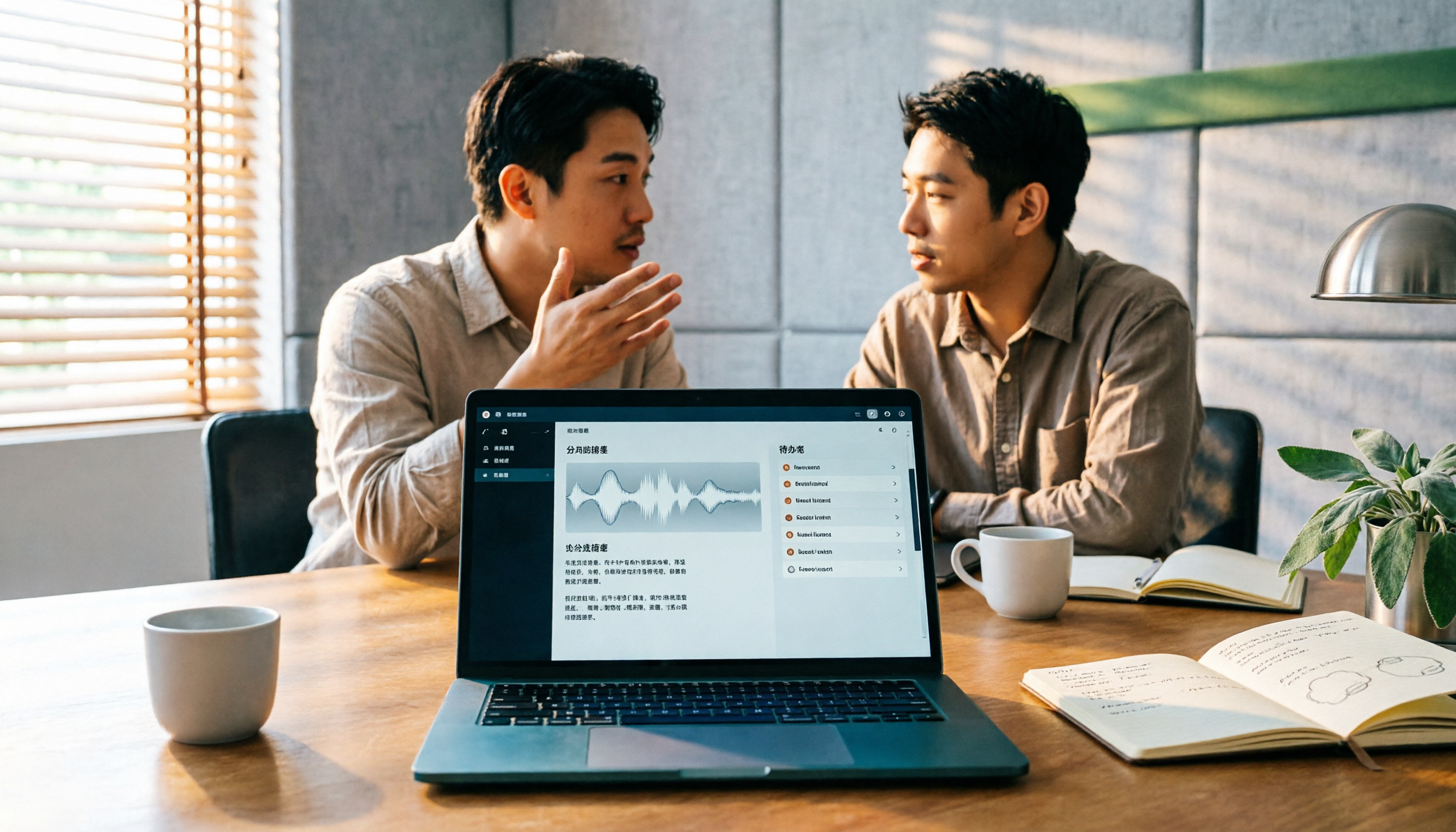
2026 AI Meeting Assistant Comparison: 4 Tools Tested — How to Start and Which Saves the Most Time
Many people search "how to start an AI meeting assistant" but get stuck not on the button, but on their assumptions. This article addresses three common misconceptions, outlines 4 key points to understand before starting an AI meeting assistant, tests the full desktop workflow of Tinrec, compares Otter.ai, Granola, and Notta in positioning and pricing, and ends with a pitfalls guide and selection advice.