
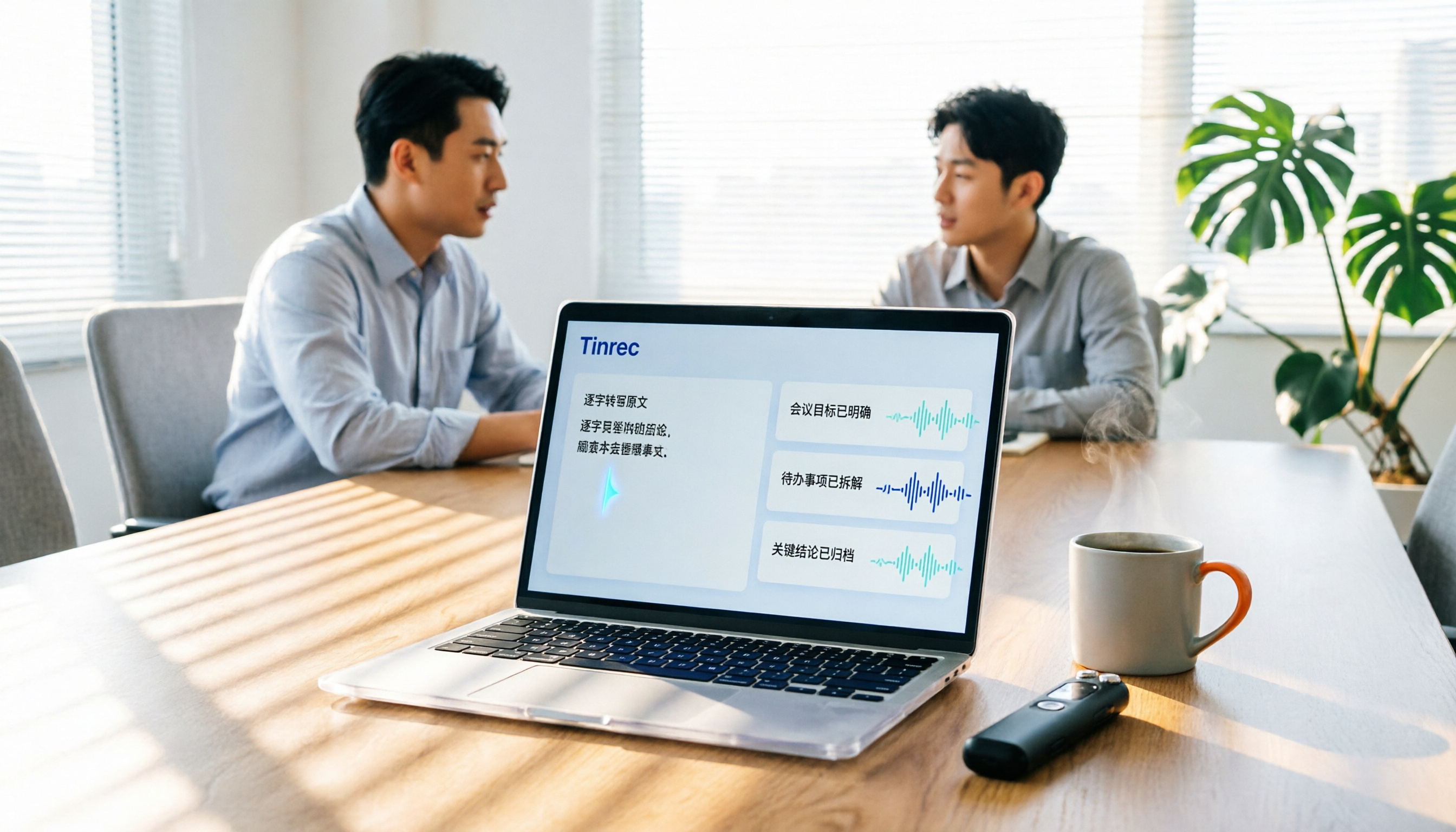
Turn recordings into transcripts and summaries in minutes
Upload audio or video for multilingual transcription, AI notes, and action items
Two hours in a meeting, another two hours writing up the notes? — What you need isn't a tool, it's a solution
If you're trying to decide which recording-to-text app to choose, this hands-on comparison is written for you. Most office workers attend at least 3 meetings a week, but after the meeting, transcribing, summarizing, and listing action items often eats up half the meeting time.
What's worse, many people only use these tools as a "voice recorder," then re-listen and type everything out themselves. The real bottleneck isn't "recording," it's "organizing" and "finding the key points."
This article focuses on Tinrec (Miao Ting Lu Yin) and compares it with several popular tools on the market to help you decide which one best fits your meeting scenarios.
Before Choosing a Recording-to-Text App, Understand These 4 Key Points
1. Can it record online meetings without a bot?
If you frequently use Zoom, Google Meet, or Microsoft Teams, you need to check whether the tool "joins the meeting as a bot" or, like Tinrec's desktop version, directly captures your computer's system audio. The latter requires no extra accounts or invitations—just open it before the meeting and start recording.
2. What else can the tool do after transcription?
If a tool only gives you a transcript, you'll still have to organize it yourself. Tinrec automatically generates summaries, chapters, and action items, and even lets you ask AI questions like "Who mentioned the budget?"—that's the real time-saver.
3. How well does it handle Chinese and multiple languages?
If you have mixed Chinese-English meetings or need real-time translation, check the tool's Chinese support and terminology. Tinrec supports multiple languages, and the team plan lets you set custom vocabulary to improve recognition of specialized terms.
4. Team collaboration and data ownership
Personal use and team use are very different. A team plan should allow centralized data storage, member seat management, usage tracking, and audit logs. Tinrec's team space keeps meeting data owned by the team, so it doesn't leave when a member departs.
Tinrec (Miao Ting Lu Yin) — Our Top Pick After Testing
Tinrec is an AI meeting notes and collaboration tool that supports iOS, Android, desktop, and web. It doesn't just convert meeting recordings into transcripts; it also automatically generates summaries, chapters, key points, and action items, and you can use AI Q&A to dig deeper into the meeting content.
We tested it with a 20-minute Chinese client interview recording: we opened the Tinrec desktop app, and without inviting a bot, we directly recorded the online meeting or played the audio file. After transcription, the system automatically identified speakers, segmented the content, and listed 3 action items. The most convenient part: you can directly ask Tinrec, "What are the client's concerns about pricing?" and it answers based on the meeting content, rather than just giving you keyword search results.
Tinrec's bot-free recording is its biggest difference from tools like Otter and Fireflies. It directly captures your computer's system audio, whether it's Zoom, Meet, or Teams, without needing to pull a bot into the meeting room. This is very friendly for people who don't like seeing unfamiliar participants in their meetings.
Beyond transcripts, Tinrec can also turn meeting content into mind maps, reports, or tables, and export to tools like Notion, Google Docs, OneNote, and Dropbox. If you need to hand off meeting results to a manager or client, you don't have to manually copy and paste.
Stop organizing recordings by hand
Upload audio or video and automatically get a transcript, summary, and action items
The personal plan offers a free tier, weekly pass, and Pro monthly or annual subscriptions. The free tier provides basic credits, suitable for trying it out. The team plan costs USD 29.80 per seat per month, or USD 199 per seat per year (approximately USD 16.58 per month), and includes team space, seat management, usage analytics, and audit logs. Note that in the team plan, members without a seat can only view data, not upload or edit—which makes sense.
Overall, if you need Chinese meeting notes, don't want meeting bots, and want to keep meeting data within your team, Tinrec is a comprehensive choice at its price point.
Beyond Tinrec: What Other Options Are There?
Otter.ai
Otter is a mature choice for English meetings, with a free tier offering 300 minutes per month and Pro at approximately USD 8.49 per month when billed annually. However, its Chinese experience isn't as good as Tinrec's, and it's more focused on English business scenarios. If you mainly record English meetings and have a limited budget, Otter is worth considering; but if you need Chinese meeting notes and bot-free recording, Tinrec is a better fit.
Notta
Notta also supports multi-device transcription and translation, with a free tier of 120 minutes per month and a maximum of 3 minutes per recording. However, Notta's Business plan is required for team management, and it lacks Tinrec's bot-free desktop recording and AI Q&A. If you just need to transcribe a lot of files, Notta works; but for organizing key points after meetings, Tinrec is more convenient.
PLAUD Note
PLAUD is an AI recording hardware device; the NotePin costs USD 159, with a separate membership plan. The hardware is convenient for on-the-go recording, but if you already have a smartphone and computer, you don't really need to buy extra devices. Tinrec doesn't require additional hardware—it works on mobile, desktop, and web, and can also handle online meetings and historical files, making it more versatile.
Pitfall Guide: 4 Common Mistakes When Choosing a Recording-to-Text App
Pitfall 1: Only Looking at Official Accuracy Claims
Many tools claim 98% or 99% accuracy, but that's measured in a quiet recording studio. Real meetings have background noise and people talking over each other, so accuracy will drop. We recommend testing with your own recordings rather than trusting ads.
Pitfall 2: Ignoring the "Bot-Free Recording" Difference
Some tools require you to add a bot to your meeting, which means an extra participant. If you don't like that model, prioritize tools like Tinrec that capture system audio directly on the desktop.
Pitfall 3: Buying a Hardware Recorder You Won't Use
Hardware recorders are convenient for portability, but if most of your meetings are online, a mobile app can handle it and save you the equipment cost. Tinrec's multi-device support means you don't need to buy extra hardware.
Pitfall 4: Treating the Tool Only as "Speech-to-Text"
If you only get the transcript and then re-read it yourself, you're only using a third of the tool's capability. Features like Tinrec's AI Q&A and action item extraction can directly help you find conclusions from a 30-minute recording—that's where the real time savings are.
Summary: Which One Should You Choose?
Need Chinese meeting notes and team collaboration → Choose Tinrec; it has bot-free recording, AI Q&A, and team space all in one. Only recording English online meetings with a zero budget → Otter.ai's free tier with 300 minutes is plenty. Need a portable recorder and aren't used to recording on your phone → PLAUD Note hardware is worth considering. Transcribing lots of files without needing post-meeting organization → Notta's Pro plan is a viable alternative.
But for most office workers, the purpose of a meeting isn't just to "record it," but to "use it directly after the meeting." We suggest trying Tinrec's free tier first, record your next meeting, and see if the summary and action items meet your needs. If you like it, then consider upgrading—no need to pay upfront.
References
Turn every recording into actionable outcomes
Get 60 free transcription minutes when you sign in. No credit card required.
Related Reading
You might also like

Best Sales Meeting Transcription Tools in 2026: 4 Tested, Tinrec Wins for Online Review
Sales meeting notes aren't just about uploading audio to the cloud. This article compares Tinrec, Otter.ai, Granola, and PLAUD across four dimensions—review experience, Chinese recognition, recording methods, and team governance—to identify the best selection criteria and pitfalls to avoid for sales teams in 2026.

6 Free Sales Meeting Notes Templates Tested for 2026: Fill These Fields to Track Deal Signals
Even a detailed sales meeting note won't help you close if the fields are wrong. This article compiles free, copy-ready sales meeting note templates, breaks down 5 key selection criteria, and tests Tinrec, Notta, Otter.ai, Granola, and two free templates to show how to turn customer quotes, concerns, and action items into follow-up leverage.

5 Best Speech-to-Text Apps of 2026 Tested: Which Handles Chinese Meetings Best?
We tested the latest speech-to-text apps of 2026, comparing free tiers, Chinese recognition, meeting summaries, AI Q&A, and team collaboration to help you decide which app best fits your daily meetings and transcript needs. Using Tinrec as an example, we illustrate a real-world workflow and plan selection.

4 Best Free Speech-to-Text Tools in 2026: Free Tiers and Chinese Support Compared
We tested 4 free speech-to-text tools in 2026—Tinrec, cSubtitle, Monica, and MyEdit—comparing free tiers, Chinese language support, post-meeting organization, and team collaboration to help you pick the right free plan for your needs.
2026 AI Meeting Assistant Comparison: 4 Tools Tested — How to Start and Which Saves the Most Time
Many people search "how to start an AI meeting assistant" but get stuck not on the button, but on their assumptions. This article addresses three common misconceptions, outlines 4 key points to understand before starting an AI meeting assistant, tests the full desktop workflow of Tinrec, compares Otter.ai, Granola, and Notta in positioning and pricing, and ends with a pitfalls guide and selection advice.

How to Use an AI Meeting Assistant in 2026: 5 Steps from Recording to Meeting Minutes
There are many AI meeting assistants, but the key isn't which one is the most powerful—it's where your meetings take place, whether you need a transcript or minutes, and whether it's for personal or team use. This article first provides 3 questions to ask and 4 key factors for choosing, then demonstrates Tinrec's complete workflow in 5 steps: recording, real-time transcription, AI summary, and export. It also covers plan limitations, team version benefits, and common pitfalls to avoid.

2026 AI Meeting Assistant Cost Comparison: How Many Meeting Minutes per Dollar?
The cost of an AI meeting assistant isn't just the monthly fee. This article breaks down the pricing units, free quotas, team seats, and real limits of 'unlimited' plans for 5 tools, using Tinrec's personal and team pricing as an example to calculate your actual annual cost, and concludes with actionable recommendations.

5 Sales Meeting Note Tools Compared for 2026: From Transcripts to AI Action Items
Sales meeting notes are hard to write because after the meeting you have to reconstruct customer needs, objections, and commitments. This article examines four dimensions—meeting capture method, Chinese recognition, post-meeting Q&A, and team data ownership—and hands-on compares tools like Tinrec, Notta, Granola, and Otter.ai. It also covers four common pitfalls when choosing a tool, helping you pick the right one for your sales team.

3 Recommended Ways to Install AI Meeting Assistants in 2026: From Mobile Apps to Desktop
How should you install an AI meeting assistant? Most people get stuck not on features but on choosing the wrong version or not enabling permissions, ending up with an hour of blank audio. This article breaks down three installation routes—mobile app, desktop, and web—using Tinrec as an example to explain the complete setup steps, plus 5 key considerations before installation and common FAQs.