

Turn recordings into transcripts and summaries in minutes
Upload audio or video for multilingual transcription, AI notes, and action items
Meetings, Interviews, or Classes? You Need a Solution That Turns Phone Recordings into Transcripts Automatically
Many people still use the built-in voice recorder, then manually transfer files to a computer and slowly transcribe while listening. A 40-minute interview can take over 2 hours to transcribe; worse, if the recording quality is poor or background noise is high, the file may be unusable.
If you've ever experienced "recording lots of audio files but no time to process them," what you need isn't another voice recorder, but a workflow that automatically syncs and transcribes after recording.
That's where recording-to-text apps like Good Tape come in: press record on your phone, the audio uploads directly to your account, and the AI transcript is ready by the time you open your computer.
Before Choosing a Recording-to-Text App, Understand These 4 Key Points
Recording Quality and Real-Time Alerts: Not all apps tell you "the sound is too low." If the volume drops mid-recording, the transcript may be garbled. Good Tape provides real-time volume feedback, alerting you immediately if conditions might affect transcription—helpful for interviews or field recordings.
Upload and Sync Method: Traditional methods require manual export, emailing, or cloud uploads after recording. A better approach is automatic upload to your account, with the transcript visible on your computer. Good Tape's design is "record on phone, view transcript on desktop," eliminating file transfer steps.
Language Support and Post-Transcription Editing: If you record mixed Chinese-English, Taiwanese, or foreign language content, the app's language support is crucial. Good Tape officially supports over 100 languages, but actual accuracy depends on recording environment, accents, and background noise.
Privacy and Data Handling: Recordings are often sensitive; choose a service that doesn't use your data to train AI models. Good Tape explicitly states on its website that it does not use user data to train AI, a plus for business or research use.
Good Tape—Top Pick for Automatic Sync and Transcription on Mobile
Good Tape is a recording-to-text app by Danish team Good Tape ApS, available for free on Google Play (Android) and the App Store (iOS), positioned as the mobile companion to goodtape.io.
The workflow is intuitive: open the app, press record, and when done, the audio automatically syncs to your Good Tape account, then the system transcribes automatically; no need to export, upload, or manually organize. In testing, the transcript appeared in the web dashboard quickly after recording; if the volume is too low during recording, the app alerts you in real time to adjust your position, avoiding unusable files.
Stop organizing recordings by hand
Upload audio or video and automatically get a transcript, summary, and action items
Beyond basic recording-to-text, Good Tape offers post-transcription features like audio playback, speaker labels, key summaries, and subtitle export (.srt / .vtt), making it easy to turn interviews, meetings, or class content into searchable, editable text. The official site also mentions you can share voice memos from other apps to Good Tape for transcription.
The app is free to download with in-app purchases; the free version includes basic features, but advanced usage, longer recordings, or full export may require payment, with specific prices on the App Store or Google Play page. Note that the iOS version is currently designed for iPhone and iPad, not yet verified for macOS; Android users can download directly from the Play Store.
Overall, Good Tape is best for users who need "record anytime on phone, auto-transcribe, and avoid file transfer hassle," especially journalists, researchers, students, or those conducting interviews.
Beyond Good Tape: Quick Reviews of Tinrec and Otter
Tinrec (Miao Ting Lu Yin): If you care more about online meetings and team collaboration, Tinrec's desktop version can record Zoom, Meet, etc., without bots, and offers Chinese meeting summaries, to-dos, AI Q&A, and team spaces. Its strength is online meeting organization and team knowledge management, but for "simple mobile recording and sync," Good Tape's mobile experience is more direct.
Otter.ai: A veteran in automatic transcription for English meetings, with a generous free tier of 300 minutes per month, but its strength is English content; accuracy and interface for Chinese or mixed Chinese-English may not be as smooth as Good Tape. If you primarily record English meetings, Otter remains a solid option.
Pitfall Guide: 3 Common Mistakes When Downloading Recording-to-Text Apps
Pitfall 1: Downloading just because it's "free" without checking transcription duration limits. Many apps' free versions only allow 5-minute recordings or 120 minutes per month, insufficient for interviews or meetings. Before downloading, check if the free plan has per-session length limits and the cost for exceeding them.
Pitfall 2: Ignoring real-time recording quality alerts. If the app doesn't warn about low volume or clipping, you may only discover issues after recording, wasting effort. Apps like Good Tape with real-time feedback can save you from re-recording.
Pitfall 3: Treating "recording-to-text" as "100% accurate automatic transcription." AI transcription can still make errors with background noise, overlapping speech, or heavy jargon; always verify important content against the audio or timestamps, and don't use it directly as official documents.
Conclusion: Which App Should You Download?
If you want "record on phone, auto-sync, view transcript on computer," and often conduct interviews or jot down ideas on the go, the Good Tape app is a highly recommended option; the free version lets you experience the core workflow.
If you also need bot-free online meeting recording, Chinese team spaces, AI Q&A, and to-do management, consider comparing Tinrec.
If you primarily record English meetings and need generous free minutes, Otter.ai's free 300 minutes is more cost-effective.
We suggest starting with Good Tape's free version, recording a 5-minute interview to test transcription quality and sync workflow, then deciding whether to upgrade.
References
Turn every recording into actionable outcomes
Get 60 free transcription minutes when you sign in. No credit card required.
Related Reading
You might also like

Best Sales Meeting Transcription Tools in 2026: 4 Tested, Tinrec Wins for Online Review
Sales meeting notes aren't just about uploading audio to the cloud. This article compares Tinrec, Otter.ai, Granola, and PLAUD across four dimensions—review experience, Chinese recognition, recording methods, and team governance—to identify the best selection criteria and pitfalls to avoid for sales teams in 2026.

6 Free Sales Meeting Notes Templates Tested for 2026: Fill These Fields to Track Deal Signals
Even a detailed sales meeting note won't help you close if the fields are wrong. This article compiles free, copy-ready sales meeting note templates, breaks down 5 key selection criteria, and tests Tinrec, Notta, Otter.ai, Granola, and two free templates to show how to turn customer quotes, concerns, and action items into follow-up leverage.

5 Best Speech-to-Text Apps of 2026 Tested: Which Handles Chinese Meetings Best?
We tested the latest speech-to-text apps of 2026, comparing free tiers, Chinese recognition, meeting summaries, AI Q&A, and team collaboration to help you decide which app best fits your daily meetings and transcript needs. Using Tinrec as an example, we illustrate a real-world workflow and plan selection.

4 Best Free Speech-to-Text Tools in 2026: Free Tiers and Chinese Support Compared
We tested 4 free speech-to-text tools in 2026—Tinrec, cSubtitle, Monica, and MyEdit—comparing free tiers, Chinese language support, post-meeting organization, and team collaboration to help you pick the right free plan for your needs.
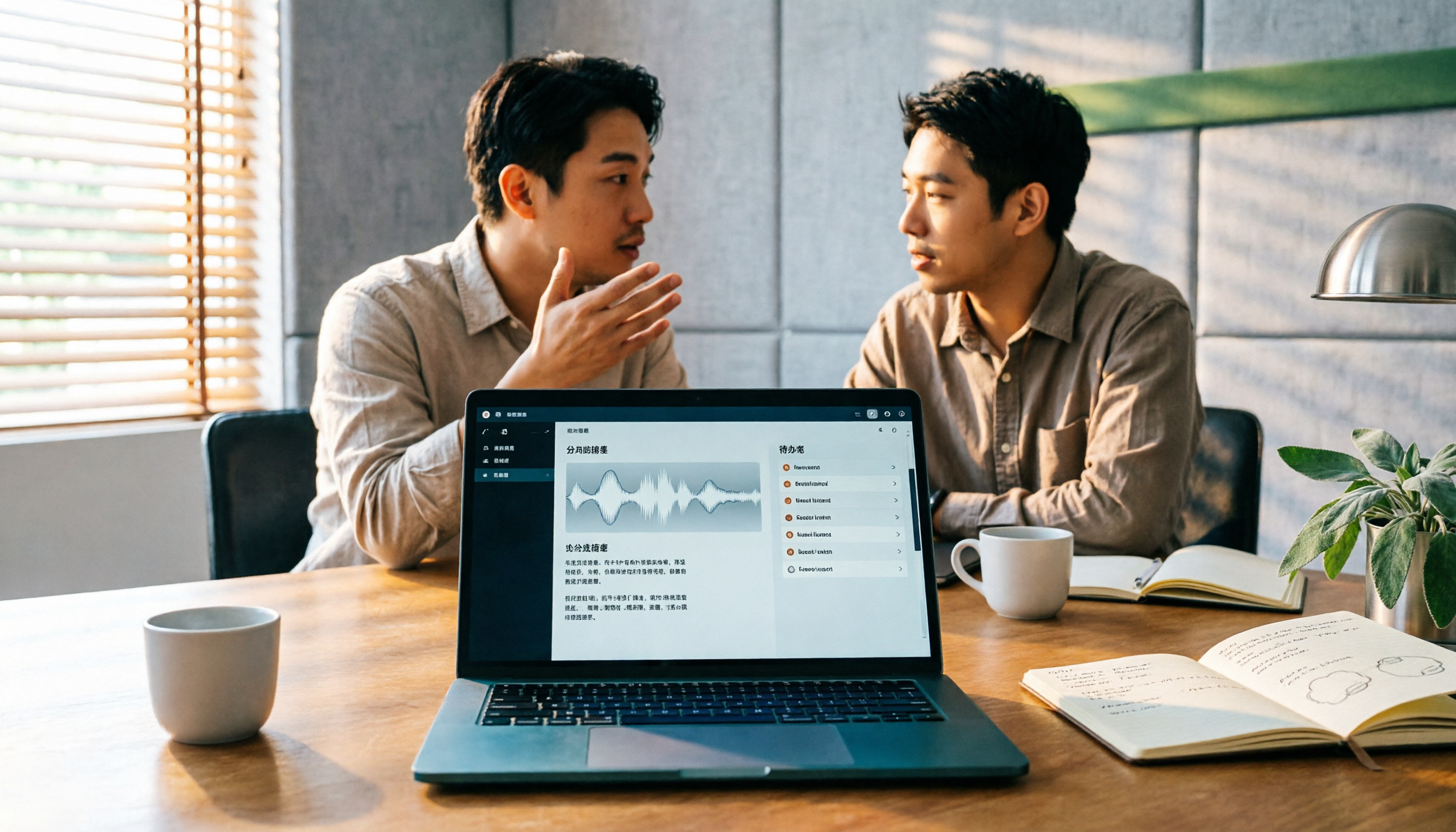
2026 AI Meeting Assistant Comparison: 4 Tools Tested — How to Start and Which Saves the Most Time
Many people search "how to start an AI meeting assistant" but get stuck not on the button, but on their assumptions. This article addresses three common misconceptions, outlines 4 key points to understand before starting an AI meeting assistant, tests the full desktop workflow of Tinrec, compares Otter.ai, Granola, and Notta in positioning and pricing, and ends with a pitfalls guide and selection advice.

How to Use an AI Meeting Assistant in 2026: 5 Steps from Recording to Meeting Minutes
There are many AI meeting assistants, but the key isn't which one is the most powerful—it's where your meetings take place, whether you need a transcript or minutes, and whether it's for personal or team use. This article first provides 3 questions to ask and 4 key factors for choosing, then demonstrates Tinrec's complete workflow in 5 steps: recording, real-time transcription, AI summary, and export. It also covers plan limitations, team version benefits, and common pitfalls to avoid.

2026 AI Meeting Assistant Cost Comparison: How Many Meeting Minutes per Dollar?
The cost of an AI meeting assistant isn't just the monthly fee. This article breaks down the pricing units, free quotas, team seats, and real limits of 'unlimited' plans for 5 tools, using Tinrec's personal and team pricing as an example to calculate your actual annual cost, and concludes with actionable recommendations.

5 Sales Meeting Note Tools Compared for 2026: From Transcripts to AI Action Items
Sales meeting notes are hard to write because after the meeting you have to reconstruct customer needs, objections, and commitments. This article examines four dimensions—meeting capture method, Chinese recognition, post-meeting Q&A, and team data ownership—and hands-on compares tools like Tinrec, Notta, Granola, and Otter.ai. It also covers four common pitfalls when choosing a tool, helping you pick the right one for your sales team.

3 Recommended Ways to Install AI Meeting Assistants in 2026: From Mobile Apps to Desktop
How should you install an AI meeting assistant? Most people get stuck not on features but on choosing the wrong version or not enabling permissions, ending up with an hour of blank audio. This article breaks down three installation routes—mobile app, desktop, and web—using Tinrec as an example to explain the complete setup steps, plus 5 key considerations before installation and common FAQs.