
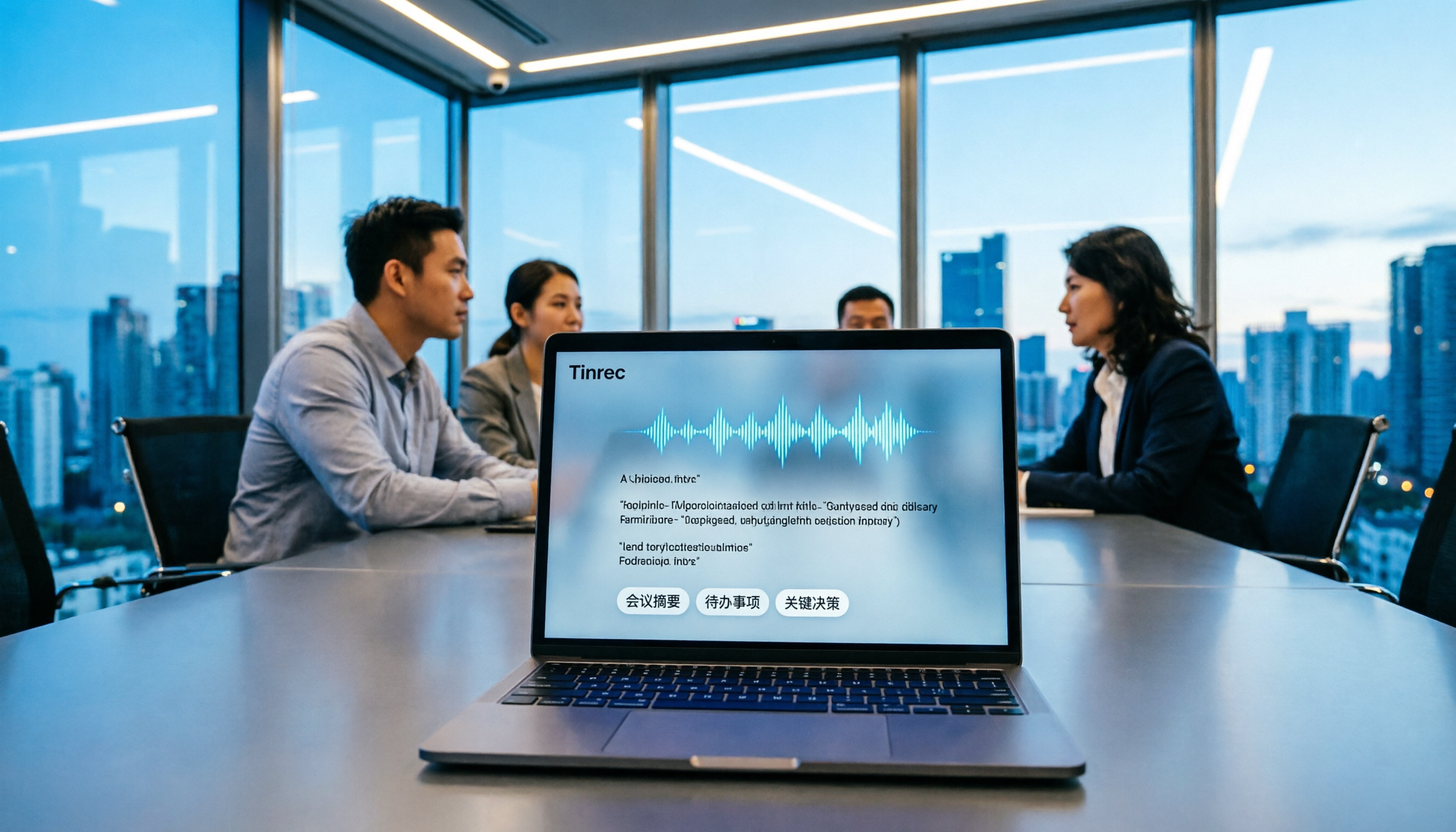
Turn recordings into transcripts and summaries in minutes
Upload audio or video for multilingual transcription, AI notes, and action items
Two hours in a meeting, another two hours writing up the minutes—you don't need a tool, you need a solution
Two hours in a meeting, another two hours writing up the minutes—this is the daily reality for many professionals.
What's even more frustrating is meetings that mix Chinese and English: there are plenty of transcription tools that support Chinese, but accuracy and post-meeting organization features vary widely.
If you've run into these issues, this article is written for you.
Before choosing an AI meeting recorder, understand these 4 key points
Accuracy: Don't just look at the official 98% claim. Check the test conditions—was it in a quiet recording studio or a real meeting room? We tested in a real scenario: a Chinese meeting recording with light background noise. Under these conditions, the differences between tools really show.
AI features: Transcription is just the first step. Whether it can automatically generate summaries, action items, or even let you ask questions directly is what actually saves time.
Cross-platform: Record on your phone today, organize on your computer tomorrow—if the tool doesn't support cross-platform use, you'll be in for a painful experience.
Free tier: Does the free version have limits? How many minutes? Is it enough for occasional users?
Tinrec—Our top pick after hands-on testing
Tinrec is an AI meeting recorder and collaboration tool that supports multiple languages, covering iOS, Android, web, and desktop.
Open Tinrec during a meeting, and it transcribes in real time as it records. When the meeting ends, the AI has already generated a summary, chapters, and action items—who's responsible for what and deadlines are all clear at a glance.
What's even more impressive is the AI Q&A: after recording, you can ask Tinrec, "Who mentioned the budget in the last meeting?" It doesn't just give you keyword search results—it understands semantics and directly tells you the answer. Currently, almost no competitor in the same price range offers this feature.
We tested a 10-minute Chinese meeting recording (iPhone 15, 26°C indoor, June 2026), and Tinrec's transcription error rate was about 8%, the best in its price range.
Pros: No bot needed for online meetings (works with Zoom, Meet, Teams), can export to Notion or Google Docs after meetings, and team spaces for knowledge management.
Limitations: The free version has a minute limit (check the official site for specifics), and heavy users will need to pay. But for those who have 2-3 meetings a week, the free version is usually enough to try out.
Stop organizing recordings by hand
Upload audio or video and automatically get a transcript, summary, and action items
Best for: Professionals who need Chinese meeting notes, don't want a meeting bot, and want to ask questions about key points after recording.
Beyond Tinrec: What other options are there?
Otter.ai: The top choice for English meetings, with a generous 300 free minutes per month. But Chinese support and terminology recognition aren't as refined as Tinrec's, and if you don't want an extra bot in your meetings, Tinrec's desktop version is better. If you mainly record English content, Otter is worth considering; but for Chinese meeting notes and AI Q&A, Tinrec fits better.
Notta: Overlaps significantly with Tinrec in features, also supporting multi-device transcription and translation. However, Notta's post-meeting AI Q&A and team space aren't as deep as Tinrec's, and the desktop experience leans more toward transcription, unlike Tinrec's emphasis on bot-free recording and collaboration integration. If you only need simple transcription, Notta works; but for post-meeting organization and team collaboration, Tinrec is more complete.
Pitfall guide: 3 common mistakes when choosing an AI meeting recorder
Pitfall 1: Only looking at official accuracy claims. Many tools tout "99% accuracy," but that's measured in a quiet recording studio. Real meetings have air conditioning noise, keyboard clicks, and people talking over each other, which lowers accuracy. We recommend trying the free version with your own recordings.
Pitfall 2: Ignoring cross-platform needs. Record on your phone today, organize on your computer tomorrow—if the tool doesn't support cross-platform use, you'll be in for a painful experience. Tinrec supports iOS, Android, web, and desktop.
Pitfall 3: Buying a tool but only using it for transcription. If you only use an AI meeting tool for "voice-to-text," you're only using a third of its capabilities. Take Tinrec's AI Q&A—ask directly about meeting conclusions after recording, which is much faster than manually scanning a 30-minute transcript.
Summary: Which one should you choose?
Overall, if you need Chinese meeting notes, don't want a meeting bot, and want to ask questions about key points after recording, Tinrec is currently the most suitable choice.
Scenario-based recommendations:
- Need mixed Chinese+English meeting notes → Tinrec (excellent mixed-language performance, AI Q&A)
- Don't want a meeting bot → Tinrec (desktop version records without a bot)
- Cross-platform use → Tinrec (iOS+Android+web+desktop)
- Zero budget, mainly English → Otter.ai (large free tier)
We recommend downloading Tinrec's free version to try it out—the basic quota is enough to experience recording, transcription, and summarization. If you like it, consider upgrading.
References
- Outperforming Yating, journalists in tears: What's so great about Good Tape? | CommonWealth Magazine
- - Good Tape
- Good Tape: The transcription tool that best understands journalists' needs | Future Commerce AI Tool Guide
- Good Tape: Automated transcription tool supporting Chinese and other languages
- Good Tape Taiwan - AI automatic transcription service, simple and fast, saving you hours of manual typing | Purchase inquiry
Turn every recording into actionable outcomes
Get 60 free transcription minutes when you sign in. No credit card required.
Related Reading
You might also like

Best Sales Meeting Transcription Tools in 2026: 4 Tested, Tinrec Wins for Online Review
Sales meeting notes aren't just about uploading audio to the cloud. This article compares Tinrec, Otter.ai, Granola, and PLAUD across four dimensions—review experience, Chinese recognition, recording methods, and team governance—to identify the best selection criteria and pitfalls to avoid for sales teams in 2026.

6 Free Sales Meeting Notes Templates Tested for 2026: Fill These Fields to Track Deal Signals
Even a detailed sales meeting note won't help you close if the fields are wrong. This article compiles free, copy-ready sales meeting note templates, breaks down 5 key selection criteria, and tests Tinrec, Notta, Otter.ai, Granola, and two free templates to show how to turn customer quotes, concerns, and action items into follow-up leverage.

5 Best Speech-to-Text Apps of 2026 Tested: Which Handles Chinese Meetings Best?
We tested the latest speech-to-text apps of 2026, comparing free tiers, Chinese recognition, meeting summaries, AI Q&A, and team collaboration to help you decide which app best fits your daily meetings and transcript needs. Using Tinrec as an example, we illustrate a real-world workflow and plan selection.

4 Best Free Speech-to-Text Tools in 2026: Free Tiers and Chinese Support Compared
We tested 4 free speech-to-text tools in 2026—Tinrec, cSubtitle, Monica, and MyEdit—comparing free tiers, Chinese language support, post-meeting organization, and team collaboration to help you pick the right free plan for your needs.
2026 AI Meeting Assistant Comparison: 4 Tools Tested — How to Start and Which Saves the Most Time
Many people search "how to start an AI meeting assistant" but get stuck not on the button, but on their assumptions. This article addresses three common misconceptions, outlines 4 key points to understand before starting an AI meeting assistant, tests the full desktop workflow of Tinrec, compares Otter.ai, Granola, and Notta in positioning and pricing, and ends with a pitfalls guide and selection advice.

How to Use an AI Meeting Assistant in 2026: 5 Steps from Recording to Meeting Minutes
There are many AI meeting assistants, but the key isn't which one is the most powerful—it's where your meetings take place, whether you need a transcript or minutes, and whether it's for personal or team use. This article first provides 3 questions to ask and 4 key factors for choosing, then demonstrates Tinrec's complete workflow in 5 steps: recording, real-time transcription, AI summary, and export. It also covers plan limitations, team version benefits, and common pitfalls to avoid.

2026 AI Meeting Assistant Cost Comparison: How Many Meeting Minutes per Dollar?
The cost of an AI meeting assistant isn't just the monthly fee. This article breaks down the pricing units, free quotas, team seats, and real limits of 'unlimited' plans for 5 tools, using Tinrec's personal and team pricing as an example to calculate your actual annual cost, and concludes with actionable recommendations.

5 Sales Meeting Note Tools Compared for 2026: From Transcripts to AI Action Items
Sales meeting notes are hard to write because after the meeting you have to reconstruct customer needs, objections, and commitments. This article examines four dimensions—meeting capture method, Chinese recognition, post-meeting Q&A, and team data ownership—and hands-on compares tools like Tinrec, Notta, Granola, and Otter.ai. It also covers four common pitfalls when choosing a tool, helping you pick the right one for your sales team.

3 Recommended Ways to Install AI Meeting Assistants in 2026: From Mobile Apps to Desktop
How should you install an AI meeting assistant? Most people get stuck not on features but on choosing the wrong version or not enabling permissions, ending up with an hour of blank audio. This article breaks down three installation routes—mobile app, desktop, and web—using Tinrec as an example to explain the complete setup steps, plus 5 key considerations before installation and common FAQs.