
Turn recordings into transcripts and summaries in minutes
Upload audio or video for multilingual transcription, AI notes, and action items
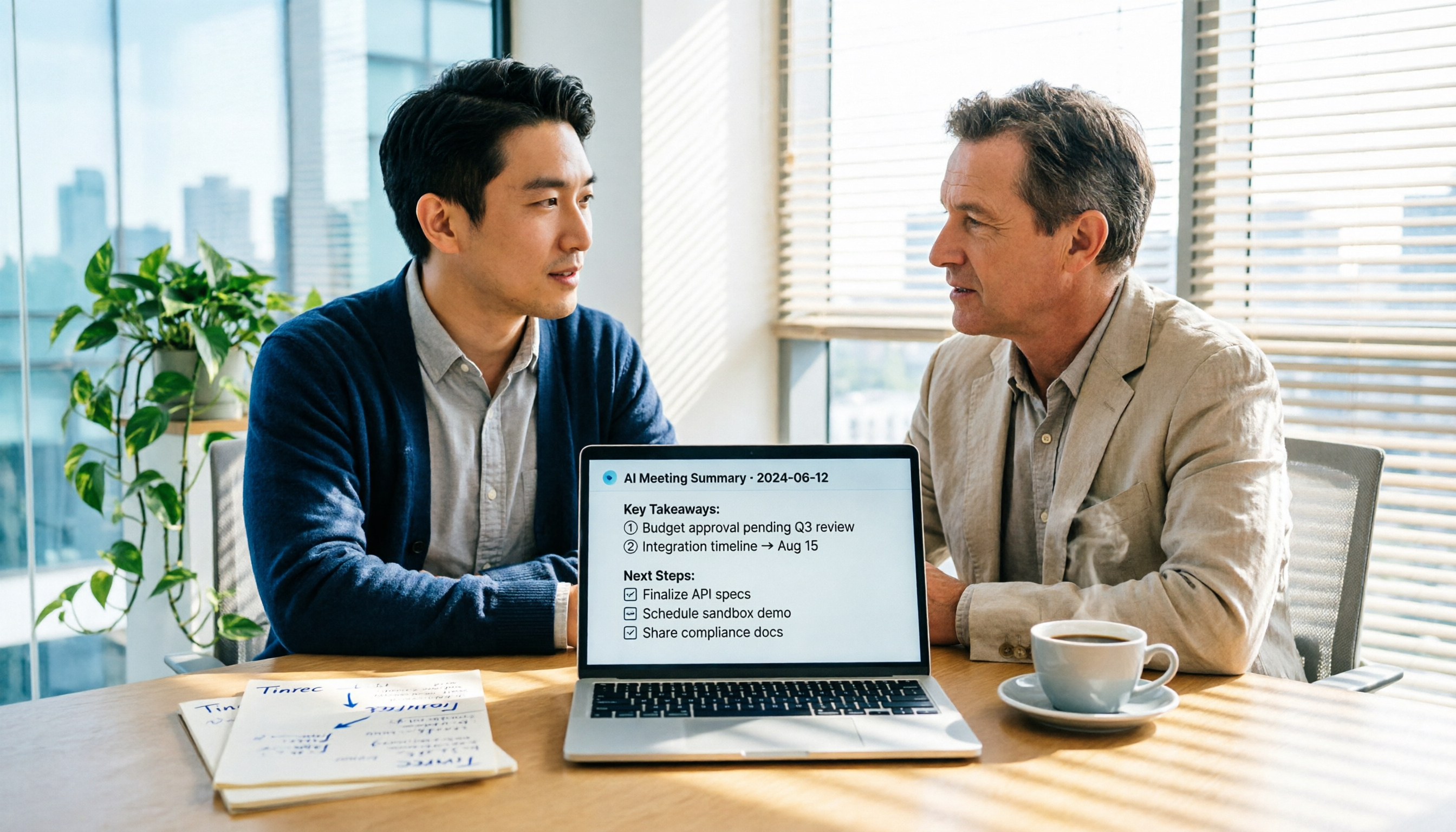
Most people's sales meeting minutes are just a running log: what the customer said, what we replied, written out in full, but the truly important decisions, customer objections, and next steps—all drowned in the conversation. I used to be like that too. After a meeting, I'd sit back at my computer and spend an hour replaying the recording and organizing the key points. Then I changed my approach: I started using an AI recording-to-text tool to first convert the audio into text, then let AI extract the key points. This article uses Tinrec as an example to guide you step by step in creating sales meeting minutes you can directly present to your boss.
Before You Start | What You Need to Prepare
- A smartphone or computer (Tinrec supports iPhone, Android, and desktop versions)
- Download the Tinrec app (free from the App Store or Google Play, or use the desktop version)
- Prepare a sales meeting recording you want to organize (can be a live recording, online meeting recording, or an existing audio file)
- A stable internet connection (real-time transcription requires internet; for offline use, download the language pack in advance)
Step 1 | Record the Sales Meeting You Want to Transcribe
The purpose of this step is to obtain a clear audio file; all subsequent organization starts here. If you're having an online meeting with a client, open the Tinrec desktop version and directly capture system audio—no need to invite a meeting bot. For in-person visits or phone conferences, use the mobile app and place it near the speaker. Why pay special attention to recording quality? Because AI transcription accuracy depends on audio quality. Rather than spending time correcting errors later, it's better to spend an extra 30 seconds now to ensure proper placement. Once done, you'll see the recording on the Tinrec main screen, showing duration and file size. (Illustration: A salesperson talking with a client in a conference room, phone placed on the table in the center for recording, professional and harmonious scene)
Step 2 | Let AI Transcribe It into a Verbatim Transcript
The purpose of this step is to turn the sales conversation into searchable text. In Tinrec, if you start recording directly, AI generates a real-time transcript; if you already have an audio file, you can upload and import it, and transcription completes within minutes. Why do you need a verbatim transcript? Because in sales meetings, customer needs, price sensitivity points, and commitments are often hidden in the exact words; just looking at a summary can miss details. Once done, you can view the transcript in Tinrec and use timestamps to replay the corresponding audio. (Illustration: Computer screen showing transcript text with an audio waveform beside it; a salesperson is replaying the segment where the client mentions the budget)
Step 3 | Quickly Proofread the Transcript
The purpose of this step is to ensure key information is correct, not to listen to the entire recording again. First, search for proper nouns like client names, amounts, dates, and product models to confirm transcription accuracy; then use Tinrec's chapter feature to jump to topic sections and check key points. Why not listen to everything again? Because AI transcription already has a basic quality level, but errors can still occur in numbers and proper nouns. Spending 5 minutes spot-checking these categories is enough. Once done, this transcript is sufficient to support the subsequent meeting minutes. (Illustration: A salesperson browsing the transcript on their phone, swiping to a marked section, with a magnifying glass icon indicating search)
Stop organizing recordings by hand
Upload audio or video and automatically get a transcript, summary, and action items
Step 4 | Let AI Generate Sales Meeting Minutes for You
The purpose of this step is to turn the transcript into structured sales meeting minutes, not a conversation log. In Tinrec, AI automatically generates summaries, chapters, and action items. You can use AI Q&A to directly ask: "What are the client's main needs?" "What unresolved objections are there?" "What follow-up actions did we commit to?" Then put the answers into the meeting minutes template. A sales meeting minutes typically includes: basic meeting info (date, participants, topic), client needs and pain points, discussion points, client objections and responses, commitments, and action items (owner + deadline). Why do it this way? Because bosses or supervisors look at sales meeting minutes not to see the conversation but to see who is doing what next. Tinrec's action item extraction helps you capture these actions. (Illustration: A salesperson organizing meeting minutes at a computer, screen showing a structured table with a to-do list on the left and a client needs summary on the right)
Step 5 | Export and Share
The purpose of this step is to deliver the completed sales meeting minutes to your team or boss. Tinrec supports exporting to Word, PDF, Notion, Google Docs, and other formats. You can directly save to a shared company folder or send it to team members. Why export? Because the ultimate purpose of meeting minutes is for others to see and act on; leaving them in the app means only you know about them. Once done, your sales meeting minutes become a trackable, reviewable document. (Illustration: A salesperson sharing a document from the app to a laptop, screen showing multiple app icons indicating export options)
FAQs and Troubleshooting
Q: The transcribed text has many errors. What should I do? Usually, the environment is too noisy or the distance is too far. Tinrec supports smart noise reduction; enable it in settings before recording. For already recorded files, you can select the high-noise environment mode after importing. Most transcription tools don't have this option; they use a default mode for all recordings.
Q: How well does transcription work with accented speech or mixed Chinese-English? Tinrec has good support for Chinese and mixed Chinese-English content and can handle multilingual meetings, but accents, overlapping speech, and background noise can still affect accuracy. For important content, we recommend replaying to verify.
Q: What legal issues should I consider before recording? Before recording, please check the laws in your region and obtain client consent if necessary. This is basic workplace ethics, not a limitation of Tinrec.
Q: Is the free version sufficient? If you're a light user who occasionally organizes one or two meetings, the free version's basic quota is enough to try. If you have sales meetings every week, we recommend upgrading to Pro or Team to avoid quota anxiety.
Advanced Tips | 3 Ways to Double Your Sales Meeting Minutes Efficiency
- Use AI Q&A to review historical client info: Tinrec allows you to ask questions around single or multiple meeting data, such as "What was the budget range this client mentioned last time?" This is something general transcription tools can't do—they only provide verbatim transcripts, not answers.
- Set up team hotwords: If your product has specific models or internal jargon, admins can set hotwords in the team version to improve recognition of proper nouns. This is especially useful for sales teams. Competitors like Notta and Otter also have glossary features, but Tinrec's team hotwords are directly tied to the team space for unified management.
- Use Agent post-processing to generate progress reports: Based on meeting minutes, Tinrec can further generate reports, tables, or follow-up documents, allowing you to prepare materials 5 minutes before your weekly sales meeting instead of staying up late.
If You Don't Use Tinrec, Here Are Alternatives
- Otter.ai: Mature for English meetings, but Chinese and team data accumulation are not as smooth as Tinrec.
- Notta: Strong multilingual transcription, but lacks bot desktop recording and team space capabilities; suitable for personal document transcription. If you value Chinese sales meetings, follow-up tracking, and team sharing, Tinrec is still more suitable.
Conclusion
You've now learned the complete workflow from recording, transcription, proofreading, to generating structured sales meeting minutes. Instead of writing running logs, use AI to extract customer needs, objections, and action items, and spend your time following up with clients. Download the free version of Tinrec and try it with a real sales meeting. Once you experience the speed of AI organization, you probably won't go back.
References
Turn every recording into actionable outcomes
Get 60 free transcription minutes when you sign in. No credit card required.
Related Reading
You might also like

2024 AI Meeting Assistant Comparison: Which One Actually Saves Time on Chinese Meeting Notes?
A practical comparison of six popular AI meeting assistants in 2024, covering differences in no-bot recording, Chinese transcription, post-meeting summaries, action item extraction, and team knowledge retention. We also list each tool's free tier and paid pricing to help you decide which one truly saves time on meeting notes.

6 AI Meeting Assistants Tested for 2026: Which Handles Chinese Meetings and Post-Meeting Notes Best?
Meeting just ended, but no one remembers who owns the action items? This article reviews 6 AI meeting assistants in 2026, comparing Chinese transcription, bot-free recording, post-meeting summaries, and team collaboration to help you pick the one that truly saves time.

How to Use an AI Meeting Assistant in 2026: Tinrec in 4 Steps + Automatic Post-Meeting Organization
Many people install an AI meeting assistant but only use the recording feature. The key is whether you complete the four steps: record, transcribe, organize, and reuse. This article uses Tinrec as an example to break down the actual operation steps for three meeting scenarios, and compares the differences between the personal and team versions, including seats, quotas, and pricing, to help you assess your needs before purchasing and choose the right version.

2026 Comparison of 4 Online Sales Meeting Notes Tools: Which One Turns Customer Promises into Action Items?
Starting from the customer promises and action items most often missed in sales meetings, this comparison covers four types of online creation methods. Using Tinrec as an example, it demonstrates pre-meeting preparation, bot-free recording during meetings, post-meeting summaries and action item export, plus team edition governance and a buying FAQ.

Tinrec vs Notta 2026: 5-Dimension Comparison — Which Sales Meeting Notes App Is More Worth Recommending?
How to choose a sales meeting notes app? Using Tinrec as an example, this article breaks down real-world usage from customer interviews and online quote meetings to weekly sales meetings and team handovers — covering bot-free recording, transcripts, AI summaries, action item extraction, AI Q&A, and team spaces — and outlines 5 key purchase considerations plus FAQs.

Best Sales Meeting Transcription Tools in 2026: 4 Tested, Tinrec Wins for Online Review
Sales meeting notes aren't just about uploading audio to the cloud. This article compares Tinrec, Otter.ai, Granola, and PLAUD across four dimensions—review experience, Chinese recognition, recording methods, and team governance—to identify the best selection criteria and pitfalls to avoid for sales teams in 2026.

6 Free Sales Meeting Notes Templates Tested for 2026: Fill These Fields to Track Deal Signals
Even a detailed sales meeting note won't help you close if the fields are wrong. This article compiles free, copy-ready sales meeting note templates, breaks down 5 key selection criteria, and tests Tinrec, Notta, Otter.ai, Granola, and two free templates to show how to turn customer quotes, concerns, and action items into follow-up leverage.

5 Best Speech-to-Text Apps of 2026 Tested: Which Handles Chinese Meetings Best?
We tested the latest speech-to-text apps of 2026, comparing free tiers, Chinese recognition, meeting summaries, AI Q&A, and team collaboration to help you decide which app best fits your daily meetings and transcript needs. Using Tinrec as an example, we illustrate a real-world workflow and plan selection.

4 Best Free Speech-to-Text Tools in 2026: Free Tiers and Chinese Support Compared
We tested 4 free speech-to-text tools in 2026—Tinrec, cSubtitle, Monica, and MyEdit—comparing free tiers, Chinese language support, post-meeting organization, and team collaboration to help you pick the right free plan for your needs.