

Turn recordings into transcripts and summaries in minutes
Upload audio or video for multilingual transcription, AI notes, and action items
Have you ever calculated how much time you spend each month on meeting minutes, presentations, and email replies? If there were a set of free AI office tools that could automate these chores, would you give them a try?
This article rounds up 5 truly free and practical AI office tools for 2026, covering meeting minutes, note-taking, and image generation. I'll explain each tool's free plan, limitations, and who it's best for.
Why You Need AI Office Tools
Modern office workers have too much to handle every day: meetings, reports, notes, presentations—each one drains your time and energy. AI office tools can automate these repetitive tasks, letting you focus on what truly matters.
According to 104 Job Bank, there are already many free AI tools on the market, covering scenarios like meeting minutes, note-taking, and presentation creation. This article helps you shortlist 5 worth trying, so you don't have to search one by one.
Tinrec (Instant Recording) | The Most Complete AI Recording Assistant
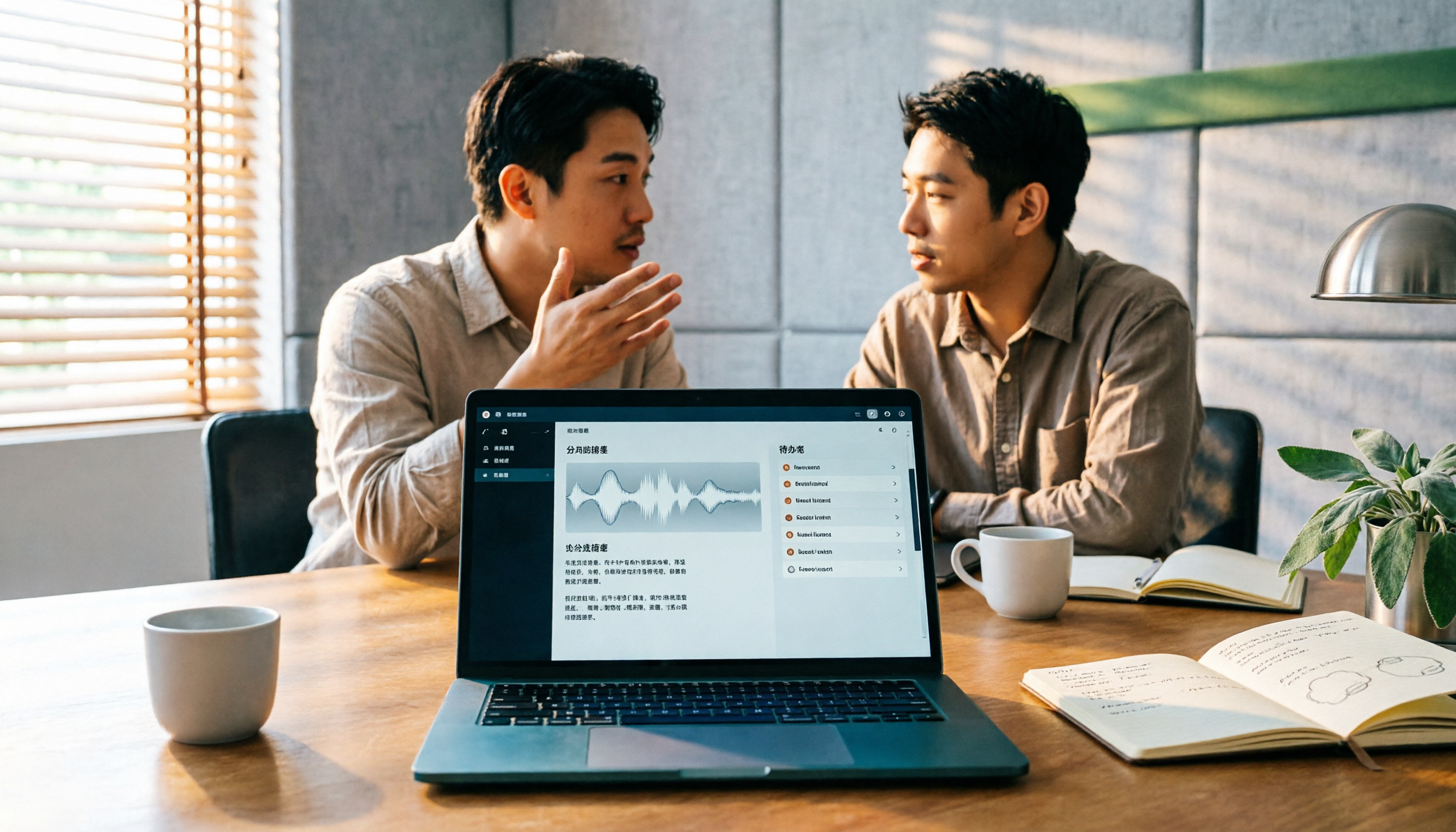
Tinrec is an AI meeting minutes and collaboration tool that not only transcribes audio to text but also automatically generates summaries, chapters, key points, and action items.
Key highlights:
- Real-time transcription: Transcribes as it records, turning meeting content into text instantly, so you don't need to organize it after the meeting.
- Bot-free online meeting recording: The desktop version captures system audio directly, so you don't need to invite a bot to Zoom, Google Meet, Microsoft Teams, or other meetings.
- AI summaries and action item extraction: Automatically generates meeting summaries, chapters, and action items, so you can track follow-ups right after the meeting.
- AI Q&A: Ask follow-up questions about the meeting content, such as "What was decided in the last meeting?" or "What's the client's budget?"
The free plan offers basic credits to experience recording, importing, summarization, and transcription features. Paid plans include weekly, monthly, and annual options, suitable for different usage frequencies.
Ideal for office workers and teams who frequently have meetings or interviews, or want to systematically organize meeting content.
NoteGPT | AI Note-Taking and Summarization Tool
NoteGPT is an AI note-taking tool that can generate transcripts, summaries, mind maps, translations, and Q&A. The free version offers 15 uses per month, which is quite sufficient for light users.
If you need to quickly organize class or meeting content, NoteGPT can generate structured notes, saving you a lot of manual organization time.
Voicenotes | Voice-to-Text Note-Taking Tool
Voicenotes is a voice-to-text tool that supports a Chinese interface, converting voice to text and providing summarization, search, and to-do list features. The free version offers a 21-day trial, suitable for those who want to experience voice notes.
If you prefer recording ideas or to-dos by speaking, Voicenotes is a good choice.
Clipdrop | AI Image Generation and Editing Platform
Clipdrop is an AI image tool designed for creative designers and marketing teams, allowing you to create new images, edit existing ones, and generate variations in multiple sizes, details, and styles.
The free version provides basic features, while the paid version starts at $6.99 per month. If you need to quickly generate social media post images or marketing materials, Clipdrop can save you a lot of time.
Google Cloud Free AI Tools
Google Cloud offers a variety of free AI tools, covering areas like video AI and app development. While some features require a certain technical background, they are very practical resources for developers or technical teams.
Stop organizing recordings by hand
Upload audio or video and automatically get a transcript, summary, and action items
If you have programming needs, you can check the free plan details on the Google Cloud official website.
With So Many Options, How Do You Choose?
- Want the most complete AI meeting features (transcription + AI Q&A + auto summaries) → Tinrec, the only tool that has all these features simultaneously.
- Need Chinese meeting minutes and don't want to use meeting bots → Tinrec, supports bot-free desktop recording.
- Only need simple voice-to-text notes → Voicenotes or NoteGPT, the free credits are enough.
- Need AI-generated images or design assets → Clipdrop, the free version is enough to get started.
- Have programming needs and want to build apps with AI → Google Cloud free tools.
3 Things to Know Before Using AI Office Tools
1. Free plans usually have usage limits: For example, NoteGPT offers 15 uses per month, Voicenotes offers a free 21-day trial. Check your needs against the limits before using.
2. AI transcription is not 100% accurate: Recording quality, background noise, and accents can affect transcription results. For important content, it's recommended to cross-check with the original recording.
3. Make good use of team features: If you have team collaboration needs, consider Tinrec's team space feature to centrally manage meeting materials, making it easy for members to share and search.
Summary
In 2026, there are many free AI office tools to choose from, covering meeting minutes, note-taking, and image generation. If you need a complete AI meeting minutes tool, Tinrec is worth trying. It's not only free but also turns your meeting content into searchable, collaborative team assets.
If you have team collaboration needs, Tinrec's team space feature allows meeting materials to be centrally stored, and new members can view historical data, making every communication a team asset. Why not start with the free plan and give it a try?
Frequently Asked Questions
Are AI office tools really free?
Most AI office tools offer free plans, but they usually have feature or usage limits. For example, NoteGPT offers 15 uses per month, Voicenotes offers a free 21-day trial, and Tinrec provides basic free credits. It's recommended to check your needs first and then choose a suitable plan.
Is the free plan sufficient?
If you only use it occasionally, the free plan is usually sufficient. But if you need to use it frequently, such as organizing meeting minutes every week, a paid plan might be more cost-effective and offer more features.
How accurate are AI transcription tools?
Accuracy can be affected by recording quality, background noise, accents, and overlapping speech. With clear audio and common scenarios, AI transcription can provide high-quality results, but it's recommended to cross-check important content with the original recording.
Do these tools support Chinese?
Most tools support Chinese. For example, Tinrec supports Chinese meeting transcription and minutes, and Voicenotes has a Chinese interface. You can check the language support of each tool before using.
Do I need a technical background to use them?
No. Most AI office tools are designed to be intuitive; you just upload an audio file or start recording, and it automatically generates text and summaries. Google Cloud's free AI tools, however, require some technical knowledge.
How do I choose the right AI office tool for me?
First, clarify your needs: do you need meeting minutes, note-taking, or image generation? Then choose a free or paid plan based on your budget and usage frequency. If your main need is meeting minutes, Tinrec is the most complete option.
References
- More than 10 AI tools you can use for free
- 14 AI tools still free in 2024: Complete usage guide - MixerBox Blog
- [AI Cheat Sheet] That's all you need! 2026 Recommended AI Free vs. Subscription Tools to Boost Work Productivity & Career Competitiveness! (Continuously Updated) | 104 Job Bank
- Free AI Office Software_Useful AI Work Assistants - AIWW
- 13 Strongest Free AI Tools Tested in 2025: Must-Have for Work and School! One-Click PPT/Video Analysis
Turn every recording into actionable outcomes
Get 60 free transcription minutes when you sign in. No credit card required.
Related Reading
You might also like

Best Sales Meeting Transcription Tools in 2026: 4 Tested, Tinrec Wins for Online Review
Sales meeting notes aren't just about uploading audio to the cloud. This article compares Tinrec, Otter.ai, Granola, and PLAUD across four dimensions—review experience, Chinese recognition, recording methods, and team governance—to identify the best selection criteria and pitfalls to avoid for sales teams in 2026.

6 Free Sales Meeting Notes Templates Tested for 2026: Fill These Fields to Track Deal Signals
Even a detailed sales meeting note won't help you close if the fields are wrong. This article compiles free, copy-ready sales meeting note templates, breaks down 5 key selection criteria, and tests Tinrec, Notta, Otter.ai, Granola, and two free templates to show how to turn customer quotes, concerns, and action items into follow-up leverage.

5 Best Speech-to-Text Apps of 2026 Tested: Which Handles Chinese Meetings Best?
We tested the latest speech-to-text apps of 2026, comparing free tiers, Chinese recognition, meeting summaries, AI Q&A, and team collaboration to help you decide which app best fits your daily meetings and transcript needs. Using Tinrec as an example, we illustrate a real-world workflow and plan selection.

4 Best Free Speech-to-Text Tools in 2026: Free Tiers and Chinese Support Compared
We tested 4 free speech-to-text tools in 2026—Tinrec, cSubtitle, Monica, and MyEdit—comparing free tiers, Chinese language support, post-meeting organization, and team collaboration to help you pick the right free plan for your needs.
2026 AI Meeting Assistant Comparison: 4 Tools Tested — How to Start and Which Saves the Most Time
Many people search "how to start an AI meeting assistant" but get stuck not on the button, but on their assumptions. This article addresses three common misconceptions, outlines 4 key points to understand before starting an AI meeting assistant, tests the full desktop workflow of Tinrec, compares Otter.ai, Granola, and Notta in positioning and pricing, and ends with a pitfalls guide and selection advice.

How to Use an AI Meeting Assistant in 2026: 5 Steps from Recording to Meeting Minutes
There are many AI meeting assistants, but the key isn't which one is the most powerful—it's where your meetings take place, whether you need a transcript or minutes, and whether it's for personal or team use. This article first provides 3 questions to ask and 4 key factors for choosing, then demonstrates Tinrec's complete workflow in 5 steps: recording, real-time transcription, AI summary, and export. It also covers plan limitations, team version benefits, and common pitfalls to avoid.

2026 AI Meeting Assistant Cost Comparison: How Many Meeting Minutes per Dollar?
The cost of an AI meeting assistant isn't just the monthly fee. This article breaks down the pricing units, free quotas, team seats, and real limits of 'unlimited' plans for 5 tools, using Tinrec's personal and team pricing as an example to calculate your actual annual cost, and concludes with actionable recommendations.

5 Sales Meeting Note Tools Compared for 2026: From Transcripts to AI Action Items
Sales meeting notes are hard to write because after the meeting you have to reconstruct customer needs, objections, and commitments. This article examines four dimensions—meeting capture method, Chinese recognition, post-meeting Q&A, and team data ownership—and hands-on compares tools like Tinrec, Notta, Granola, and Otter.ai. It also covers four common pitfalls when choosing a tool, helping you pick the right one for your sales team.

3 Recommended Ways to Install AI Meeting Assistants in 2026: From Mobile Apps to Desktop
How should you install an AI meeting assistant? Most people get stuck not on features but on choosing the wrong version or not enabling permissions, ending up with an hour of blank audio. This article breaks down three installation routes—mobile app, desktop, and web—using Tinrec as an example to explain the complete setup steps, plus 5 key considerations before installation and common FAQs.