
Turn recordings into transcripts and summaries in minutes
Upload audio or video for multilingual transcription, AI notes, and action items
2026 AI Meeting Recorder Comparison: Which Tool Handles Chinese Real-Time Translation Best?
When meetings mix English and Chinese, and you miss half the details in the transcript—what you need isn't just a tool, it's a solution
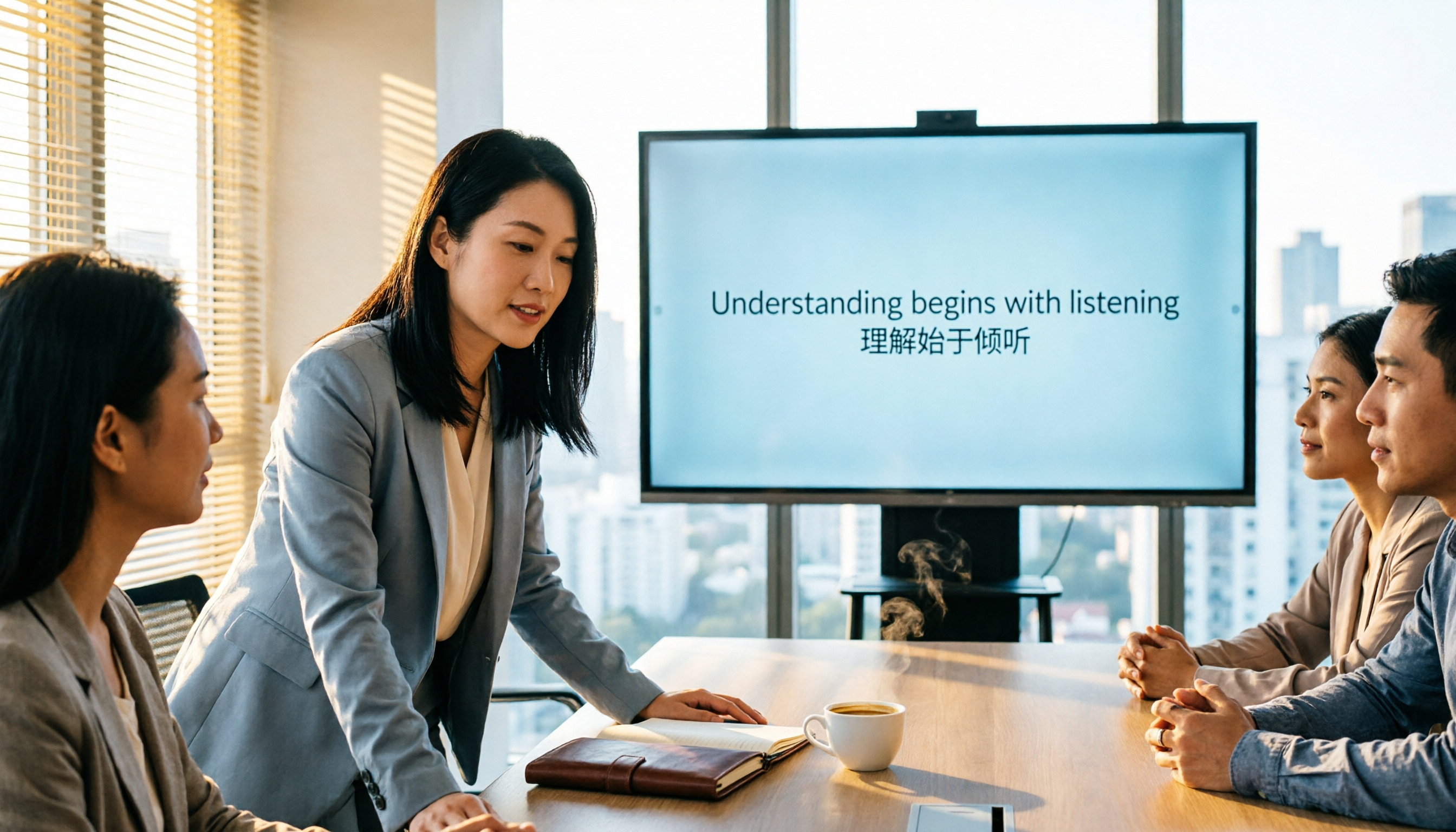
Last week, I had a meeting with overseas clients. They spoke English, my team spoke Chinese, and when the meeting ended, everyone relied on memory to piece things together—we missed two decisions. If you've ever spent two hours re-listening to a recording after a cross-language meeting just to figure out "what did that Chinese phrase really mean," this article is for you.
Before choosing an AI meeting recorder, understand these 5 key points
Accuracy isn't everything: You need to check performance in real meetings with multiple accents and background noise. The 98% claimed by vendors is usually tested in a quiet recording studio.
Real-time translation capability: If your meetings mix Chinese and English, choose a tool that can display the original text, translation, or both in real time.
Bot-free recording: Many tools require adding a bot, and the other party sees a "stranger" in the meeting, which some find uncomfortable. Bot-free recording captures the computer's system audio directly.
Post-meeting organization: Transcription alone isn't enough; you need automatic summaries, action items, AI Q&A, and ideally direct generation of reports or tables.
Team collaboration and permissions: Meeting data is a company asset. It's important that the tool can centrally store data, manage members, and track usage and audit logs.
Tinrec (秒听录音) — Our Top Pick After Testing
Tinrec is an AI meeting recorder and collaboration tool for individuals and teams, supporting iOS, Android, web, and desktop. It doesn't just convert speech to text; it turns meetings into searchable, collaborative, and actionable team knowledge.
Our most-used feature is "bot-free recording": Open the Tinrec desktop app, and it captures the computer's system audio directly—no need to invite a bot to Zoom, Google Meet, Teams, or Webex. During the meeting, you can view the transcript in real time, with options for original text, translation, or bilingual side-by-side. This is especially handy for mixed Chinese-English meetings. For example, when a client explains requirements in English, you can see the English original and Chinese translation on screen simultaneously, and easily draft Chinese minutes on the fly.
After recording, Tinrec automatically generates summaries, chapters, highlights, and action items. Even better is the AI Q&A: You can ask, "Did the client mention the budget?" or "Who was responsible for the handover in the last meeting?" It answers based on semantic understanding, not just keyword search.
We tested a 10-minute mixed Chinese-English meeting recording (computer audio, typical office noise). Tinrec's Chinese transcription was stable, and the real-time translation used natural phrasing, without the stiffness of machine translation. Of course, if audio quality is poor or multiple people speak at once, accuracy will still drop.
Pros:
Stop organizing recordings by hand
Upload audio or video and automatically get a transcript, summary, and action items
- Bot-free recording doesn't disrupt meetings.
- Real-time translation and bilingual transcripts are great for mixed Chinese-English meetings.
- AI summaries, action items, Q&A, and multi-format export save time on post-meeting work.
- The team plan allows centralized member, seat, usage, and audit management, suitable for companies.
Limitations: The free plan has a usage minute limit; heavy users need to pay. But for those who meet 2–3 times a week, the free allowance is usually enough for a trial.
Best for: Professionals and managers who need Chinese meeting minutes, real-time Chinese-English translation, or want to turn meeting data into team knowledge assets.
Beyond Tinrec: What Other Options Are There?
Otter.ai: A mature choice for English meetings, with a generous free plan of 300 minutes per month. However, if you mainly handle Chinese content or need real-time bilingual comparison, Tinrec offers a smoother Chinese experience and team keyword management. Otter's AI Chat is strong, but Tinrec's AI Q&A is equally useful, plus it adds bot-free recording and Chinese optimization.
Notta: Supports multi-device transcription and translation, overlapping significantly with Tinrec. However, Notta's recording often requires a meeting bot or file upload; Tinrec's desktop app captures system audio directly without an extra bot, which is very practical in most Taiwanese SME meetings.
Fireflies.ai: Known for its meeting bot and extensive integrations, best suited for English environments. If you prefer no bot in meetings and need Chinese real-time translation, Tinrec is a better fit. Fireflies' AI summaries are mature, but Tinrec's team space and role/seat management align more closely with Chinese enterprise needs.
Pitfall Guide: 4 Common Mistakes When Choosing an AI Meeting Recorder
Pitfall 1: Only looking at official accuracy claims. Many tools claim 98%, but real meetings have AC noise, keyboard sounds, and people talking over each other, so accuracy will be lower. Test with your own meeting recordings.
Pitfall 2: Ignoring the "bot-free" option. If you often have external meetings or client interviews, a bot joining might make the other party uncomfortable. Choose a tool that can record system audio directly for a more natural experience.
Pitfall 3: Stopping at the transcript. The transcript is just the starting point; what really saves time is the post-meeting summary, action items, and AI Q&A. If the tool only transcribes, you'll still spend two hours organizing.
Pitfall 4: Sharing a single account across the team. Meeting data should live in a team space, not in one colleague's personal account, or the data scatters when they leave. Choose a team plan with roles, seats, usage, and audit features for company safety.
Summary: Which One Should You Choose?
If you need to handle Chinese meetings, real-time Chinese-English translation, don't want to add a bot to meetings, and want to turn meeting data into team knowledge assets, Tinrec is our top pick after testing.
Scenario recommendations:
- Mixed Chinese-English meetings needing real-time translation → Tinrec (bilingual transcripts are the best)
- Don't want to invite a bot to meetings → Tinrec (bot-free desktop recording)
- Want to use AI to ask questions and generate reports after meetings → Tinrec (AI Q&A and agent post-processing)
- Only need English meetings and have zero budget → Otter.ai free plan (300 minutes/month)
We recommend downloading the Tinrec free version to try it out. Use the free minutes to record a meeting or two and experience the convenience of real-time translation and AI summaries. Upgrade if you find it useful—no need to pay upfront.
References
Turn every recording into actionable outcomes
Get 60 free transcription minutes when you sign in. No credit card required.
Related Reading
You might also like

3 Smart Meeting Notes Solutions Tested for 2026: Which Saves the Most Time?
Still replaying recordings and manually taking notes after meetings? This article walks through the smart meeting notes workflow using Tinrec, from pre-meeting preparation and in-meeting recording to post-meeting proofreading and archiving. It also provides a ready-to-use meeting minutes format, buying tips, and FAQs.

4 Smart Meeting Notes Tools Tested: How to Go from Recording to Action Items with the Least Time in 2026
How do smart meeting notes work? This article breaks down the five-step workflow—record, transcribe, summarize, query, and create action items—and compares Tinrec, Otter.ai, Granola, and TurboScribe on Chinese meetings, bot-free recording, post-meeting organization, and team collaboration. It includes quota and pricing comparisons, pitfalls to avoid, and selection advice to help you choose the right tool at once.

2026 Smart Meeting Minutes Comparison: Tinrec vs Otter.ai on 5 Dimensions — Which Saves More Time?
Good meeting minutes aren't about verbatim transcription—they're about conclusions and action items. This article compares Tinrec's instant recording and Otter.ai dimension by dimension, from note-taking style, meeting capture, Chinese transcription, post-meeting workflow to team governance and pricing, to help you choose the smart meeting minutes solution that truly saves time.

How to Use AI Meeting Assistants in 2026: Tinrec 6-Step Guide + Auto-Generated Meeting Minutes
A student's hands-on guide to using AI meeting assistants, featuring Tinrec: six steps to get started, how to record online meetings without bots, how to generate post-meeting summaries and action items, and an honest comparison of Google Meet, Tactiq, Notta, and Granola for student use cases. Also covers whether the free version is enough.

2026 Smart Meeting Notes Free Options: 4 Tools Compared
How do you write smart meeting notes that don't turn into a rambling transcript? This article uses a 5-part format you can apply to capture conclusions and action items, and reviews 4 free options, including Tinrec's free version, team trial, and practical applications, to help you assess your needs before choosing a tool.

4 AI Meeting Assistants Tested for 2026: No Meeting Bots—Which One Actually Saves You Two Hours After the Meeting?
A mid-level manager who holds 15 meetings a week tested 4 AI meeting assistants, comparing recording methods, post-meeting output, Chinese-language performance, and team governance. Here's why Tinrec (Miao Ting Lu Yin) was the one that stayed, and who Otter.ai, Granola, TurboScribe, and PLAUD are each best suited for.

How to Take Smart Meeting Notes in 2026: 6 Steps from Recording to AI Action Items
Smart meeting notes aren't just about hitting record. This guide starts with what a useful record should look like, compares four approaches—platform built-in, meeting bots, bot-free desktop recording, and post-meeting upload—then walks through 6 steps: define questions before the meeting, record and transcribe during, proofread after, generate AI summaries, rewrite with Topic + Next Step, and send and archive within 24 hours. It also covers team roles, seats, and pricing.

4 AI Meeting Assistants Tested in 2024: Dcard Users Weigh In—Which One Actually Saves You Post-Meeting Time?
Starting from the most common Dcard question—'How do I choose an AI meeting assistant?'—this article uses the real needs of a mid-level manager with 15 meetings a week to break down 4 key buying factors: how meetings are recorded, what you get after the transcript, whether recordings are kept, and how team seats are counted. It compares Tinrec, Otter.ai, Notta, and Granola, with a pitfalls guide and scenario-based recommendations.

5 Smart Meeting Notes Tools Tested for 2026: What Are AI Meeting Notes & Which Really Saves Time?
Many people think smart meeting notes are just automatic transcripts, but they end up with long text files and still have to find decisions and action items themselves. This article first clarifies common misconceptions about what smart meeting notes are, then reviews the features, official pricing, and ideal users for 6 solutions: Tinrec, Otter.ai, Notta, Fireflies.ai, Granola, and TurboScribe, helping you choose tools based on meeting workflows rather than marketing hype.