
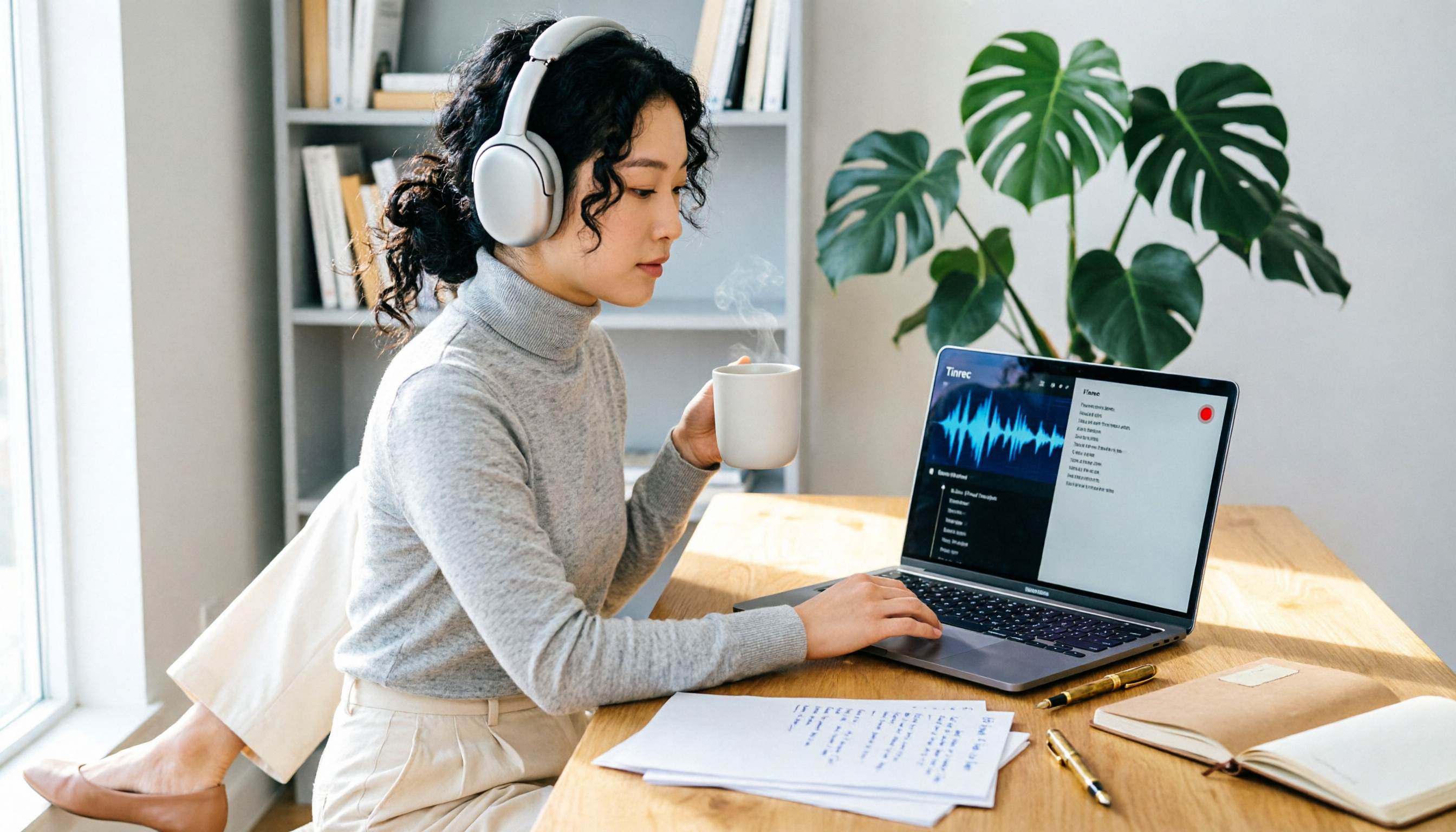
Turn recordings into transcripts and summaries in minutes
Upload audio or video for multilingual transcription, AI notes, and action items
You've just finished recording an online meeting or tutorial video on your Mac. How much time will you spend transcribing it? This is a cost many people overlook. This article directly compares Tinrec and QuickTime Player to help you decide what to do after recording.
Mac Screen Recording and Audio: How to Use Built-in Tools?
Let's start with QuickTime Player and the screenshot toolbar.
Press Shift+Command+5 to open the toolbar. Options allow you to enable the microphone, but you cannot record system audio.
QuickTime Player can record the screen, but it also cannot capture internal computer audio; you'll need to install a virtual audio driver separately.
These methods are suitable for simply recording the screen and microphone audio, but you'll only get a video file after recording.
The Value of Tinrec: Turn Recordings into Searchable, Organizable Data
Tinrec is an AI meeting notes tool that also supports importing screen recording files (audio/video file import).
After uploading, it automatically generates transcripts, AI summaries, chapters, and action items.
You can use AI Q&A to ask "What were the key points of the meeting?" without manually replaying.
It supports multi-format export, and the free personal version includes basic credits, suitable for light use.
The team version offers space and member management, but we won't go into detail here.
Where Are QuickTime Player's Limitations?
It can only record, not organize; no transcripts, summaries, or action items.
Stop organizing recordings by hand
Upload audio or video and automatically get a transcript, summary, and action items
System audio cannot be recorded without installing a virtual audio driver.
It's suitable for those who only need to record for archival purposes and don't require subsequent text processing.
Pitfall Guide: Avoid These 3 Mistakes After Recording Your Screen
Pitfall 1: Only recording the screen without audio. Remember to check the microphone or system audio settings in Options first.
Pitfall 2: Leaving the recording in a folder and later being unable to find key points. Use Tinrec to import and convert to text for easier searching.
Pitfall 3: Manually transcribing wastes time. Make good use of AI transcription; you can use it as a draft and then edit.
Summary: Which One Should You Choose?
If you only need to record for archival purposes, QuickTime Player is free and sufficient.
If you need to record meetings, courses, or interviews, and want to quickly find key points and generate transcripts after recording, Tinrec is more worthwhile.
We recommend testing the free version of Tinrec first, and upgrade if you find it useful.
References
- Apple Laptop Mac Screen Recording 1. Press Shift+Command+5 to open the screen recording toolbar. 2. Press Options to enable the microphone and set the video storage location. 3. Press Record Entire Screen
- How to record the screen on your Mac - Apple Support (Taiwan)
- Mac Screen Recording | 4 Ways to Record Video and Audio on Mac Simultaneously - Bandicam Blog
- 2025 Mac Screen Recording with Computer Audio Tutorial | Easiest - EaseUS
- Control access to screen recording and system audio recording on Mac - Apple Support (Taiwan)
Turn every recording into actionable outcomes
Get 60 free transcription minutes when you sign in. No credit card required.
Related Reading
You might also like

2026 Smart Meeting Notes Software Comparison: Which One's Output Is Ready to Use?
Meeting notes aren't just about typing—they're about post-meeting organization and follow-up. This article compares Tinrec, Otter.ai, Granola, and PLAUD Note across four dimensions: output format, audio capture method, post-meeting processing, and team knowledge retention. It also includes a ready-to-use meeting notes template and a guide to avoiding common pitfalls.

4 Free AI Meeting Notes Apps Tested: Is the Free Tier Enough?
There are plenty of free AI meeting notes apps, but few can actually deliver a finished record right after a meeting. This article tests Tinrec, Otter.ai, Notta, Granola, and TurboScribe across four dimensions—free tier limits, online meeting audio capture, post-meeting organization, and AI Q&A—to help you decide which free version is truly sufficient.

2026 AI Meeting Notes Apps Free Plans Compared: 5 Options Reviewed
There are many free AI meeting notes apps, but they differ greatly in recording time limits, whether they can record online meetings, and what you get beyond transcription. This article uses the criterion of 'can the free plan handle a complete meeting?' to review five common options and explains Tinrec's actual performance in Chinese meetings, bot-free recording, and team knowledge retention.

2026 Smart Meeting Notes Apps Compared: How Tinrec Turns Meetings into Queryable Team Data
Starting from common misconceptions, this article explains why getting only a transcript doesn't solve the meeting notes problem. It focuses on Tinrec and compares Notta, PLAUD, and Granola in terms of meeting capture methods, post-meeting outputs, Chinese language experience, and team data retention. It concludes with purchasing considerations and FAQs.

3 Smart Meeting Notes Tools Tested for 2026: Which One Really Saves Time with Online Transcripts and AI Q&A?
Meeting notes don't end with turning audio into a transcript. This article starts with the three most common misconceptions and compares Tinrec, Notta, Otter.ai, and Granola on transcripts, AI Q&A, cross-device online viewing, and team knowledge retention. It outlines 4 key buying criteria and 4 pitfalls to avoid, then gives selection advice based on use cases.

Best AI Meeting Recorder in 2026? Hands-On Test of Tinrec vs PLAUD Note
Many people choose an AI meeting recorder based only on recording and transcription, overlooking post-meeting organization and team handoff. This article compares two approaches—Tinrec and PLAUD Note—across meeting capture, Chinese and cross-language support, post-meeting organization, data retention, and team governance, with actionable selection advice and a starter checklist.

4 Smart Meeting Notes Apps Tested for 2026: Free Tiers, Transcripts, and AI Summaries Compared
Smart meeting notes software is more than just audio-to-text. This article addresses three common misconceptions, explains the real value of AI meeting notes tools across four stages—capture, organize, use, and govern—then compares Tinrec and Notta across five dimensions: meeting capture, transcripts and languages, post-meeting output, team governance, and pricing/quotas. Finally, six FAQs help you decide if a free version is enough and how team plans differ.

2026 Smart Meeting Notes App Comparison: Which One Actually Saves You Time?
Spending two hours after a meeting to organize notes is a daily reality for many professionals. This hands-on comparison of Tinrec, Otter.ai, Notta, and PLAUD Note evaluates how each records meetings, what they produce afterward, their Chinese-language experience, and team management features. We break down 4 key buying factors and 3 common pitfalls to help you choose the one that truly saves time.

Best AI Meeting Notes Tools in 2026: 5 Tested + Automatic To-Do Summaries
A mid-level manager who runs 15 meetings a week tested popular AI meeting note tools, covering Chinese recognition, how meetings are recorded, post-meeting output, team data ownership, and quota calculations. He shares 5 key selection criteria and 4 common mistakes, and explains why he ultimately kept Tinrec as his daily go-to.