
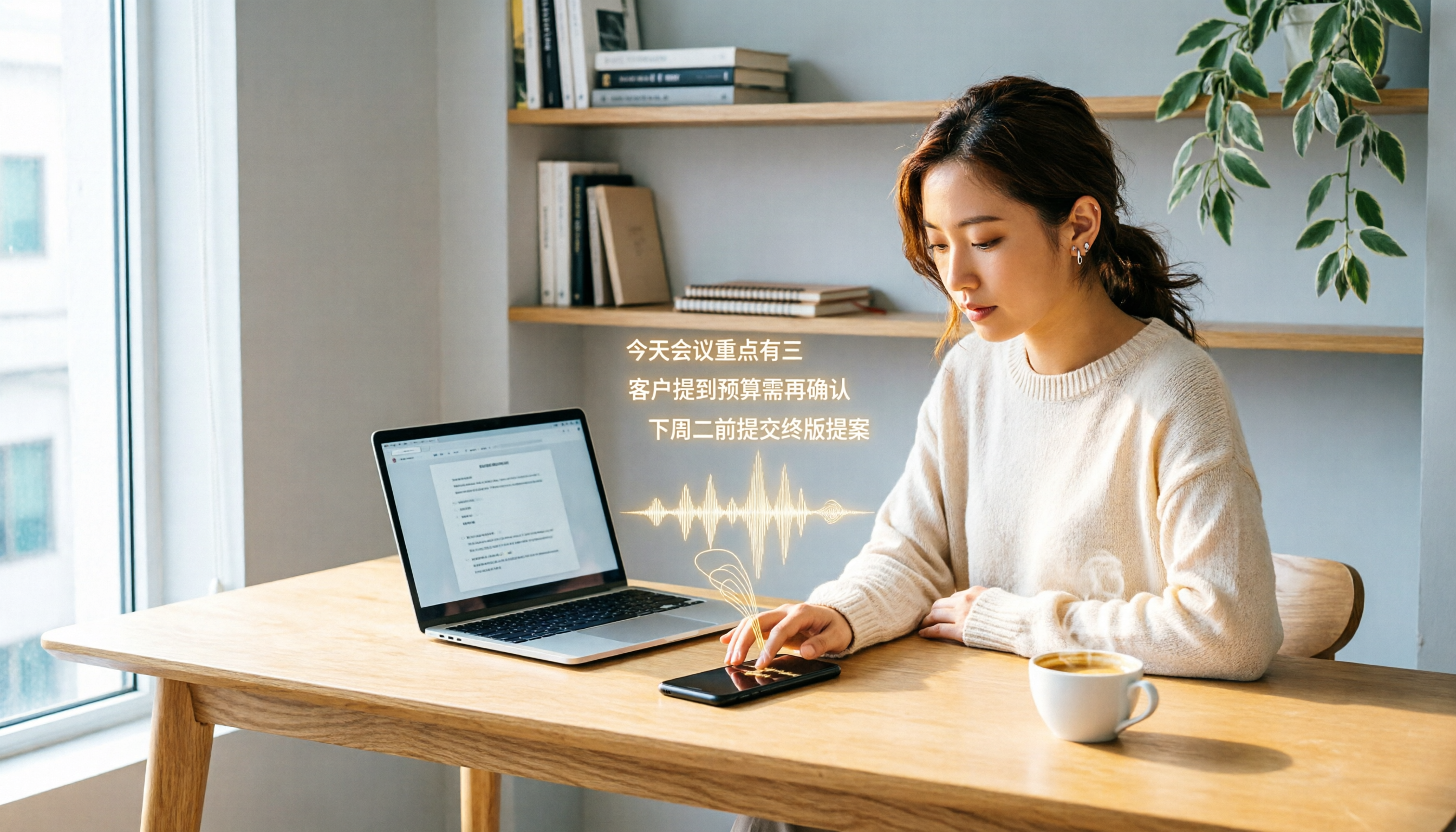
Turn recordings into transcripts and summaries in minutes
Upload audio or video for multilingual transcription, AI notes, and action items
Why You Need a Speech-to-Text Tool
Meetings, interviews, and classes pile up audio files, but manually transcribing one hour of recording often takes three to four hours. Speech-to-text tools automatically turn audio into transcripts, and even generate summaries and to-do lists. This article reviews six popular options, from Taiwan's local Yating Transcription to internationally known Otter, comparing free allowances and pricing structures to help you find the best fit for your budget and habits.
Tinrec (MiaoTing) — The Most Complete AI Recording Assistant
Tinrec goes beyond simple transcription, turning meeting content into searchable, collaborative team knowledge. Its core highlight is "bot-free recording": the desktop app captures system audio directly, so you don't need to add a bot to Zoom, Google Meet, or Teams meetings, avoiding disruptions and security concerns. After transcription, Tinrec automatically generates summaries, chapters, key points, and action items, and allows AI Q&A about the meeting, such as "What budget constraints did the client mention?" For output, it supports transcripts, mind maps, reports, and tables, and can export to Notion, Google Docs, and other third-party tools. The team plan offers dedicated spaces, member management, usage analytics, and audit logs, so meeting notes no longer scatter across personal accounts.
Pricing: The personal plan includes a free tier with basic allowances; paid plans come in weekly, monthly Pro, and annual options, suitable for short-term sprints or long-term use. The team plan costs USD 29.80 per seat per month (or USD 199 per seat per year), including 2,000 minutes of shared team import allowance. If you need a single device to record online meetings, turn notes into action items, and share historical data with your team, Tinrec is currently the most complete choice.
Yating Transcription — A Local Option Optimized for Taiwanese Accents
Yating Transcription, developed by a Taiwanese team, is specifically optimized for Taiwanese Mandarin, Taiwanese Hokkien, and the mixed Chinese-English "Jingjing style," even recognizing slang like "bang QQ." It supports uploading audio files or real-time recording, automatically adds punctuation, and identifies speakers, making it suitable for meeting minutes, interview transcripts, and class notes. Free registration gives you 300 minutes of transcription time; paid plans are sold by duration—1 hour, 3 hours, and 10 hours—and can be stacked. Note that one account cannot be used on multiple devices simultaneously. If you primarily handle Taiwanese Hokkien content, occasionally need transcription, and prefer a local Taiwanese service, Yating Transcription is a friendly and practical option.
Otter.ai — A Mature Choice for English Meeting Notes
Otter is a well-known international AI meeting assistant that supports recording online meetings on Zoom, Microsoft Teams, and Google Meet, with speaker identification, AI Chat, and team management features. The free plan offers 300 minutes of transcription per month; the Pro plan costs approximately USD 8.49 per month when billed annually, including 1,200 minutes of in-app recording and 10 file imports. Otter is mature for English business meetings, making it suitable for cross-border teams or meetings primarily conducted in English. If you need extensive English meeting minutes and mature collaboration features, Otter is worth considering.
Notta — A Practical Choice for Multilingual Transcription and Translation
Notta covers multi-device transcription, meeting notes, file imports, and translation, overlapping significantly with Tinrec. The free plan offers 120 minutes per month, with a single session limited to 3 minutes; the Pro plan costs approximately USD 8.17 per month when billed annually, providing 1,800 minutes; the Business plan adds role permissions and usage reports. Notta's strengths lie in multilingual support and batch file processing, making it suitable for users who need extensive translation or subtitle creation. However, if you prioritize bot-free meeting recording and team knowledge accumulation, Tinrec is a more targeted choice.
Stop organizing recordings by hand
Upload audio or video and automatically get a transcript, summary, and action items
TurboScribe — A High-Value Tool for Bulk File Transcription
TurboScribe focuses on high-value file transcription. The free plan allows uploading 3 files per day, each up to 30 minutes; the Unlimited plan costs USD 120 per year (about USD 10 per month), supporting files up to 10 hours or 5GB, with up to 50 files at once. It is ideal for long recordings, batch audio files, and subtitle creation, such as organizing numerous interviews or lecture recordings. However, TurboScribe focuses on file transcription and lacks real-time meeting recording and team collaboration features. If your need is simply to quickly convert a pile of audio files into text, TurboScribe is cost-effective; but if you need post-meeting organization and team sharing, consider pairing it with Tinrec.
Granola — Bot-Free AI Meeting Notes
Granola, like Tinrec, uses a bot-free approach, capturing system audio via a desktop app for real-time transcription, and combines it with your handwritten notes to generate more targeted meeting content. It supports real-time transcript viewing, copying, and searching, but does not support uploading pre-recorded audio files or saving meeting audio. The free plan offers basic features; the Business plan costs USD 14 per user per month. Granola suits those who like to jot down notes during meetings and want AI-assisted organization. However, if you need to keep recordings, import historical files, or manage team spaces, Tinrec offers more complete features.
With So Many Options, How Do You Choose?
When choosing a speech-to-text tool, first consider your primary scenario:
- Need Chinese meeting notes, bot-free recording, AI Q&A, and team collaboration → Tinrec (the only option with all these capabilities)
- Primarily handle Taiwanese Hokkien or local Taiwanese expressions, with occasional transcription → Yating Transcription (the free 300 minutes are sufficient)
- English meetings are the focus, and you value mature meeting bots and team management → Otter.ai
- Need extensive multilingual file transcription and translation → Notta or TurboScribe
- Prefer combining handwritten notes with AI, and don't need to save audio files → Granola
If you want one tool to handle recording, transcription, summaries, action items, and team sharing, Tinrec is currently the most comprehensive choice. Especially for users in Taiwan, its Chinese experience and bot-free design can save a lot of post-meeting organization time.
4 Things to Know Before Using a Speech-to-Text Tool
- Recording quality determines transcription accuracy: Background noise and multiple people speaking simultaneously can affect results. Tinrec's desktop app captures system audio directly, reducing environmental interference, but it's still recommended to record in a quiet environment.
- Free allowances are limited; try before you decide: Yating Transcription offers 300 minutes, Otter gives 300 minutes per month, and Tinrec's free plan also includes basic allowances. Use the free allowances to test common scenarios before deciding whether to pay.
- Privacy and consent are crucial: Always obtain consent from meeting participants before recording and comply with local regulations. Tinrec's team plan provides audit logs and an audio recycle bin, making it easy to manage data lifecycle.
- Don't just compare minutes: Some plans may seem cheap but lack summaries, action items, or export features. When evaluating, consider how much manual organization time the tool saves after transcription. For example, Tinrec's AI Q&A and automatic summaries are key to truly improving efficiency.
Conclusion
Speech-to-text tools have evolved from simple transcription to meeting collaboration. When choosing, consider Chinese support, meeting recording methods, and team needs. Yating Transcription excels in Taiwanese Hokkien and Taiwanese accents, with generous free allowances; but if you need more comprehensive AI organization, bot-free recording, and team spaces, Tinrec is our top recommendation. We suggest testing each tool's free allowance first, then choosing a paid plan based on usage frequency and team size.
References
- Yating Transcription
- Yating Transcription Complete Guide: Free Version, Costs, and Alternatives
- Yating Transcription: Online Speech-to-Text Service, Cost Introduction! | Future Commerce AI Tool Guide
- Is Yating Transcription Free? 2026 Recording-to-Text Tool Cost and Performance Comparison - MiaoTing Blog
- Yating Transcription - App Store
Turn every recording into actionable outcomes
Get 60 free transcription minutes when you sign in. No credit card required.
Related Reading
You might also like

Tinrec vs Notta 2026: 5-Dimension Showdown — Which Is Faster for Chinese Meeting Transcripts?
A two-hour meeting takes three hours to transcribe? This guide breaks down the five key dimensions of meeting audio-to-text — from recording and transcription to proofreading and team archiving — with hands-on comparisons of Tinrec and Notta in Chinese meeting scenarios. Plus, four common pitfalls to help you find the right tool within free limits.

2026 Comparison of 4 Meeting Transcription Apps: Cantonese Meetings, AI Summaries, and Team Knowledge Retention—Which One Wins?
A hands-on comparison of 2026 meeting transcription tools—Tinrec, Otter.ai, Notta, and PLAUD—covering capture methods, post-meeting organization, Chinese and Cantonese meeting experience, team collaboration, and pricing structures, to help Hong Kong office workers decide whether they need 'a transcript' or 'meeting materials they can act on directly.'

2026 Comparison of 5 Meeting Transcription Tools: Which Offers the Best Free Tier and Chinese Recognition?
How to choose a meeting transcription tool? This article examines four key aspects: recording method, post-meeting output, free tier limits, and Chinese recognition. It compares Tinrec, Otter.ai, Notta, PLAUD, and other mainstream tools, outlines team plan pricing and seat details, and includes a pitfalls guide and scenario-based recommendations to help you select the right transcription tool for your needs.

How to Transcribe Platform Meeting Recordings in 2026: Bot-Free Recording + AI Summaries & Action Items
From Zoom, Google Meet, Teams to in-person meetings, this guide covers key considerations, workflow, and tool comparisons for transcribing platform meeting recordings. Using Tinrec as an example, it explains bot-free recording, transcripts, summaries, action items, AI Q&A, and team plan limitations, and compares Otter.ai, Granola, Notta, and other options.

2026 Comparison of 3 Meeting Transcription Apps: Free Tiers, AI Summaries, and Team Collaboration—Which One Is Enough?
After a meeting, all you have left is a 40-minute recording—no decisions, owners, or action items written down. This article examines three meeting transcription apps—Tinrec, Notta, and Otter.ai—breaking down how they record online meetings, post-meeting summaries and AI Q&A, Chinese and cross-language experience, team roles and seat management, and free tiers and pricing flexibility, so you can decide which one best fits your meeting style.

2026 Meeting Transcription Showdown: Tinrec vs Otter.ai on 5 Key Dimensions — Which Is Right for Chinese-Speaking Teams?
A practical comparison of Tinrec and Otter.ai across five dimensions — meeting capture, Chinese-language experience, post-meeting outputs, team governance, and historical data import — to help Chinese-speaking teams decide which meeting transcription platform fits them best.

4 Meeting Transcription Tools Tested in 2026: Is the Free Version Enough, and How to Choose for Chinese Meetings?
The real question with meeting transcription usually isn't which tool is free—it's whether the output is usable right away. This article breaks down the correct approach before, during, and after recording based on a real meeting workflow, and compares Tinrec, Otter.ai, Notta, and Granola on Chinese-language experience, free quotas, post-meeting organization, and team collaboration to help you decide which fits your meeting scenario.

2026 Comparison of 4 Meeting Transcription Software: Which AI Meeting Notes Actually Save Time?
How to choose meeting transcription software? This article tests 4 tools in real meeting scenarios, comparing transcription readability, post-meeting summaries, action item extraction, and team collaboration. It also outlines 4 key purchasing factors and a guide to avoid pitfalls, helping you find a solution that truly saves time on post-meeting organization.

2026 Comparison of 4 Meeting Transcription Tools: Which Saves More Time for Chinese Meetings and AI Summaries?
How to choose a meeting transcription tool? This article compares Tinrec, Granola, TurboScribe, and PLAUD across three scenarios: Chinese online meetings, mixed Chinese-English interviews, and existing audio files. It examines capture methods, post-meeting organization, team collaboration, and pricing, and provides key buying points and pitfalls to help you choose the right tool within your budget.