
Turn recordings into transcripts and summaries in minutes
Upload audio or video for multilingual transcription, AI notes, and action items
Faced with hour-long YouTube online courses, interview videos, or piles of meeting recordings, do you often feel overwhelmed? "I don't want to re-listen to the entire audio, just quickly grasp the key points" is a common pain point for many students and professionals. If you could directly convert these audio and video contents into "English transcripts" and automatically generate summaries, you could save over 80% of your organizing time.
This article will analyze the most powerful solutions currently on the market for "audio/video to text." We'll compare Google's NotebookLM and Tinrec, which focuses on mobile efficiency, through a multi-dimensional evaluation to help you make a choice.
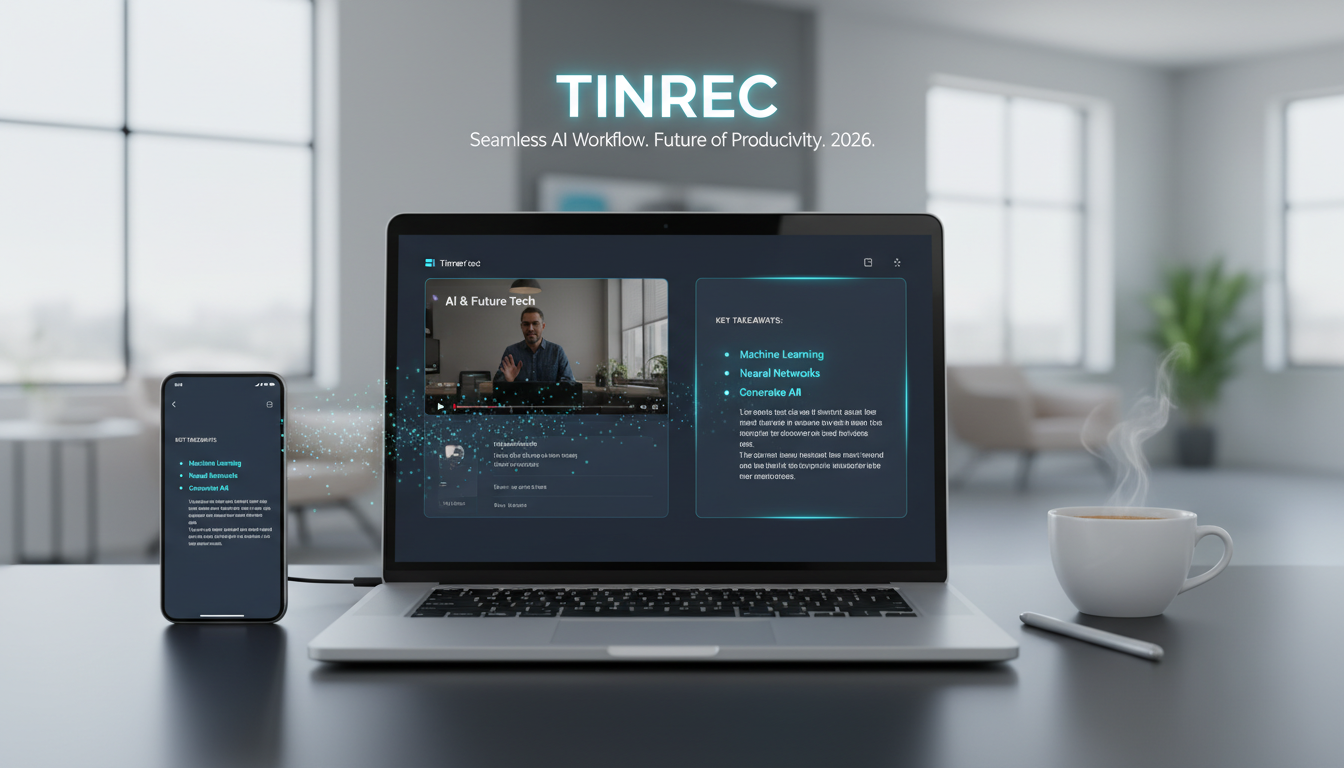
Quick Navigation Conclusions:
- If you need to build a large "personal learning database" and perform cross-document Q&A, Google NotebookLM is the ideal choice.
- If you value "real-time transcription accuracy," "mobile voice recording," and "automatic generation of action items" more, Tinrec is a more workflow-friendly solution.
Why Do You Need an AI Tool for "Video to Text"?
In traditional learning or work modes, processing audio/video materials often faces three major challenges:
- Low information density: Speaking speed is much slower than reading speed; re-listening to an hour of recording consumes an hour of your life.
- Difficult retrieval: You remember a key point was mentioned in the video, but you can't quickly find the timestamp like searching a text document with
Ctrl+F. - Language barriers: When facing YouTube videos in English or other foreign languages, your brain needs to process both translation and comprehension, leading to fatigue.
Modern AI transcription tools are not just about "dictation" but more importantly about "understanding." They convert unstructured audio into structured notes, transforming you from a passive receiver to an active information manager.
Tool 1: Google NotebookLM (Best Choice for Personal Knowledge Base)
According to the latest application intelligence, Google's NotebookLM is no longer just a note-taking software; it's an AI learning assistant that understands your uploaded content. In recent major updates, it now officially supports importing and analyzing "YouTube videos" and "audio files."
Core Features
- Audio/Video Learning Database: You can upload dozens of YouTube video links or meeting recordings at once to create a dedicated AI database. The AI automatically analyzes video subtitles and audio content.
- Cross-Source Integration: Its strongest feature is "mixed analysis." You can put videos, PDF papers, and Google Docs in the same notebook. When you ask the AI, it synthesizes answers from all sources.
- Generative Q&A: You can ask the AI to design quiz questions based on video content, organize learning notes, or rewrite meeting recordings into reports.
Use Cases
Ideal for students or researchers who need to deeply study a specific topic (e.g., organizing key points from 20 YouTube videos about "personal knowledge management").
Tool 2: Tinrec (Workflow & Mobile Efficiency Champion)

If your needs lean more towards "workplace applications" or "real-time mobile operations," Tinrec provides a complete recording-to-action workflow. Unlike NotebookLM, which focuses on knowledge management, Tinrec is more dedicated to transforming audio/video content into actionable tasks.
Stop organizing recordings by hand
Upload audio or video and automatically get a transcript, summary, and action items
Key Differences
- Multi-Platform Sync & Real-Time: Supports iOS, Android, and Web. You can start recording and get instant transcription on your phone anytime, or paste YouTube/Podcast links for analysis. This is very friendly for business professionals who are always on the move.
- Structured Output: Besides verbatim transcripts, Tinrec emphasizes "decision summaries." It can automatically identify "to-do lists" and "key conclusions" from meetings, generating meeting minutes directly, not just content summaries.
- Precise Semantic Q&A: Tinrec's AI chat feature allows you to ask questions about the recording content, such as "What is the marketing budget mentioned in this video?" The system responds precisely based on the transcript, avoiding hallucinations.

2026 Tool Comparison Table: Which One Fits You Best?
To help you better understand the differences, here is a comparison of key dimensions:
| Dimension | Google NotebookLM | Tinrec |
|---|---|---|
| Core Positioning | Personal AI Knowledge Base, Learning/Research | Meeting Recorder, Audio/Video to Action Items |
| Input Sources | YouTube links, audio files, PDF, Google Docs | Live recording, audio/video files, YouTube/Podcast links |
| Real-Time Transcription | Not supported (record and upload first) | Supported (real-time text while recording) |
| Verbatim Transcript | Focuses on content understanding and Q&A citation | Focuses on accurate reproduction, speaker diarization, timeline alignment |
| Outputs | Composite answers, learning notes, quiz questions | Verbatim transcript, meeting minutes, to-do list, mind map |
| Language Support | Multilingual (relies on Google translation capabilities) | English, Chinese, Japanese, Korean, Cantonese, Taiwanese, etc. (10 languages) |
| Device Support | Primarily web-based | Web, iOS App, Android App |
Selection Advice:
- If you are writing a thesis or doing research that requires combining multiple files and videos → choose NotebookLM.
- If you are attending meetings, listening to lectures, or want to quickly convert YouTube/Podcasts into notes and to-dos during your commute → choose Tinrec.
Hands-On Tutorial: How to Convert YouTube Videos into English Notes
Below, using Tinrec as an example, we'll show how to turn a 1-hour YouTube lecture video into readable notes in just a few minutes.
Step 1: Get the Video Link
Open the YouTube video you want to organize (e.g., a TED talk or online course) and copy the URL.
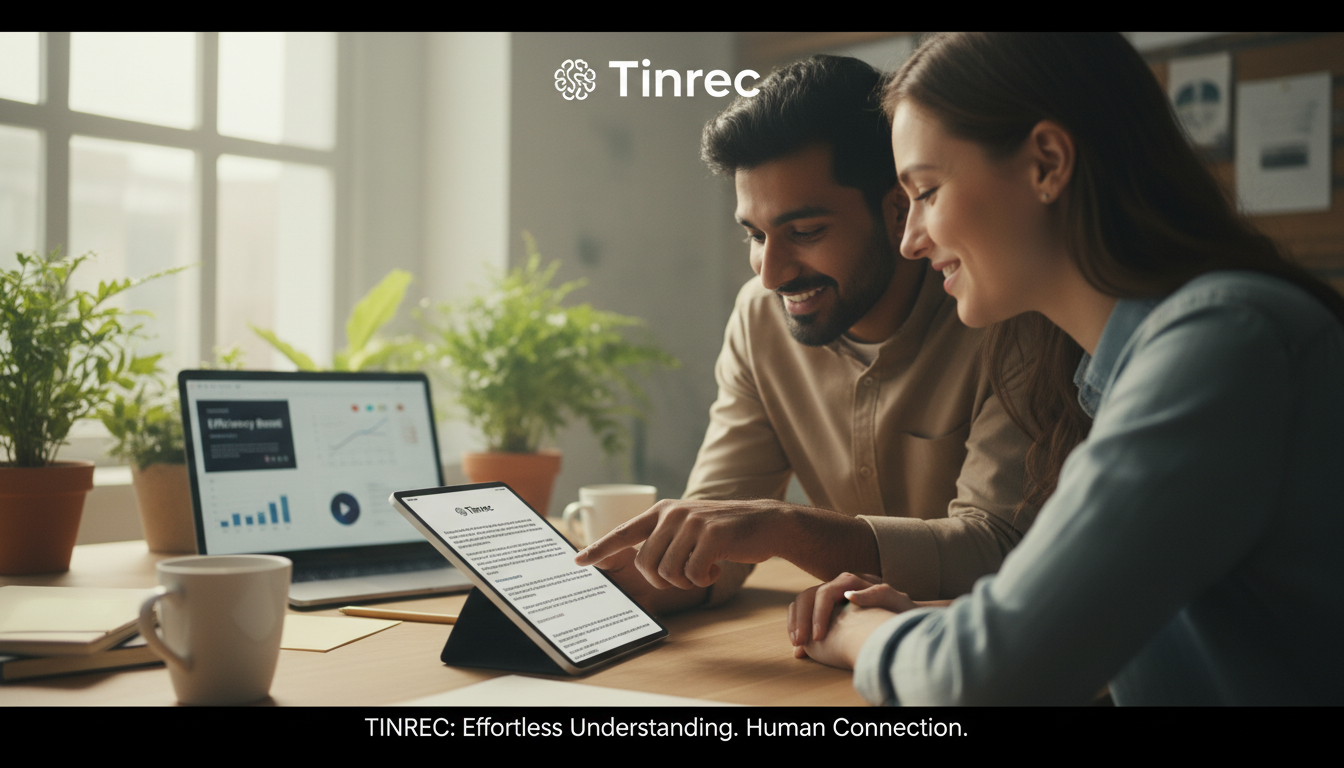
Step 2: Import the Link for Processing
Log into the Tinrec web version or app, select the "Podcast/Online Video to Text" feature, and paste the link you just copied. The system will automatically start extracting audio and transcribing.

Step 3: View the Transcript and AI Summary
Once transcription is complete, you'll see a side-by-side layout:
- Left/Main Screen: Full English transcript with timestamps. Click any text to jump to the corresponding video segment.
- AI Summary Area: The system automatically generates a "full summary," "chapter highlights," and "action items."
Step 4: Use AI Chat to Dive into Details
If the video is long, you don't need to read from start to finish. Use the "AI Chat" feature to ask questions directly:
"What three specific suggestions did the speaker give about time management in this video?"
The AI will search the transcript and provide the answer, which is tens of times faster than manually scrubbing through the timeline.

Frequently Asked Questions
Q1: Do these tools support English?
Yes, both Google NotebookLM and Tinrec support English recognition and output. Tinrec also supports multiple languages including Chinese, Japanese, Korean, etc., making it friendly for international users.
Q2: Can I transcribe YouTube videos without captions?
Google NotebookLM sometimes relies on the video's built-in subtitles (CC). If the video doesn't have subtitles, it may fail. Tinrec, however, directly processes the audio using AI speech recognition (ASR), so even if the original video has no subtitles, it can still generate a transcript.
Q3: Can I record audio on my phone and transcribe it in real-time?
NotebookLM currently mainly supports file uploads via web. For "record and transcribe simultaneously" on mobile, Tinrec's app (iOS/Android) is a better choice, suitable for live meetings or classroom recordings.
Q4: What are the limitations of the free version?
NotebookLM is currently in free preview, but be aware of Google account storage limits. Tinrec offers a free version with 100 minutes of transcription per month, which is enough for light users to process several short videos or one important meeting.
Q5: How can I export the organized content?
Tinrec supports exporting transcripts and summaries as Word, PDF, or Markdown, making it easy to paste into Notion or OneNote for further editing. NotebookLM is more suitable for saving directly to Google Docs within the Google ecosystem.
Turn every recording into actionable outcomes
Get 60 free transcription minutes when you sign in. No credit card required.
Related Reading
You might also like

How to Choose a Google Meet Alternative in 2026: 4 Steps to a Meeting Tool That Actually Saves Time
Looking for similar websites to Google Meet? Don't switch platforms yet. This article starts with common misconceptions and uses 4 steps to clarify what matters when choosing a meeting tool. Using Tinrec as an example, it explains how bot-free online meeting recording, AI summaries and action item extraction, AI Q&A, and team spaces solve the pain point of spending time organizing after meetings.

Google Meet Review 2026: Pros, Cons, Pricing & Tinrec Alternative Comparison
Is Google Meet's built-in transcription enough? This article compiles public reviews and official plan information, breaking down Google Meet's pros and cons across five dimensions: recording methods, post-meeting outputs, Chinese language support, team collaboration, and pricing. It also compares Tinrec's bot-free recording and meeting organization workflow to help you decide which is better suited for your work situation.

Best Way to Schedule Future Google Meet Meetings? 2026 Tested 3 Methods, Tinrec's Bot-Free Recording Is Most Complete
Scheduling a future Google Meet meeting is just the first step; post-meeting organization is key. This article tests three methods and shows how Tinrec's desktop bot-free recording automatically generates transcripts, summaries, and action items, turning meetings into searchable team data.

2026 Comparison of 3 Google Meet Note-Taking Tools: Why Tinrec Is Better for Chinese-Speaking Teams
Google Meet makes it easy to start a meeting, but the real pain comes afterward: transcripts, summaries, and action items. This article addresses three common meeting-notes pitfalls, compares Google Meet's built-in captions, manual note-taking, and Tinrec, and reviews Tinrec's real-world performance in Chinese transcription, bot-free recording, AI Q&A, and team knowledge retention—so you can decide which approach fits your meeting scenario.

3 iPhone Audio-to-Text Solutions Compared in 2026: Built-in Transcripts, Dictation Shortcuts, or Tinrec?
iPhone's built-in Voice Memos transcripts, Notes live dictation, and the 'Dictation Memos' shortcut each have their own use cases. This article compares them across setup difficulty, Chinese transcription, file management, post-meeting organization, and team collaboration, and also looks at AI meeting notes tool Tinrec to help you decide which approach truly suits you.

2026 Best 4 Transcription Apps Tested: Free Student Plans and AI Summaries Compared
A student's real-world test of 4 transcription apps in 2026: from lecture notes and group discussions to finals review, comparing free tiers, Chinese recognition, and AI summary Q&A. Sharing why I kept Tinrec and my pitfalls.

How to Transcribe iPhone Recordings in 2026: 5-Step Tutorial and Tinrec Comparison
The built-in Voice Memos transcription on iPhone is free and easy to use, but it often falls short when meetings become a weekly routine, materials are scattered across phone and computer, and content needs to be shared with a team. This article first walks you through the 5 steps of iPhone recording-to-text, then compares how Tinrec differs in online meeting recording, AI summary Q&A, and team collaboration.

Tinrec vs 雅婷逐字稿 2026: 5-Dimension Comparison of Free Audio-to-Text Apps
When meeting, class, or interview recordings sit on your phone and you want a free audio-to-text app, most tools either have limited quotas or only provide transcripts. This article compares Tinrec and 雅婷逐字稿 across 5 dimensions, covering free plans, Chinese transcription, AI summaries, online meeting recording, and team collaboration, to help you decide which one fits your use case.

4 Free AI Audio-to-Text Tools Tested in 2026: Which Free Tier Is Most Generous?
How do you choose a free audio-to-text AI? We cross-compared 4 tools using the same mixed Chinese-English meeting recording, breaking down the real limits of free tiers, post-meeting outputs, online meeting recording methods, and team data ownership. We conclude with clear recommendations for different budgets and use cases.