

Turn recordings into transcripts and summaries in minutes
Upload audio or video for multilingual transcription, AI notes, and action items
Have you ever done the math: three meetings a week, each requiring an hour of post-meeting work to transcribe, highlight key points, and list action items? PTT users often complain that meeting minutes are like "a second meeting after the meeting." Many people use Otter.ai to transcribe and then paste the text into ChatGPT for summarization, but that means juggling three tools. This comparison reviews four popular AI meeting note tools—Tinrec, Otter.ai, Notta, and Fireflies.ai—often mentioned on PTT, to help you decide which one truly suits Chinese-language meetings without the copy-paste hassle.
The Real Problem: You Don't Need More Tools, You Need a Complete Workflow
A two-hour meeting can take another two hours to document. The bigger headache is Chinese meetings: Taiwanese accents, code-switching between Chinese and English, and technical jargon often result in poor transcriptions from foreign tools.
A PTT user on the Tech_Job board shared their workflow: first use Otter.ai to transcribe the meeting, then ask ChatGPT to organize it into minutes, and finally polish it themselves. This approach works, but it involves many steps and switching between tools. Plus, meeting content is sent to external services, which some companies may find concerning.
Choosing the right tool can solve these issues. A good AI meeting note tool should not only transcribe accurately but also automatically generate summaries and action items, and ideally allow you to search past meeting content.
5 Key Factors to Consider Before Buying an AI Meeting Note Tool
Chinese Accuracy: Don't just look at official marketing numbers. Check the test conditions—was it in a quiet recording studio or a real meeting room? We tested with real meeting recordings: multi-speaker discussions, occasional overlapping speech, and English abbreviations mixed in. Under these conditions, the differences between tools truly emerge.
Meeting Bot Requirement: Many tools require "inviting a bot to join the meeting" to record and transcribe. This can be awkward in client or executive meetings and may violate company security policies. Look for solutions that don't require extra participants.
Post-Recording Organization: If you only get a transcript, you still have to dig through it to find key points. A good tool should automatically produce summaries and action items, and even let you ask questions like "Who mentioned the budget in the last meeting?"
Cross-Platform and File Import: Besides online meetings, you might have in-person meeting recordings or old interview audio files. It's important that the tool can upload audio files and transcribe them.
Team Collaboration and Data Ownership: If you're using it as a team, meeting data should stay in the team space, and when a member leaves, they shouldn't take the data with them. The permission designs of personal and team plans differ significantly.
Tinrec (秒听录音) — Our Top Pick After Testing
Tinrec (秒听录音) is an AI meeting note and collaboration tool that supports live recording, online meetings, and audio file import. It's designed to record Zoom, Google Meet, Teams, and other platforms without needing a meeting bot.
Bot-Free Recording Is the Biggest Highlight. Open the Tinrec desktop app, and it directly captures your computer's system audio, so no strange bot accounts join your meetings. This is especially important for client meetings, interviews, and sensitive internal discussions—it doesn't disrupt the flow, and you don't have to explain to the other party, "This is our AI assistant."
Transcription Is Just the Beginning. Tinrec automatically generates summaries, chapters, key points, and action items. For example, after a product meeting, it has already organized "Decision: Finalize specs by next Wednesday," "Action: PM to confirm technical feasibility," and "Risk: Insufficient development resources." You don't need to sift through a two-hour transcript.
Stop organizing recordings by hand
Upload audio or video and automatically get a transcript, summary, and action items
AI Q&A Saves Historical Meetings. After recording, you can ask Tinrec directly: "Who was responsible for tracking the timeline in the last meeting?" It uses semantic understanding to give you the answer, rather than making you Ctrl+F for keywords. This feature is currently missing from most tools in the same price range.
Chinese Experience Is Noticeably Good. We tested with a 30-minute Chinese meeting recording, and the transcript required almost no corrections, even with code-switching between Chinese and English. The summaries and action items were high quality, with natural phrasing that didn't sound machine-translated.
Pros:
- Bot-free recording that doesn't disrupt meetings
- Handles Traditional Chinese and code-switching smoothly
- AI summaries, action items, and Q&A all in one
- Team space centralizes meeting data; data isn't lost when members leave
Honest Limitations: The free plan has transcription limits, and heavy users will need to pay. The desktop app requires manual opening, unlike some tools that automatically join calendar meetings. Also, for pure English meetings or extensive sales conversation analysis, other tools may be more mature.
Who Is It For? If you frequently have Chinese meetings, don't want bots interrupting, and want usable meeting minutes within five minutes after the meeting, Tinrec is a strong option worth trying.
Beyond Tinrec: Other Options
Otter.ai: The go-to for English meetings, with a free tier of 300 minutes per month and widespread use in the US and Europe. However, Chinese transcription and summaries occasionally have awkward phrasing, and it requires a bot to join meetings (there's also a desktop app, but the primary mode is still the bot). Tinrec's bot-free recording and Chinese AI Q&A are features Otter currently can't match.
Notta: Overlaps significantly with Tinrec in features—transcription, translation, and file import are all solid, and pricing is similar. But its meeting mode also requires a bot, and its AI Q&A and team data management aren't as complete as Tinrec's. If you occasionally transcribe files or need translated subtitles, Notta is worth considering, but for long-term team use, Tinrec is smoother.
Fireflies.ai: Strong in meeting automation and sales conversation analysis, making it ideal for sales teams. However, its support for Chinese content is weaker, and it requires a bot. Tinrec's Chinese comprehension, bot-free recording, and team space management are areas where Fireflies currently lags.
Pitfall Guide: 4 Common Mistakes When Choosing an AI Meeting Note Tool
Pitfall 1: Focusing Only on Transcription Minutes, Ignoring Organization Capabilities. Many tools are cheap but only provide transcripts, leaving you to do the organizing yourself. You end up paying for only half the solution.
Pitfall 2: Overlooking the Disruption Caused by Meeting Bots. Clients may be put off when an unfamiliar account joins the meeting, and some security-conscious companies outright ban bots.
Pitfall 3: Assuming All Tools Support Chinese and Taiwanese Usage. Foreign tools excel in English but often butcher Chinese colloquialisms, Taiwanese Hokkien mixed in, and filler words. Real-world testing is the most reliable.
Pitfall 4: Buying a Personal Plan and Later Finding You Can't Transfer Data for Team Use. Personal plan data is tied to an individual account, and team collaboration requires an upgrade, with historical data possibly not transferable. Assess team needs from the start to avoid future headaches.
Summary: Which One Should You Choose?
- Primarily Chinese meetings, don't want bots, need automatic summaries and action items → Tinrec
- Pure English meetings, need extensive English transcription and team analysis → Otter.ai
- Sales teams needing extensive meeting automation and conversation analysis → Fireflies.ai
- Occasional file transcription, need translated subtitles → Notta is worth considering
We recommend starting with Tinrec's free plan and recording your next meeting to test it. Check the accuracy of the transcript and the usability of the summaries. If it feels right, consider upgrading to a paid plan. Don't rush into a long-term commitment; comparing a few options is always a good idea.
References
- How to Use AI for Meeting Minutes? How to Organize Meeting Transcripts? | AI Speech-to-Text Tutorial | 104 Career Advancement
- Tactiq: AI Meeting Summaries for Google Meet, Zoom, and MS Teams
- Meeting Ink - 2026 AI Meeting Note Tools Tested: 7 Speech-to-Text and Summarization Speed Comparison | Meeting Ink - AI Meeting Notes Assistant
- 2026 Workplace Meeting Minutes Pain Points: PTT Discusses Voice Recorders and AI Recording Solutions - Tinrec Blog
- Discussion: How to Take Meeting Minutes Without ChatGPT in the Future - Tech_Job Board - PTT
Turn every recording into actionable outcomes
Get 60 free transcription minutes when you sign in. No credit card required.
Related Reading
You might also like

2026 Real-World Test: 3 Live Transcription Tools Compared—Which Free Plan Is Enough?
How do you choose a live transcription tool? This article tests Tinrec, Notta, and Otter, comparing bot-free recording, Chinese recognition, free quotas, and AI summarization to help you find the best free plan.

2026 Real-Time Transcription AI Tools Compared: Which Free Version Is Best?
Tired of spending hours on meeting notes? This article reviews 5 real-time transcription AI tools, from completely free to team collaboration options, and tells you which one is worth trying after hands-on testing.

5 Best Real-Time Transcription Tools in 2026: Free vs. Team Plans Compared
Choosing the right real-time transcription tool can be tricky. This article compares Tinrec, Notta, Yating, Otter.ai, and Fireflies.ai across recording methods, Chinese language support, AI post-processing, free tiers, and team collaboration to help you avoid common pitfalls and find the best fit.

Which Real-Time Transcription AI Is Best? 2026 Hands-On Test of 2 Tools: Tinrec Is Better for Office Workers
Real-time transcription AI isn't just about converting speech to text—it should turn meetings into actionable data. This article compares Tinrec and Yating, testing them across four key dimensions: AI features, meeting capture, team collaboration, and Chinese-language experience, to help you pick the best tool for your needs.

Tinrec vs Otter.ai 2026: Best AI Meeting Recorder for Chinese Users (No Bot Required)
Compare Tinrec and Otter.ai on live transcription, meeting recording, post-meeting organization, and team collaboration to find the best AI meeting notes tool for Chinese speakers.

2026 Real-Time Transcription Tools Compared: Which Is Easiest to Use and Saves the Most Time?
Tired of spending hours transcribing meeting recordings? This article tests 4 real-time transcription tools—Tinrec, Easemate AI, inFin, and Yating—evaluating accuracy, ease of use, AI features, and cross-platform support to help you pick the best one.

2026 Tinrec Real-Time Transcription Tutorial: Free Voice-to-Text + AI Summaries
This tutorial walks you through using Tinrec's free plan, including real-time voice-to-text transcription, AI summaries, free plan limitations, and step-by-step instructions. It's ideal for office workers and students who want to quickly organize meeting transcripts.

Best Real-Time Transcription Translation Tools: 2026 Test of 5, This One Is Best for Chinese Meetings
How to choose a real-time transcription translation tool? This article uses Tinrec as an example to fully analyze the application scenarios, core capabilities, purchasing considerations, and common questions about real-time transcription translation, helping you quickly grasp key points in cross-language meetings.
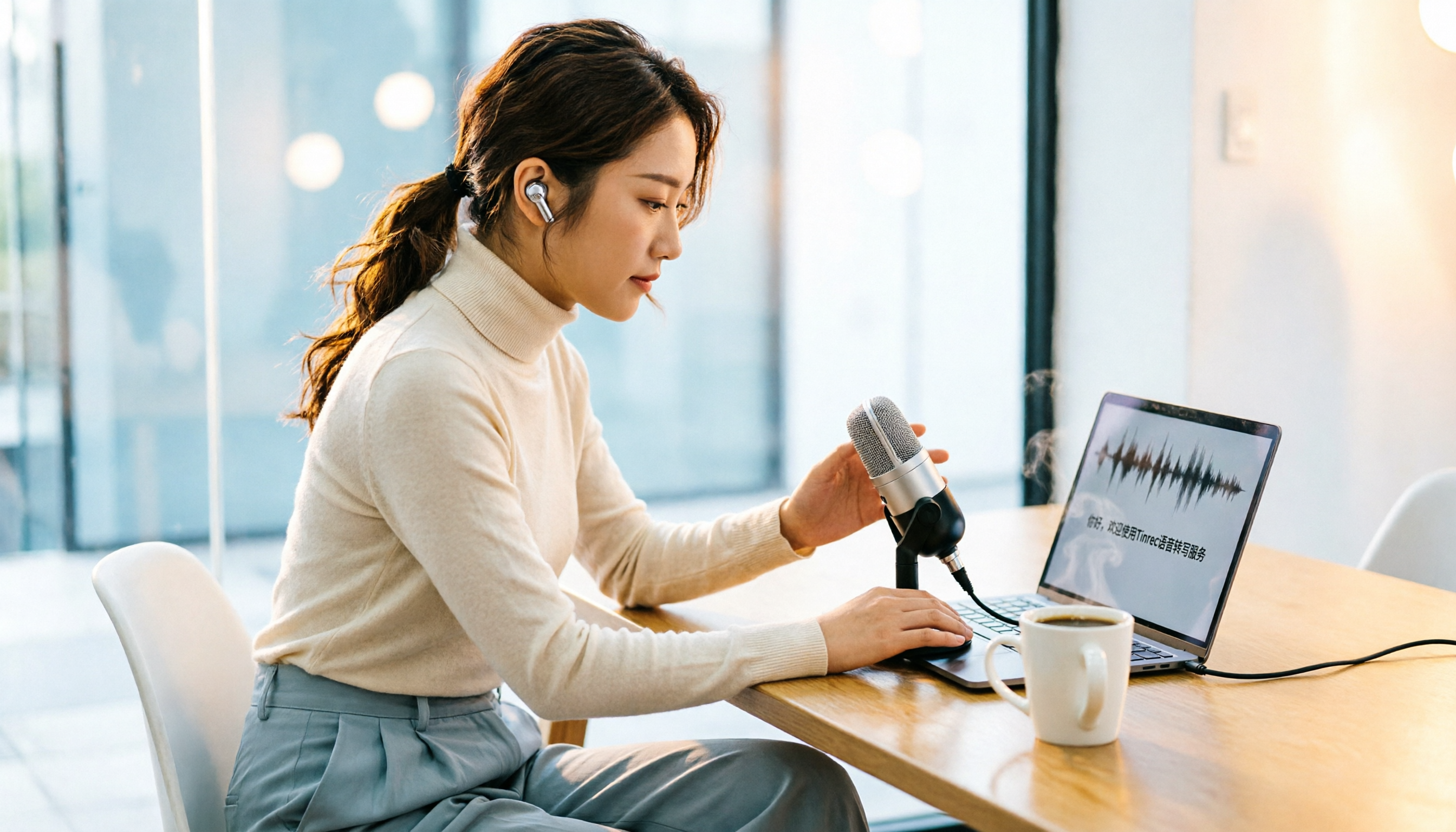
2026 Free Real-Time Transcription Tools: Tinrec Review – Turn Meetings into Text in 3 Steps
Tired of manual transcription? This article tests Tinrec's free real-time transcription feature, covering free credits, usage guide, and FAQs to help you quickly turn meetings and interviews into searchable text records.