

Turn recordings into transcripts and summaries in minutes
Upload audio or video for multilingual transcription, AI notes, and action items
Have you ever calculated how much time you spend each month just on organizing meeting notes? If you converted that time into a salary, wouldn't it already exceed the cost of a tool for a month?
Many people want to adopt an AI meeting assistant, but the first hurdle is the cost. Is the free plan enough? Is the paid version worth it? Will the team plan be expensive? This article uses Tinrec (秒聽錄音) as an example to walk you through the cost structure of AI meeting assistants step by step, and compares several mainstream tools on the market to help you find the plan that best fits your budget.
Before You Start | What You Need
Before comparing costs, make sure you have the following:
- A smartphone or computer (Tinrec supports iOS, Android, Windows, Mac)
- A Google or Apple account (for registering Tinrec)
- A meeting recording you want to organize (can be a meeting, interview, or class recording)
- A stable internet connection (real-time transcription requires internet)
Once you're ready, let's look at how AI meeting assistant costs are calculated.
Step 1 | Understand the Pricing Models of AI Meeting Assistants
AI meeting assistant costs typically fall into three models:
- Free plan: Provides basic transcription quota, suitable for light users.
- Individual paid plan: Priced monthly or annually, offering more minutes and advanced features.
- Team plan: Priced per seat, offering shared spaces and management features.
For example, Tinrec's individual plans include Free, Weekly Card, Pro Monthly, and Pro Annual. The free plan offers 100 minutes per month, suitable for occasional recording organization; the Weekly Card is for short-term intensive use; Pro Monthly and Annual are for those with consistent weekly needs.
Step 2 | Compare Prices of Mainstream AI Meeting Assistants
To help you decide, I've compiled pricing information for several mainstream AI meeting assistants (based on official announcements):
| Tool | Free Plan | Paid Plan (Annual Equivalent) | Best For |
|---|---|---|---|
| Tinrec | 100 minutes/month | Pro Annual approx. NT$300/month (subject to official pricing) | Chinese meetings, no bot recording, team collaboration |
| Otter.ai | 300 minutes/month (30 min per session) | Pro approx. USD 8.33/month | English business meetings, online meetings |
| Notta | 120 minutes/month (3 min per session) | Pro approx. USD 8.17/month | Multilingual transcription, file import |
| Fireflies.ai | Free plan | Pro USD 10/month | Meeting automation, sales analytics |
| Granola | Free plan | Business USD 14/month | No-bot note-taking, personal note enhancement |
> Note: Prices may change; please refer to official websites.
Step 3 | Evaluate Whether the Free Plan Is Enough
Free plans usually have quota limits, such as Tinrec's 100 minutes per month and Otter's 300 minutes per month. If you have more than 2 hours of meetings per week, the free plan may not be sufficient.
For example, Tinrec's free plan offers 100 minutes per month, which can handle about 2-3 one-hour meetings. If you only occasionally organize recordings, the free plan is enough; but if you have regular weekly meetings, consider upgrading to a paid plan to avoid running out at critical moments.
Stop organizing recordings by hand
Upload audio or video and automatically get a transcript, summary, and action items
Step 4 | Choose the Right Paid Plan for You
When choosing a paid plan, consider the following principles:
- Occasional use: The free plan is sufficient.
- Short-term intensive use: Choose a weekly card, such as Tinrec's Weekly Card, suitable for multiple meetings or interviews within a week.
- Consistent weekly use: Choose a monthly or annual plan; annual plans usually have a lower monthly equivalent.
- Need team collaboration: Consider a team plan, such as Tinrec for Teams, which offers shared spaces, member management, and more.
Step 5 | How Are Team Plan Costs Calculated?
A team plan is not just "multiple people sharing one account," but a dedicated collaboration space. Members can share meeting materials, view history, and admins can manage roles, seats, and usage.
FAQ & Troubleshooting
Q: Is there a difference in transcription quality between free and paid plans?
A: Transcription quality mainly depends on recording quality and ambient noise. The core transcription engine is the same for free and paid plans, but paid plans offer more minutes and advanced features (such as real-time translation, team vocabulary).
Q: Do I have to buy many seats for the team plan?
A: Not necessarily. You can start with 1-2 seats and add more as needed. Tinrec's team plan offers flexible seat management.
Q: If I only use it occasionally, is the free plan enough?
A: If you have fewer than 100 minutes of meetings per month, the free plan is enough. But if you have regular meetings, consider upgrading to avoid running out of quota.
Pro Tips | 3 Ways to Double Your Efficiency with Tinrec
1. Use AI Q&A to Quickly Find Key Points: Tinrec's AI Q&A feature lets you ask "What was the decision in this meeting?" without re-listening to the recording.
2. Set Team Vocabulary: In the team plan, you can add company-specific terms to improve transcription accuracy.
3. Auto-generate Action Items: Tinrec automatically extracts action items from meetings, which you can assign to team members after the meeting.
If You Don't Use Tinrec, Here Are Alternatives
- Otter.ai: Suitable for English meetings, free plan offers 300 minutes but limited to 30 minutes per session.
- Notta: Multilingual transcription, free plan offers 120 minutes but limited to 3 minutes per session.
However, if you need Chinese meetings, no-bot recording, and team knowledge accumulation, Tinrec is a more suitable choice.
Summary
Next step: Download Tinrec's free version, try the 100 minutes per month quota, and experience the convenience of AI meeting notes.
Tinrec doesn't just produce transcripts. After generating summaries, key points, and action items, the Agent can help turn those action items into action plans, follow-up materials, reports, tables, or documents based on the meeting context. It's still recommended that important commitments and external communications be reviewed by a human.
Tinrec's team plan puts meeting materials, action items, and post-meeting outputs in a shared team space, allowing members to follow up, search context, and accumulate knowledge over time. This scenario uses the "shared meeting materials" capability.
If these meeting notes need to be managed by multiple people, you can further use Tinrec's team plan to establish a consistent collaboration workflow.
References
- 2026's Most Recommended AI Meeting Notes Tools, Time-Saving Meeting Essentials!
- I Spent Four Hours Making an AI Meeting Notes Tool for Less Than Ten NT Dollars
- Comparison of 5 AI Meeting Notes Tools: Otter, Notta, and More Features and Prices
- SeaMeet | AI Assistant for Teams with Back-to-Back Meetings
- AIMochi - Your AI Meeting Assistant
Turn every recording into actionable outcomes
Get 60 free transcription minutes when you sign in. No credit card required.
Related Reading
You might also like

Best Sales Meeting Transcription Tools in 2026: 4 Tested, Tinrec Wins for Online Review
Sales meeting notes aren't just about uploading audio to the cloud. This article compares Tinrec, Otter.ai, Granola, and PLAUD across four dimensions—review experience, Chinese recognition, recording methods, and team governance—to identify the best selection criteria and pitfalls to avoid for sales teams in 2026.

6 Free Sales Meeting Notes Templates Tested for 2026: Fill These Fields to Track Deal Signals
Even a detailed sales meeting note won't help you close if the fields are wrong. This article compiles free, copy-ready sales meeting note templates, breaks down 5 key selection criteria, and tests Tinrec, Notta, Otter.ai, Granola, and two free templates to show how to turn customer quotes, concerns, and action items into follow-up leverage.

5 Best Speech-to-Text Apps of 2026 Tested: Which Handles Chinese Meetings Best?
We tested the latest speech-to-text apps of 2026, comparing free tiers, Chinese recognition, meeting summaries, AI Q&A, and team collaboration to help you decide which app best fits your daily meetings and transcript needs. Using Tinrec as an example, we illustrate a real-world workflow and plan selection.

4 Best Free Speech-to-Text Tools in 2026: Free Tiers and Chinese Support Compared
We tested 4 free speech-to-text tools in 2026—Tinrec, cSubtitle, Monica, and MyEdit—comparing free tiers, Chinese language support, post-meeting organization, and team collaboration to help you pick the right free plan for your needs.
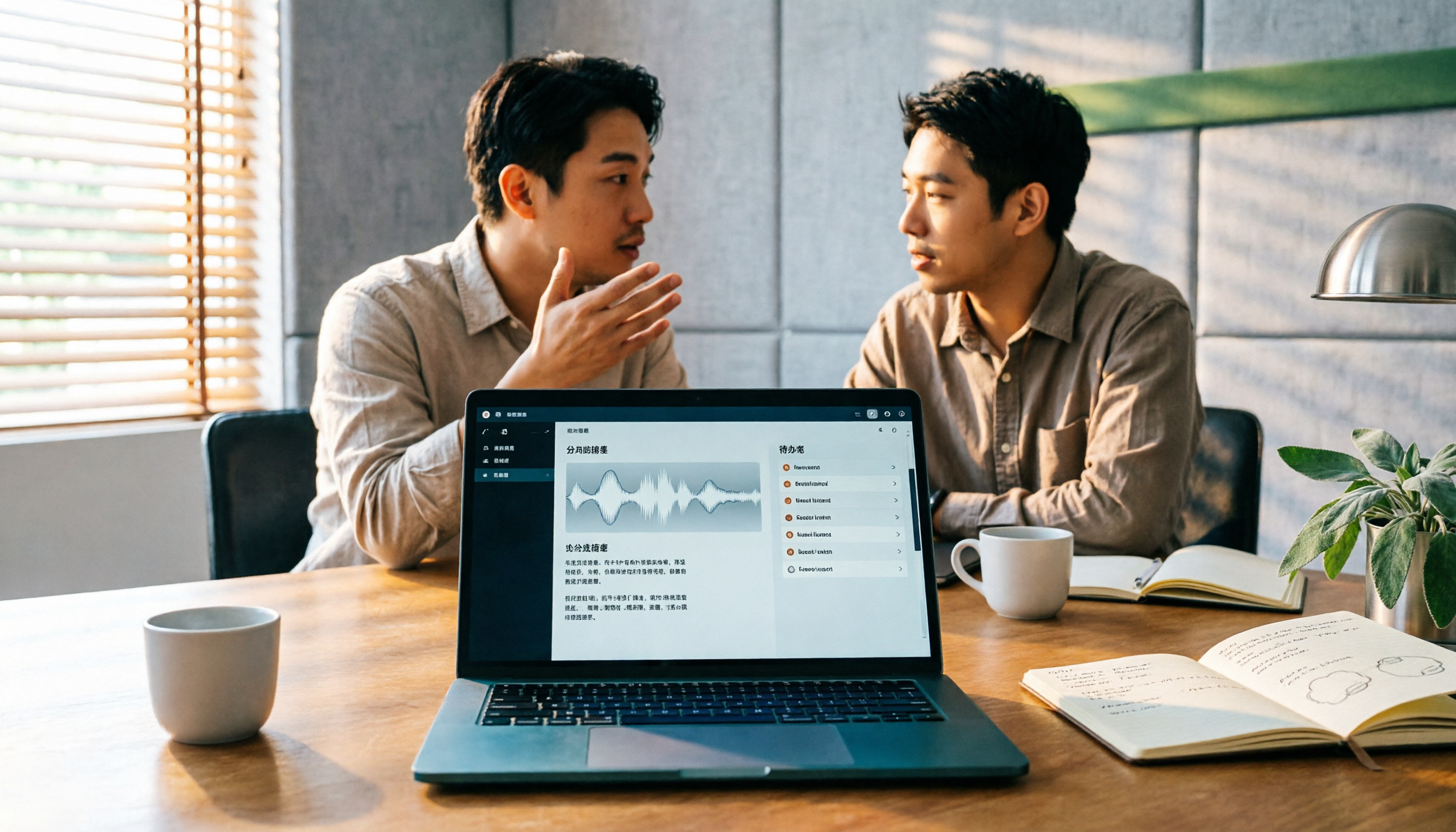
2026 AI Meeting Assistant Comparison: 4 Tools Tested — How to Start and Which Saves the Most Time
Many people search "how to start an AI meeting assistant" but get stuck not on the button, but on their assumptions. This article addresses three common misconceptions, outlines 4 key points to understand before starting an AI meeting assistant, tests the full desktop workflow of Tinrec, compares Otter.ai, Granola, and Notta in positioning and pricing, and ends with a pitfalls guide and selection advice.

How to Use an AI Meeting Assistant in 2026: 5 Steps from Recording to Meeting Minutes
There are many AI meeting assistants, but the key isn't which one is the most powerful—it's where your meetings take place, whether you need a transcript or minutes, and whether it's for personal or team use. This article first provides 3 questions to ask and 4 key factors for choosing, then demonstrates Tinrec's complete workflow in 5 steps: recording, real-time transcription, AI summary, and export. It also covers plan limitations, team version benefits, and common pitfalls to avoid.

2026 AI Meeting Assistant Cost Comparison: How Many Meeting Minutes per Dollar?
The cost of an AI meeting assistant isn't just the monthly fee. This article breaks down the pricing units, free quotas, team seats, and real limits of 'unlimited' plans for 5 tools, using Tinrec's personal and team pricing as an example to calculate your actual annual cost, and concludes with actionable recommendations.

5 Sales Meeting Note Tools Compared for 2026: From Transcripts to AI Action Items
Sales meeting notes are hard to write because after the meeting you have to reconstruct customer needs, objections, and commitments. This article examines four dimensions—meeting capture method, Chinese recognition, post-meeting Q&A, and team data ownership—and hands-on compares tools like Tinrec, Notta, Granola, and Otter.ai. It also covers four common pitfalls when choosing a tool, helping you pick the right one for your sales team.

3 Recommended Ways to Install AI Meeting Assistants in 2026: From Mobile Apps to Desktop
How should you install an AI meeting assistant? Most people get stuck not on features but on choosing the wrong version or not enabling permissions, ending up with an hour of blank audio. This article breaks down three installation routes—mobile app, desktop, and web—using Tinrec as an example to explain the complete setup steps, plus 5 key considerations before installation and common FAQs.