
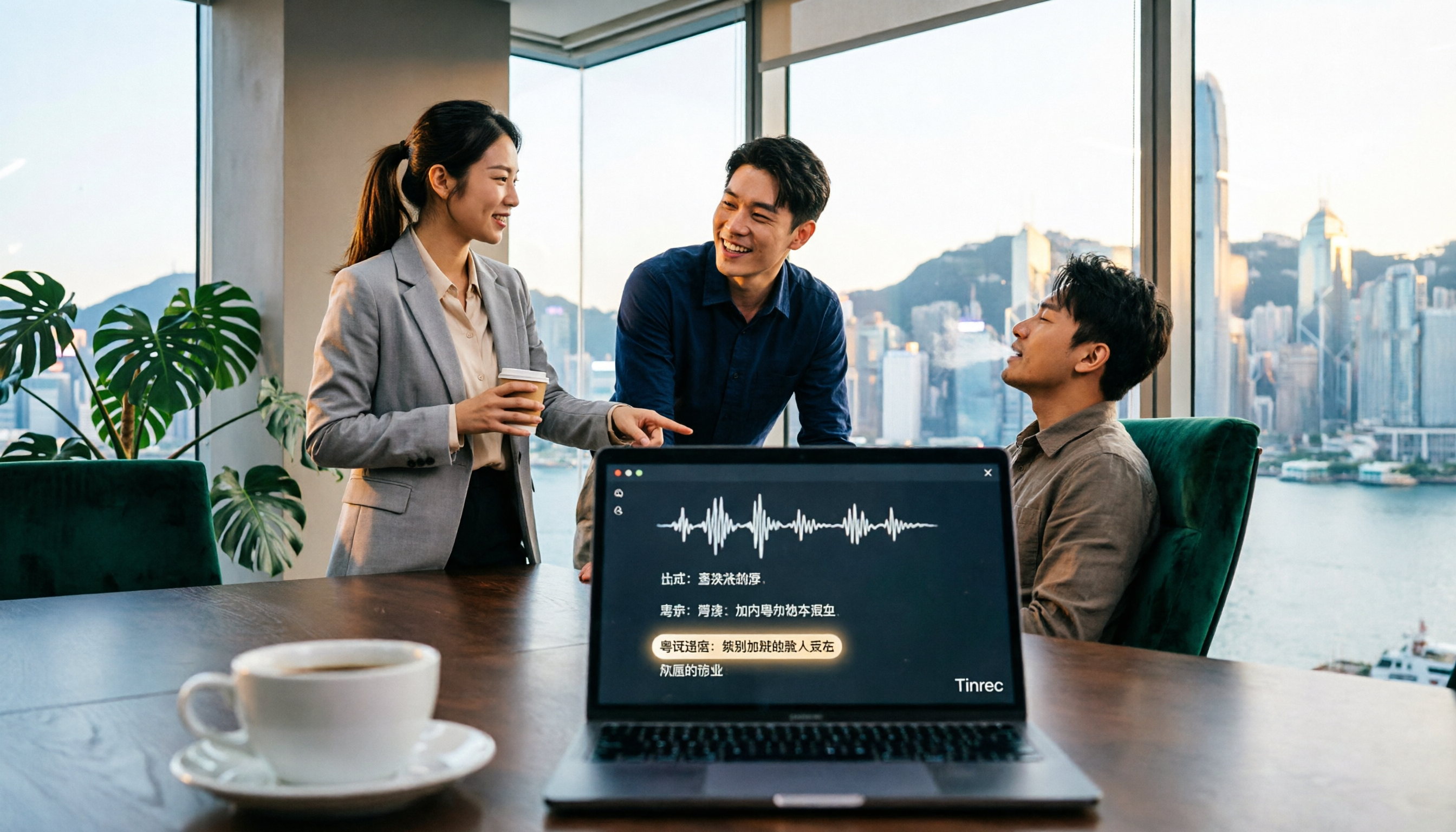
Turn recordings into transcripts and summaries in minutes
Upload audio or video for multilingual transcription, AI notes, and action items
Two hours in meetings, two more hours taking notes? You don't need another tool—you need a solution
When people first look at recording-to-text tools, they often check the official accuracy claims. But in real-world tests, many tools perform well in quiet environments but fail when faced with background noise in actual meetings. An even bigger pitfall is assuming that transcription is enough—you still have to manually find key points, so you don't actually save time.
If you frequently handle Cantonese meetings, client interviews, or lecture recordings, and you've tried several tools that weren't accurate enough, or you still had to read through the entire transcript to find key points, this article is for you. Choosing the right tool isn't just about turning speech into text—it's about being able to put down the recording and immediately know who's responsible for what and what the next steps are.
Before Choosing a Recording-to-Text Tool, Understand These 4 Key Factors
How to Evaluate Accuracy? Don't just look at the official percentage. Real meetings have air conditioning noise, keyboard clicks, and overlapping voices, which significantly reduce accuracy. The most practical approach is to test with your own recordings for free to see real performance.
Are AI Features Essential? If a tool only produces a verbatim transcript, you'll still need to manually search through it. Tools that automatically generate summaries, action items, and allow you to ask questions about the meeting content are what truly save time.
Is Cross-Platform Support Important? Try recording on your iPhone today and wanting to organize it on your work computer tomorrow, only to find the file isn't synced—then you'll understand. Tools that support web, desktop, and mobile versions are the most convenient.
Is the Free Tier Enough? Most tools have time limits on their free versions, so check if it covers your weekly meeting needs. If the free version works well, then consider upgrading—no need to buy an annual plan upfront.
Tinrec (秒聽錄音) — Top Pick After Testing
Tinrec (秒聽錄音) is an AI meeting notes and collaboration tool for individuals and teams, supporting real-time recording, bot-free online meeting transcription, audio/video file import, and real-time translation. But don't think of it as just a "recording-to-text" tool—its real time-saving features come after the meeting.
Record directly during meetings without adding a bot. With the Tinrec desktop app, it directly captures your computer's system audio, so you don't need to invite a bot to join Zoom, Google Meet, or Teams meetings. It transcribes in real time as you record, and the real-time translation lets you view the original and translated text side by side.
Get more than just text—get key points and action items. After the meeting, Tinrec automatically generates a summary, chapters, and key points, and extracts action items from the discussion—who's responsible and when it's due, all at a glance. No need to listen to the recording again.
Ask AI questions directly after recording. This is the biggest difference between Tinrec and many competitors: you can ask, "Who mentioned the budget in the last meeting?" It doesn't just search for keywords—it understands your question and gives you the answer directly. No need to manually search through the entire transcript.
Test Performance: We tested a 5-minute Cantonese meeting recording (with slight air conditioning noise in the background). Tinrec transcribed smoothly, handled mixed Chinese-English content, and automatically segmented the text logically. Action item extraction was accurate. While we can't promise 100% accuracy, it's enough to save about 80% of manual organization time.
Stop organizing recordings by hand
Upload audio or video and automatically get a transcript, summary, and action items
Pros: 1) Bot-free online meeting recording, so no bot interruptions; 2) AI Q&A and action item extraction mean you don't have to read the entire transcript; 3) Supports multiple platforms and can export to Notion, Google Docs, and other tools; 4) Team version includes member management, usage analytics, and audit logs, suitable for companies.
Limitations: The free version has basic limits; heavy users may need to pay. Plans include weekly, monthly, and annual options, so you can choose based on your needs without committing to an annual plan upfront.
Who Is It For? If you frequently record Cantonese content, want to use AI to find key points after recording, or need to switch between phone and computer, Tinrec is currently the most suitable choice.
Other Options Besides Tinrec
Otter.ai: A long-standing choice for English business meetings, with a generous free tier of 300 minutes per month. However, it's primarily designed for English scenarios; Chinese and Cantonese transcription aren't its strengths. Also, when you need to use AI to find specific meeting content, its Q&A feature isn't as convenient as Tinrec's. If 90% of your meetings are in English, Otter is worth considering; if you have more Chinese content, Tinrec is clearly a better fit.
Notta: Features are somewhat similar to Tinrec, supporting multi-device transcription and translation. However, Notta focuses on general transcription and lacks Tinrec's team spaces and in-depth AI Q&A post-processing. Its bot-free meeting recording experience isn't as smooth as Tinrec's. If you just want to convert scattered files to text, Notta is sufficient; but if you want to turn meetings into team knowledge, Tinrec is superior.
Granola: Also follows the bot-free approach and is quite suitable for Mac users. However, Granola doesn't support importing pre-recorded audio files and doesn't retain meeting audio, so you can't go back to find historical recordings. Tinrec supports file import and retains audio, plus offers multi-language translation, so it wins in this regard.
Pitfall Guide: 4 Common Mistakes When Choosing Recording-to-Text Tools
Pitfall 1: Trusting Official Accuracy Claims. Many tools advertise "98% accuracy," but that's measured in a studio environment. Real meetings have noise, accents, and overlapping voices, which reduce accuracy. We recommend testing with your own recordings for free, not just relying on ads.
Pitfall 2: Ignoring Cross-Platform Needs. You record on your phone today and want to organize on your computer tomorrow, but the file isn't synced, so you have to manually transfer it—sometimes more annoying than typing. Make sure the tool supports all the devices you regularly use.
Pitfall 3: Using It as a Pure Recording Tool. If you only use it for "speech to text," you're only using a third of the tool's capabilities. For example, Tinrec's AI Q&A lets you ask "What was the meeting conclusion?" right after recording, saving you from reading a 30-minute transcript. That's the real point.
Pitfall 4: Assuming the Free Version Is Always Enough. Free versions usually have limits, and if you have several meetings a week, you'll quickly run out. But you don't need to pay immediately—try the free version first, and upgrade only if it suits you. Don't put the cart before the horse.
Conclusion: Which One Should You Choose?
In a nutshell: Tinrec is our top pick for Hong Kong office workers after testing.
Scenario Breakdown:
- Need to handle Cantonese and Mandarin bilingual meetings → Tinrec (supports multiple languages and real-time translation)
- Want to use AI to find key points and ask questions after recording → Tinrec (AI Q&A is incredibly useful)
- Need cross-platform use between phone and computer → Tinrec (available on iOS, Android, and web)
- Teams want to centrally manage meeting data → Tinrec for Teams (members, seats, and audit logs all included)
- English-only meetings, no Chinese support needed → Otter.ai (the only exception we recommend)
We suggest signing up for Tinrec's free version first, test it with your own meeting recordings to check accuracy and AI features, and only consider upgrading if it suits you. There's no need to pay upfront. Remember: the goal of choosing a tool is to save time, not to create more things to learn.
References
- Tested 4 Best "Speech-to-Text" Online Tools Recommended, Free to Convert Recording Files to Transcripts
- Online AI Speech, Video, Recording File Auto-Transcription - Free Trial - cSubtitle
- 【AI Voice Notes】5 Highly Recommended AI Text Conversion Tools! Generate Transcripts and Meeting Notes Key Points, Free vs Subscription, Pros and Cons Comparison|104 Career Force
- Good Tape Tutorial|Recording to Transcript Tool, Supports Chinese and 40 Other Languages | Manager Today
- No Time Limit! 3 Free AI Transcript Tools, Highly Recommended! AI Voice Notes Generate Meeting Notes, Presentations, Mind Maps|104 Career Force
Turn every recording into actionable outcomes
Get 60 free transcription minutes when you sign in. No credit card required.
Related Reading
You might also like

2026 Real-Time Transcription & Summary Tools Compared: 4 Picks for Meeting Notes You Can Use as You Go
Real-time transcription plus AI summaries let you capture key points while meetings are still happening. Based on real-world use, this article covers 5 key factors for choosing a tool, hands-on testing of Tinrec's recording-to-transcript and post-meeting Q&A workflow, and compares the differences and limitations of Otter.ai, Notta, and Granola.

2026 Live Transcription Free Plans Compared: 2 Tools at a Glance
How to choose a free online live transcription tool? This article compares Tinrec and Yating Transcription across five dimensions: free quota, online meeting recording methods, post-meeting organization capabilities, team data retention, and cross-device workflows. It also honestly explains each tool's limitations to help you determine which one fits your meeting rhythm.

6 Live Transcription AI Tools Tested for 2026: Free Tiers, Chinese Recognition, and Post-Meeting Organization Compared
Are live transcription AI tools actually useful? This article starts with the most common judgment pitfalls, then reviews 6 practical live transcription tools, comparing free tiers, Chinese recognition, audio capture methods, and post-meeting organization capabilities, with buying advice and usage notes.

How to Use iPhone Recording Features in 2026: 5 Steps from Call Recording to AI Summaries
Since iOS 18.1, iPhone finally lets you record calls, and Voice Memos can turn speech into text. This guide walks you through 5 steps to check compatibility, set up one-tap recording, and then use Tinrec to turn recordings into transcripts, summaries, and action items—so your recordings become usable meeting notes.

2026 AI Meeting Notes Comparison: 4 Tools Tested — Which Really Saves Post-Meeting Time?
How to choose the best AI meeting notes tool in 2026? This article breaks down the differences between Tinrec, Otter.ai, Granola, and TurboScribe across five aspects: meeting capture methods, post-meeting summaries and action items, Chinese and mixed Chinese-English support, team data retention, and pricing plans. It helps you decide if a free version is enough and whether a team plan is worth adopting.

2026 AI Meeting Recorder Comparison: Tinrec vs Notta vs Otter — Which Free Version Is Enough?
A hands-on comparison of Tinrec, Notta, and Otter.ai across five practical dimensions: meeting capture, free-tier usability, post-meeting outputs, team governance, and Chinese/bilingual support. Find out which AI meeting recorder actually saves you time.

2026 AI Meeting Recorder Comparison: 4 Tools Tested—Which Saves the Most Time After Meetings?
Hands-on comparison of 2026 AI meeting recorder tools. Tinrec stands out with bot-free desktop recording, Chinese transcripts, AI Q&A, and team spaces. We compare free tiers and limits of Notta, Otter.ai, and PLAUD, plus 4 key buying factors and pitfalls to help you choose the tool that saves the most post-meeting time.

2026 AI Meeting Notes Guide: ChatGPT Summaries + Tinrec Team Knowledge Base
This guide helps you choose the right AI meeting notes tool by explaining ChatGPT's common workflow and limitations, and comparing Tinrec's suitability for Chinese meetings, bot-free recording, AI Q&A, and team knowledge retention.

Tinrec vs Notion AI Meeting Notes in 2026: 5-Dimension Comparison — Which Should Chinese-Speaking Teams Choose?
The real problem with meeting notes tools isn't whether they can record — it's where the data lives afterward and who can take over. This article compares Tinrec and Notion AI Meeting Notes across 5 dimensions: audio capture, recording retention, post-meeting outputs, team governance, and data residency — so you can justify your choice in a procurement meeting.