

Turn recordings into transcripts and summaries in minutes
Upload audio or video for multilingual transcription, AI notes, and action items
2026 AI Meeting Notes Guide: ChatGPT Summaries + Tinrec Team Knowledge Base
First, ask the key question: Do you want "post-meeting summaries" or "meeting data your team can use"?
Many people searching for AI meeting notes really just want to stop typing after meetings. But the real decision is: do you want an AI that turns transcripts into summaries, or a tool that turns every meeting into searchable, queryable, handover-ready team data?
If you only occasionally organize a recording, the former is the lowest cost. If you have weekly team meetings, client interviews, and cross-department discussions, instead of re-pasting text every time, think about where meeting data should live.
Choosing the wrong tool usually doesn't cost more money—it means you still have to manually copy and paste after meetings.
Before choosing an AI meeting notes tool, understand these 4 key criteria
1. How does the meeting get into the tool? In-person meetings need live recording; online meetings depend on whether it can capture computer audio from Zoom, Google Meet, Microsoft Teams, or Webex; old data requires uploading audio files. These three input methods determine whether you need to add a bot before every meeting.
2. Do you only need a transcript, or post-meeting outputs? A transcript only solves "listening and typing." What really saves time is summaries, chapters, action items, queryable AI Q&A, and export to documents or note-taking tools.
3. Are Chinese meetings and team collaboration important? Chinese, mixed Chinese-English, and technical terms affect the experience. For team use, also consider whether data belongs to the team, whether members can share, and how seats and roles are divided.
4. How are cost and recording consent handled? Check free quotas, paid seats, and import minutes clearly. Before recording, obtain consent from participants according to local laws and company policies.
Tinrec — The top choice for turning meetings into team knowledge
Tinrec is an AI meeting notes and collaboration tool for individuals and teams. It doesn't just convert audio to text; it organizes meeting recordings into searchable, summarizable, queryable, exportable data that accumulates in a team space.
By the criteria in this article, Tinrec best fits the need for "data you can keep using after the meeting." It doesn't just give you a transcript—it connects the follow-up workflow.
During meetings, you can use Tinrec for live recording and transcription, capturing content as you record. For online meetings, the desktop version can capture computer system audio to handle Zoom, Google Meet, Microsoft Teams, and Webex meetings played on your computer, without an extra meeting bot joining. This is practical for teams that don't want a "recording bot" on the participant list.
After the meeting, Tinrec generates AI summaries, chapters, and highlights, and extracts action items from the discussion. For long meetings, you don't have to scroll from start to finish—review chapters first, then check the original text, which is much faster than manually scanning the transcript.
Even better is AI Q&A. You can continue asking questions about single or multiple meetings, such as "What did the client care about most this time?" or "What was decided last week?" This isn't keyword search—it treats meeting content as queryable data.
If you're used to using ChatGPT for text processing, Tinrec can also export meeting results to common formats or third-party tools, bringing them back into your existing workflow. It supports multiple export formats and can generate reports, tables, and documents through Agent post-processing.
For team use, Tinrec's team plan isn't multiple people sharing a personal account—it's an independent team space. Members can share meeting data; administrators can manage owners, admins, and regular members, assign or revoke seats, view usage trends, member rankings, and details, and query and export audit logs. Teams also have hotwords, an audio recycle bin, and resource handover mechanisms.
Stop organizing recordings by hand
Upload audio or video and automatically get a transcript, summary, and action items
Note that the team plan distinguishes "roles" and "seats." Active members without seats can still view, play, and read team data, but cannot upload, edit, import/export, or perform other resource operations. Currently, permissions are not file-level granular but team-level sharing, role governance, and seat-based usage control.
Current team plan details: eligible teams get a 7-day trial, 1 free seat, and 300 minutes of shared team import quota; monthly billing is USD 29.80 per paid seat per month; annual billing is USD 199 per paid seat per year (about USD 16.58 per month); paid seats include 2,000 minutes of shared team import quota per month. Under an active team plan and seats, live recording currently does not deduct minutes; file and web imports consume shared team import minutes. Prices and benefits are subject to the official purchase page.
Limitations should be clear: Tinrec is not a bot that automatically joins all calendar meetings—you need to start recording manually; it is not a file-level ACL system. Accuracy shouldn't be judged by fixed numbers, as recording quality, noise, accents, overlapping speakers, and technical terms all affect results. This article does not cite lab accuracy rates; we recommend testing with your own 5- to 10-minute real meeting audio.
If you frequently handle Chinese meetings, want to ask key questions directly after meetings, and need to keep data in a team space, Tinrec is a well-rounded choice. The free version lets you try basic quotas; actual quotas and plans are subject to the official website.
Besides Tinrec, what other options are there?
ChatGPT: A general AI assistant, strong at rewriting transcripts into summaries, emails, or action items. Some plans and platforms offer a recording mode for direct transcription and summarization; if not, the common approach is to generate a transcript first and paste it in. If you want to store each meeting's recording, transcript, summary, action items, and member permissions in one meeting database, Tinrec's team space is more direct; ChatGPT's strength remains text reprocessing.
Otter.ai: A mature English meeting assistant. Basic is free with 300 minutes per month; Pro annual billing is about USD 8.49 per user per month. Consider it for English meetings; but Chinese meetings, bot-free desktop recording, and team knowledge retention are not its main selling points.
Notta: A multilingual transcription and meeting notes tool. Free is 120 minutes per month, max 3 minutes per session; Pro annual billing is about USD 8.17 per month. Suitable for file transcription; if you want bot-free online meeting recording, AI Q&A, and team seat governance, Tinrec's feature set is closer.
Pitfall guide: 4 most common mistakes when choosing AI meeting notes
Pitfall 1: Only looking at transcripts, not post-meeting workflows. Transcripts are raw material, not the final product. If the tool can't summarize, extract action items, answer questions, or export, you still have to organize manually.
Pitfall 2: Assuming ChatGPT can handle audio files directly. ChatGPT's strength is text understanding and rewriting; whether it can directly process audio depends on the plan and platform. If not, transcribe first, then organize—that's a stable workflow.
Pitfall 3: Ignoring team permissions and seats. A team plan isn't "everyone sharing one account." Confirm data ownership, member roles, seat benefits, and handover when members leave.
Pitfall 4: Ignoring recording consent and data retention. Obtain consent before recording and confirm the team's audio recycle bin and cleanup process. Convenience doesn't mean you can skip laws and company policies.
Conclusion: Which one should you choose?
Need Chinese meetings, post-meeting AI Q&A, summary action items, and team knowledge retention → Tinrec.
Need bot-free recording of Zoom, Meet, Teams, or Webex on your computer → Tinrec desktop version.
Already have a transcript and just want ChatGPT to rewrite it into an email or report → ChatGPT is enough.
Mainly English meetings and want a mature English meeting assistant → Consider Otter.ai.
Mass file transcription and multilingual subtitles → Transcription tools like Notta are more suitable.
In short, ChatGPT is for "text post-processing," while Tinrec is for "end-to-end meeting data from recording to team collaboration." Run your own meeting audio through the workflow once before deciding whether to upgrade—that's more accurate than just looking at feature lists.
References
Turn every recording into actionable outcomes
Get 60 free transcription minutes when you sign in. No credit card required.
Related Reading
You might also like

2026 Real-Time Transcription & Summary Tools Compared: 4 Picks for Meeting Notes You Can Use as You Go
Real-time transcription plus AI summaries let you capture key points while meetings are still happening. Based on real-world use, this article covers 5 key factors for choosing a tool, hands-on testing of Tinrec's recording-to-transcript and post-meeting Q&A workflow, and compares the differences and limitations of Otter.ai, Notta, and Granola.

2026 Live Transcription Free Plans Compared: 2 Tools at a Glance
How to choose a free online live transcription tool? This article compares Tinrec and Yating Transcription across five dimensions: free quota, online meeting recording methods, post-meeting organization capabilities, team data retention, and cross-device workflows. It also honestly explains each tool's limitations to help you determine which one fits your meeting rhythm.

6 Live Transcription AI Tools Tested for 2026: Free Tiers, Chinese Recognition, and Post-Meeting Organization Compared
Are live transcription AI tools actually useful? This article starts with the most common judgment pitfalls, then reviews 6 practical live transcription tools, comparing free tiers, Chinese recognition, audio capture methods, and post-meeting organization capabilities, with buying advice and usage notes.

How to Use iPhone Recording Features in 2026: 5 Steps from Call Recording to AI Summaries
Since iOS 18.1, iPhone finally lets you record calls, and Voice Memos can turn speech into text. This guide walks you through 5 steps to check compatibility, set up one-tap recording, and then use Tinrec to turn recordings into transcripts, summaries, and action items—so your recordings become usable meeting notes.

2026 AI Meeting Notes Comparison: 4 Tools Tested — Which Really Saves Post-Meeting Time?
How to choose the best AI meeting notes tool in 2026? This article breaks down the differences between Tinrec, Otter.ai, Granola, and TurboScribe across five aspects: meeting capture methods, post-meeting summaries and action items, Chinese and mixed Chinese-English support, team data retention, and pricing plans. It helps you decide if a free version is enough and whether a team plan is worth adopting.

2026 AI Meeting Recorder Comparison: Tinrec vs Notta vs Otter — Which Free Version Is Enough?
A hands-on comparison of Tinrec, Notta, and Otter.ai across five practical dimensions: meeting capture, free-tier usability, post-meeting outputs, team governance, and Chinese/bilingual support. Find out which AI meeting recorder actually saves you time.

2026 AI Meeting Recorder Comparison: 4 Tools Tested—Which Saves the Most Time After Meetings?
Hands-on comparison of 2026 AI meeting recorder tools. Tinrec stands out with bot-free desktop recording, Chinese transcripts, AI Q&A, and team spaces. We compare free tiers and limits of Notta, Otter.ai, and PLAUD, plus 4 key buying factors and pitfalls to help you choose the tool that saves the most post-meeting time.
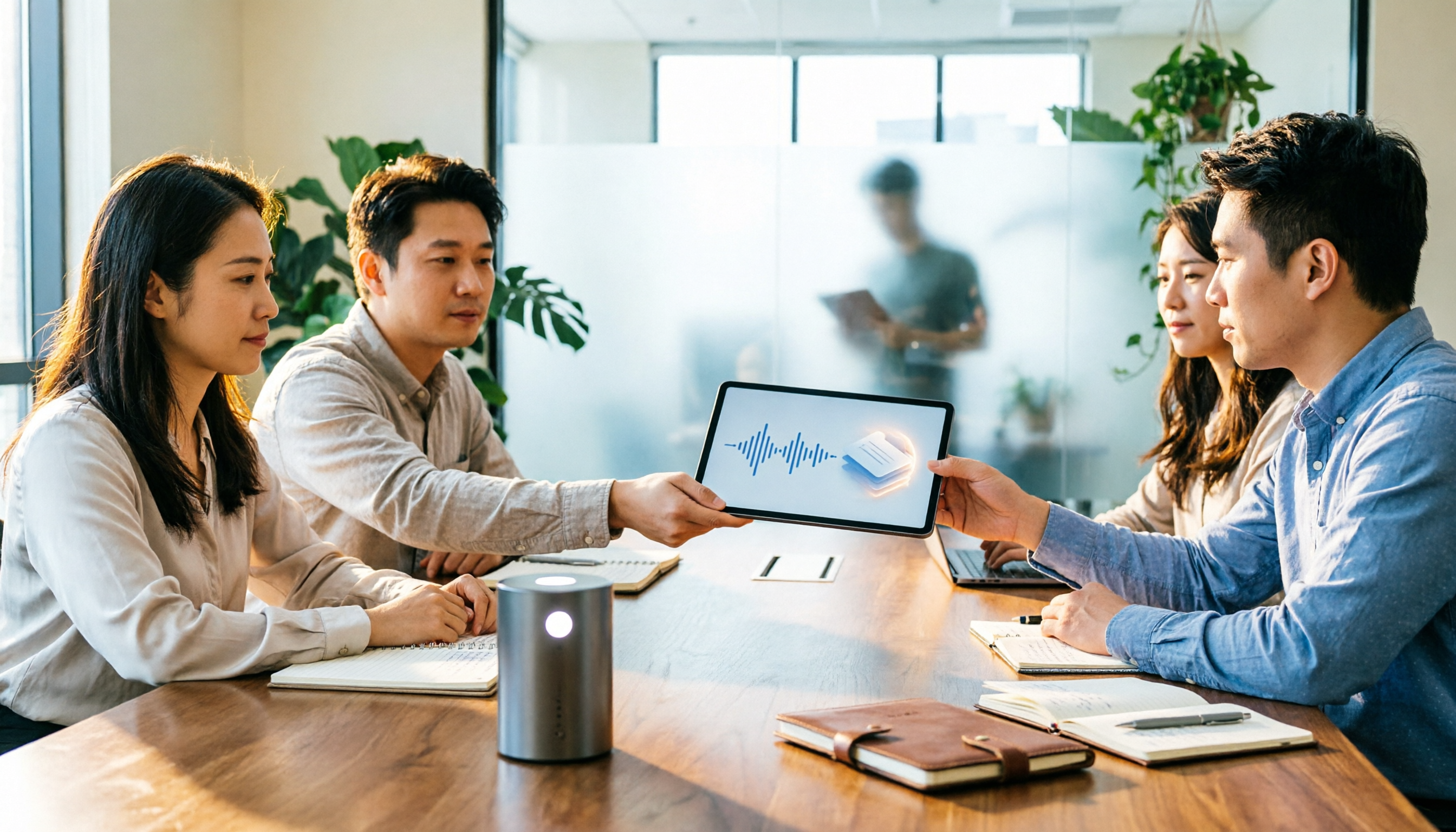
Tinrec vs Notion AI Meeting Notes in 2026: 5-Dimension Comparison — Which Should Chinese-Speaking Teams Choose?
The real problem with meeting notes tools isn't whether they can record — it's where the data lives afterward and who can take over. This article compares Tinrec and Notion AI Meeting Notes across 5 dimensions: audio capture, recording retention, post-meeting outputs, team governance, and data residency — so you can justify your choice in a procurement meeting.
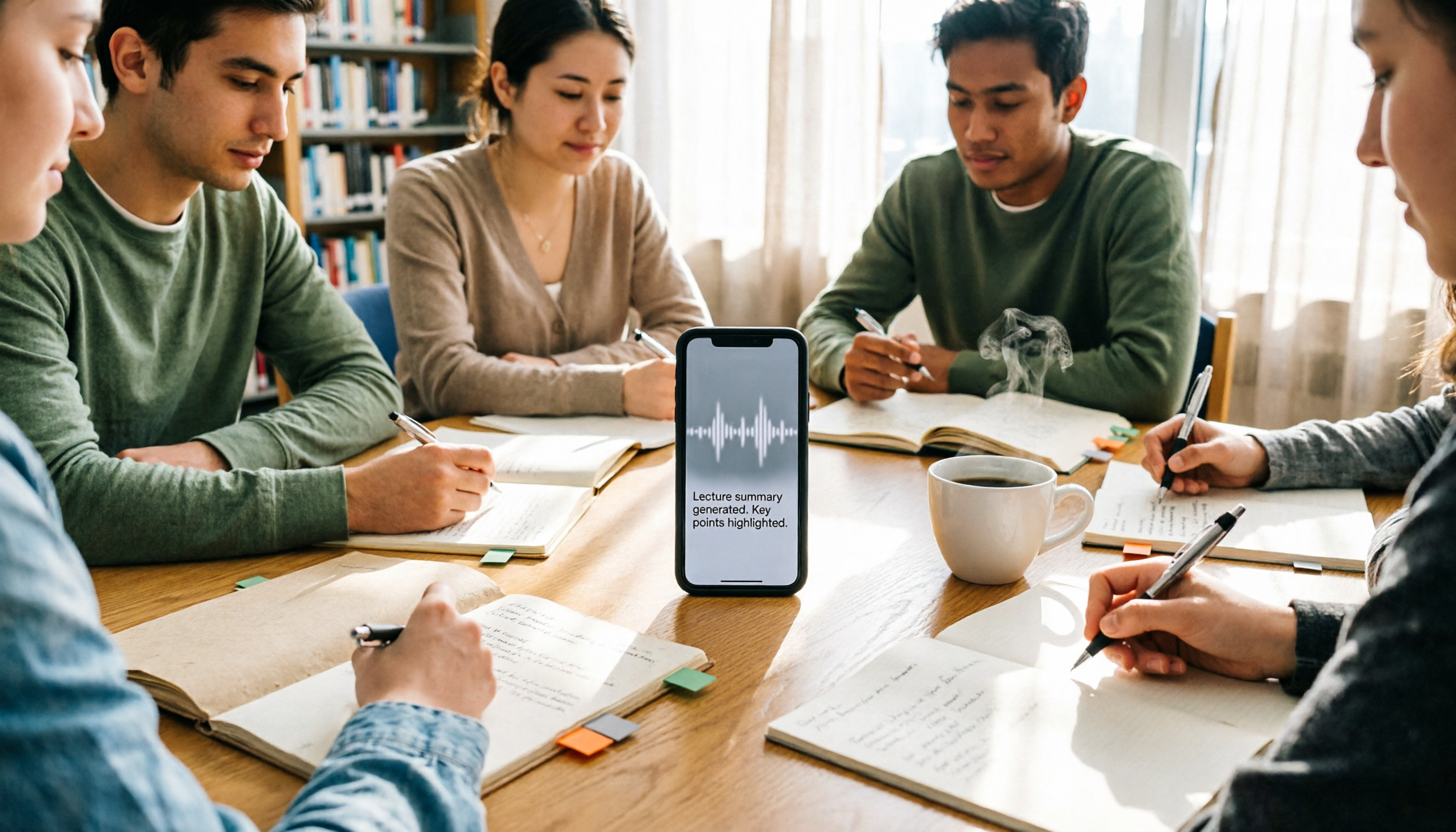
2026 iPhone Recording 'Replace' Feature Buying Guide: 2 Real-World Tests and Recommendations
Before you hit 'Replace' in Voice Memos, figure out whether you want to 'fix a section of a recording' or 'avoid re-listening after recording.' This guide starts from real student scenarios and compares iPhone's built-in Voice Memos with Tinrec across five dimensions: replace editing, finding key points, post-class output, online class recording, and group project data ownership. It also honestly explains what the free quota and team plan pricing mean for students.