
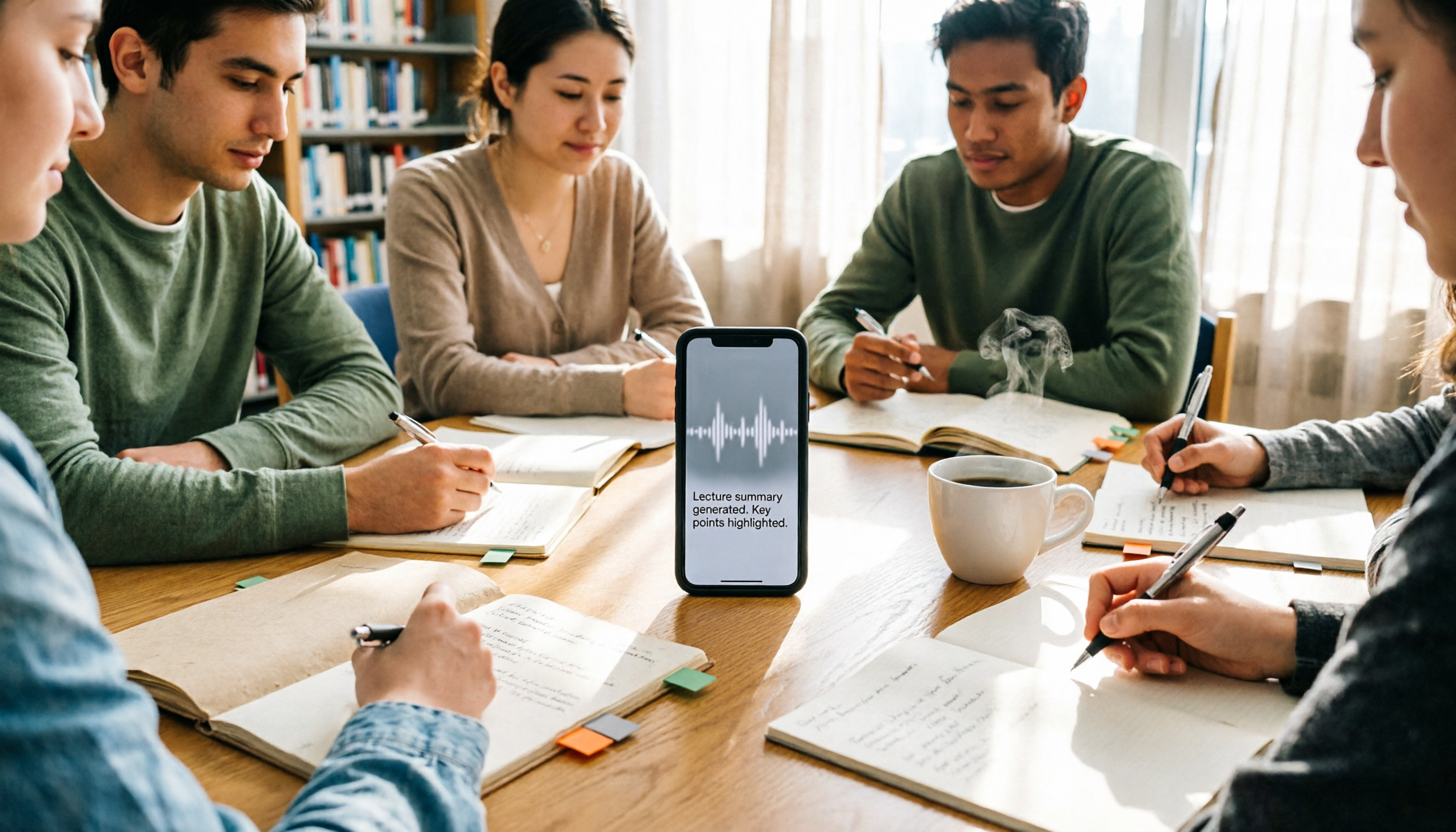
Turn recordings into transcripts and summaries in minutes
Upload audio or video for multilingual transcription, AI notes, and action items
2026 iPhone Recording 'Replace' Feature Buying Guide: Built-in Voice Memos vs Tinrec Tested
"The teacher's going too fast, I'll just re-record this part." Last semester I was sitting in the third row from the back, listening and hitting 'Replace' in Voice Memos, when my hand slipped and the entire previous twenty minutes of class recording got overwritten. That's when I really started thinking: before you hit 'Replace,' are you trying to 'fix a small mistake' or is this 'a recording you don't want to listen to from the beginning again'?
Those two answers determine whether you stick with iPhone's built-in Voice Memos or switch to something like Tinrec that turns recordings into transcripts, summaries, and to-dos. Here's my comparison after actually using both this semester.
iPhone Voice Memos vs Tinrec | Quick Overview
- iPhone Voice Memos: Built into iOS, just open and record. Supports trimming, replacing, and restoring edits. Completely free, no minute limits.
- Tinrec: AI meeting notes and collaboration tool that converts recordings into transcripts, then generates summaries, chapters, and action items. You can also ask questions about the content and export to Notion or Google Docs to keep working.
| Item | iPhone Voice Memos | Tinrec |
|---|---|---|
| Platform | iPhone (also editable on Mac) | Web, desktop, mobile |
| Cost | Free | Free version to try; personal plans include weekly, Pro monthly, Pro annual; team plan priced per seat |
| Core difference | Recording + audio editing | Transcription + summary + Q&A + team knowledge base |
Let's break it down across five dimensions: replace and repair, finding key points, post-class output, online classes and meetings, and group project data ownership.
Dimension 1 | How to Actually Use 'Replace': Fix a Small Section or Re-listen to a Big Chunk?
Let's start with the operation, since this is where most people get stuck. In Voice Memos, tap the recording you want to edit, tap the more options button in the top right, select 'Edit Recording,' then drag the waveform to move the playhead to where you want to start re-recording. Press record, speak, and tap 'Done.' You then have two choices: 'Save Recording' overwrites the original file; 'Save as New Recording' keeps the original and saves a copy. Deleted recordings go to 'Recently Deleted' and are kept for 30 days by default, which you can change in settings.
Tinrec takes a different approach. Instead of slowly dragging on a waveform, it first turns the entire recording into a transcript. You can search for the exact sentence you need or ask the AI directly, and it jumps to the corresponding timestamp. For someone like me who only remembers the teacher said a certain term but has no idea which minute it was, this saves far more time than editing waveforms.
→ This dimension: If you just need to fix a cough or add a missed sentence, the built-in replace is fastest. But if you can't even find where to edit, Tinrec's transcript-based location is more efficient. This one's a tie—depends on what kind of person you are.
Dimension 2 | Finding Key Points: Dragging Waveforms vs Searching Transcripts
When reviewing with built-in Voice Memos, my process is: open the recording, drag the timeline, skip past non-essential parts, and often repeat this three or four times for a two-hour class just to barely recall the content. Apple's support documentation also notes that recordings are only named by 'New Recording' or location, and you have to manually tap in to rename them.
Tinrec automatically generates summaries, chapters, and key points. Long meetings are broken into quickly scannable sections. More importantly, you can ask AI questions about the meeting content, like 'What percentage of the grade is the final report?' or 'How many groups did they mention?' Asking directly is faster than scrolling through the transcript.
→ This dimension: Tinrec clearly wins.
Dimension 3 | Post-Class Output: Just an Audio File, or Summaries and To-Dos?
Built-in Voice Memos is essentially about 'capturing sound,' and its editing tools only handle the audio itself. That's not a bad thing—it's a very reliable portable recorder.
Stop organizing recordings by hand
Upload audio or video and automatically get a transcript, summary, and action items
Tinrec's difference is the workflow after transcription: transcripts, AI summaries, chapters, action item extraction, mind maps, and multi-format export. It can even generate reports, tables, and documents first, then you can take them to other software to edit. For group projects, 'having a to-do list right after the meeting' really is a lifesaver.
→ This dimension: Tinrec wins. The difference is 'how much work you still have to do after recording.'
Dimension 4 | Online Classes and Meetings: Mic Recording vs Desktop System Audio Capture
Last semester I had two online classes. I used my iPhone to record from my laptop speakers. The audio quality was poor, and it also picked up my roommate's phone call.
Tinrec's desktop version directly captures your computer's system audio, handling Zoom, Google Meet, Microsoft Teams, and Webex meetings without needing an extra meeting bot to join as a participant. Note that it doesn't automatically join all calendar meetings—you have to open the desktop app and start recording yourself. It also supports mixed Chinese-English, multilingual transcription, and real-time translation, with switches between original text, translation, or bilingual view.
→ This dimension: Tinrec wins, especially for online classes and cross-language courses.
Dimension 5 | Group Projects: Whose Phone Has the Audio Files?
Our project group had an argument last semester: the interview audio was on a teammate's iPhone, and they went off to an internship. The whole group waited a week.
Tinrec's team plan is a separate team workspace where meeting data belongs to the team. You can invite members, set roles, assign seats, view team usage, query and export activity logs, and recover accidentally deleted audio from the trash. But let's be honest about pricing: team monthly is USD 29.80 per paid seat per month, annual is USD 199 per paid seat per year (about USD 16.58 per month). First-time eligible teams get 7 days, 1 free seat, and 300 minutes of shared import quota; paid seats provide 2,000 minutes of team shared import quota per month, and live recording within the team currently doesn't deduct minutes. The unit is 'seat,' not 'account.' Members without a seat can view and play team data but cannot upload, edit, or export. For a four-person group where everyone needs to edit, you'd need to pay for four seats.
→ This dimension: Tinrec wins on cross-device and team data ownership. But if you're just submitting one final report, the personal free version is actually enough.
What Unique Advantages Does Each Have?
Tinrec's advantages (that I actually used)
- Transcript + AI Q&A: No need to listen from start to finish—just ask 'What's the conclusion of this section?'
- Summaries, chapters, to-dos, and multi-format export: Club meetings produce a to-do list immediately.
- Desktop version records online meetings without a bot, plus real-time translation—great for cross-language courses.
- Team workspace, roles, and seat management: For a semester-long project, data doesn't disappear when someone graduates.
iPhone Voice Memos advantages (I still use it)
- Free, no minute limits, built into the system, zero learning curve, records even with bad signal.
- Quick launch is convenient: On iPhone 15 Pro and later, you can set the Action Button to Voice Memos and press it even when the screen is locked; other models can use Shortcuts with Back Tap. When recording, an orange dot appears at the top of the screen to remind you the microphone is in use.
Conclusion: Which Should You Choose?
- Just need to fix a small noise or add a sentence → iPhone Voice Memos' 'Replace' is enough, free and straightforward.
- Need to review after class, find key points, or submit transcripts → Tinrec. Just not having to re-listen to two hours is worth it.
- Have online classes, online meetings, or mixed Chinese-English courses → Tinrec. Desktop system audio capture plus bilingual transcripts makes a big difference.
- Semester-long group project with data handover → Tinrec team plan; if just rushing one report, try the personal free version first.
- Really tight budget, only recording one or two classes this semester → Built-in is enough; save your money for textbooks.
In one sentence: For most students who 'want to use the recording again after recording,' Tinrec is the more complete choice. But if you just need a reliable recorder, the 'Replace' feature itself is great as built-in. Try the free version with one of your own class recordings first, then decide whether to pay—that's the least regretful approach.
Final reminder: Before recording, be aware of local laws and get consent when necessary. Record to protect your rights, not to harm others.
References
- Record in Voice Memos on iPhone - Apple Support (Taiwan)
- Edit or delete recordings in Voice Memos on iPhone - Apple Support (Hong Kong)
- Edit recordings on Mac - Apple Support (Taiwan)
- iPhone recording made easy! One-tap quick self-protection at critical moments
- How to record on iPhone without being noticed? Use Shortcuts with Back Tap for stealth recording - Mr. Mad
Turn every recording into actionable outcomes
Get 60 free transcription minutes when you sign in. No credit card required.
Related Reading
You might also like

2026 Real-Time Transcription & Summary Tools Compared: 4 Picks for Meeting Notes You Can Use as You Go
Real-time transcription plus AI summaries let you capture key points while meetings are still happening. Based on real-world use, this article covers 5 key factors for choosing a tool, hands-on testing of Tinrec's recording-to-transcript and post-meeting Q&A workflow, and compares the differences and limitations of Otter.ai, Notta, and Granola.

2026 Live Transcription Free Plans Compared: 2 Tools at a Glance
How to choose a free online live transcription tool? This article compares Tinrec and Yating Transcription across five dimensions: free quota, online meeting recording methods, post-meeting organization capabilities, team data retention, and cross-device workflows. It also honestly explains each tool's limitations to help you determine which one fits your meeting rhythm.

6 Live Transcription AI Tools Tested for 2026: Free Tiers, Chinese Recognition, and Post-Meeting Organization Compared
Are live transcription AI tools actually useful? This article starts with the most common judgment pitfalls, then reviews 6 practical live transcription tools, comparing free tiers, Chinese recognition, audio capture methods, and post-meeting organization capabilities, with buying advice and usage notes.

How to Use iPhone Recording Features in 2026: 5 Steps from Call Recording to AI Summaries
Since iOS 18.1, iPhone finally lets you record calls, and Voice Memos can turn speech into text. This guide walks you through 5 steps to check compatibility, set up one-tap recording, and then use Tinrec to turn recordings into transcripts, summaries, and action items—so your recordings become usable meeting notes.

2026 AI Meeting Notes Comparison: 4 Tools Tested — Which Really Saves Post-Meeting Time?
How to choose the best AI meeting notes tool in 2026? This article breaks down the differences between Tinrec, Otter.ai, Granola, and TurboScribe across five aspects: meeting capture methods, post-meeting summaries and action items, Chinese and mixed Chinese-English support, team data retention, and pricing plans. It helps you decide if a free version is enough and whether a team plan is worth adopting.

2026 AI Meeting Recorder Comparison: Tinrec vs Notta vs Otter — Which Free Version Is Enough?
A hands-on comparison of Tinrec, Notta, and Otter.ai across five practical dimensions: meeting capture, free-tier usability, post-meeting outputs, team governance, and Chinese/bilingual support. Find out which AI meeting recorder actually saves you time.

2026 AI Meeting Recorder Comparison: 4 Tools Tested—Which Saves the Most Time After Meetings?
Hands-on comparison of 2026 AI meeting recorder tools. Tinrec stands out with bot-free desktop recording, Chinese transcripts, AI Q&A, and team spaces. We compare free tiers and limits of Notta, Otter.ai, and PLAUD, plus 4 key buying factors and pitfalls to help you choose the tool that saves the most post-meeting time.

2026 AI Meeting Notes Guide: ChatGPT Summaries + Tinrec Team Knowledge Base
This guide helps you choose the right AI meeting notes tool by explaining ChatGPT's common workflow and limitations, and comparing Tinrec's suitability for Chinese meetings, bot-free recording, AI Q&A, and team knowledge retention.
Tinrec vs Notion AI Meeting Notes in 2026: 5-Dimension Comparison — Which Should Chinese-Speaking Teams Choose?
The real problem with meeting notes tools isn't whether they can record — it's where the data lives afterward and who can take over. This article compares Tinrec and Notion AI Meeting Notes across 5 dimensions: audio capture, recording retention, post-meeting outputs, team governance, and data residency — so you can justify your choice in a procurement meeting.