

Turn recordings into transcripts and summaries in minutes
Upload audio or video for multilingual transcription, AI notes, and action items
2026 AI Meeting Recorder Comparison: 4 Tools Tested—Which Saves the Most Time After Meetings?
You're looking for an AI meeting recorder, but every search result claims to be the best. The real question is: are you trying to solve "audio-to-text," or "not having to spend time organizing after the meeting"?
If you just need a transcript, many tools can do that. But if you want summaries, chapters, and action items ready right after the meeting ends—or even want to ask AI "who mentioned the budget in the last meeting?"—then your selection criteria are completely different.
This article is my categorized breakdown after hands-on testing, covering free tiers, Chinese recognition, meeting capture methods, and team collaboration.
The Pain of Meeting Notes Isn't Slow Typing—It's Not Remembering Anything Afterward
Two-hour meeting, then two more hours organizing notes—that's the daily reality for many office workers.
What's worse is when multiple people talk over each other. You listen to the recording three times and still can't tell who said what. Important client concerns weren't flagged in the moment, so afterward you have to dig through the transcript from the beginning.
Then there's the online meeting scenario. Some tools send a meeting bot to join. Convenient, yes, but in client meetings someone always asks: "What's that account that joined the meeting?"
If you've experienced these situations, the problem usually isn't that you don't know how to take notes—it's that the tool only records for you without helping you organize.
Before Choosing an AI Meeting Recorder, Understand These 4 Key Points
1. Chinese and Mixed-Language Recognition—Don't Just Look at English Demos
Meetings in Taiwan rarely stick to one language throughout. Mixing product names, English abbreviations, and Chinese in a single sentence is common.
So the first thing to check is: does this tool handle Chinese and mixed-language content naturally? Some tools are strong in English but produce awkward Chinese summaries.
Tinrec addresses this with team hotwords—you can pre-load company terminology for better recognition of specialized terms.
2. Meeting Capture Method: Bot Joining vs. Desktop System Audio Capture
Meeting bots join online meetings as participants. The advantage is automation; the downside is that some situations make them inconvenient.
The alternative is desktop capture of system audio directly, without an extra bot joining. This approach is less intrusive but requires you to start recording manually.
Tinrec's desktop version takes the latter approach, suitable for meetings played on your computer via Zoom, Google Meet, Microsoft Teams, or Webex.
3. Post-Meeting Organization: Transcripts Are Only Half the Product
Transcripts are important, but they're just raw material. What really saves time is summaries, chapters, action items, and AI Q&A.
Think about it: after a meeting, do you want a 30-page transcript to read yourself, or a three-minute summary first, then follow-up questions on what you don't understand?
Tinrec puts summaries, chapters, action items, and AI Q&A into one workflow—that's the biggest difference from standard transcription tools.
4. Free Tier and Team Collaboration—Look at "Limits," Not Just "Minutes"
Many tools offer a few hundred minutes per month on the free plan, but there may be hidden per-session length limits or unsupported export formats.
Also, if you're using it as a team, consider data ownership: do meeting records stay in individual accounts, or can they go into a team space? Can data be transferred when a member leaves?
Tinrec's team plan offers independent team spaces, member and seat management, usage analytics, and audit logs—suitable for teams that need to retain meeting data.
Tinrec—Our Top Pick After Testing
Tinrec is an AI meeting recorder and collaboration tool for individuals and teams, available on web, desktop, and mobile. It doesn't just convert audio to text—it turns meetings into searchable, summarizable, queryable, and exportable data.
Online Meetings: No Bot Invitation, Just Record
When you're on Zoom or Google Meet, open Tinrec desktop, select system audio capture, and get live transcription while the meeting runs.
Participants won't see an extra bot join. After the meeting, summaries and chapters are already generated, and action items are extracted from the discussion.
Note: this is not "auto-join all calendar meetings." You need to start recording manually—the tool won't join in the background automatically.
In-Person Meetings and Files: Phone Recording or Upload Audio
For in-person meetings, pull out your phone for real-time recording and transcription. If you can't open the tool at the moment, upload audio or video files afterward and let Tinrec generate transcripts and summaries.
For cross-language meetings, real-time translation lets you switch between original, translated, or bilingual view.
Stop organizing recordings by hand
Upload audio or video and automatically get a transcript, summary, and action items
Post-Meeting Queries: AI Q&A Is Where the Real Gap Shows
After recording, you can ask Tinrec directly: "What were the three concerns the client mentioned?" "Who was assigned the action item from last week's decision?" It answers based on meeting content, not just keyword search results.
This was very noticeable in our testing. Instead of manually Ctrl+F through a 40-minute transcript, just ask.
It can also regenerate meeting content into reports, tables, and documents, and export to Notion, Google Docs, OneNote, Dropbox, and other tools for further use.
Hands-On Impressions and Limitations
We tested with a roughly 15-minute mixed Chinese-English meeting recording, with keyboard sounds and some background noise. Tinrec's transcript segmentation was clear, the summary captured the main discussion points, and action items indicated responsible parties and follow-up actions. For proper nouns, we recommend setting up team hotwords first for smoother results.
Limitations to be clear about: the free plan provides a basic quota that lets you run through the full meeting workflow, but heavy use requires payment. Individual plans include Free, Weekly Pass, Pro Monthly, and Pro Annual—choose based on your usage frequency.
Team plan is currently USD 29.80 per paid seat per month, or USD 199 per paid seat per year (about USD 16.58/month). Eligible teams get a 7-day trial, 1 free seat, and 300 minutes of shared team import quota on first signup; paid seats include 2,000 minutes of shared import quota per seat per month. Under active team plans and active seats, real-time recording currently does not deduct minutes; file and web imports use the shared team quota.
In short, if you frequently hold Chinese or mixed-language meetings, don't want to invite a meeting bot, and want to ask AI directly for key points after the meeting, Tinrec is well worth trying.
Besides Tinrec, What Are the Alternatives?
Notta
Notta is a common multilingual transcription tool supporting meeting notes, file import, and team plans. Free plan: 120 minutes per month, but max 3 minutes per session; Pro annual works out to about USD 8.17/month with 1,800 minutes per month.
It suits people who need multilingual file transcription. But if you often record meetings longer than 3 minutes, the free plan will block you; Tinrec's free plan lets you experience the full meeting workflow, and the desktop version can record online meetings without a bot.
Otter.ai
Otter.ai is a popular choice for English meetings. Free plan: 300 minutes per month; Pro annual works out to about USD 8.49/user/month, including 1,200 minutes of in-app recording and 10 file imports per month.
If you mainly record English meetings, Otter.ai is a reasonable choice. But for Chinese meeting summaries and Q&A, Tinrec is closer to Taiwan usage; Otter.ai's strength remains in English business meetings.
PLAUD Note / NotePin
PLAUD represents AI recording hardware. NotePin is priced at USD 159, Note Pro at USD 189, with membership plans separate. It suits people who need portable recording and phone call recording.
But you need to carry an extra device. Tinrec requires no hardware purchase—web, desktop, and mobile all work, and it handles online meetings and historical files; if you already have recording files, just upload them.
Pitfall Guide: 4 Most Common Mistakes When Choosing an AI Meeting Recorder
Pitfall 1: Only looking at free minutes, ignoring per-session limits. Some tools offer 120 free minutes per month but only 3 minutes per session—long meetings can't be recorded at all. Check "per-session cap" and "feature limits," not just total minutes.
Pitfall 2: Thinking a transcript is enough. A transcript is just raw material. If you only use the tool as a typewriter, you're using one-third of its capability. Summaries, chapters, action items, and AI Q&A are the key to saving time after meetings.
Pitfall 3: Ignoring the meeting capture method. Bots joining meetings leave a record, and some clients mind; desktop system audio capture is less intrusive. But remember, desktop capture requires you to start recording manually—it doesn't auto-join all meetings.
Pitfall 4: Ignoring team data ownership. A team plan isn't "multiple people sharing one personal account"—it's an independent team space. When a member leaves, meeting data should be transferable. Tinrec's team plan distinguishes members, roles, and seats; members without seats can still view data but cannot edit or upload.
Conclusion: Which One Should You Choose?
If you want "summaries and action items ready right after the meeting, plus the ability to ask follow-up questions," Tinrec is our top recommendation after testing.
Here's how to decide:
- Chinese or mixed-language meetings, want AI Q&A to find key points afterward → Tinrec
- Don't want to invite a meeting bot to online meetings → Tinrec desktop
- Team needs to share meeting data, manage seats and usage → Tinrec team plan
- Mainly record English meetings, zero budget → Otter.ai (the only exception in this article)
- Need portable hardware recording → PLAUD (but requires extra device)
- Batch transcription of many long files → TurboScribe (file processing, not meeting collaboration)
We suggest trying your own meeting recordings first to see if the summaries and action items match your work habits. The free plan gives you enough quota for a few meetings—upgrade only if you find it useful, no need to pay upfront.
Finally, remember to comply with local regulations before recording, and obtain participant consent when necessary.
References
- Recently many people ask me if there are AI tools for meeting notes. They're still typing manually, often can't multitask, and it's a waste of time. I always answer—SeaMeet. Why recommend it? Here's a summary: - Integrates with Google Meet, syncs online meeting transcripts with real-time summaries, super convenient. - No need to reorganize; after the meeting, automatically emails all participants. - So simple that I taught non-tech-savvy older adults in 10 minutes. - In-person meetings...
- AI Meeting Notes Software Recommendations: 5 App Hands-On Comparison, Auto Transcription Makes Meetings Easy!
- No Time Limit! 3 Free AI Transcript Tools, Highly Recommended! AI Voice Notes Generate Meeting Minutes, Presentations, Mind Maps | 104 Career
- AI Meeting Notes - Google Play App
- After a meeting, do you only ask AI to summarize? That's just the most basic 1% technique | Three-level meeting notes prompts to turn AI into your strategic analyst | Personal Knowledge Management X AI Applications | Coach Jiang Jiang
Turn every recording into actionable outcomes
Get 60 free transcription minutes when you sign in. No credit card required.
Related Reading
You might also like

2026 Real-Time Transcription & Summary Tools Compared: 4 Picks for Meeting Notes You Can Use as You Go
Real-time transcription plus AI summaries let you capture key points while meetings are still happening. Based on real-world use, this article covers 5 key factors for choosing a tool, hands-on testing of Tinrec's recording-to-transcript and post-meeting Q&A workflow, and compares the differences and limitations of Otter.ai, Notta, and Granola.

2026 Live Transcription Free Plans Compared: 2 Tools at a Glance
How to choose a free online live transcription tool? This article compares Tinrec and Yating Transcription across five dimensions: free quota, online meeting recording methods, post-meeting organization capabilities, team data retention, and cross-device workflows. It also honestly explains each tool's limitations to help you determine which one fits your meeting rhythm.

6 Live Transcription AI Tools Tested for 2026: Free Tiers, Chinese Recognition, and Post-Meeting Organization Compared
Are live transcription AI tools actually useful? This article starts with the most common judgment pitfalls, then reviews 6 practical live transcription tools, comparing free tiers, Chinese recognition, audio capture methods, and post-meeting organization capabilities, with buying advice and usage notes.

How to Use iPhone Recording Features in 2026: 5 Steps from Call Recording to AI Summaries
Since iOS 18.1, iPhone finally lets you record calls, and Voice Memos can turn speech into text. This guide walks you through 5 steps to check compatibility, set up one-tap recording, and then use Tinrec to turn recordings into transcripts, summaries, and action items—so your recordings become usable meeting notes.

2026 AI Meeting Notes Comparison: 4 Tools Tested — Which Really Saves Post-Meeting Time?
How to choose the best AI meeting notes tool in 2026? This article breaks down the differences between Tinrec, Otter.ai, Granola, and TurboScribe across five aspects: meeting capture methods, post-meeting summaries and action items, Chinese and mixed Chinese-English support, team data retention, and pricing plans. It helps you decide if a free version is enough and whether a team plan is worth adopting.

2026 AI Meeting Recorder Comparison: Tinrec vs Notta vs Otter — Which Free Version Is Enough?
A hands-on comparison of Tinrec, Notta, and Otter.ai across five practical dimensions: meeting capture, free-tier usability, post-meeting outputs, team governance, and Chinese/bilingual support. Find out which AI meeting recorder actually saves you time.

2026 AI Meeting Notes Guide: ChatGPT Summaries + Tinrec Team Knowledge Base
This guide helps you choose the right AI meeting notes tool by explaining ChatGPT's common workflow and limitations, and comparing Tinrec's suitability for Chinese meetings, bot-free recording, AI Q&A, and team knowledge retention.
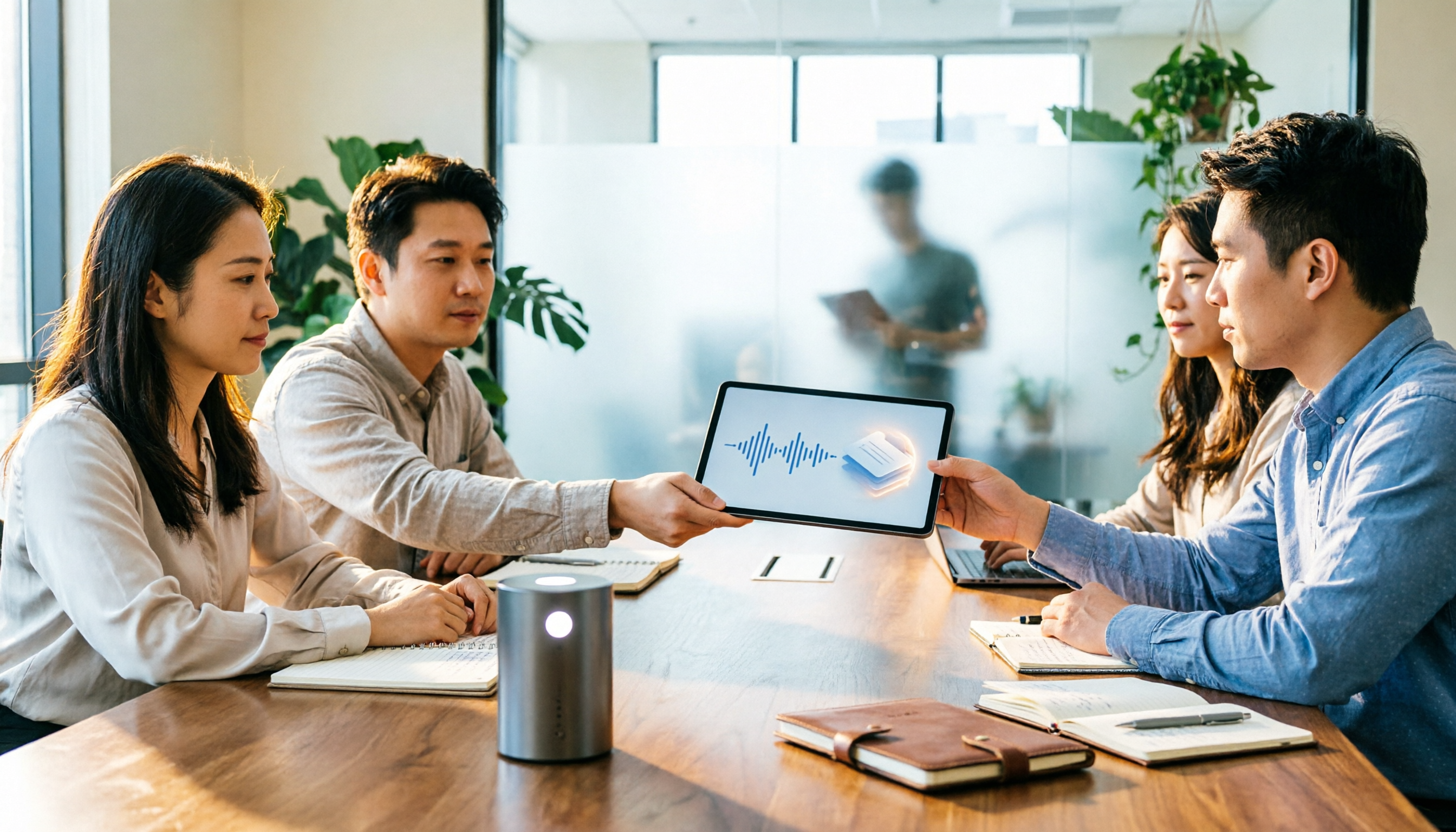
Tinrec vs Notion AI Meeting Notes in 2026: 5-Dimension Comparison — Which Should Chinese-Speaking Teams Choose?
The real problem with meeting notes tools isn't whether they can record — it's where the data lives afterward and who can take over. This article compares Tinrec and Notion AI Meeting Notes across 5 dimensions: audio capture, recording retention, post-meeting outputs, team governance, and data residency — so you can justify your choice in a procurement meeting.
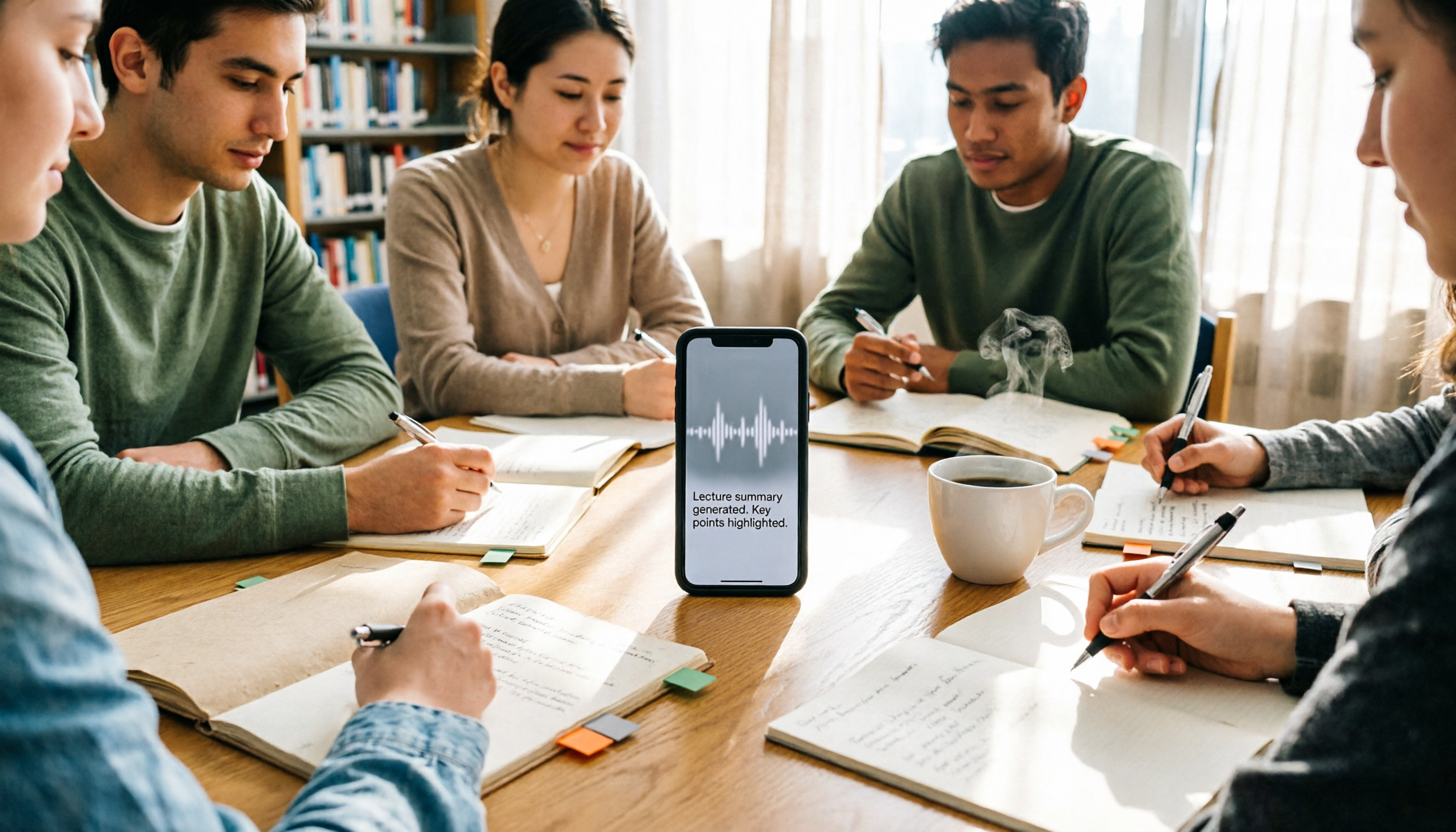
2026 iPhone Recording 'Replace' Feature Buying Guide: 2 Real-World Tests and Recommendations
Before you hit 'Replace' in Voice Memos, figure out whether you want to 'fix a section of a recording' or 'avoid re-listening after recording.' This guide starts from real student scenarios and compares iPhone's built-in Voice Memos with Tinrec across five dimensions: replace editing, finding key points, post-class output, online class recording, and group project data ownership. It also honestly explains what the free quota and team plan pricing mean for students.