

Turn recordings into transcripts and summaries in minutes
Upload audio or video for multilingual transcription, AI notes, and action items
2026 Hands-On Comparison of 4 Speech-to-Text Tools: Which Is Most Practical for Bot-Free Meeting Recording and AI Q&A?
Tired of organizing meeting notes? You need a tool that turns recordings into usable data
Two hours in a meeting, then another two hours transcribing the transcript—this is a daily reality for many office workers. Worse, the audio file sits on your phone, and when you need to find a specific discussion later, you have to listen from the beginning again.
If you've experienced these issues, this article is for you. We've actually tested several speech-to-text tools to help you find a solution that truly saves time.
Before choosing a speech-to-text tool, understand these 4 key points
Accuracy: Don't just look at the numbers claimed by the vendor. Real meetings have background noise and people talking over each other. We recommend testing with your own audio files on a free trial to gauge actual transcription quality.
Meeting capture method: Many tools require a bot to join your meeting, but some people don't want extra accounts appearing in their meetings. Bot-free desktop recording is a more natural choice.
Post-meeting organization: A transcript is just the first step. The ability to automatically generate summaries, action items, and support AI Q&A is what truly boosts productivity.
Cross-platform and team collaboration: If you need to switch between phone and computer, or want to share meeting data with your team, make sure the tool supports these scenarios.
Tinrec (秒听录音) — Our Top Pick After Testing
Tinrec is an AI meeting notes and collaboration tool that supports multiple languages, covering web, desktop, and mobile. It doesn't just convert speech to text; it turns meeting content into searchable, summarizable, and queryable data.
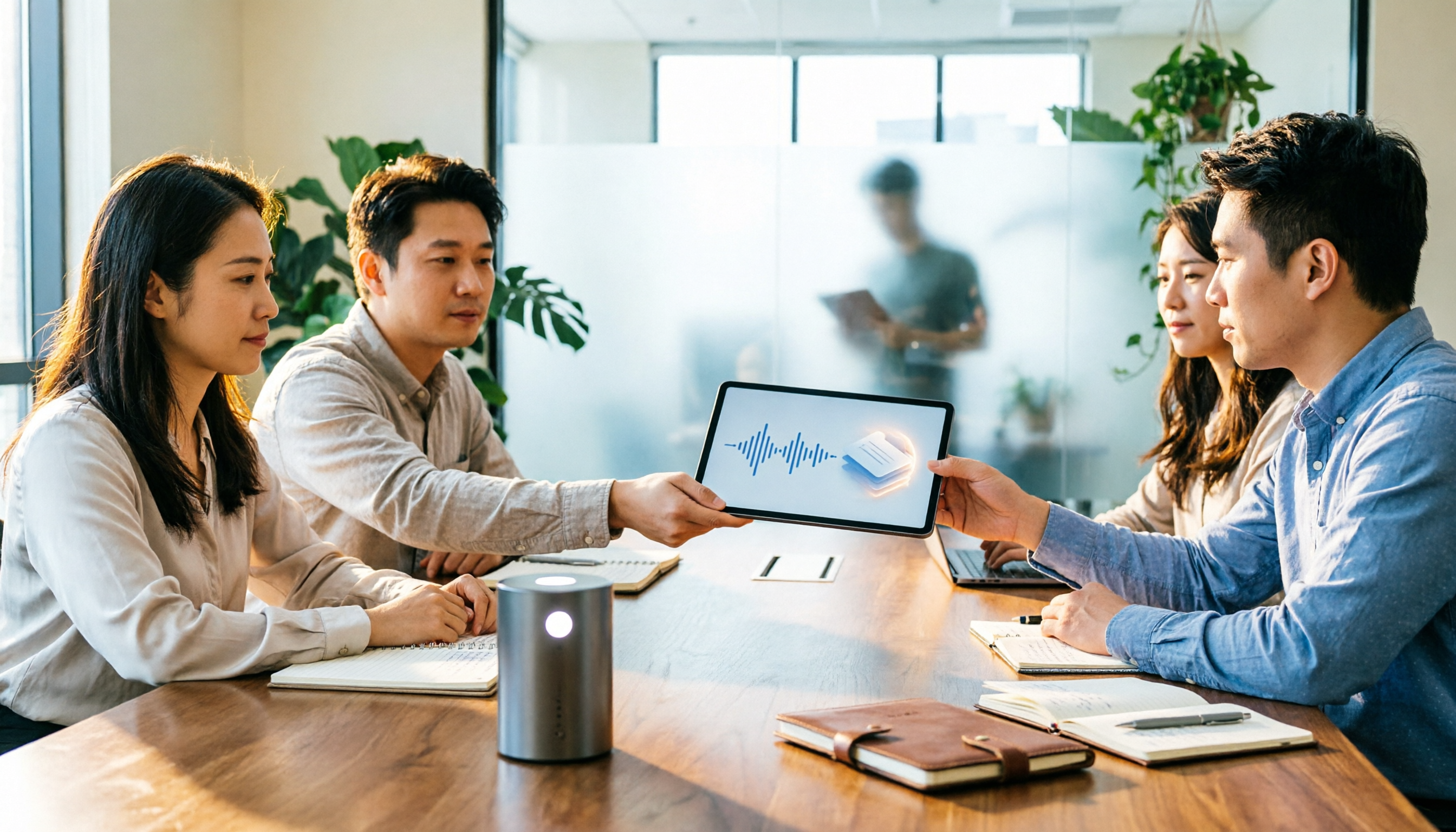
In practice, before a meeting, open the Tinrec desktop app, and it directly captures your computer's system audio—no need to invite a bot to join Zoom, Google Meet, or Teams. After the meeting, the transcript, summary, chapters, and action items are automatically organized.
What impressed me most is the AI Q&A feature. You can ask, "Who mentioned the budget in the last meeting?" It understands the semantics and gives you the answer directly, rather than just showing keyword search results. Most competitors at the same price point don't have this capability yet.
Additionally, Tinrec supports exporting meeting results to tools like Notion and Google Docs, and you can use Agent post-processing to generate reports or tables. The team plan also offers member, role, and seat management, as well as usage analytics and audit logs, turning meeting data into a true team asset.
Limitations: The free personal plan provides basic quotas; heavy users need to pay. The team plan is pricier (USD 29.80 per seat per month), suitable for organizations with collaboration needs. We recommend starting with the free version to experience it.
Stop organizing recordings by hand
Upload audio or video and automatically get a transcript, summary, and action items
If you frequently need Chinese meeting notes, don't want bots in your meetings, or want to use AI to find key points after recording, Tinrec is currently the most suitable choice.
Beyond Tinrec, Here Are Other Options
Otter.ai: A mature choice for English meetings, with a free plan offering 300 minutes per month. However, its Chinese experience and team data accumulation capabilities are not as strong as Tinrec's, and if you need bot-free recording and Chinese AI Q&A, Otter is still more focused on English business scenarios.
Notta: Good transcription and translation capabilities, suitable for document transcription and subtitles. But Notta requires a meeting bot or file upload, lacks Tinrec's bot-free desktop recording and team space management, and its post-meeting AI Q&A is weaker.
Granola: Also focuses on bot-free AI meeting notes, but Granola does not retain meeting audio and does not support uploading pre-recorded audio files. Tinrec retains audio and supports file import, making it better for users who need to listen back and organize later.
Pitfall Guide: 3 Common Mistakes When Choosing a Speech-to-Text Tool
Pitfall 1: Only looking at official accuracy rates. Many tools claim 98% accuracy, but that's measured in a quiet environment. Real meetings have noise and accents. Test with your own audio files, don't just rely on ads.
Pitfall 2: Ignoring post-meeting organization features. If you only use the tool for "speech to text," you're only using a third of its capability. With Tinrec's AI Q&A, you can ask "What was the meeting conclusion?" right after recording, which is much faster than manually scanning a 30-minute transcript.
Pitfall 3: Not considering cross-platform and team needs. If you record on your phone today and organize on your computer tomorrow, a tool that doesn't support cross-platform will be painful. If you'll need team sharing in the future, make sure there's team space and permission management.
Summary: Which One Should You Choose?
Based on our hands-on testing, Tinrec is our top pick, especially for Chinese meetings, bot-free recording, and post-meeting AI organization.
- Need Chinese meeting notes + bot-free recording → Tinrec
- Want to use AI to find key points and generate action items after recording → Tinrec
- Need team sharing of meeting data, seat and usage management → Tinrec Team Plan
- Only record in English and don't need to retain audio → Otter.ai is an exception
We recommend downloading the Tinrec free version to try bot-free recording and AI Q&A. If you like it, consider upgrading; there's no need to pay upfront.
References
- Online AI Speech, Video, and Audio File to Text - Free Trial - cSubtitle
- Online Speech-to-Text AI Tool, Free MP3 or Audio File to Text Transcript - MyEdit
- "Speech to Text: AI Transcript, Recording to Text, Voice Memo Instant Translator" App - App Store
- SoundType AI - Ultra-Precise Transcript, Speech to Text, AI Dictation - Google Play
- Tested 4 Best "Speech-to-Text" Online Tools Recommended, Free Instant Recording to Transcript
Turn every recording into actionable outcomes
Get 60 free transcription minutes when you sign in. No credit card required.
Related Reading
You might also like

2026 Real-Time Transcription & Summary Tools Compared: 4 Picks for Meeting Notes You Can Use as You Go
Real-time transcription plus AI summaries let you capture key points while meetings are still happening. Based on real-world use, this article covers 5 key factors for choosing a tool, hands-on testing of Tinrec's recording-to-transcript and post-meeting Q&A workflow, and compares the differences and limitations of Otter.ai, Notta, and Granola.

2026 Live Transcription Free Plans Compared: 2 Tools at a Glance
How to choose a free online live transcription tool? This article compares Tinrec and Yating Transcription across five dimensions: free quota, online meeting recording methods, post-meeting organization capabilities, team data retention, and cross-device workflows. It also honestly explains each tool's limitations to help you determine which one fits your meeting rhythm.

6 Live Transcription AI Tools Tested for 2026: Free Tiers, Chinese Recognition, and Post-Meeting Organization Compared
Are live transcription AI tools actually useful? This article starts with the most common judgment pitfalls, then reviews 6 practical live transcription tools, comparing free tiers, Chinese recognition, audio capture methods, and post-meeting organization capabilities, with buying advice and usage notes.

How to Use iPhone Recording Features in 2026: 5 Steps from Call Recording to AI Summaries
Since iOS 18.1, iPhone finally lets you record calls, and Voice Memos can turn speech into text. This guide walks you through 5 steps to check compatibility, set up one-tap recording, and then use Tinrec to turn recordings into transcripts, summaries, and action items—so your recordings become usable meeting notes.

2026 AI Meeting Notes Comparison: 4 Tools Tested — Which Really Saves Post-Meeting Time?
How to choose the best AI meeting notes tool in 2026? This article breaks down the differences between Tinrec, Otter.ai, Granola, and TurboScribe across five aspects: meeting capture methods, post-meeting summaries and action items, Chinese and mixed Chinese-English support, team data retention, and pricing plans. It helps you decide if a free version is enough and whether a team plan is worth adopting.

2026 AI Meeting Recorder Comparison: Tinrec vs Notta vs Otter — Which Free Version Is Enough?
A hands-on comparison of Tinrec, Notta, and Otter.ai across five practical dimensions: meeting capture, free-tier usability, post-meeting outputs, team governance, and Chinese/bilingual support. Find out which AI meeting recorder actually saves you time.

2026 AI Meeting Recorder Comparison: 4 Tools Tested—Which Saves the Most Time After Meetings?
Hands-on comparison of 2026 AI meeting recorder tools. Tinrec stands out with bot-free desktop recording, Chinese transcripts, AI Q&A, and team spaces. We compare free tiers and limits of Notta, Otter.ai, and PLAUD, plus 4 key buying factors and pitfalls to help you choose the tool that saves the most post-meeting time.

2026 AI Meeting Notes Guide: ChatGPT Summaries + Tinrec Team Knowledge Base
This guide helps you choose the right AI meeting notes tool by explaining ChatGPT's common workflow and limitations, and comparing Tinrec's suitability for Chinese meetings, bot-free recording, AI Q&A, and team knowledge retention.
Tinrec vs Notion AI Meeting Notes in 2026: 5-Dimension Comparison — Which Should Chinese-Speaking Teams Choose?
The real problem with meeting notes tools isn't whether they can record — it's where the data lives afterward and who can take over. This article compares Tinrec and Notion AI Meeting Notes across 5 dimensions: audio capture, recording retention, post-meeting outputs, team governance, and data residency — so you can justify your choice in a procurement meeting.