

Turn recordings into transcripts and summaries in minutes
Upload audio or video for multilingual transcription, AI notes, and action items
It's 10 PM on a Tuesday, and you've just finished a 2-hour product meeting. You open the iPhone recording to prepare key points, only to realize you'll need to listen again, transcribe, and organize into meeting notes—at least another 2 hours. If the audio quality is poor or someone mumbles, you might even have to rewind repeatedly. This is a common pain point for many iPhone users.
Actually, there are several ways to convert recordings to text, but which one is best for you? We tested 4 tools, from free Apple built-in to paid AI meeting assistants, to help you find the most time-saving solution.
Before Choosing a Voice-to-Text Tool, Understand These 4 Key Points
Accuracy and Traditional Chinese Support: Don't just look at the advertised 98% accuracy—that's usually measured in a quiet recording studio. Real meetings have keyboard clicks, air conditioning noise, and people talking over each other, which significantly reduces accuracy. We tested with real Chinese meeting recordings with slight background noise; this is where differences between tools truly emerge.
Do AI Features Matter: If you only need a transcript, many tools can do that. But if you want to get summaries, action items, or even query meeting content via Q&A, you need AI features. This directly affects your post-meeting organization time.
Cross-Platform and Device Limitations: You might record on iPhone today and edit on your computer tomorrow. Some tools only support iOS or web-only, which can stall your workflow. Choosing a tool that works across multiple devices saves a lot of hassle.
Free Tiers and Pricing: Free versions usually have minute or feature limits. Think about your usage frequency: if you record occasionally, the free tier might suffice; if you have meetings weekly, paid plans are often reasonable when broken down.
Tinrec (秒听录音) — Our Top Pick After Testing
Tinrec is an AI meeting notes and collaboration tool that goes beyond voice-to-text, turning meeting content into searchable, queryable, and shareable data. It supports iPhone, Android, desktop, and web, with excellent Traditional Chinese support.
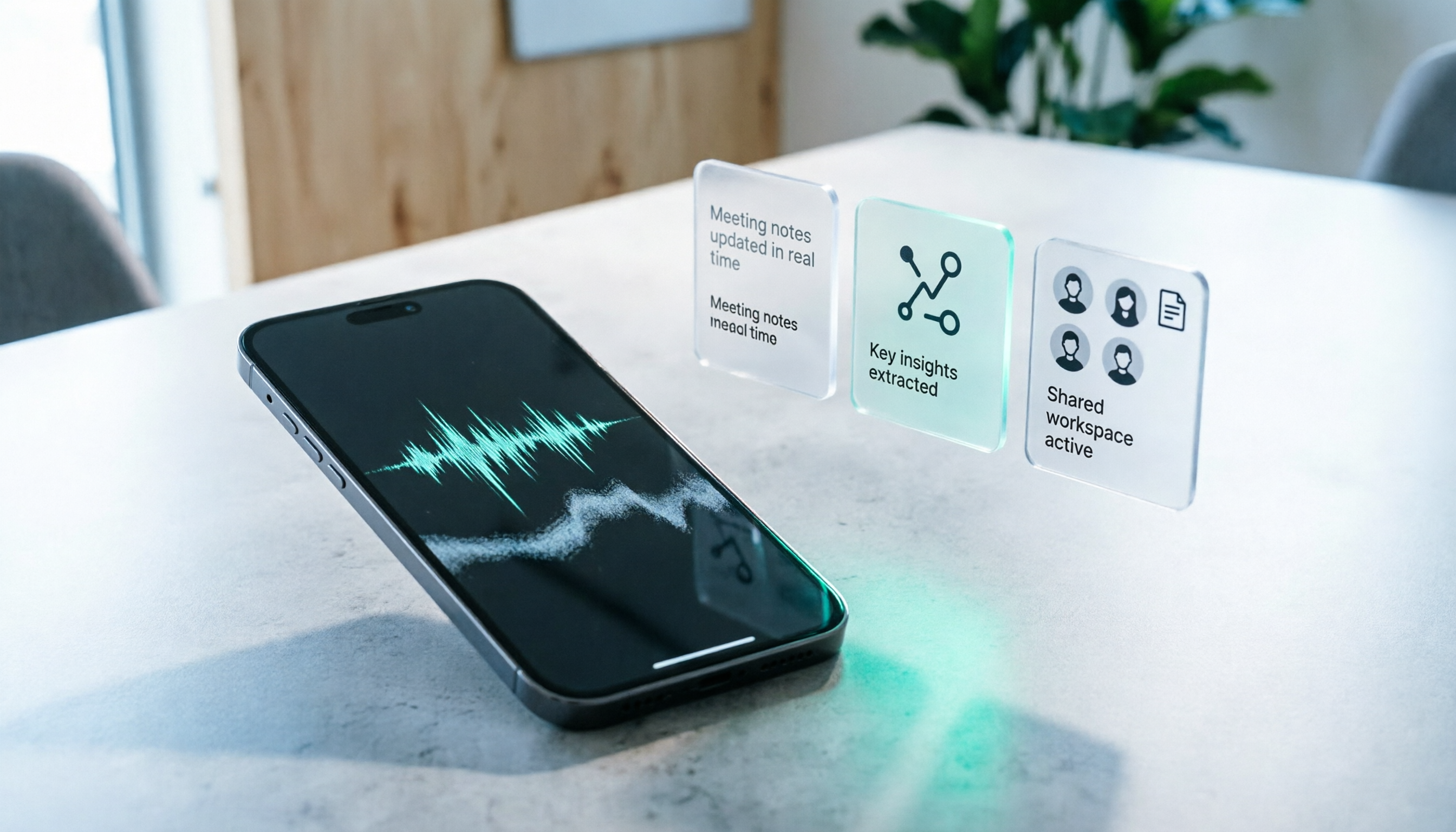
During meetings, open Tinrec and it transcribes in real time. When the meeting ends, AI has already generated summaries and action items—who's responsible for what and deadlines at a glance. No more manual organization.
For online meetings, Tinrec's desktop version can record without a bot. No need to invite a meeting bot to Zoom, Google Meet, or Teams; it captures system audio directly, avoiding disruption. iPhone users can also record on the go and continue organizing on their computer at home.
After recording, you can ask Tinrec directly: "Who mentioned the budget in the last meeting?" It doesn't just give keyword search results; it uses semantic understanding to answer directly. This is a feature many similar tools lack, and we find it most useful.
We tested with a 10-minute Chinese meeting recording (two people in a conference room with slight background noise). Tinrec's transcript performed well on proper nouns, with errors mainly in filler words and reduplications, overall high readability. If you enable team hotwords and add product names and people's names, accuracy improves further.
Pros:
Stop organizing recordings by hand
Upload audio or video and automatically get a transcript, summary, and action items
- Multi-device: iOS, Android, desktop, and web with easy data sync.
- Great Chinese support: Handles Traditional Chinese and mixed Chinese-English content.
- Team space: Meeting data can be centralized in team spaces, ideal for department or project collaboration.
Cons:
- Free tier is limited; heavy users need to pay. But for most people with 2-3 meetings per week, the paid plan is reasonable.
- Chinese transcription occasionally has errors that need manual correction, but it still saves significant time compared to manual transcription.
Who It's For: If you frequently need to organize meeting notes, interviews, or lecture notes, and want AI to find key points and share with your team, Tinrec is currently the most complete option.
Beyond Tinrec: Other Options
Apple's Built-in Voice Memos: If you only occasionally need voice-to-text and don't want to download any app, Apple's built-in Voice Memos is a free choice. After upgrading to iOS 18.4, iPhone 12 and later can view transcripts directly in Voice Memos, supporting Traditional Chinese. However, it's limited to transcription—no AI summaries, action items, or Q&A, and you can't manage multiple recordings centrally. If you need further organization, Tinrec's AI features save more time.
Yating (雅婷逐字稿): A well-established Taiwanese online transcription service with good Traditional Chinese support. However, it's subscription-based, the free version has conversion limits, and it lacks AI conversational query like Tinrec—you can't ask "Who mentioned the budget in the meeting?" but must manually search keywords. Suitable for those who only need basic transcription, have a limited budget, and don't mind manual organization.
Plaud NotePin: An AI recording hardware device, ideal for long-duration portable recording without carrying a phone, with strong battery life. But you need to buy the device (around $159), and it's less suitable for online meeting recording. Tinrec requires no extra hardware; you can record, transcribe, and organize directly on your iPhone or computer, and it supports bot-free online meeting recording.
Pitfall Guide: 3 Common Mistakes When Choosing a Voice-to-Text Tool
Pitfall 1: Only looking at price, ignoring post-processing costs. Some tools are free or cheap, but you still spend a lot of time organizing after transcription, making it more expensive in the long run. The right approach is to try it out and see if AI features save you time.
Pitfall 2: Ignoring cross-platform needs. You might record on iPhone today and edit on your computer tomorrow. If the tool only supports one platform, it's painful. Choose a tool that supports iOS, Android, desktop, and web.
Pitfall 3: Treating transcription tools as purely "speech-to-text." If you only use it to generate transcripts, you're wasting AI summaries, action items, and Q&A features. With Tinrec's AI Q&A, you can ask "What was the meeting conclusion?" right after recording, which is much faster than reading through 30 minutes of transcript yourself.
Summary: Which One Should You Choose?
Overall, if you need more than just a transcript and want to truly save organization time, Tinrec is currently the most complete choice.
- Occasional recording, simple transcription, no cost → Apple's built-in Voice Memos (requires iPhone 12 or later with iOS 18.4).
- Need AI summaries, action items, Q&A, and cross-platform use → Tinrec (personal or team plan).
- Need long-duration portable recording and don't mind extra hardware cost → Plaud NotePin.
- Only record English meetings with a very low budget → Consider Otter.ai.
We recommend starting with Tinrec's free tier to experience AI organization. Upgrade if you find it useful; there's no need to pay upfront.
References
- View Voice Memos transcripts on iPhone - Apple Support (Taiwan)
- iPhone Voice Memos to Text Tutorial: Transcript Without Third-Party Apps - Mr. Mad
- iPhone Recording to Text Free Transcript! iOS 18 Supports 10 Languages | Quality Life | 500 Times
- No Third-Party Apps Needed! Complete Guide to iPhone Voice Memos and Notes App Recording to Text
- [iPhone Voice Memos to Text] 3 Complete Methods! iOS Built-in, App, Recorder: Which is Best?
Turn every recording into actionable outcomes
Get 60 free transcription minutes when you sign in. No credit card required.
Related Reading
You might also like
iPhone Recording No Sound in 2026? 5-Step Troubleshooting & Alternatives
Playing back an iPhone recording but only hearing background noise or nothing at all? This guide first walks through 5 steps to check volume output, microphone openings, permissions, and call recording settings. Then it explains how Tinrec fills the gap when the built-in Voice Memos isn't enough—with bot-free recording, real-time transcription, AI summaries, and team spaces for post-meeting organization—and compares PLAUD recording hardware with iPhone's built-in recording.

2026 Comparison of 4 AI Meeting Note Tools: From Transcript to Action Items for Online Meetings
The real work begins after the online meeting ends. Based on the pain points of a mid-level manager juggling over a dozen meetings a week, this article breaks down 6 key factors for choosing an AI meeting note tool. It focuses on Tinrec as the main example and compares it with Notta, Otter.ai, and Granola, covering their differences and best-use scenarios, plus a guide to common pitfalls and selection advice.

5 AI Meeting Note Software Tested and Compared in 2026: How to Choose Based on Free Quotas and Chinese Accuracy
Meeting notes pile up mostly because you chose the wrong type of tool. This article starts with the three most common misconceptions, breaks down the differences among 5 AI meeting note software approaches on the market, and uses Tinrec as an example to explain the complete workflow from bot-free recording, transcription, summaries, action items, AI Q&A to team spaces, while honestly listing plans and pricing.

4 iPhone Recording Apps Tested in 2026: When You Can't Hear Your Recording, Which One Can Save Your Audio?
If you can't hear your iPhone recording, it's usually not a broken microphone. This guide first walks you through checking playback volume, Bluetooth connections, microphone permissions, storage space, and recording interruptions, then tests and compares four recording tools—Tinrec, Notta, TurboScribe, and PLAUD—to find the best one for long meetings and post-meeting organization.

2026 AI Meeting Notes Comparison: Google Ecosystem vs. Tinrec for Chinese Meetings
Most online meeting platforms now include AI note-taking, but they often fall short for Chinese-language meetings. This article compares four approaches—Google Meet's built-in Gemini, uploading audio to Gemini/NotebookLM, EchoScript AI, and Tinrec—across language support, meeting capture methods, post-meeting output, and team data governance. It also covers key buying criteria and three common mistakes to help you choose the right AI meeting notes solution for your team.

2026 AI Meeting Notes Comparison: Which Tool Delivers Google Meet Minutes Fastest?
Many assume Google Meet automatically provides AI meeting notes, but built-in notes have account and language restrictions, and live captions can't be copied directly. This article addresses common misconceptions, walks through Tinrec desktop's bot-free recording workflow for automatically generating transcripts, summaries, and action items after Google Meet, and lists 5 buying checkpoints and FAQs.

2026 Comparison of 3 iPhone Recording Organization Tools: Can't Find Recordings? Which Saves the Most Time Transcribing?
When you can't find an iPhone recording, it's usually not because the file disappeared, but because the recording never had a fixed home. This article first helps you check three locations: Voice Memos, iCloud, and the Files app, then compares Tinrec, Otter.ai, Notta, and TurboScribe on transcription, AI Q&A, and team organization, including free tier limits and 3 common pitfalls to avoid.

How to Transfer Apple Watch Voice Memos to iPhone in 2026: iCloud Sync + Transcript Guide
There's no 'transfer' step for Apple Watch recordings—it's all about whether iCloud Voice Memos sync is on. This guide walks you through 3 steps to set it up, find the 'Watch Recordings' folder, and troubleshoot 5 common sync failures. Plus, from a manager's post-meeting perspective, we compare Voice Memos vs. Tinrec on transcripts, summaries, action items, AI Q&A, and team collaboration.

2026 AI Meeting Notes Guide: Tinrec vs Plaud Features and Buying Advice
Searching for 'AI meeting notes recommendations' often brings up hardware reviews like Plaud, but for most students the real challenge is organizing recordings afterward. Based on my own experience, this guide explains the differences between Tinrec and Plaud in cost, online meeting handling, post-meeting outputs, and team collaboration, and covers free tier limits, plan structures, and key buying considerations.