
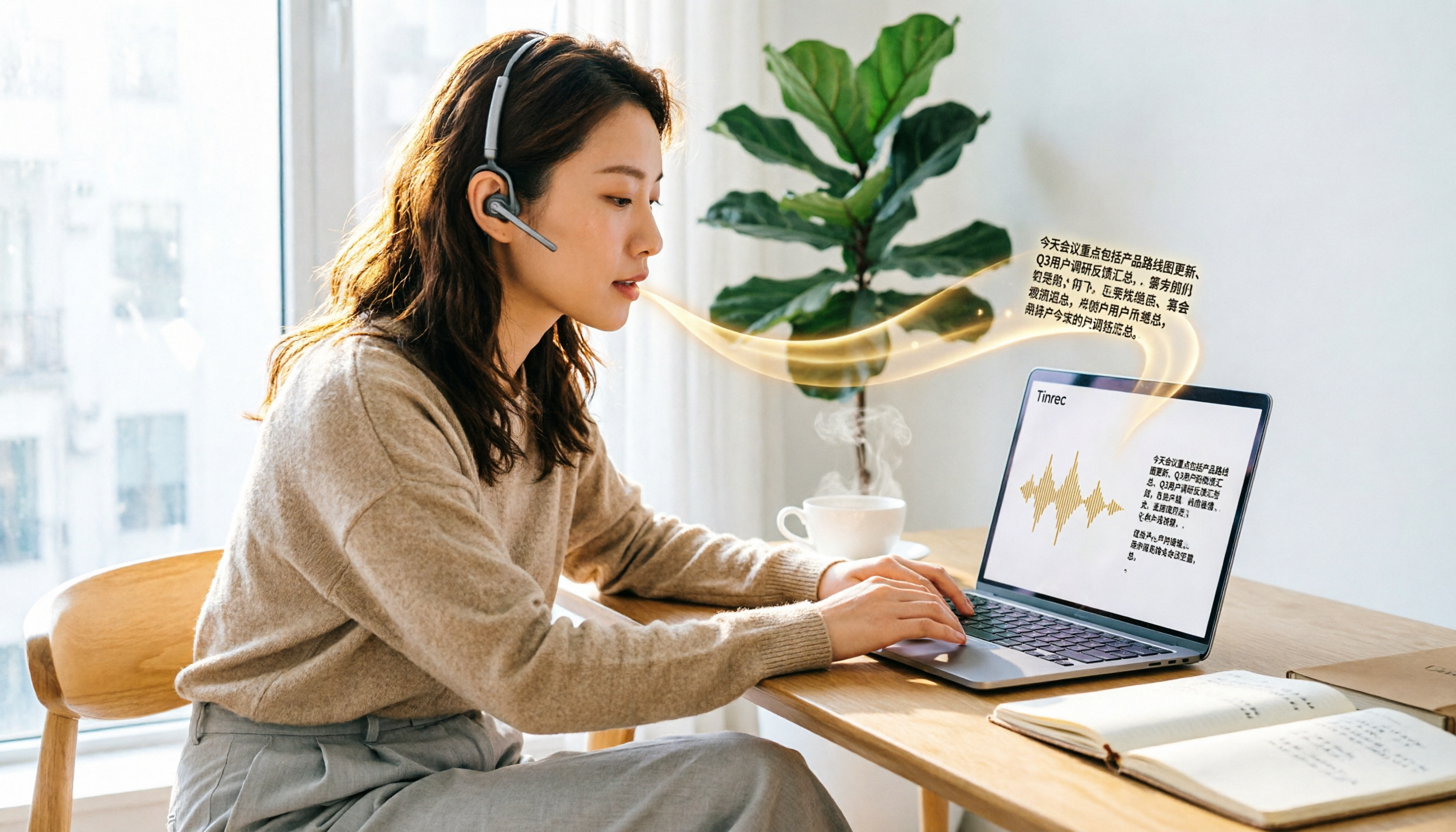
Turn recordings into transcripts and summaries in minutes
Upload audio or video for multilingual transcription, AI notes, and action items
After every meeting, the audio file sits there, and turning it into a transcript takes hours of repeated playback. You want to find a free speech-to-text tool, but you discover that either there are too many restrictions or the output is riddled with errors. This article directly compiles the 5 free solutions still worth using in 2026 and explains why Tinrec is our top pick.
Why You Should Be Cautious About "Completely Free" Speech-to-Text Tools
Let's start with the conclusion: free isn't necessarily bad, but you need to figure out how the vendor makes money. Many free tools are actually "trial versions" that limit recording length per session, total minutes per month, or only offer transcription without summary, export, or editing features, which require payment. If you only use it occasionally, these limitations are acceptable; but if you have meetings or classes to transcribe every week, instead of constantly switching between free tools, it's better to find one with sufficient free quota and reasonable paid upgrades. Tinrec is exactly that, and we'll break it down below.
What Makes Tinrec Different from Other Free Tools?
Language Support
Most free tools only support Chinese and English, and they often make mistakes with technical terms or mixed-language meetings. Tinrec supports multiple languages, and even the personal plan includes team hotwords, allowing you to preset your commonly used proper nouns for noticeably improved transcription accuracy.
Feature Depth
Typical free tools stop at transcription, leaving you to organize the key points yourself. Tinrec doesn't just provide a transcript; it automatically generates summaries, chapters, and action items, and even lets you ask AI questions like "What was the meeting's conclusion?" or "Who is responsible for what?"—for those with weekly meetings, the time saved is substantial.
Cross-Platform and Meeting Support
Many free tools only allow file uploads and can't handle live meetings. Tinrec offers web, desktop, and mobile apps, and the desktop version can record Zoom, Google Meet, and Microsoft Teams meetings without a bot, so you don't have to invite a bot into the meeting—ideal for situations where you don't want to disturb clients.
Team Collaboration Potential
Most free tools serve individuals only. Although Tinrec's free version is for personal use, its architecture allows seamless upgrades to a team plan, turning meeting data into a searchable knowledge base for your team. If you anticipate team needs, choosing Tinrec means you won't have to switch tools later.
Tinrec's Core Features at a Glance
Real-Time Transcription: Open Tinrec, and text appears as you record, with less than 1 second of delay. During meetings, you can watch the text in real time to ensure nothing is missed, and the transcript is complete the moment the meeting ends.
Bot-Free Online Meeting Recording: The desktop version captures your computer's system audio directly, so no additional bot needs to join the meeting. Just open Tinrec before the meeting starts, and it will automatically record and transcribe the content, suitable for platforms like Zoom and Teams.
AI Summaries and Action Item Extraction: After transcription, Tinrec automatically organizes meeting summaries, chapters, and key points, and extracts action items from the discussion. You no longer have to manually flip through 30 pages of transcript to find "What was the conclusion?" or "Who needs to do what?"
AI Q&A: This is my personal favorite feature. After recording a one-hour meeting, just ask Tinrec—"What were the client's main complaints?" or "What did we agree to?"—and it will give you answers based on semantic understanding.
Multi-Format Export: Supports exporting to plain text, Word, PDF, and other formats, and can sync to Notion, Google Docs, or OneNote with one click, seamlessly integrating meeting results into your existing workflow.
Practical Use Cases
Meeting Notes: For weekly department meetings, use the Tinrec desktop version to record online meetings, see the transcript in real time, and ask AI for conclusions and action items afterward. Compared to traditional methods, you save at least 80% of the time spent on organizing.
Stop organizing recordings by hand
Upload audio or video and automatically get a transcript, summary, and action items
Class Notes: When in class or attending a lecture, open Tinrec for real-time recording, and by the time class ends, the transcript and summary are ready. You can use AI Q&A to review key points or export the content to your note-taking app.
Interview Transcription: For journalists or researchers conducting interviews, Tinrec transcribes while recording, so you get the transcript and key summary immediately after the interview. AI Q&A can also help you find key quotes from interviewees without replaying the entire recording.
Personal Idea Capture: Jot down thoughts on the fly, and Tinrec automatically transcribes and adds chapters. Later, when you want to find a specific idea, just ask AI, "What was that marketing idea I mentioned last time?"
Key Points to Consider When Choosing a Speech-to-Text Tool
Is the Free Quota Sufficient?: First, estimate your monthly recording hours, then choose a free plan. Tinrec's free version offers a basic quota suitable for light use; if your needs are higher, consider the Pro monthly or annual plan.
Transcription Accuracy and Language Support: If your content includes mixed Chinese-English or technical terms, choose a tool with better Chinese optimization. Tinrec supports multiple languages, and team hotwords allow you to customize a terminology library, making it more reliable in professional scenarios.
Post-Transcription Features: Don't just look at transcription; consider summary, action items, and Q&A features. Tinrec is one of the few free tools with a complete set of these features.
Cross-Platform and Meeting Support: If you frequently have online meetings, look for a tool that can record meetings without a bot. Tinrec's desktop version is designed for this, so you don't need to invite a bot and cause disruption.
Export and Integration: Ensure the transcription can be exported to the tools you commonly use. Tinrec supports multiple formats and third-party integrations, offering more flexibility for downstream use.
Quick Overview of Other Free Options
Besides Tinrec, the following 4 free tools can also serve as backups, but each has notable limitations.
MyEdit: An online tool from CyberLink, offering free daily points upon login, supporting transcription in 9 languages including Chinese, English, and Japanese, with online editing and timestamping after transcription. Suitable for occasional transcription needs, but daily points are limited and may run out for heavy use.
NotebookLM: Google's free AI note assistant. After importing audio, it can generate summaries and even turn content into mind maps or presentation videos. However, it's more geared toward "quickly grasping key points" rather than producing full transcripts.
cSubtitle: Focuses on no-account uploads, supporting files up to 4GB or 5 hours, and outputs text files with timestamps and subtitle files. Suitable for those who occasionally handle long recordings and prefer not to register.
Monica: Offers 30 minutes of free audio-to-text transcription, after which you need to pay. The interface is simple and supports multiple languages, but the free quota is very limited, enough for only a short meeting.
| Tool | Free Quota | Languages Supported | Key Features | Best For | Rating |
|---|---|---|---|---|---|
| Tinrec | Basic quota | Multiple languages | AI summaries, Q&A, action items, bot-free recording | Those with weekly meetings needing post-processing | 9.0/10 |
| MyEdit | Daily points | 9 languages incl. Chinese, English, Japanese | Online editing, timestamps | Occasional transcription | 7.5/10 |
| NotebookLM | Free (Google account) | Multiple languages | Mind maps, presentation videos | Quickly grasping content key points | 8.0/10 |
| cSubtitle | Free (no account) | Primarily Chinese | No registration, long files | Occasional long recordings | 7.0/10 |
| Monica | 30 minutes | Multiple languages | Real-time transcription | Very light use | 6.5/10 |
Summary: How to Choose a Free Solution?
If you only need to transcribe a recording occasionally, MyEdit or cSubtitle are sufficient, and you don't need to spend much time comparing. But if you have meetings or classes to organize every week and want to quickly find key points and track action items after transcription, Tinrec is currently the most complete choice among free options. Its AI summaries, Q&A, and action item extraction make "speech-to-text" more than just transcription—it directly turns content into usable data. We recommend starting with Tinrec's free version, testing it with your own recordings to confirm transcription quality and features meet your needs, and then deciding whether to upgrade.
References
- Tested 4 Best "Speech-to-Text" Online Tools Recommended, Free Instant Transcription of Audio Files
- Unlimited Time! 3 Free AI Transcript Tools, Highly Recommended! AI Voice Notes for Meeting Minutes, Presentations, Mind Maps | 104 Career Force
- Audio to Text - Free Speech-to-Text Tool
- Online AI Speech-to-Text Tool, Free MP3 or Recording to Text Transcript - MyEdit
- Online AI Speech, Video, Recording Auto-Transcription - Free Trial - cSubtitle
Turn every recording into actionable outcomes
Get 60 free transcription minutes when you sign in. No credit card required.
Related Reading
You might also like
iPhone Recording No Sound in 2026? 5-Step Troubleshooting & Alternatives
Playing back an iPhone recording but only hearing background noise or nothing at all? This guide first walks through 5 steps to check volume output, microphone openings, permissions, and call recording settings. Then it explains how Tinrec fills the gap when the built-in Voice Memos isn't enough—with bot-free recording, real-time transcription, AI summaries, and team spaces for post-meeting organization—and compares PLAUD recording hardware with iPhone's built-in recording.

2026 Comparison of 4 AI Meeting Note Tools: From Transcript to Action Items for Online Meetings
The real work begins after the online meeting ends. Based on the pain points of a mid-level manager juggling over a dozen meetings a week, this article breaks down 6 key factors for choosing an AI meeting note tool. It focuses on Tinrec as the main example and compares it with Notta, Otter.ai, and Granola, covering their differences and best-use scenarios, plus a guide to common pitfalls and selection advice.

5 AI Meeting Note Software Tested and Compared in 2026: How to Choose Based on Free Quotas and Chinese Accuracy
Meeting notes pile up mostly because you chose the wrong type of tool. This article starts with the three most common misconceptions, breaks down the differences among 5 AI meeting note software approaches on the market, and uses Tinrec as an example to explain the complete workflow from bot-free recording, transcription, summaries, action items, AI Q&A to team spaces, while honestly listing plans and pricing.

4 iPhone Recording Apps Tested in 2026: When You Can't Hear Your Recording, Which One Can Save Your Audio?
If you can't hear your iPhone recording, it's usually not a broken microphone. This guide first walks you through checking playback volume, Bluetooth connections, microphone permissions, storage space, and recording interruptions, then tests and compares four recording tools—Tinrec, Notta, TurboScribe, and PLAUD—to find the best one for long meetings and post-meeting organization.

2026 AI Meeting Notes Comparison: Google Ecosystem vs. Tinrec for Chinese Meetings
Most online meeting platforms now include AI note-taking, but they often fall short for Chinese-language meetings. This article compares four approaches—Google Meet's built-in Gemini, uploading audio to Gemini/NotebookLM, EchoScript AI, and Tinrec—across language support, meeting capture methods, post-meeting output, and team data governance. It also covers key buying criteria and three common mistakes to help you choose the right AI meeting notes solution for your team.

2026 AI Meeting Notes Comparison: Which Tool Delivers Google Meet Minutes Fastest?
Many assume Google Meet automatically provides AI meeting notes, but built-in notes have account and language restrictions, and live captions can't be copied directly. This article addresses common misconceptions, walks through Tinrec desktop's bot-free recording workflow for automatically generating transcripts, summaries, and action items after Google Meet, and lists 5 buying checkpoints and FAQs.

2026 Comparison of 3 iPhone Recording Organization Tools: Can't Find Recordings? Which Saves the Most Time Transcribing?
When you can't find an iPhone recording, it's usually not because the file disappeared, but because the recording never had a fixed home. This article first helps you check three locations: Voice Memos, iCloud, and the Files app, then compares Tinrec, Otter.ai, Notta, and TurboScribe on transcription, AI Q&A, and team organization, including free tier limits and 3 common pitfalls to avoid.

How to Transfer Apple Watch Voice Memos to iPhone in 2026: iCloud Sync + Transcript Guide
There's no 'transfer' step for Apple Watch recordings—it's all about whether iCloud Voice Memos sync is on. This guide walks you through 3 steps to set it up, find the 'Watch Recordings' folder, and troubleshoot 5 common sync failures. Plus, from a manager's post-meeting perspective, we compare Voice Memos vs. Tinrec on transcripts, summaries, action items, AI Q&A, and team collaboration.

2026 AI Meeting Notes Guide: Tinrec vs Plaud Features and Buying Advice
Searching for 'AI meeting notes recommendations' often brings up hardware reviews like Plaud, but for most students the real challenge is organizing recordings afterward. Based on my own experience, this guide explains the differences between Tinrec and Plaud in cost, online meeting handling, post-meeting outputs, and team collaboration, and covers free tier limits, plan structures, and key buying considerations.