
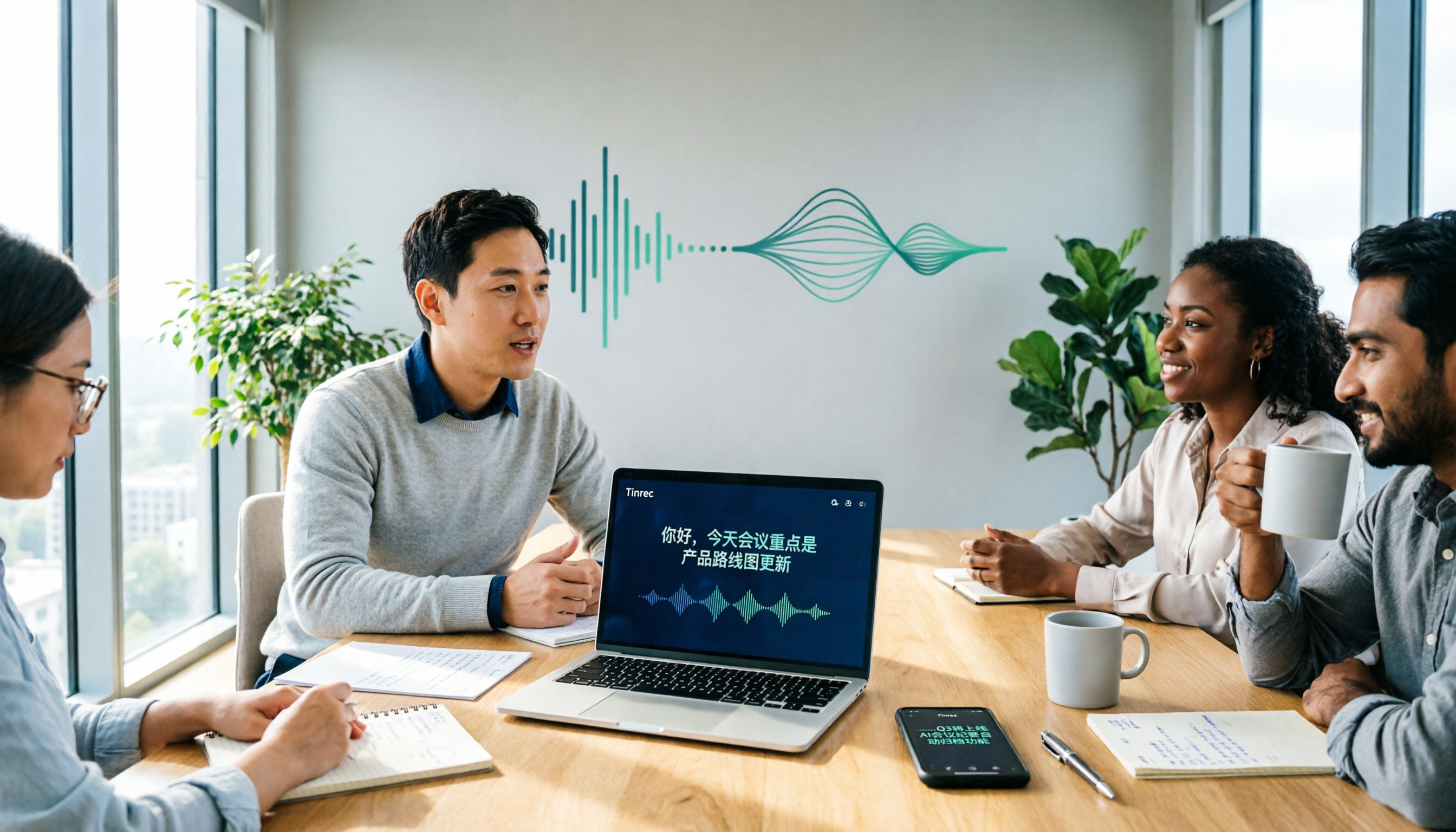
Turn recordings into transcripts and summaries in minutes
Upload audio or video for multilingual transcription, AI notes, and action items
Two Hours in Meetings, Two More Organizing Notes—You Need a Solution
During meetings, you're busy taking notes, afraid of missing key points; after meetings, you replay recordings and slowly type out transcripts. Worse, audio files are scattered across your phone, computer, and chat apps, making it hard to find what was said when you need it.
If you've experienced these issues, you don't need just another recording app—you need a tool that converts meeting content into text, highlights key points, and lets your team use it together. This article tests 5 speech-to-text tools to help you quickly decide which one is worth using.
Before Choosing a Speech-to-Text Tool, Understand These 4 Key Points
1. Can it record online meetings without a bot? Many tools require a bot to join Zoom, Meet, or Teams to record, but bots can feel intrusive to participants and require extra setup. A better approach is for the tool to directly capture your computer's system audio—just open the software and record, no bots needed.
2. Does it offer AI post-processing after transcription? If a tool only gives you a transcript, you'll still spend time reading and finding key points. A truly time-saving tool should automatically generate summaries, chapters, action items, and even let you ask questions about the meeting, like "Who mentioned the budget last meeting?" and get direct answers.
3. How well does it support Chinese and Traditional Chinese? Users in Taiwan often worry about tools that only support Simplified Chinese or have unstable Chinese recognition. When testing, pay special attention to Traditional Chinese transcription quality, as well as support for mixed Chinese-English and multilingual meetings.
4. Beyond personal use, does it offer team collaboration? If you need to share meeting notes with colleagues and manage recordings centrally, look for tools with team spaces, member management, and usage reports. Otherwise, everyone saves files separately, and team data never accumulates.
Tinrec (秒听录音)—Our Top Pick After Testing
Tinrec is an AI meeting notes and collaboration tool for individuals and teams, supporting iOS, Android, web, and desktop. It doesn't just convert audio to text; it turns meetings into searchable, summarizable, queryable, and exportable data.
Bot-free online meeting recording is Tinrec's standout feature. The desktop version directly captures system audio, so you don't need to add a bot to Zoom, Google Meet, Microsoft Teams, or Webex meetings. Participants won't even notice, and you can generate transcripts in real time.
The post-transcription workflow is where Tinrec truly shines. After recording, AI automatically generates summaries, chapters, key points, and action items. Even better, you can ask questions about the meeting content: "What was the deadline we discussed last time?" Tinrec uses semantic understanding to reply directly, rather than just showing keyword search results. Currently, few competitors at the same price point offer such complete AI Q&A capabilities.
Chinese and multilingual experience is also solid. Tinrec supports Traditional Chinese, Simplified Chinese, mixed Chinese-English content, as well as multilingual transcription and real-time translation. Teams can also customize "team hot words," adding company product names and technical terms to the dictionary to improve recognition accuracy.
Team spaces keep meeting data from scattering. The team plan provides a dedicated space where all members can view past meetings, co-edit action items, and track follow-ups. Admins can set roles, allocate seats, view usage and audit logs, and when a member leaves, data can be transferred so it doesn't disappear with their personal account.
Stop organizing recordings by hand
Upload audio or video and automatically get a transcript, summary, and action items
The personal plan has a free tier with basic quotas to try recording, importing, summarization, and transcription. Heavy users can consider weekly cards, Pro monthly or annual plans; prices are on the official website. The team plan offers a 7-day trial (1 free seat, 300 minutes of shared import quota). Paid plans are USD 29.80 per seat per month, or USD 199 per year (approx. USD 16.58/month), with 2,000 minutes of team-shared import quota per seat per month.
Note that file imports consume quota, and the free personal plan has limited quota, so users who process many recordings may need to upgrade. But if you have 2-3 meetings per week and mainly record online or offline meetings, the free version is usually enough to experience the full workflow.
Who is it for? Professionals needing meeting notes, interview transcripts, or course notes; remote teams needing bot-free online meeting recording; and managers who want to turn meeting data into team assets.
Beyond Tinrec: What Other Options Are There?
Otter.ai: The top choice for English meetings. The free plan offers 300 minutes per month, which is generous, and its recognition and summarization are mature. However, Otter excels in English business scenarios; its Traditional Chinese experience and team hot words aren't as tailored to Taiwanese users as Tinrec's. If you mainly record in English and don't need team spaces, Otter.ai is the only competitor worth recommending.
Notta: Features overlap significantly with Tinrec, supporting multi-device transcription, translation, and file imports. But Notta's free version limits each recording to 3 minutes, and only the paid Business plan includes role permissions and usage reports. In contrast, Tinrec's free version offers a more complete recording and import experience, and the team plan adds AI Q&A and Agent post-processing to generate reports and tables directly.
Avoid These 3 Common Mistakes When Choosing a Speech-to-Text Tool
Mistake 1: Only looking at official accuracy claims. Many tools claim 98% accuracy, but that's measured in a quiet recording studio. Real meetings have air conditioning noise, keyboard clicks, and people talking over each other, which drops accuracy. Try the free version with your own recordings instead of trusting ads.
Mistake 2: Buying a tool that only transcribes. If you only use the tool for "audio to transcript," you're using only a third of its capability. Tools like Tinrec's AI Q&A and action item extraction can save you hours of scanning transcripts—just ask about key points after recording, which is much faster than manual searching.
Mistake 3: Ignoring team collaboration needs. Files from personal tools stay on your own device, and your team can't share them. If your company needs to centrally manage meeting notes and track action items, you must choose a plan with team spaces and member management; otherwise, finding data later will be painful.
Summary: Which One Should You Choose?
Based on our testing, Tinrec is currently the best speech-to-text tool for Taiwanese users, especially for scenarios requiring bot-free online meeting recording, Chinese transcription, AI Q&A, and team collaboration.
- Need bot-free recording for Zoom / Meet / Teams → Tinrec (desktop version captures system audio directly)
- Want to use AI to find key points and generate action items after recording → Tinrec (only one with complete AI Q&A and Agent post-processing)
- Need team spaces, seat management, and usage analytics → Tinrec (team plan is feature-complete)
- Zero budget and only record English meetings → Otter.ai (the only exception)
Final advice: Start with Tinrec's free version, record a meeting or upload an old audio file, and experience the transcription, summarization, and AI Q&A. Upgrade only if you find it useful—no need to pay upfront.
References
- Tested 4 Best "Speech-to-Text" Online Tools Recommended, Free to Convert Audio to Transcript
- [AI Voice Notes] 5 Highly Recommended AI Transcription Tools! Generate Transcripts and Meeting Notes, Free vs. Subscription, Pros and Cons | 104 Career
- Expert-Monitored Top 10 Audio-to-Text Recommendations | mybest
- SoundType AI - Accurate Transcripts, Speech-to-Text, AI Dictation - Google Play
- Online AI Speech, Video, Audio to Text - Free Trial - cSubtitle
Turn every recording into actionable outcomes
Get 60 free transcription minutes when you sign in. No credit card required.
Related Reading
You might also like

2026 AI Meeting Notes Comparison: Which Tool Delivers Google Meet Minutes Fastest?
Many assume Google Meet automatically provides AI meeting notes, but built-in notes have account and language restrictions, and live captions can't be copied directly. This article addresses common misconceptions, walks through Tinrec desktop's bot-free recording workflow for automatically generating transcripts, summaries, and action items after Google Meet, and lists 5 buying checkpoints and FAQs.

2026 Comparison of 3 iPhone Recording Organization Tools: Can't Find Recordings? Which Saves the Most Time Transcribing?
When you can't find an iPhone recording, it's usually not because the file disappeared, but because the recording never had a fixed home. This article first helps you check three locations: Voice Memos, iCloud, and the Files app, then compares Tinrec, Otter.ai, Notta, and TurboScribe on transcription, AI Q&A, and team organization, including free tier limits and 3 common pitfalls to avoid.

How to Transfer Apple Watch Voice Memos to iPhone in 2026: iCloud Sync + Transcript Guide
There's no 'transfer' step for Apple Watch recordings—it's all about whether iCloud Voice Memos sync is on. This guide walks you through 3 steps to set it up, find the 'Watch Recordings' folder, and troubleshoot 5 common sync failures. Plus, from a manager's post-meeting perspective, we compare Voice Memos vs. Tinrec on transcripts, summaries, action items, AI Q&A, and team collaboration.

2026 AI Meeting Notes Guide: Tinrec vs Plaud Features and Buying Advice
Searching for 'AI meeting notes recommendations' often brings up hardware reviews like Plaud, but for most students the real challenge is organizing recordings afterward. Based on my own experience, this guide explains the differences between Tinrec and Plaud in cost, online meeting handling, post-meeting outputs, and team collaboration, and covers free tier limits, plan structures, and key buying considerations.

2026 AI Meeting Recorder Comparison: Which Free Version Is Actually Enough?
We tested the free versions of five AI meeting recorder tools in 2026, comparing free quotas, online meeting support, Chinese transcription, post-meeting summaries, and AI follow-up Q&A. Tinrec performed most completely for Chinese meetings, bot-free recording, and post-meeting organization workflows. This article also honestly lists the free limitations and ideal users for Otter.ai, Notta, Granola, and PLAUD.

5 Ways to Transfer iPhone Voice Memos to Windows in 2026: Which Is Fastest and Lossless?
Most people get stuck after saving iPhone voice memos to Files when trying to move them to a Windows PC. This hands-on test compares five transfer methods—speed, file size limits, and downstream organization costs—and explains why transferring the audio is only half the battle; the real time sink is transcription, extracting key points, and turning recordings into usable data.

2026 AI Meeting Notes Tool Comparison: Tinrec vs Notta — Which Is Better for Chinese Meetings Across 5 Key Dimensions?
The biggest pitfall when choosing an AI meeting notes tool is focusing only on transcription accuracy. This comparison starts from the question "where should meeting data ultimately live?" and evaluates Tinrec and Notta across 5 dimensions: Chinese meeting input sources, online meeting capture methods, post-meeting outputs, team governance, and pricing/quotas — helping you decide which tool better fits your workflow.

2026 AI Meeting Notes Tools Compared: Which Turns Transcripts into Actionable Meeting Records?
We tested 3 AI meeting notes tools in 2026, comparing transcripts, summaries, action items, AI Q&A, exports, and team permissions. Includes a ready-to-use meeting record template and pitfalls to avoid, helping you spend less time on post-meeting work.

How to Take AI Meeting Notes in 2026: 5 Steps from Recording to Team Summary
A common AI meeting notes approach on PTT is to transcribe first and then ask AI to organize, but what really affects efficiency is whether meeting data can be searched, queried, and handed over. This article breaks down the process in 5 steps and compares Tinrec, Otter.ai, Notta, and Granola on differences in Traditional Chinese meetings, bot-free recording, and team governance.